
Introduction
The NEEWER GP23 Floating Hand Grip is an essential accessory for action camera users, particularly those engaging in water sports. This manual provides comprehensive instructions for its assembly, operation, and maintenance, ensuring optimal performance and longevity of your device. The hand grip is designed to keep your action camera afloat, preventing loss during aquatic activities, and offers a secure, comfortable hold.
What's in the Box
- 1 x Floaty Handle
- 1 x Action Camera Mount (Quick Release)
- 1 x 1/4" Screw Adapter
- 1 x Wrist Strap
- 1 x User Manual (This Document)
Setup Instructions
1. Attaching the Action Camera Mount
The quick-release action camera mount is designed for broad compatibility with most action cameras. To attach it to the floating hand grip:
- Align the quick-release mount with the top of the floating hand grip.
- Press the two buttons on the sides of the quick-release mount.
- Twist the mount onto the hand grip until it clicks securely into place.

Image: Detachable adapter for enhanced compatibility. This image illustrates the quick-release mechanism, showing the buttons to press and the twisting motion required to secure the action camera mount to the hand grip.
2. Using the 1/4" Screw Adapter
For action cameras with a 1/4" mounting thread, use the included 1/4" screw adapter:
- Attach the 1/4" screw adapter to the quick-release action camera mount.
- Secure your action camera to the 1/4" screw adapter. This adapter also supports 90° tilt for flexible angle adjustment.

Image: 1/4" Screw Adapter. This image shows an action camera attached to the hand grip via the 1/4" screw adapter, highlighting its compatibility and tilting capability.
3. Attaching the Wrist Strap
To prevent accidental drops, especially in water, attach the wrist strap:
- Thread the thin loop of the wrist strap through the small hole at the bottom of the hand grip.
- Pass the larger end of the strap through the loop and pull tight to secure it.
- Adjust the strap to fit comfortably and securely around your wrist.
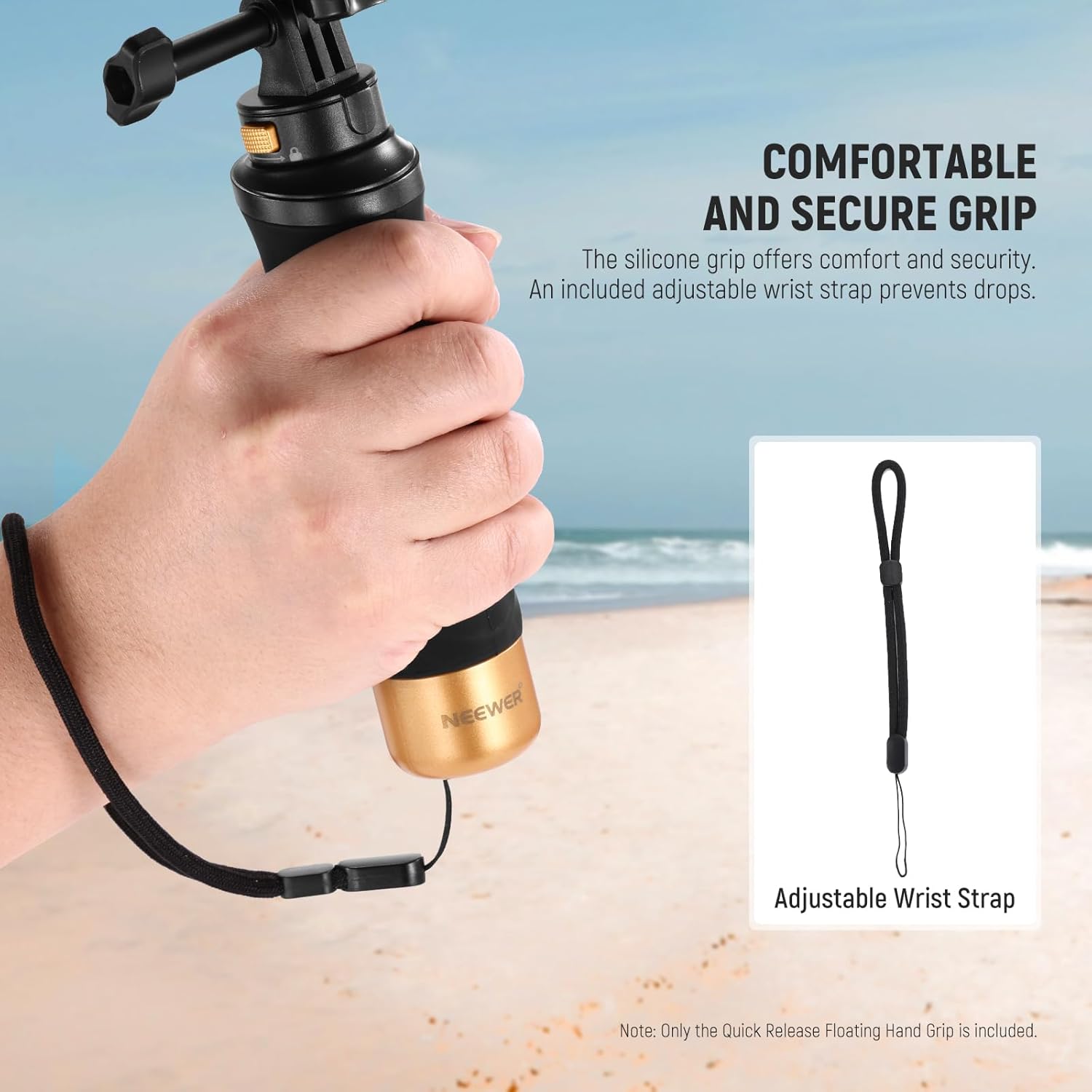
Image: Comfortable and Secure Silicone Grip. This image displays the hand grip with its silicone texture and the attached adjustable wrist strap, emphasizing comfort and security.
Operating Instructions
1. Water Sports Use (Floating Function)
The primary feature of this hand grip is its ability to float, ensuring your action camera remains on the water surface if dropped. This is ideal for:
- Swimming
- Diving
- Surfing
- Snorkeling
- Kayaking
- Wakeboarding
The bright orange bottom cap enhances visibility, making it easier to spot the grip in water.

Image: Floating for Water Sports Shooting. This image shows an individual surfing while holding the floating hand grip with an action camera, demonstrating its use in water sports.
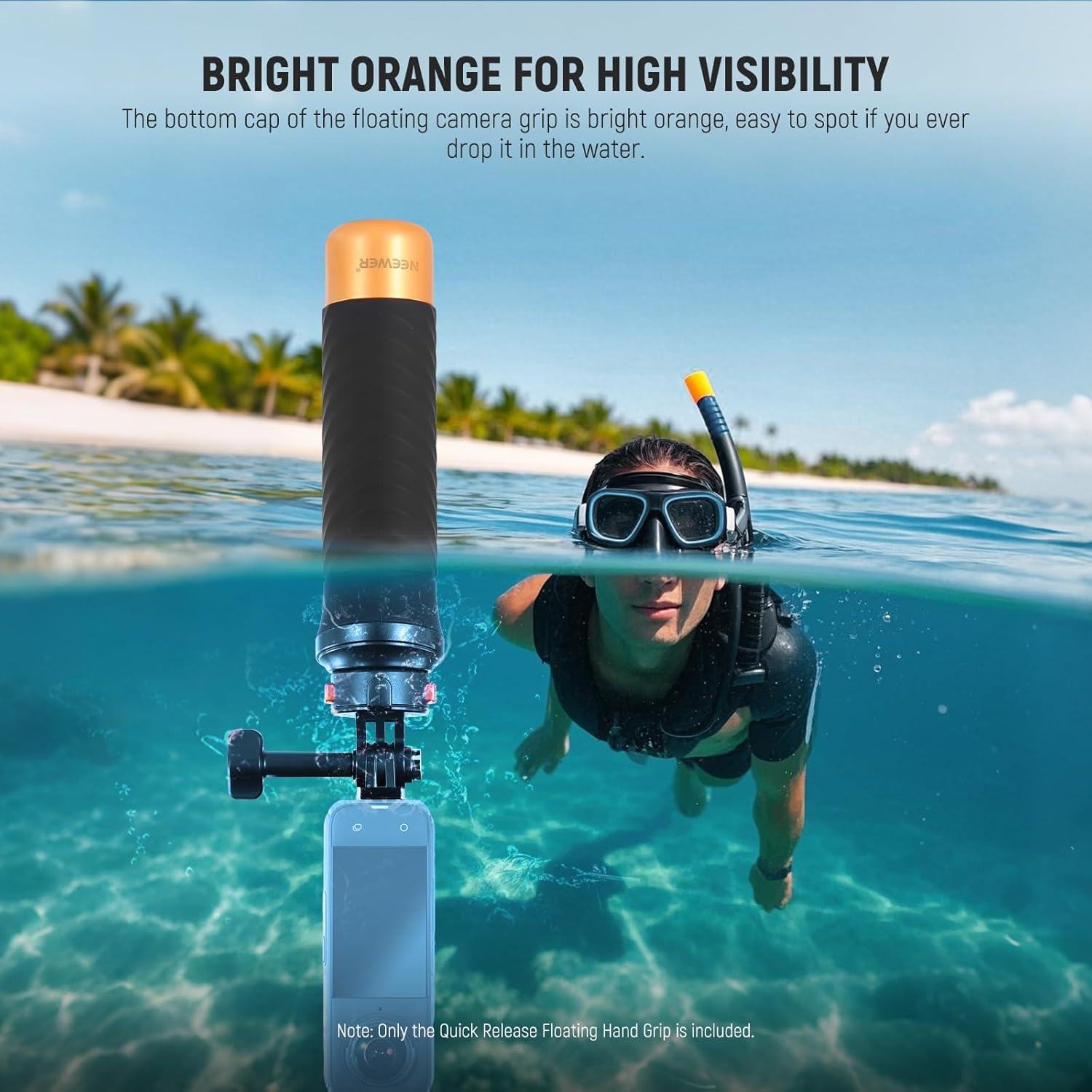
Image: Bright Orange for High Visibility. This image highlights the bright orange bottom cap of the floating hand grip, designed for easy spotting in water, shown alongside a person snorkeling.
2. Secure Grip and Portability
The hand grip features a comfortable, non-slip silicone surface for a secure hold during use. Its compact design makes it highly portable.

Image: Product Features. This diagram illustrates key features such as the grip's dimensions (8.5cm / 3.3 inches), 180° tilt capability, non-slip silicone material, and the 1/4" thread at the base.
3. Tripod Connection
The bottom of the hand grip includes a 1/4" thread, allowing for connection to tripods or other mounting accessories.

Image: Portable and Versatile. This image focuses on the bottom of the hand grip, clearly showing the 1/4" thread for connecting to tripods or tabletop tripods.
Maintenance
To ensure the longevity and proper function of your NEEWER GP23 Floating Hand Grip:
- After each use in saltwater, rinse the hand grip thoroughly with fresh water to prevent salt buildup and corrosion.
- Allow the hand grip to air dry completely before storing.
- Store in a cool, dry place away from direct sunlight.
- Periodically check all connections and adapters for any signs of wear or damage.
Troubleshooting
This product is a passive accessory and typically does not require troubleshooting. If you experience issues with camera attachment, ensure the quick-release mechanism is properly engaged and the 1/4" screw is tightened. If the hand grip does not float as expected, verify that no water has entered the internal chamber (though this is unlikely with proper sealing) and that the weight of the attached camera does not exceed the maximum recommended weight of 105 grams.
Specifications
| Model Name | GP23 |
| Brand | NEEWER |
| Color | Black/Orange |
| Item Weight | 2.82 Ounces |
| Folded Size | 5 inches (L) x 3 inches (W) x 2 inches (H) |
| Maximum Weight Recommendation | 105 Grams |
| Water Resistance Level | Waterproof |
| Compatible Devices | Action Cameras (e.g., AKASO Brave 4, GoPro HERO series, Insta360 series, DJI Action series) |
| UPC | 191073102507 |
Warranty and Support
This NEEWER GP23 Floating Hand Grip comes with a 1 Year Manufacturer Warranty. For warranty claims, technical support, or any inquiries regarding the product, please contact NEEWER customer service through their official website or the retailer where the product was purchased. Please retain your proof of purchase for warranty validation.


