
1. Introduction
The LoraTap Mini Wireless Remote Control Outlet Plug Adapter (2 Pack) provides a convenient and efficient way to control your indoor lamps and home appliances wirelessly. This system includes two plug adapters and one remote control, offering a seamless solution for managing your devices without the need for a hub. Designed for ease of use, it allows for flexible placement and reliable long-range control.
2. What's in the Box
- 2 x Wireless Remote Control Outlets
- 1 x Wireless Remote Control Switch
- 1 x Magnetic Remote Base
- 1 x English User Manual
3. Product Features
- Versatile 2 Channel Remote Switch: The LoraTap switch functions as both a wall switch and a portable remote. It can be attached to a magnetic plate base, placed on magnetic surfaces like a fridge, or carried for convenience.
- Easy to Use and Energy Efficient: This mini 3-prong grounded single-port power adapter features an intuitive on/off button and a blue LED light indicator for effortless control. Its energy-saving design and plug-and-play functionality allow one remote to control two devices (under 10A) from anywhere in your home.
- Long Range Control and No Interference: The 915MHz wireless signal can penetrate walls and windows, offering a control range of up to 100ft (30m) indoors and 656ft (200m) outdoors. Each item has a unique ID, ensuring no signal interference when using multiple kits in one room.
- Simple Control for All: LoraTap wireless plug outlets are designed for easy, app-free control. Each kit is pre-paired at the factory, making it simple for users of all ages and mobilities to operate. Control lamps, televisions, routers, fans, and more with a single touch.
- Memory Function and Patented Design: These wireless plug-in outlets feature a memory function, retaining the previous on/off mode after power is restored. The product is patented and holds FCC, CE, and RoHS certifications.
4. Setup and Installation
The LoraTap wireless remote control system is designed for quick and easy setup with no wiring required.
- Unpack the Components: Carefully remove all items from the packaging. Ensure you have two outlets, one remote, one magnetic remote base, and the English manual.
- Plug in the Outlets: Insert the LoraTap wireless outlets into any standard 3-prong wall receptacle.
- Position the Remote: The remote control and outlets are pre-paired from the factory. You can use the remote as a portable device or attach it to the magnetic base. The magnetic base can be mounted on a wall or placed on any magnetic surface.
- Connect Appliances: Plug your desired lamps or home appliances into the LoraTap wireless outlets.

Image: LoraTap wireless outlets and remote control components.

Image: Step-by-step setup guide showing unpacking, plugging in, and remote operation.
5. Operating Instructions
Once set up, operating your LoraTap wireless remote control outlets is straightforward.
- Turning On/Off: Press the corresponding button (1 or 2) on the remote control to turn the connected appliance ON or OFF. The blue LED indicator on the outlet will show its status.
- Remote Placement: The remote can be used handheld or attached to its magnetic base for fixed placement on walls, refrigerators, or other magnetic surfaces.
- Range: The remote operates effectively up to 100ft (30m) indoors and 656ft (200m) outdoors, even through walls and windows.
- Memory Function: If power is interrupted and then restored, the outlets will return to their last known ON/OFF state.

Image: Demonstrates easy control of hard-to-reach outlets, such as Christmas tree lights.
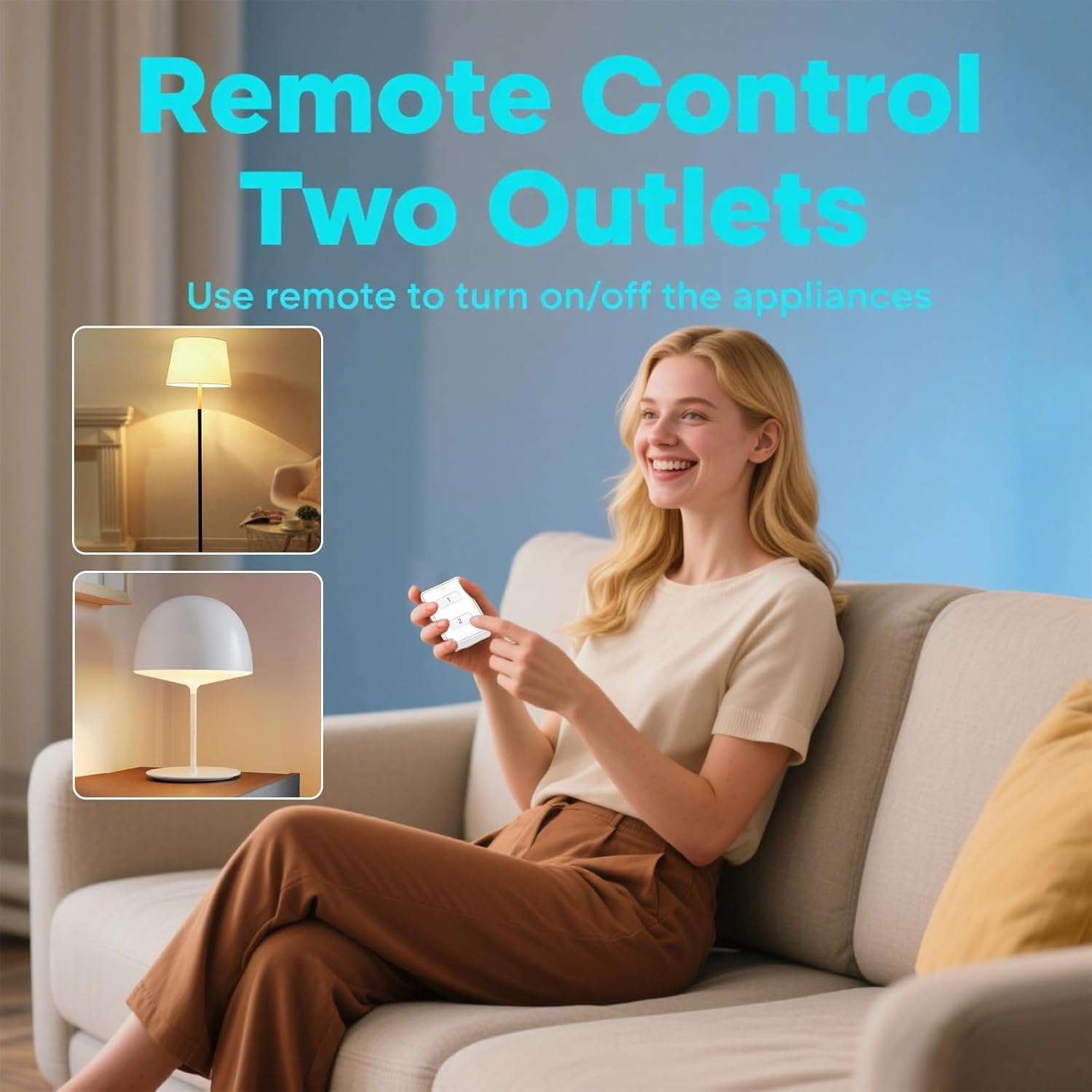
Image: Illustrates controlling two separate outlets with one remote for various appliances.

Image: Highlights the magnetic mount and detachable design of the remote, emphasizing no wiring is needed.

Image: Visual representation of the super remote control distance, showing signal penetration through walls.

Image: Illustrates that multiple sets can be used simultaneously without interference due to unique IDs.

Image: Shows examples of appliances that can be controlled, highlighting the 10A/1200W max load.
6. Maintenance
To ensure optimal performance and longevity of your LoraTap Wireless Remote Control Outlet Plug Adapter, follow these simple maintenance guidelines:
- Cleaning: Wipe the surfaces of the outlets and remote with a soft, dry cloth. Do not use liquid cleaners or abrasive materials, as they may damage the product.
- Storage: When not in use for extended periods, store the devices in a cool, dry place away from direct sunlight and extreme temperatures.
- Battery Replacement: The remote control uses a CR2032 battery. If the remote's range decreases or it becomes unresponsive, replace the battery. Ensure the screw-locked battery cover is securely fastened after replacement.
7. Troubleshooting
If you encounter any issues with your LoraTap Wireless Remote Control Outlet Plug Adapter, refer to the following common troubleshooting steps:
- Appliance Not Responding:
- Ensure the LoraTap outlet is securely plugged into a working wall receptacle.
- Verify that the appliance is correctly plugged into the LoraTap outlet.
- Check if the appliance itself is functioning correctly by plugging it directly into a wall outlet.
- Confirm the remote control battery is not depleted. Replace the CR2032 battery if necessary.
- Reduced Control Range:
- Replace the remote control battery.
- Ensure there are no major obstructions (e.g., thick metal objects) between the remote and the outlet. While the signal can pass through walls, extreme interference can reduce range.
- Avoid placing the remote or outlets near other devices that emit strong radio frequencies.
- Interference with Other Devices:
- Each LoraTap kit has a unique ID to prevent interference. If you experience issues with multiple kits, ensure they are not too close to each other or try re-pairing if possible (though units are pre-paired).
- Memory Function Not Working:
- Ensure the power interruption was brief. For prolonged outages, the memory function might reset.
If these steps do not resolve the issue, please contact LoraTap customer support for further assistance.
8. Specifications
| Specification | Detail |
|---|---|
| Product Dimensions | 3.94 x 3.94 x 3.94 inches; 7.05 ounces |
| Item Model Number | SP7212Q1-V3-US |
| Batteries | 1 CR2032 battery required (included) |
| Manufacturer | LoraTap |
| Brand | LoraTap |
| Color | White |
| Voltage | 110 Volts |
| Material | Acrylonitrile Butadiene Styrene (ABS) |
| Connector Type | Plug in |
| Max Load | 10A / 1100W (as per product title, 1200W mentioned in image) |
| Wireless Frequency | 915MHz |
| Indoor Control Range | Up to 100ft (30m) |
| Outdoor Control Range | Up to 656ft (200m) |

Image: Detailed dimensions of the remote and outlet.
9. Warranty and Support
The LoraTap Mini Wireless Remote Control Outlet Plug Adapter comes with a 2-year warranty, ensuring quality and reliability. For any product inquiries, technical support, or warranty claims, please contact LoraTap customer service through the retailer where the product was purchased or visit the official LoraTap website for contact information.