
1. Introduction
This manual provides detailed instructions for the setup, operation, and maintenance of your uaue T70-AI Smart Watch. This device integrates advanced health monitoring, comprehensive fitness tracking, and an AI ChatGPT assistant to enhance your daily life. Please read this manual thoroughly to ensure proper use and to maximize the benefits of your smartwatch.
2. What's in the Box
- uaue T70-AI Smartwatch
- Magnetic Charging Cable
- User Manual
3. Setup
3.1 Charging the Smartwatch
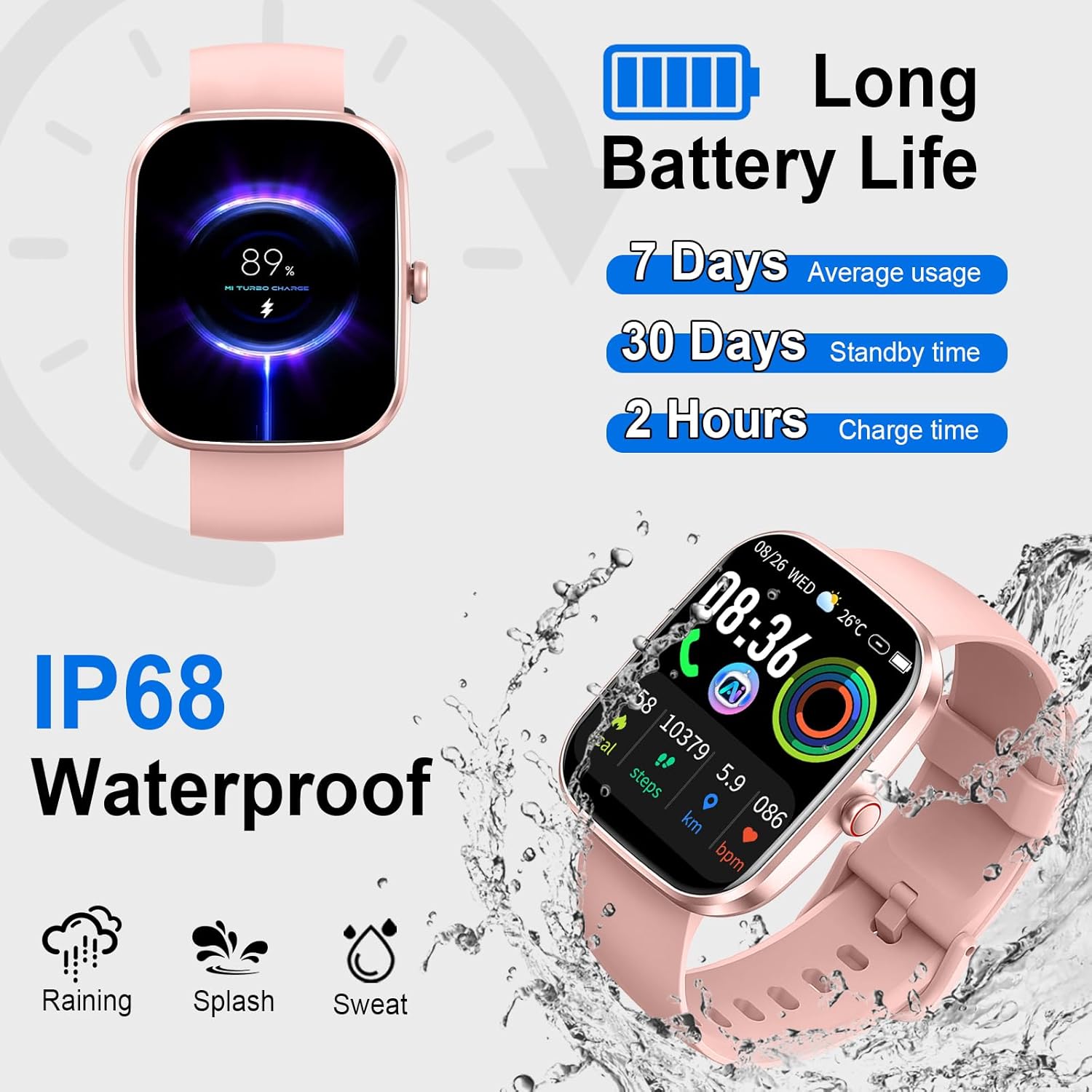
Before initial use, fully charge your smartwatch. Connect the magnetic charging cable to the charging points on the back of the watch and to a USB power source. A full charge typically takes approximately 2 hours. The watch can last up to 7 days with regular use or 30 days on standby.
3.2 App Installation and Pairing
- Download the 'GloryFit' app from your smartphone's app store (available for Android and iOS).
- Open the 'GloryFit' app and create an account or log in.
- Ensure Bluetooth is enabled on your smartphone.
- In the app, navigate to 'Device' and select 'Add Device'.
- Select 'T70-AI' from the list of available devices to pair. Follow any on-screen prompts on both your phone and watch to complete the pairing process.
For AI features to function, the 'GloryFit' app must remain active on your phone and the smartwatch must be paired via Bluetooth.
4. Operating Instructions
4.1 Basic Navigation
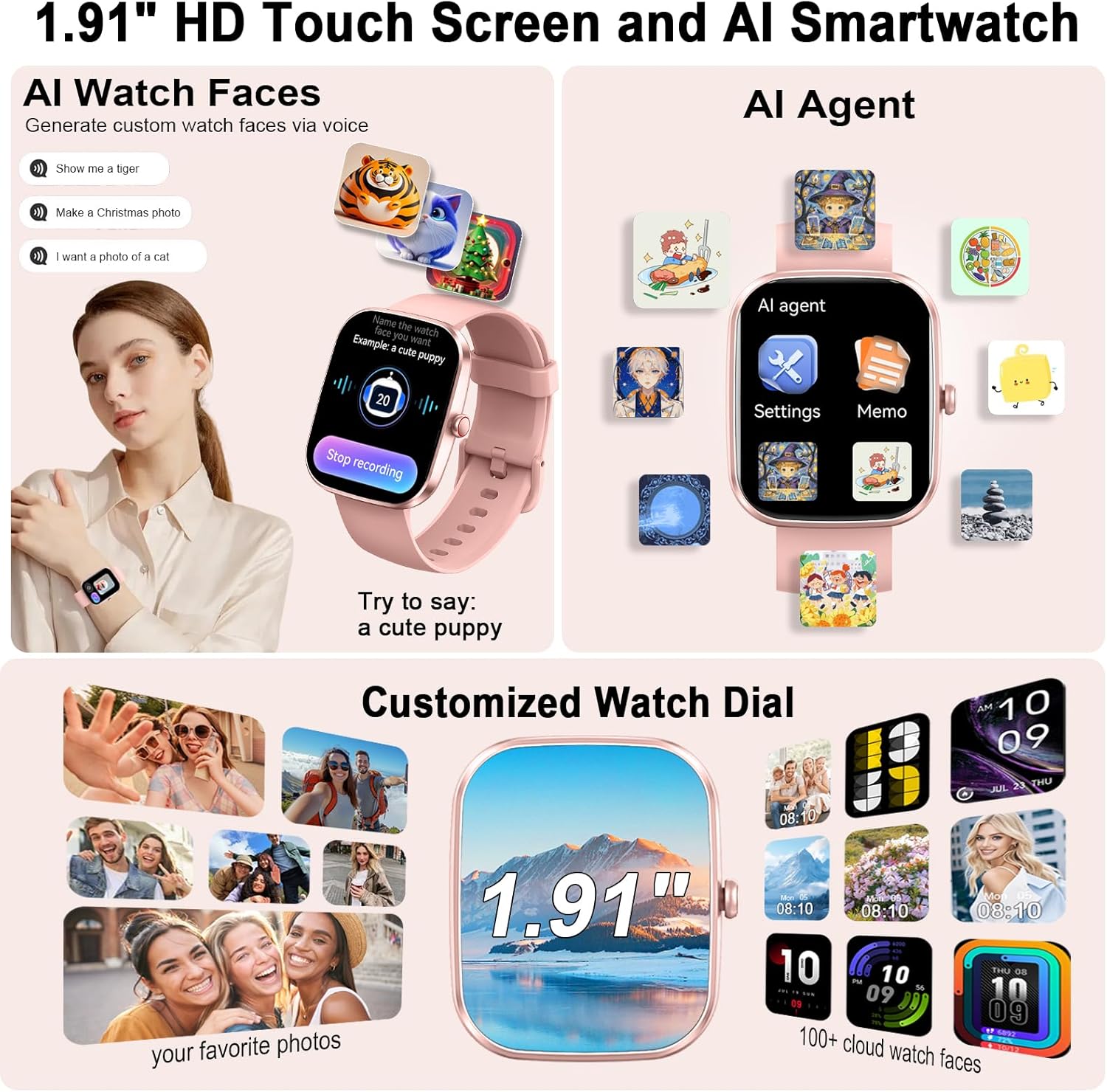
The smartwatch features a 1.91-inch TFT HD touch display. Swipe left, right, up, or down to navigate through menus and functions. Press the side button to return to the home screen or wake the device.
4.2 Bluetooth Calling
With the built-in speaker and microphone, you can manage calls directly from your wrist:
- Answer/Reject Calls: When an incoming call is received, tap the green icon to answer or the red icon to reject.
- Dial Calls: Access the dial pad on the watch to make calls.
- Contacts/Call History: Sync your contacts and view recent call history through the 'GloryFit' app.
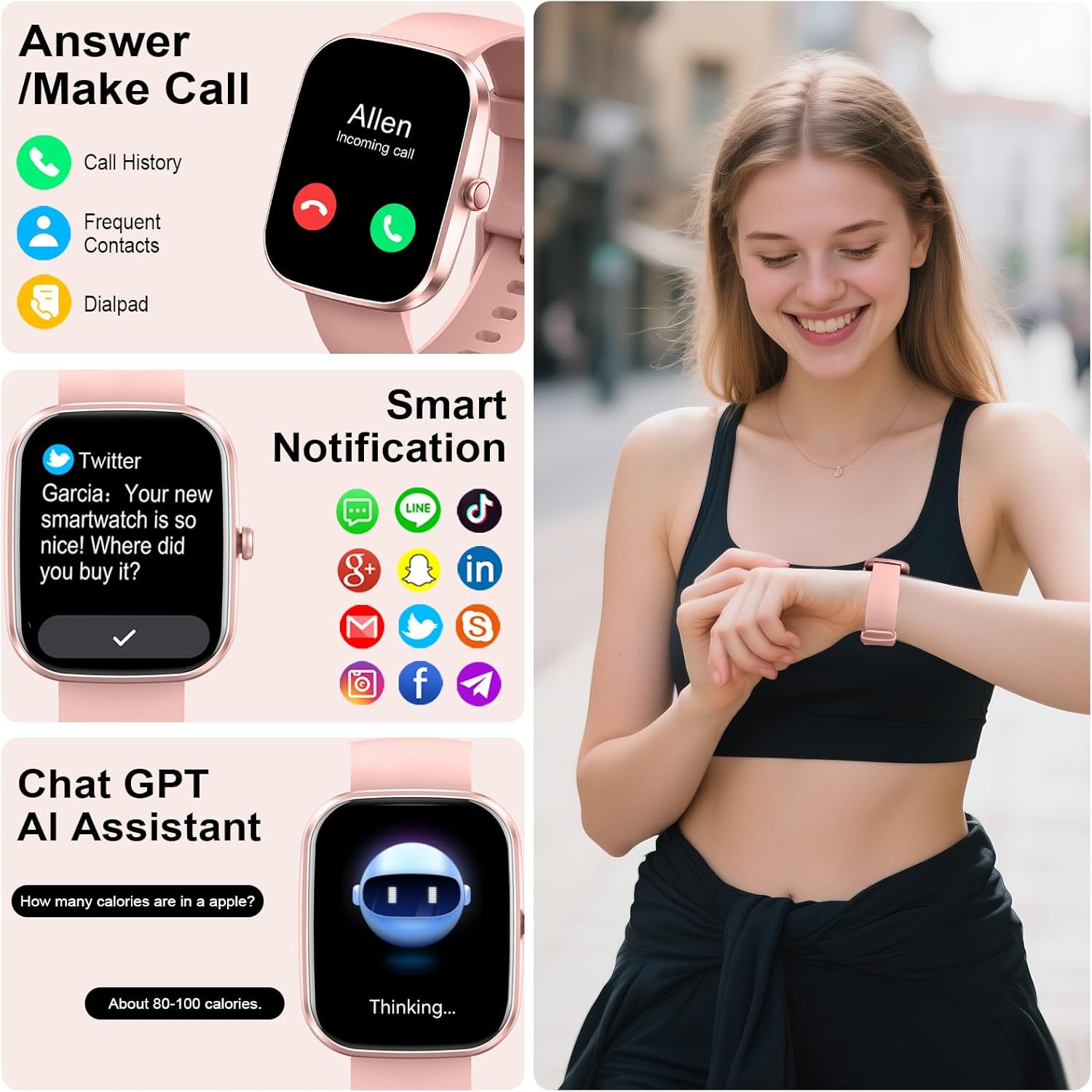
4.3 AI ChatGPT Assistant
The integrated ChatGPT AI assistant provides instant answers and support:
- Access: Navigate to the ChatGPT icon on your watch.
- Interaction: Use voice or text input to ask questions, request translations, or seek information.
- Functionality: The AI can provide information on diet, nutrition, horoscopes, and more.
4.4 Health Monitoring
The smartwatch continuously tracks key health metrics:
- Heart Rate: Monitors your heart rate throughout the day.
- Blood Oxygen (SpO2): Measures blood oxygen levels.
- Sleep Quality: Tracks light, deep, and REM sleep stages.
- Menstrual Cycle: Provides tracking for women's health.
- AI-Generated Reports: The 'GloryFit' app analyzes your data and offers personalized wellness suggestions.

4.5 Activity Tracking (110+ Sports Modes)
Track your workouts with over 110 sports modes:
- Modes: Includes walking, running, cycling, basketball, jump rope, hiking, and many more.
- Metrics: Records steps, duration, calories burned, heart rate, and distance in real-time.

4.6 Notifications
Receive real-time notifications directly on your watch:
- Message Alerts: SMS, WhatsApp, Facebook, Instagram, Twitter, and more.
- Visibility: Notifications are displayed clearly on the 1.91" screen.
4.7 Custom Watch Faces
Personalize your smartwatch display:
- App Selection: Choose from over 100 watch faces via the 'GloryFit' app.
- AI Creation: Describe your preferences to the built-in AI to generate unique, personalized watch faces.
4.8 Other Features
- Music Control: Control music playback on your paired smartphone.
- Remote Camera: Use your watch as a remote shutter for your phone's camera.
- Weather Forecast: Get current weather information.
- Alarm Clock: Set alarms directly from your wrist.
- Stopwatch: Utilize the stopwatch function for timing activities.
- Sedentary Reminder: Receive alerts to move after periods of inactivity.
5. Maintenance
5.1 Cleaning
Wipe the watch screen and strap regularly with a soft, dry cloth. For stubborn dirt, a slightly damp cloth can be used, followed by immediate drying.
5.2 Water Resistance
The smartwatch has an IP68 waterproof rating, meaning it is resistant to dust and can withstand immersion in water up to 1.5 meters for 30 minutes. It is suitable for sweating and light rain. Note: It is not suitable for hot showers, saunas, or swimming. Avoid exposing the watch to hot water or steam, as this can compromise the water resistance.
5.3 Battery Care
To prolong battery life, avoid extreme temperatures. Charge the watch using the provided magnetic cable. Do not use damaged cables or chargers.
6. Troubleshooting
- Watch not turning on: Ensure the watch is fully charged. Connect it to the charger for at least 10 minutes.
- Cannot pair with phone: Make sure Bluetooth is enabled on your phone and the 'GloryFit' app is open. Restart both the watch and phone, then try pairing again.
- Inaccurate health data: Ensure the watch is worn snugly on your wrist, not too tight or too loose. Clean the sensors regularly.
- Notifications not received: Check app permissions in your phone settings to ensure 'GloryFit' has access to notifications. Verify that notifications are enabled within the 'GloryFit' app.
- AI ChatGPT not responding: Confirm the watch is properly connected via Bluetooth to your phone and the 'GloryFit' app is running in the background. Ensure your phone has an active internet connection.
7. Specifications
| Model Number | T70-AI |
| Brand | uaue |
| Screen Size | 1.91 Inches |
| Display Type | TFT HD (320*380 resolution) |
| Operating System | Android Wear 1.0 (compatible with Android & iOS) |
| Connectivity | Bluetooth |
| Battery Capacity | 0.3 Amp Hours (approx. 7 days usage, 30 days standby) |
| Charging Time | Approx. 2 hours |
| Water Resistance | IP68 |
| Special Features | AI ChatGPT, AI Health Analysis, 110+ Sports Modes, Bluetooth Calling, Heart Rate Monitor, SpO2 Monitor, Sleep Monitor, Custom Watch Faces, Notifications, Music Control, Remote Camera, Weather Forecast, Alarm Clock, Stopwatch, Sedentary Reminder, Step/Calorie/Distance Tracker |
| Item Weight | 3.2 ounces |
8. Warranty and Support
For warranty information and customer support, please refer to the documentation included with your purchase or visit the official uaue website. If you encounter any issues not covered in this manual, please contact uaue customer service for assistance.