1. Introduction
The CASCHO S3 Air Tracker Tag is a compact item finder designed to help you locate your personal belongings using the Apple Find My network. This manual provides detailed instructions for setting up, operating, and maintaining your tracker tags to ensure optimal performance.

Figure 1: CASCHO S3 Air Tracker Tags (Blue and Green)
2. Setup and Pairing
To begin using your CASCHO S3 Air Tracker Tag, follow these steps to pair it with your Apple device via the Find My app. Please note that these tags are compatible with iOS devices only.
- Power On the Tracker: Press and hold the button on the tracker for approximately 2 seconds until you hear a 'beep' sound.
- Enable Bluetooth: Ensure Bluetooth is turned on in your iPhone's settings.
- Open Find My App: Launch the 'Find My' application on your iPhone.
- Add New Item: Navigate to the 'Items' tab and tap 'Add Item'. Then, select 'Other Supported Item'.
- Connect: Your iPhone will search for nearby compatible devices. Once 'Huthur tag' (or similar pairing name) appears, tap 'Connect'.
- Name and Customize: Follow the on-screen prompts to rename your tracker (e.g., 'Keys', 'Luggage') and select an emoji for easy identification on the map.
- Link to Apple ID: Agree to link the device with your Apple ID.
- Finish Setup: Complete the setup process by tapping 'Finish'.
For a visual guide on the connection process, please refer to the video below:
Video: How to Connect Your CASCHO S3 Air Tracker Tag to Apple Find My. This video demonstrates the step-by-step process of powering on the device, enabling Bluetooth, opening the Find My app, adding the item, naming it, and completing the pairing process.
Removing a Device
If you need to remove a tracker from your Apple ID, go to the 'Items' tab in the Find My app, select the tracker, scroll down, and tap 'Remove Item'. Confirm the removal. This is necessary if another person wishes to connect to the device.
3. Operating Instructions
Locating Your Items
- Play Sound: In the Find My app, select your tracker and tap 'Play Sound'. The built-in speaker will emit a loud beep (85-100 dB) to help you locate items within a Bluetooth range of up to 160 ft.
- Directions: If your item is further away, tap 'Directions' in the Find My app to get navigation to its last known location.
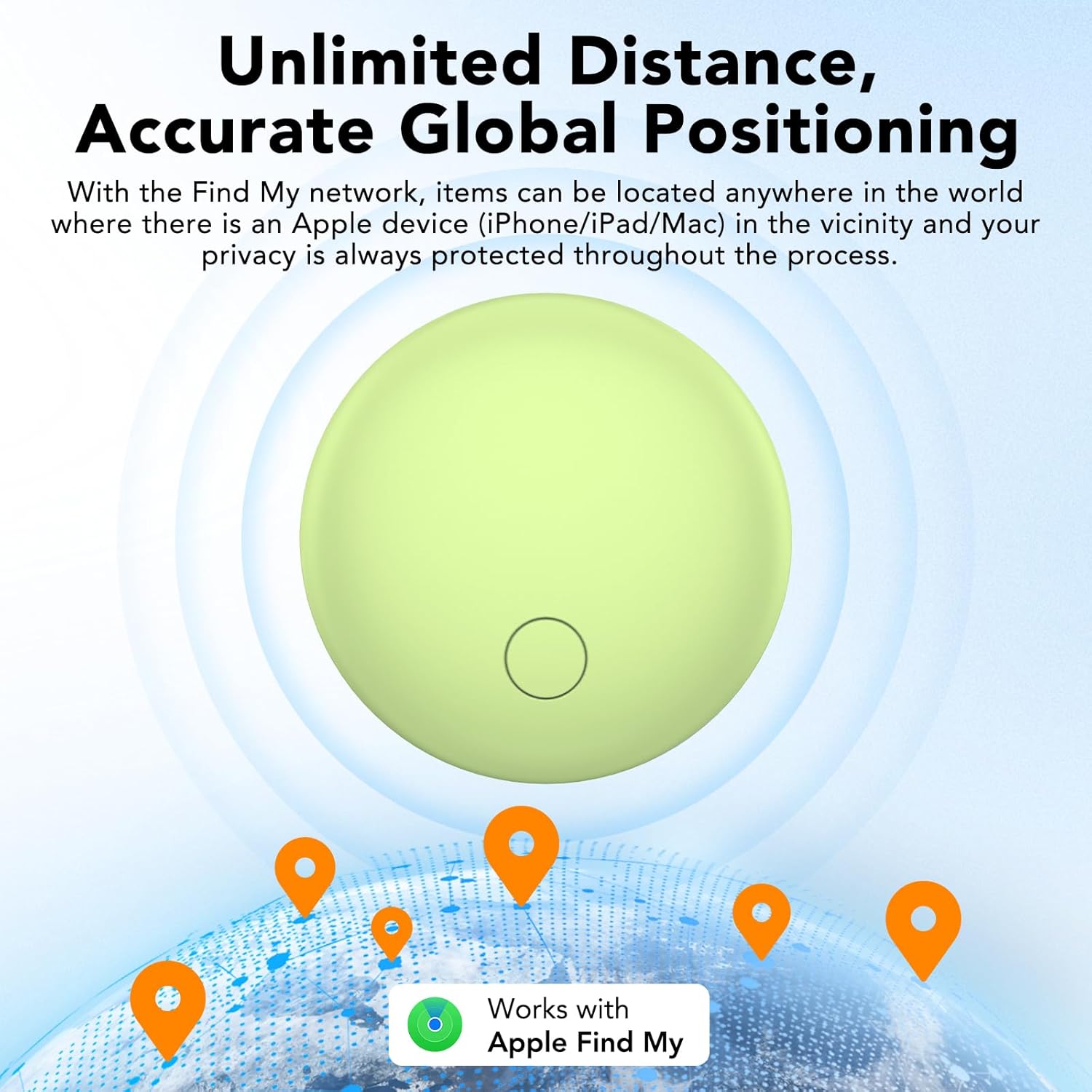
Figure 2: Global Positioning with Apple Find My
Lost Mode
If an item is lost, activate 'Lost Mode' in the Find My app. The vast Apple Find My network, comprising hundreds of millions of Apple devices, will help locate your tracker. You will receive automatic notifications when any Apple device in the network detects your tracker's signal.

Figure 3: Activating Lost Mode
Free Forgotten Alert
Your iPhone will send you a notification if you leave your tracker behind and it goes out of Bluetooth range. You can view the tag's recent location on a map within the Find My app. This feature does not require a subscription fee.

Figure 4: Left-Behind Reminder Notification
Share Item
For iOS 17.0 or above devices, you can share the location of your items in the Find My app with family or friends, allowing them to view the item's location.
4. Maintenance
Battery Replacement
The CASCHO S3 Air Tracker Tag is powered by a replaceable CR2032 coin cell battery, which can last up to 1 year. The device will notify you when the battery is low. The removable design allows for easy replacement while preventing accidental opening by children.
Video: How to Replace the Battery in Your CASCHO S3 Air Tracker Tag. This video demonstrates the correct procedure for opening the tracker, replacing the CR2032 battery, and securely closing the device.
Water Resistance
The tracker has an IP67 waterproof rating, providing protection against splashes, rain, and dust. This means it can withstand immersion in water up to 1 meter for 30 minutes. However, it is not recommended for prolonged submersion or deep diving.
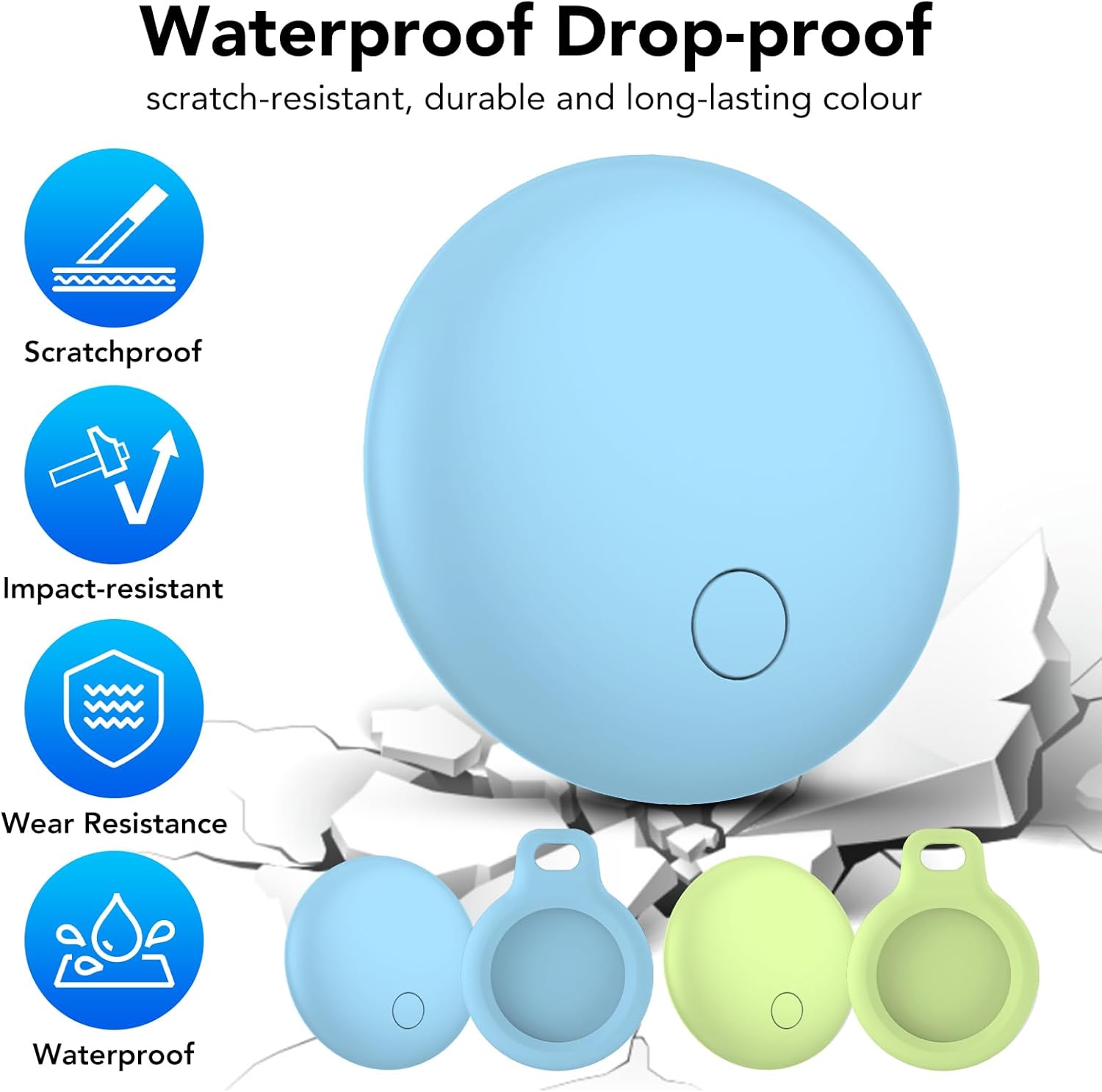
Figure 5: Waterproof and Durable Design
5. Troubleshooting
- Tracker Not Connecting: Ensure the tracker is powered on and within Bluetooth range of your iPhone. Check that Bluetooth is enabled on your iPhone. Try restarting your iPhone and the tracker.
- Inaccurate Location: Location accuracy depends on the density of the Apple Find My network. In areas with fewer Apple devices, location updates might be less frequent or precise.
- Low Sound Volume: The tracker emits a sound between 85-100 dB. If you are in a noisy environment or the tracker is muffled, it may be harder to hear.
- Battery Draining Quickly: Ensure you are using a fresh CR2032 battery. Extreme temperatures can affect battery life.
- Cannot Remove Item: If you are unable to remove the item from your Find My app, ensure you are the registered owner and try again.
6. Specifications
| Product Dimensions | 1.22 x 1.22 x 0.35 inches |
| Item Weight | 0.254 ounces |
| Model Number | S3 |
| Batteries | 1 Lithium Metal battery (CR2032) required (included) |
| Connectivity | Bluetooth |
| Special Features | 100dB Loud Beep, IP67 Waterproof, Replaceable Battery (1 Year Life), Worldwide Tracking, Holder Keychain |
| Material | ABS material |
| What's in the Box | 2 Item Finders, 2 Holders, 2 Keychains, 1 User Manual |

Figure 6: Product Dimensions and Key Features
7. Warranty and Support
CASCHO provides a 1+1 year extended warranty for your Air Tracker Tags. For any questions or product quality issues, please contact CASCHO customer service directly. We are committed to providing a solution within 24 hours.
Customer Service: Please refer to your purchase platform or the included user manual for contact details.


