
1. Introduction
This manual provides essential information for the safe and efficient operation, installation, and maintenance of your Mojgar 28 Cu Ft Commercial Merchandiser Refrigerator. Please read this manual thoroughly before using the appliance and retain it for future reference. This commercial display refrigerator is designed for storing and displaying beverages and other refrigerated items in commercial settings.
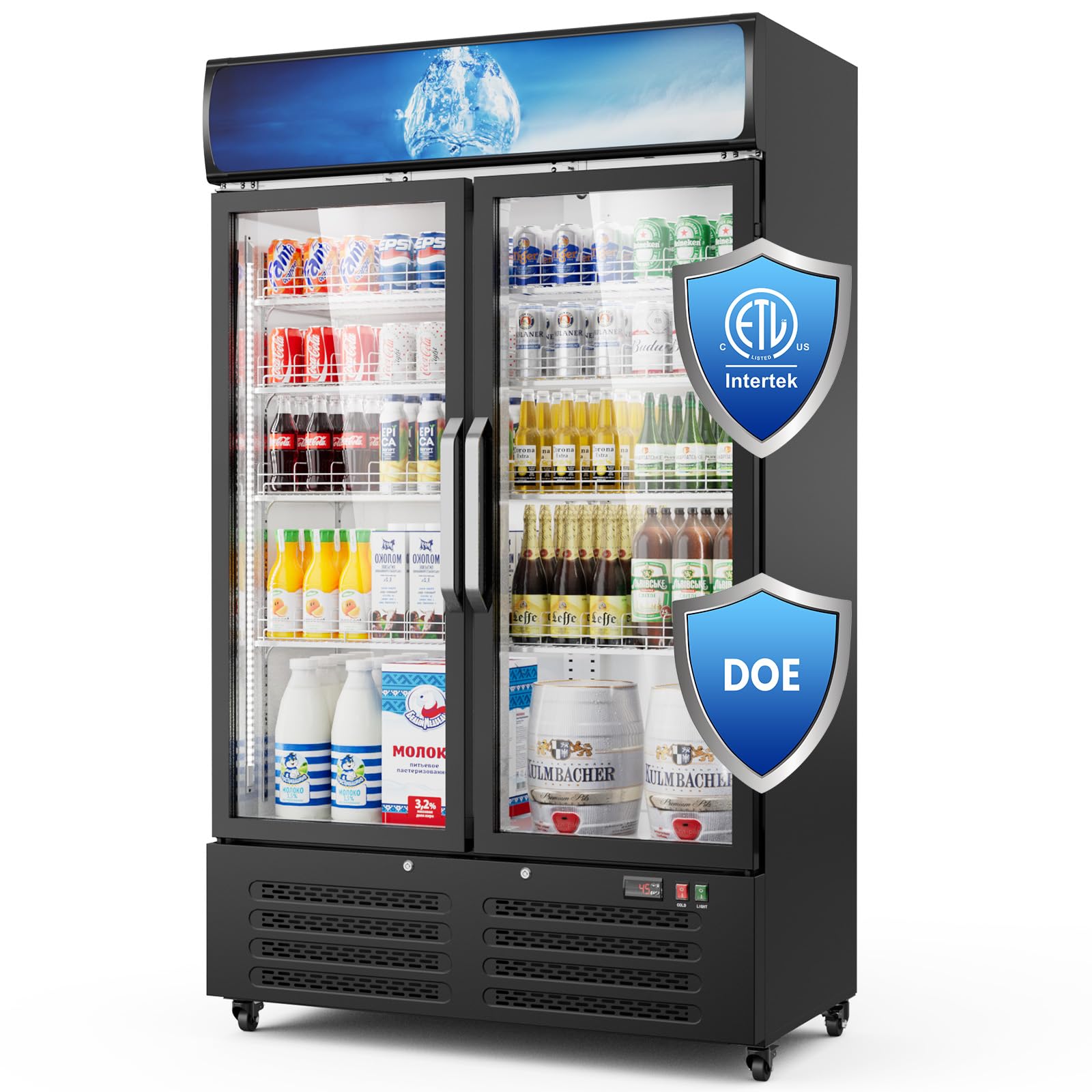
Figure 1: Front view of the Mojgar 28 Cu Ft Commercial Merchandiser Refrigerator.
2. Safety Information
To reduce the risk of fire, electric shock, or injury, follow these basic precautions:
- Read all instructions before using the appliance.
- Do not use mechanical devices or other means to accelerate the defrosting process, other than those recommended by the manufacturer.
- Do not damage the refrigerant tubing.
- Do not use electrical appliances inside the food storage compartments of the appliance, unless they are of the type recommended by the manufacturer.
- This appliance is not intended for use by persons (including children) with reduced physical, sensory or mental capabilities, or lack of experience and knowledge, unless they have been given supervision or instruction concerning use of the appliance by a person responsible for their safety.
- Children should be supervised to ensure that they do not play with the appliance.
- Keep ventilation openings, in the appliance enclosure or in the built-in structure, clear of obstruction.
- The door has a built-in safety lock to prevent accidental opening, especially by children. Keep the key in a safe place away from children.

Figure 2: The refrigerator is ETL and DOE certified, ensuring safety and energy efficiency standards.
3. Setup
3.1 Unpacking and Placement
Carefully remove all packaging materials. Ensure the refrigerator is placed on a firm, level surface. Allow adequate space around the unit for proper ventilation (at least 4 inches on all sides and top). Avoid direct sunlight or heat sources.
3.2 Moving the Refrigerator
The refrigerator is equipped with flexible universal wheels for easy movement. Once in the desired position, engage the fixing devices on the wheels to secure the unit.

Figure 3: The bottom of the refrigerator features movable and lockable castors for easy positioning and stability.
3.3 Shelf Installation and Adjustment
The refrigerator comes with 8 adjustable shelves. To install or adjust a shelf, lift it slightly and slide it into the desired position on the shelf supports. Ensure all shelves are securely seated before loading items.

Figure 4: The spacing between shelves can be adjusted freely to accommodate various item sizes.
3.4 Power Connection
Connect the refrigerator to a dedicated 110V power outlet. Allow the unit to stand upright for at least 2-4 hours before plugging it in to allow the refrigerant to settle.
4. Operating Instructions
4.1 Temperature Control
The refrigerator features an LCD screen displaying the current temperature and four control buttons for easy operation. The temperature control range is 32°F-50°F (0°C-10°C). Use the control buttons to set your desired temperature.
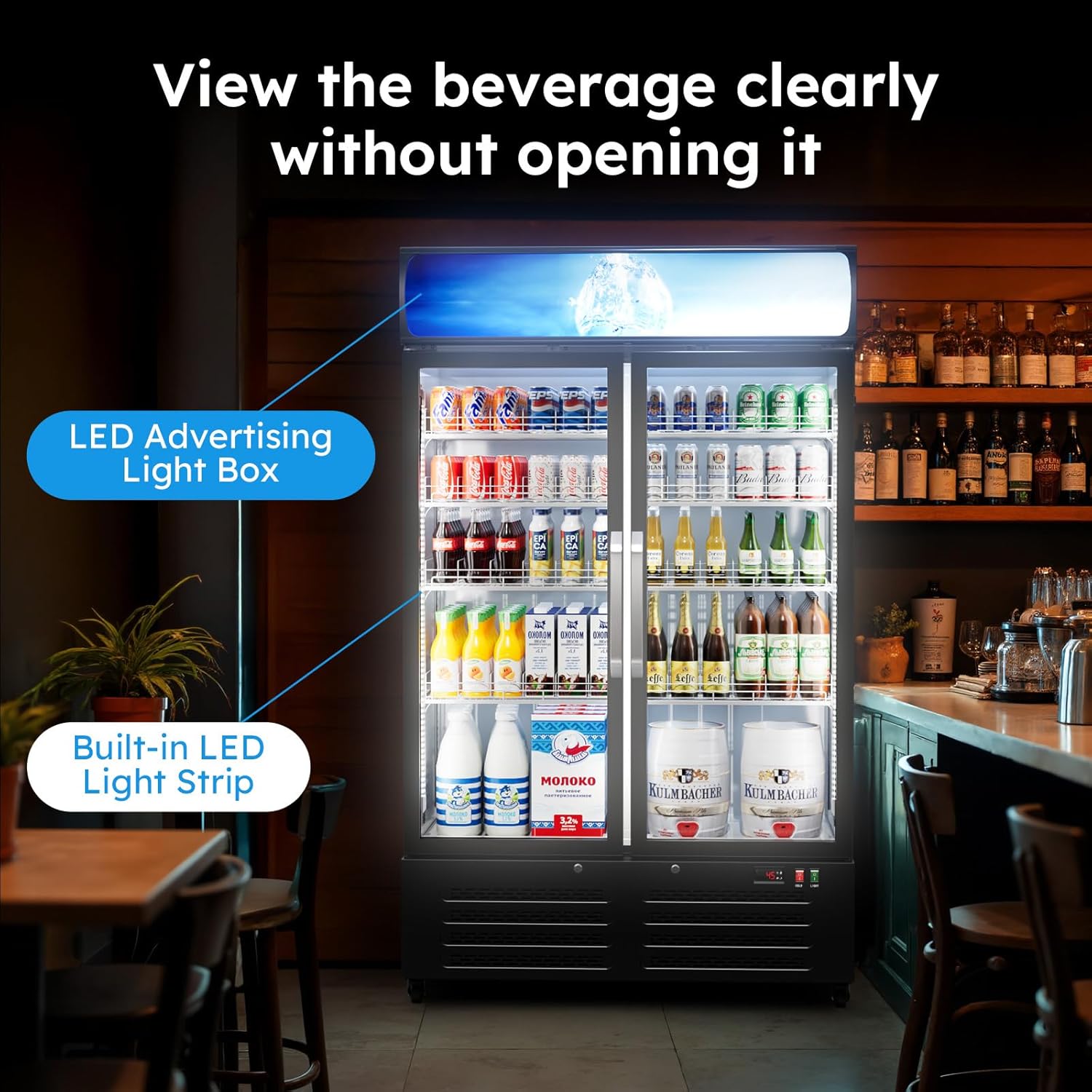
Figure 5: Digital temperature control panel with display and adjustment buttons.

Figure 6: The smart temperature control allows adjustment within the 32-50°F (0-10°C) range.
4.2 LED Lighting
The refrigerator includes a display light box on the top and a fully surrounding light strip inside. These LED lights can be turned on and off independently using the dedicated switches on the control panel. This allows for clear visibility of contents without opening the doors.

Figure 7: The built-in LED light strip and advertising light box illuminate the interior, allowing clear viewing of beverages.
4.3 Automatic Door Closing System
The double glass doors are designed with an automatic closing system. If a door is opened less than 90 degrees, it will automatically swing shut to prevent loss of cool air and maintain energy efficiency.

Figure 8: The automatic swing door feature ensures the door closes automatically if opened less than 90 degrees.
4.4 Door Lock
The refrigerator is equipped with a lockable glass door for added security. Use the provided key to lock and unlock the doors as needed.

Figure 9: The built-in safety lock provides security for stored items.
4.5 Cooling System
The unit utilizes a pure copper compressor for stable and efficient refrigeration. A built-in circulation fan distributes cold air evenly throughout the cabinet, ensuring consistent temperatures.

Figure 10: The 360-degree circulation refrigeration system ensures even cooling.
5. Maintenance
5.1 Cleaning
Regularly clean the interior and exterior of the refrigerator with a mild detergent and warm water. Ensure the unit is unplugged before cleaning. Do not use abrasive cleaners or sharp objects. Wipe dry thoroughly.
5.2 Automatic Defrost Function
The refrigerator features an automatic defrost function that removes water vapor, preventing fogging and ice buildup. This ensures clear visibility of products and efficient operation.

Figure 11: The intelligent defrost system automatically removes water vapor, preventing fogging and maintaining clear visibility.
5.3 Door Seal Inspection
Periodically inspect the door seals for any signs of wear or damage. A damaged seal can lead to inefficient cooling and increased energy consumption. Replace damaged seals promptly.
6. Troubleshooting
Before contacting customer support, please refer to the following common issues and solutions:
| Problem | Possible Cause | Solution |
|---|---|---|
| Refrigerator not cooling | Power supply issue; thermostat set too high; door left open; condenser coil dirty. | Check power connection; adjust thermostat; ensure doors are closed; clean condenser coil. |
| Excessive noise | Unit not level; objects vibrating against the unit; fan obstruction. | Level the unit; remove vibrating objects; check for fan obstruction. |
| Doors not closing properly | Door seals dirty or damaged; unit not level; items obstructing closure. | Clean or replace door seals; level the unit; rearrange items inside. |
| Interior lights not working | Light switch off; LED bulb failure. | Check light switch; contact support for bulb replacement. |
7. Specifications
| Feature | Detail |
|---|---|
| Model Number | 4833260-C1 |
| Capacity | 28 Cubic Feet |
| Product Dimensions (D x W x H) | 24.2"D x 44"W x 74.8"H |
| Item Weight | 280 Pounds |
| Color | Black |
| Number of Doors | 2 (Double Glass Door) |
| Temperature Control Range | 32°F-50°F (0°C-10°C) |
| Cooling Method | Compressor (Pure Copper) |
| Defrost System | Automatic |
| Number of Shelves | 8 (Adjustable) |
| Voltage | 110 Volts |
| Annual Energy Consumption | 678.9 Kilowatt Hours Per Year (1.86 kWh/24h) |
| Certifications | ETL, DOE |
| Special Features | Adjustable Shelves, Digital Temperature Control, Door Lock, Low Noise, Automatic Door Closing, LED Lighting, Lockable Castors |
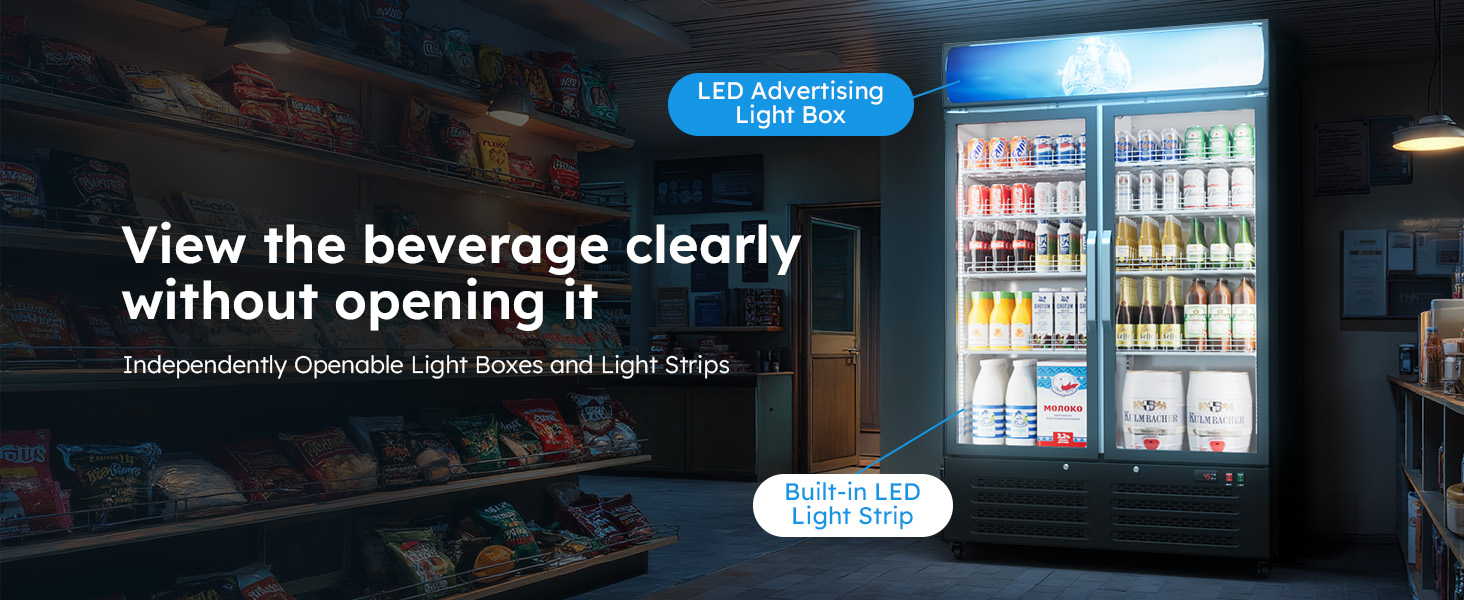
Figure 12: The refrigerator offers a large 28 Cu Ft capacity with adjustable shelves for flexible storage.

Figure 13: Advanced compressor cooling and air circulation technology ensure rapid and stable cooling with a pure copper compressor.

Figure 14: The refrigerator is designed for energy saving, consuming only 1.86 kWh/24h, supported by a 3-layer thermal insulation design.
8. Warranty and Support
8.1 Warranty Information
Mojgar offers a 5-year manufacturer warranty on this refrigerator. This warranty covers defects in materials and workmanship under normal use. Please retain your proof of purchase for warranty claims.
8.2 Customer Support
For technical assistance, warranty claims, or any questions regarding your Mojgar Commercial Merchandiser Refrigerator, please contact Mojgar customer support. Refer to your purchase documentation for specific contact details.
9. Product Video
Video 1: An overview of the Mojgar 28 Cu Ft Commercial Display Fridge, demonstrating its features and capacity.
