
Introduction
Thank you for choosing the Generic RF-3021 4-in-1 Electric Shaver. This versatile grooming kit is designed for efficient and comfortable hair removal across various body areas. Please read this manual thoroughly before first use to ensure safe operation and optimal performance. Keep this manual for future reference.
Product Overview
The RF-3021 grooming kit includes a main shaver body and four interchangeable heads, along with essential accessories for a complete grooming experience.

Image: The Generic RF-3021 4-in-1 Electric Shaver with its main body, double-sided razor head, rotary facial hair trimmer head, nose trimmer head, eyebrow trimmer head, USB cable, and cleaning brush.
Components:
- Main Shaver Body: Ergonomic design with power button and charging indicator.
- Double-sided Razor Head: For efficient shaving of larger body areas like legs and underarms.
- Rotary Facial Hair Trimmer Head: Designed for delicate facial areas, providing a smooth finish.
- Nose Trimmer Head: Safely and comfortably trims nose hair.
- Eyebrow Trimmer Head: For precise shaping and trimming of eyebrows, includes a detachable limit comb.
- USB Cable: For convenient charging.
- Cleaning Brush: For maintaining hygiene of the shaver heads.
- Protective Cap: To protect the shaver heads when not in use.
Setup
Charging the Device:
Before first use, fully charge the shaver. The device is equipped with a USB cable for convenient charging.
- Connect the USB cable to the charging port at the bottom of the shaver.
- Plug the other end of the USB cable into a USB power source (e.g., power bank, laptop, car charger, or a USB adapter).
- The charging indicator light will illuminate during charging and turn off or change color when fully charged.
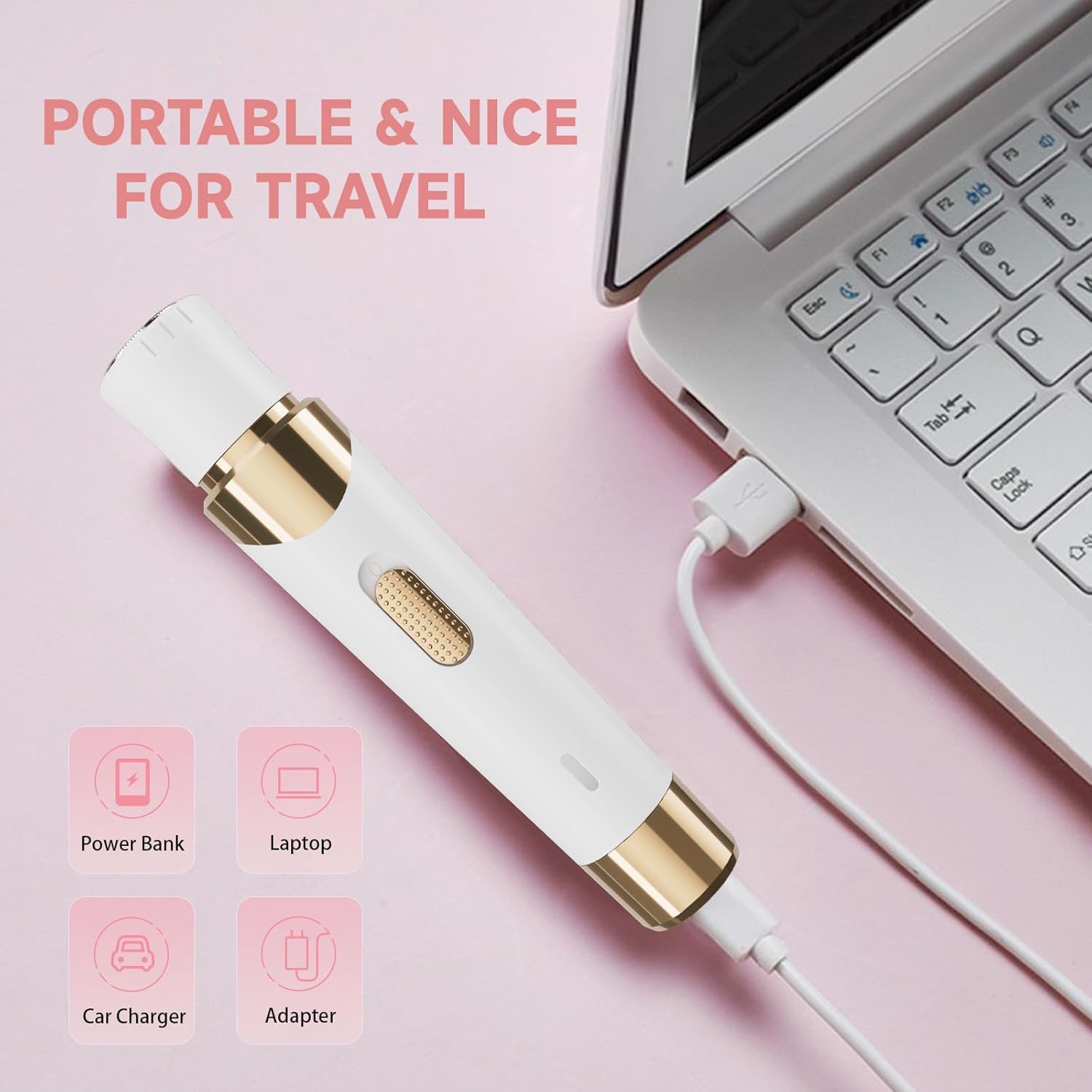
Image: The electric shaver connected via USB to a laptop, illustrating its portable charging capability.
Operating Instructions
Attaching and Detaching Shaver Heads:
The RF-3021 features interchangeable heads for different grooming needs.
- To detach a head, gently rotate it counter-clockwise until it unlocks and can be pulled off.
- To attach a head, align the head with the shaver body and push it down, then rotate clockwise until it locks into place.
Video: Demonstration of how to attach and detach the various shaver heads on the Generic RF-3021 electric shaver.
General Usage:
Press the power button to turn the shaver on or off.
- Double-sided Razor Head: Ideal for larger areas like legs and underarms. Move the shaver gently against the direction of hair growth for a close shave.
- Rotary Facial Hair Trimmer Head: Use for fine facial hair. Move in small, circular motions for effective removal.
- Nose Trimmer Head: Carefully insert the trimmer into the nostril or ear and move it gently to trim unwanted hair. Do not insert too deeply.
- Eyebrow Trimmer Head: Use with or without the limit comb for precise eyebrow shaping. Move slowly and carefully to achieve desired results.
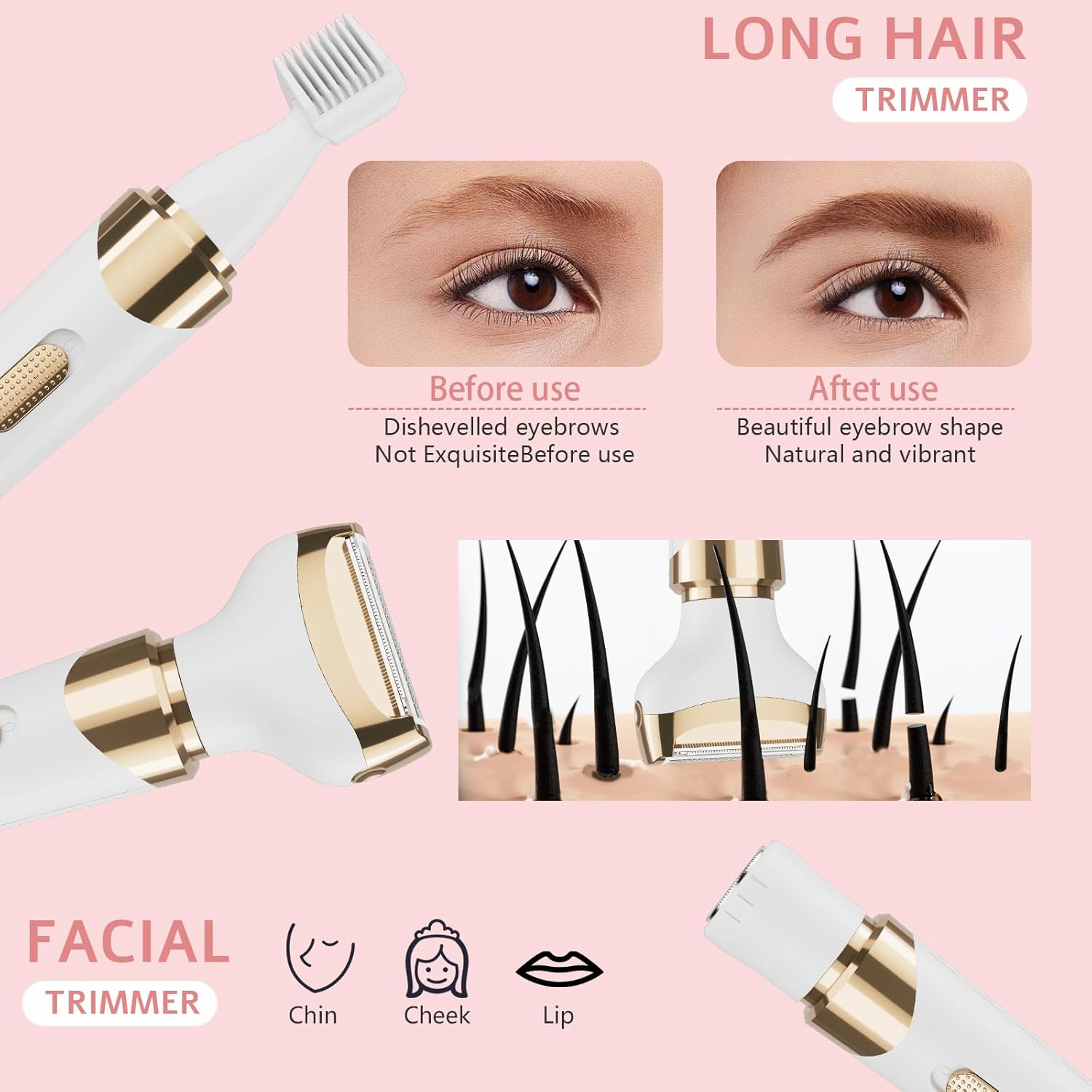
Image: Illustrates the long hair trimmer for eyebrows and the facial trimmer for chin, cheek, and lip areas.
Wet & Dry Use:
This electric shaver is designed for both wet and dry use, offering flexibility and convenience.
- Dry Shaving: Use on dry skin for quick touch-ups.
- Wet Shaving: Can be used with foam or gel in the shower or bath for a smoother, more comfortable experience.

Image: Depicts the shaver being used for both dry shaving on a leg and wet shaving in a bathtub.
Maintenance
Cleaning:
Regular cleaning ensures optimal performance and hygiene. The shaver is whole body washable.
- Turn off the shaver and detach the head you wish to clean.
- Use the provided cleaning brush to remove any trapped hairs from the blades and inside the head.
- Rinse the shaver head and the main body under running water. Ensure all hair residue is removed.
- Allow all parts to air dry completely before reattaching the head or storing the device.

Image: The electric shaver being cleaned under running water, highlighting its waterproof feature for easy maintenance.
Troubleshooting
If you encounter any issues with your RF-3021 electric shaver, please refer to the following common solutions:
- Device not turning on: Ensure the device is fully charged. Connect it to a power source using the USB cable and allow it to charge for at least 2 hours.
- Poor shaving performance: Check if the shaver head is clean and free of hair buildup. Clean the head thoroughly with the provided brush and rinse under water. Ensure the head is securely attached.
- Head detaches during use: Ensure the shaver head is properly attached and rotated clockwise until it locks firmly into place.
- Irritation after shaving: Ensure your skin is clean before shaving. For wet shaving, use a suitable shaving foam or gel. Always move the shaver gently and avoid excessive pressure.
If the problem persists after trying these steps, please contact customer support.
Specifications
| Feature | Specification |
|---|---|
| Model Number | RF-3021 |
| Product Dimensions | 0.01 x 0.01 x 0.01 inches |
| Item Weight | 7.05 ounces |
| Power Source | Battery Powered (1 AAA battery included) |
| Blade Material | Stainless Steel |
| Color | White |
| Special Features | Travel Size, Waterproof |
| Recommended Uses | Ear, Eyebrows, Face, Leg, Nose |
Safety Information
- Handle the shaver and its attachments with caution to avoid cutting the skin or causing other injuries.
- Keep the device out of reach of children to prevent accidental harm.
- Refrain from sharing the shaver with others to reduce the risk of spreading infections.
- Ensure the device is clean before and after each use to maintain hygiene.
- Do not immerse the charging cable or adapter in water.
- Do not use the device if any part is damaged.
Warranty and Support
This product comes with a standard manufacturer's warranty. For detailed warranty information, product support, or service inquiries, please refer to the contact information provided with your purchase or visit the manufacturer's official website.