
Introduction
Welcome to your new HOMCOM 7-Tier Wall Mounted Display Cabinet. This manual provides essential information for the safe and proper assembly, installation, and maintenance of your product. Please read all instructions carefully before beginning.
Product Features:
- Seven-tier design with six adjustable shelves.
- Eleven different shelf positions for flexible display options.
- Two sliding glass doors for protection and easy access.
- Durable particle board frame for stability.
- Wall-mountable design to optimize floor space.
- Maximum load capacity of 2kg (4.4 lbs) per shelf.

Image: An infographic highlighting the key features of the display cabinet, including assembly requirements, sturdy structure, space-saving design, and large capacity.
Safety Information
Please read and understand all safety warnings and instructions before assembly and use. Keep this manual for future reference.
WARNING: Improper installation can cause serious injury or damage. Always ensure the cabinet is securely mounted to a suitable wall structure using appropriate hardware.
CAUTION: Do not exceed the maximum weight limit of 2kg (4.4 lbs) per shelf. Overloading can lead to structural failure and potential injury.
Package Contents
Before beginning assembly, carefully unpack all components and verify that all parts are present and undamaged. Refer to the included parts list in the separate assembly manual for detailed identification.
- 1 x Display Cabinet (main frame)
- 6 x Adjustable Shelves
- 2 x Glass Doors
- 1 x Assembly Manual
- Mounting Hardware (screws, wall anchors)
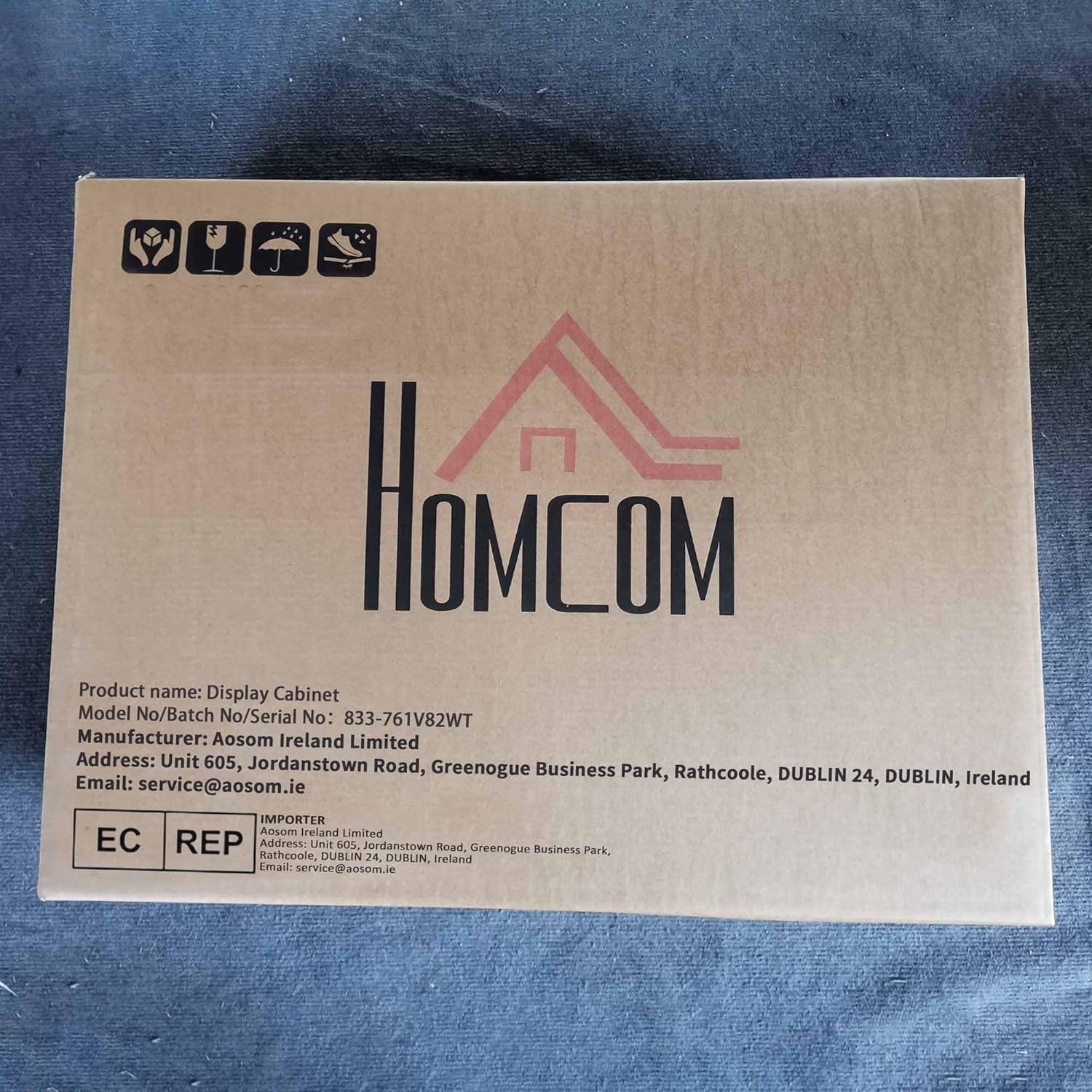
Image: The product packaging box, displaying the HOMCOM logo and model number 833-761V82WT, indicating the contents.
Setup and Assembly
Tools Required (Not Included):
- Phillips head screwdriver
- Drill (for wall mounting)
- Level
- Measuring tape
- Pencil
Assembly Steps:
- Assemble the Cabinet Frame: Follow the detailed instructions provided in the separate assembly manual to construct the main cabinet frame. Ensure all connections are tight and secure.
- Install Shelves: Insert the shelf pins into the desired holes on the cabinet sides. There are eleven possible positions for the six adjustable shelves. Place the adjustable shelves onto the pins.

Image: A diagram demonstrating the eleven possible positions for the adjustable shelves, highlighting the flexibility for different sized items.
- Install Glass Doors: Carefully slide the glass doors into the top and bottom tracks of the cabinet frame. Ensure they slide smoothly and are properly seated.

Image: A detailed view of the glass door, showing the integrated groove handle designed for smooth operation.
- Wall Mounting: Choose a suitable wall location. Use a level and measuring tape to mark the drilling points for the wall mounting hardware. Drill pilot holes and insert appropriate wall anchors (if necessary for your wall type). Securely attach the cabinet to the wall using the provided mounting hardware. Ensure the cabinet is level and firmly attached before placing any items inside.

Image: A technical drawing of the cabinet with key dimensions: 83 cm height, 80 cm width, 9.5 cm depth, and indicating the wall mounting brackets at the top.
Operating Instructions
Adjusting Shelves:
To adjust a shelf, carefully remove all items from it. Lift the shelf slightly and pull it forward to disengage from the pins. Reinsert the pins into the desired holes and place the shelf back on them, ensuring it is level and secure.
Using Glass Doors:
The glass doors slide horizontally along the tracks. Use the integrated groove handles to open and close them smoothly. Ensure doors are fully closed to protect contents from dust and accidental falls.
Displaying Items:
Place items evenly on the shelves. Do not overload any single shelf or the entire cabinet. The maximum weight capacity per shelf is 2kg (4.4 lbs), and the total weight limit for the cabinet is 14kg (30.8 lbs).
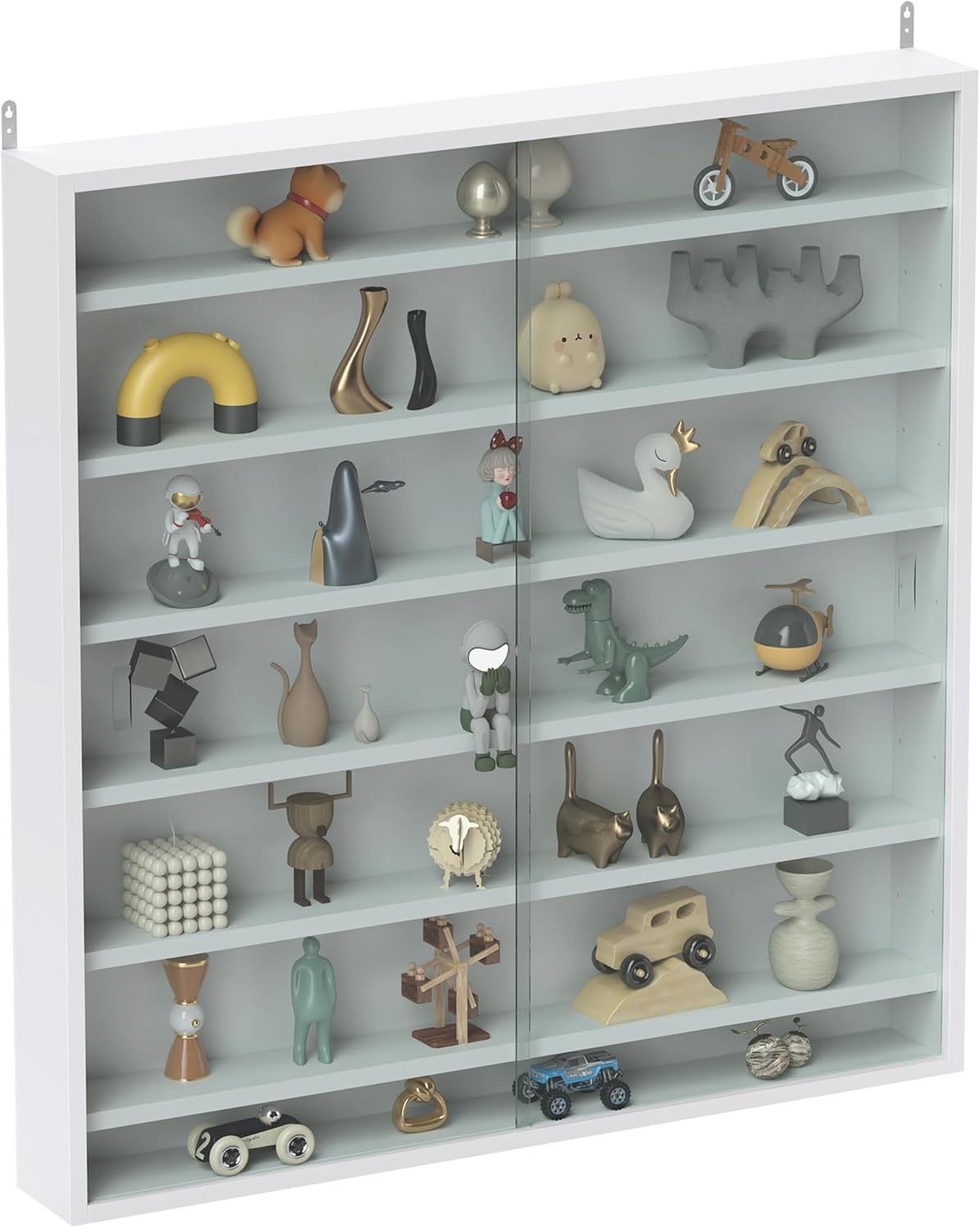
Image: The display cabinet showcasing a variety of small ornaments and collectibles, demonstrating its function as a display unit.
Maintenance and Care
Cleaning:
- Wipe the cabinet frame with a soft, slightly damp cloth. Avoid using abrasive cleaners, harsh chemicals, or excessive moisture, which can damage the finish.
- Clean glass doors with a standard glass cleaner and a lint-free cloth to maintain clarity.
Inspection:
- Periodically check all wall mounting hardware and internal connections to ensure they remain secure. Tighten any loose screws as needed.
- Inspect glass doors for any signs of damage, cracks, or misalignment. Address any issues promptly to ensure safe operation.
Troubleshooting
Problem: Glass doors do not slide smoothly.
Solution: Check the tracks for any obstructions or debris. Ensure the doors are correctly seated in both the top and bottom tracks. Clean the tracks thoroughly if necessary. Lubrication with a silicone-based spray (avoiding contact with wood) may help if tracks are clean.
Problem: Cabinet feels unstable after mounting.
Solution: Verify that the wall mounting hardware is securely fastened to a sturdy part of the wall (e.g., wall studs). Ensure appropriate wall anchors were used for your specific wall type. Do not overload the cabinet, as this can compromise stability.
Problem: Shelves are difficult to adjust.
Solution: Ensure no items are on the shelf. Gently lift the shelf to relieve pressure on the pins before attempting to remove or reposition it. Check that the shelf pins are fully inserted into the holes.
Specifications
| Brand | HOMCOM |
| Model Number | 833-761V82WT |
| Color | White |
| Overall Dimensions (W x D x H) | 80W x 9.5D x 83H cm (31.5"W x 3.74"D x 32.68"H) |
| Inside Depth | 7.5 cm (2.95") |
| Number of Shelves | 7 (including base, 6 adjustable) |
| Shelf Adjustment Positions | 11 |
| Maximum Load per Shelf | 2 kg (4.4 lbs) |
| Total Weight Limit | 14 kg (30.8 lbs) |
| Materials | Particle board, Glass |
| Mounting Type | Wall Mount |
| Assembly Required | Yes |