
NPAUTO Key Fob
NPAUTO Key Fob Replacement User Manual
Model: Key Fob (KIT-11141)
1. Introduction
Thank you for choosing the NPAUTO Key Fob Replacement. This product is designed to provide a reliable and convenient solution for your vehicle's keyless entry system. This manual provides essential information regarding the compatibility, features, programming, operation, and maintenance of your new key fob.

Image: Two NPAUTO Key Fobs. These fobs are designed for keyless entry and remote control of compatible vehicles.
2. Compatibility
This key fob replacement is compatible with specific Toyota vehicle models and years. Please verify your vehicle's details to ensure proper functionality.
- Compatible Vehicles:
- 2005-2008 Toyota Avalon
- 2004-2008 Toyota Solara
- FCC ID: GQ43VT20T
- Part Number: 89742-AA040
Ensure your original remote has the same button layout for hassle-free compatibility.
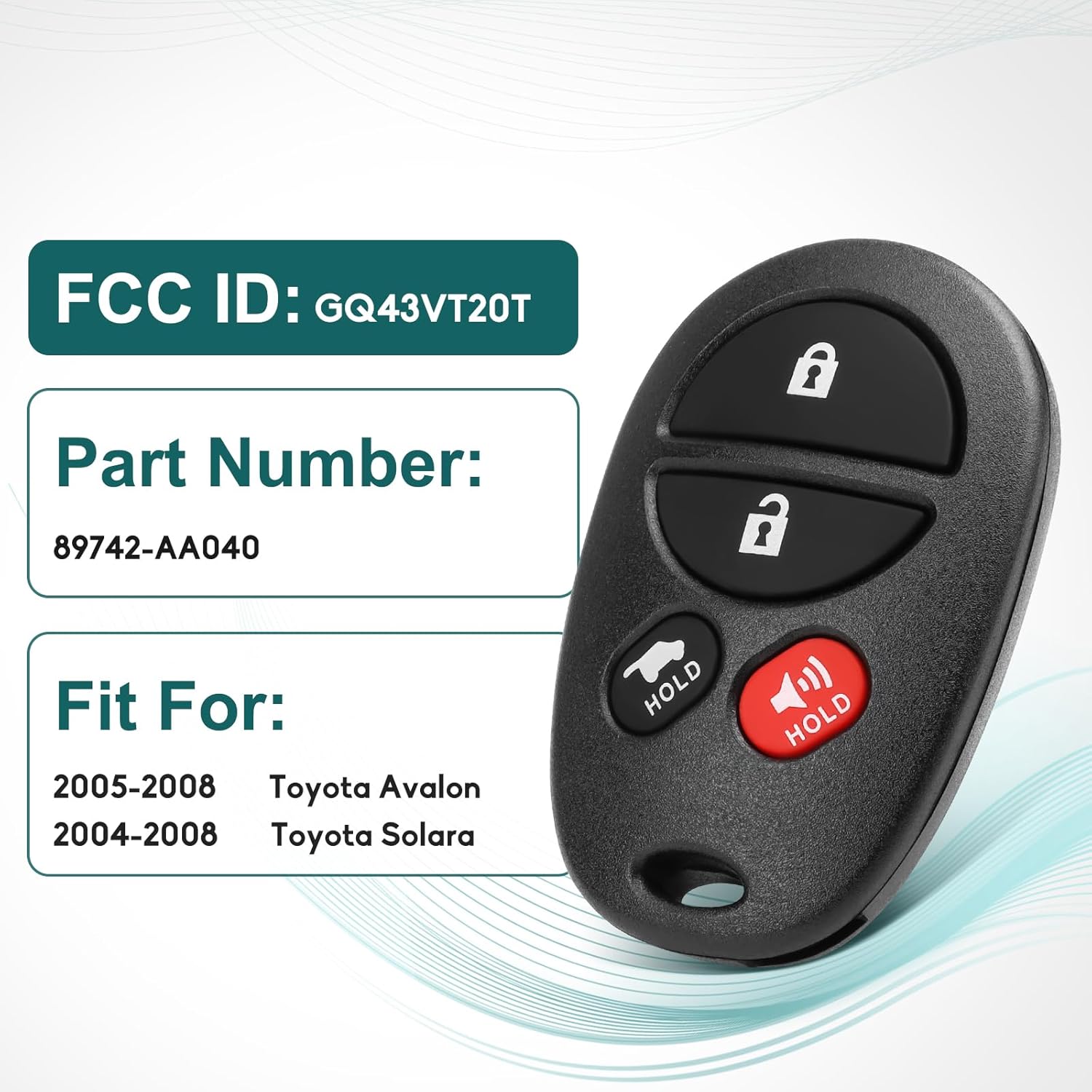
Image: Key Fob Compatibility Details. This image displays the FCC ID, Part Number, and compatible Toyota models for the key fob.
3. Product Features
The NPAUTO Key Fob Replacement offers several key features designed for convenience and durability:
- Wide Compatibility: Designed for specific Toyota Avalon and Solara models.
- Direct Replacement: Matches original FCC ID GQ43VT20T and Part Number 89742-AA040.
- Pre-installed Components: Comes with electronics and battery pre-installed, ready for immediate use after programming.
- Durable & Reliable Design: Crafted from advanced materials for drop-proof durability and long-lasting performance.
- Rigorous Quality Assurance: Each unit undergoes strict quality control and testing for sensitive buttons and optimal performance.
- Compact & Lightweight: Ensures easy portability.

Image: Key Fob Benefits. This collage highlights the anti-theft, high-security, remote control, and easy start features of the key fob.
4. Setup (Programming)
Programming your new key fob is required for it to function with your vehicle. While DIY programming is straightforward for most vehicles, specific instructions are not included with the product and vary by vehicle model and year.
Programming Guidance:
- Online Resources: We recommend searching for programming instructions specific to your vehicle's make, model, and year on video platforms (e.g., YouTube) or automotive forums. Many step-by-step guides are available.
- Professional Assistance: If you encounter difficulties or prefer professional installation, consult a certified automotive locksmith or a Toyota dealership. They have the necessary tools and expertise to program the key fob correctly.
- Button Layout: Ensure your original remote has the same button layout as the replacement key fob for optimal compatibility and ease of programming.
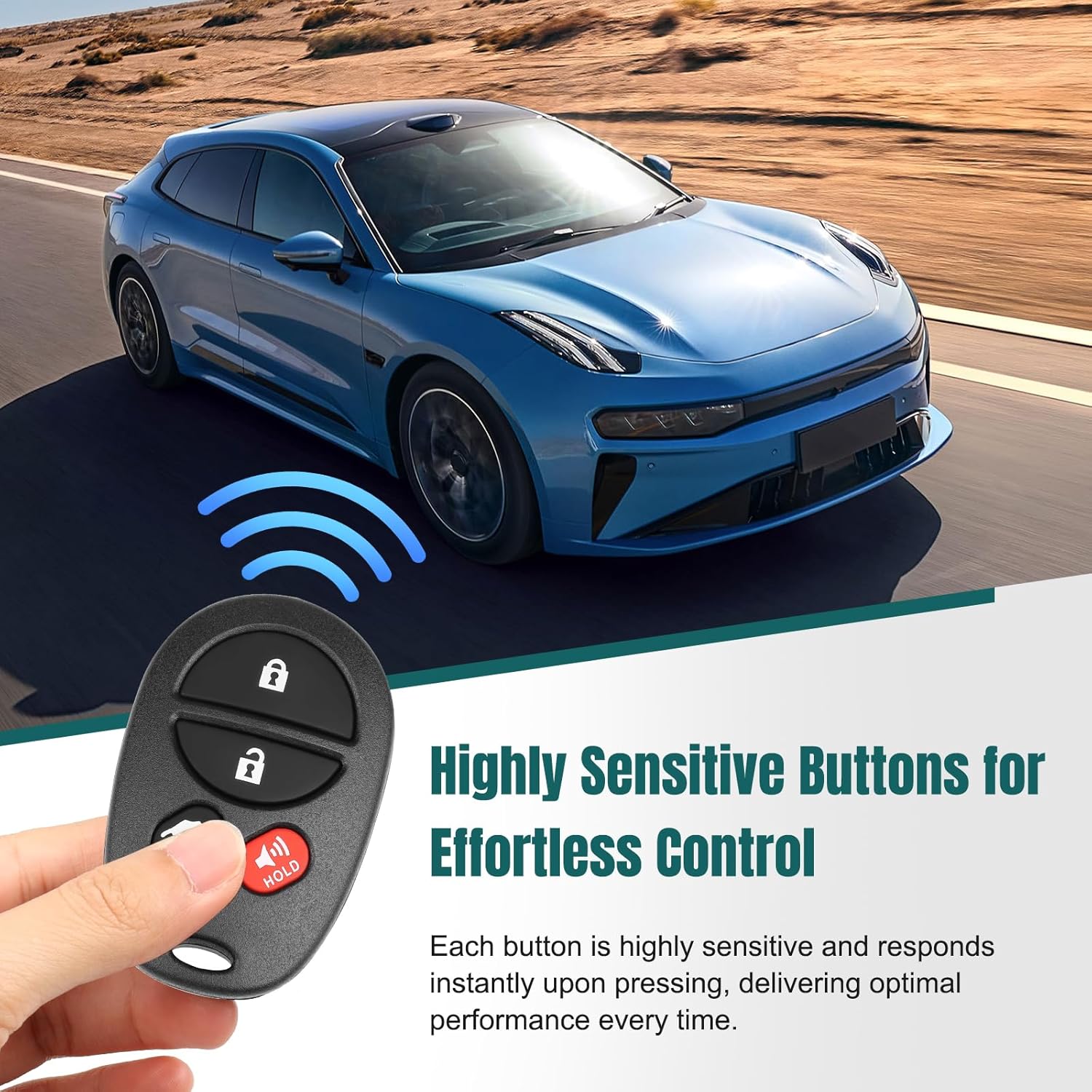
Image: Highly Sensitive Buttons for Effortless Control. This image shows the key fob being used to control a vehicle, emphasizing its responsive buttons.
5. Operating Instructions
Once programmed, your key fob provides convenient remote access to your vehicle's functions. The key fob features the following buttons:
- Lock Button (🔒): Press to lock all vehicle doors.
- Unlock Button (🔓): Press to unlock all vehicle doors.
- Trunk/Hold Button (🚗 HOLD): Press and hold to open the vehicle's trunk or rear hatch.
- Panic Alarm Button (🔊 HOLD): Press and hold to activate the vehicle's panic alarm. Press again to deactivate.

Image: Buttons Functions. This diagram clearly labels each button on the key fob and its specific function.
6. Maintenance
To ensure the longevity and optimal performance of your NPAUTO Key Fob, follow these maintenance guidelines:
- Battery: The key fob comes with a pre-installed CR2032 battery. When the remote's range decreases or it becomes unresponsive, it may be time to replace the battery. Refer to online guides or a professional for battery replacement instructions specific to this key fob model.
- Cleaning: Wipe the key fob with a soft, dry cloth to remove dust and dirt. Avoid using harsh chemicals or abrasive cleaners.
- Protection: While designed to be durable and drop-proof, avoid unnecessary impacts or exposure to extreme temperatures and moisture to prolong its lifespan.

Image: Reliable Quality Built to Last. This image highlights the internal components, pre-installed battery, and premium finish of the key fob, indicating its durable construction.
7. Troubleshooting
If you experience issues with your key fob, consider the following troubleshooting steps:
- Key Fob Not Responding:
- Ensure the key fob is properly programmed to your vehicle. If it was recently purchased, it likely needs programming.
- Check the battery. Although a new battery is included, ensure it is correctly seated and has sufficient charge.
- Verify that you are within the operating range of the vehicle.
- Programming Difficulties:
- Double-check that your vehicle's make, model, and year are listed in the compatibility section.
- Ensure the FCC ID and Part Number match your original key fob.
- Review the programming instructions carefully, ensuring all steps are followed precisely. Small deviations can prevent successful programming.
- If repeated attempts fail, consider seeking assistance from a professional locksmith or dealership.
- Intermittent Functionality: This could indicate a low battery or interference. Try replacing the battery or testing the fob in a different location away from potential signal interference.
8. Specifications
Detailed specifications for the NPAUTO Key Fob Replacement:
| Attribute | Value |
|---|---|
| Manufacturer | NPAUTO |
| Model Number | KIT-11141 |
| Item Weight | 1.44 ounces |
| Package Dimensions | 4.88 x 3.31 x 0.51 inches |
| Batteries | 1 CR2032 battery (included) |
| Connectivity Technology | Radio Frequency |
| Number of Buttons | 3 (Lock, Unlock, Trunk/Panic) |

Image: Product Size. This image illustrates the compact and portable dimensions of the key fob.
9. Warranty and Support
NPAUTO stands behind the quality of its products. Your key fob replacement comes with an 18-month warranty from the date of purchase.
If you have any questions, concerns, or require assistance with your product, please do not hesitate to contact our customer support team. We are committed to providing prompt and helpful service to ensure your satisfaction.
For support, please refer to the contact information provided with your purchase or visit the official NPAUTO store on Amazon.
Ask a question about this manual
Ask about setup, troubleshooting, compatibility, parts, safety, or missing instructions. Manuals+ will review the question and use this page’s manual context to help answer it.