
Introduction
Welcome to your new Dong Cheng Cordless Angle Grinder. This manual provides essential information for safe operation, setup, maintenance, and troubleshooting of your DCSM04-115 model. Please read this manual thoroughly before using the tool to ensure safe and efficient operation. Keep this manual for future reference.
Safety Information
Always wear appropriate personal protective equipment, including safety glasses, hearing protection, and gloves, when operating the angle grinder. Ensure the work area is clear and well-lit. Keep bystanders away from the operating area.
Dynamic Safety Control (DSC) System
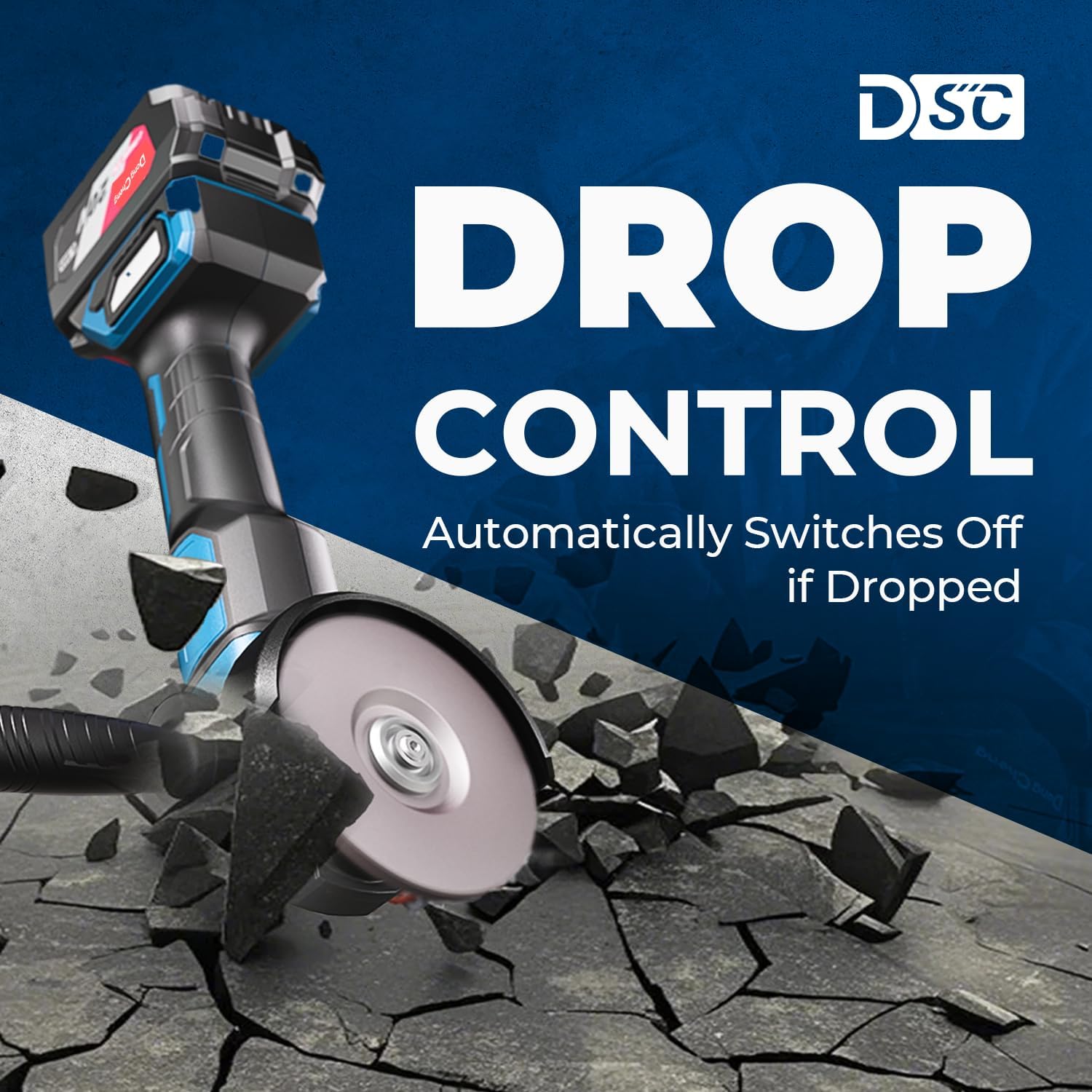
The Dong Cheng DCSM04-115 is equipped with a Dynamic Safety Control (DSC) system. This technology is designed to detect potential wheel-binding or kickback incidents in milliseconds and automatically cuts power to reduce reactive torque. It also incorporates practical and safe features like Drop Control and Overload Auto-Restart, which help prevent accidents and protect your safety during operation.
This video explains the Dynamic Safety Control (DSC) system of the Dong Cheng DCSM04-115 angle grinder, including features like kickback control and overload protection.

Visual representation of the smart safety features, including Anti-Restart Protection, Kickback Control, Overload Restart, and Drop Protect.
Package Contents
Verify that all items are present upon unpacking:
- 1 x Angle grinder
- 1 x 4.0Ah battery
- 1 x Fast charger
- 2 x Grinding wheels
- 2 x Flap discs
- 2 x Cutting discs
- 1 x Handle
- 2 x Safety guards (Standard & Anti-Splash)
- 1 x Wrench
- 1 x Warranty card
- 1 x User manual
Setup
Battery Installation
To install the 4.0Ah Li-ion battery, align the battery pack with the receptacle on the tool handle and slide it in until it clicks securely into place. To remove, press the release button on the battery and slide it out.

The 4.0Ah Li-ion battery pack, ready for installation into the angle grinder.
Guard Installation and Adjustment
The angle grinder comes with two unique guards (Standard & Anti-Splash) featuring gear-lock positions for tool-free adjustment. To install a guard, align it with the grinder head and press the red button to engage the gear-lock. Rotate the guard to the desired position for optimal safety and release the button to lock it in place. Ensure the guard is securely fastened before operation.

Illustration of the tool-free guard adjustment mechanism, allowing selection between cutting and grinding guards.
Disc Installation
To install a grinding, cutting, or flap disc, first ensure the tool is switched off and the battery is removed. Press the spindle lock button to prevent the spindle from rotating. Place the inner flange onto the spindle, then position the disc onto the inner flange. Secure the disc with the outer flange and tighten it using the provided wrench. Ensure the disc is centered and firmly secured.

A cutting disc properly installed on the angle grinder, ready for use.
Handle Installation
The auxiliary handle can be screwed into either side of the grinder head, depending on user preference and application. Tighten the handle firmly by hand to ensure a secure grip during operation.
The angle grinder with its auxiliary handle attached, providing enhanced control.
This video demonstrates the installation of the safety guard and cutting disc on the Dong Cheng Cordless Angle Grinder DCSM04-115, highlighting the tool-free adjustment mechanism.
Operating Instructions
Power On/Off
To turn the grinder on, slide the power switch to the 'ON' position. To turn it off, slide the switch to the 'OFF' position. Always ensure a firm grip on the tool before starting.
Speed Adjustment
The grinder features a 3-stage adjustable speed control, allowing you to select between 4000 RPM, 6000 RPM, and 9000 RPM. Use the speed control button to cycle through the settings to match the material and application. Lower speeds are suitable for delicate polishing, while higher speeds are for aggressive cutting and grinding.

The angle grinder displaying its 3-stage variable speed control settings.
Application Techniques (Cutting, Grinding, Polishing)
Always hold the grinder firmly with both hands. For cutting, use a cutting disc and apply steady, even pressure. For grinding, use a grinding wheel and maintain a consistent angle to the workpiece. For polishing, attach a flap disc or appropriate polishing accessory and use a lower speed setting for a smooth finish. Avoid excessive pressure, which can lead to kickback or damage to the disc and workpiece.

A user demonstrating a grinding operation on a metal surface.

A user performing a cutting operation on metal, generating sparks.

A user polishing a surface with the angle grinder for a smooth finish.

Visual examples of the angle grinder's versatility across cutting, grinding, and polishing applications.
Maintenance
Regular maintenance ensures the longevity and safe operation of your angle grinder.
Cleaning
After each use, disconnect the battery and clean the tool. Use a soft brush or compressed air to clear dust and debris from the ventilation ports and around the spindle. The detachable filter and advanced cooling system help prevent dust buildup, but regular cleaning is still recommended.
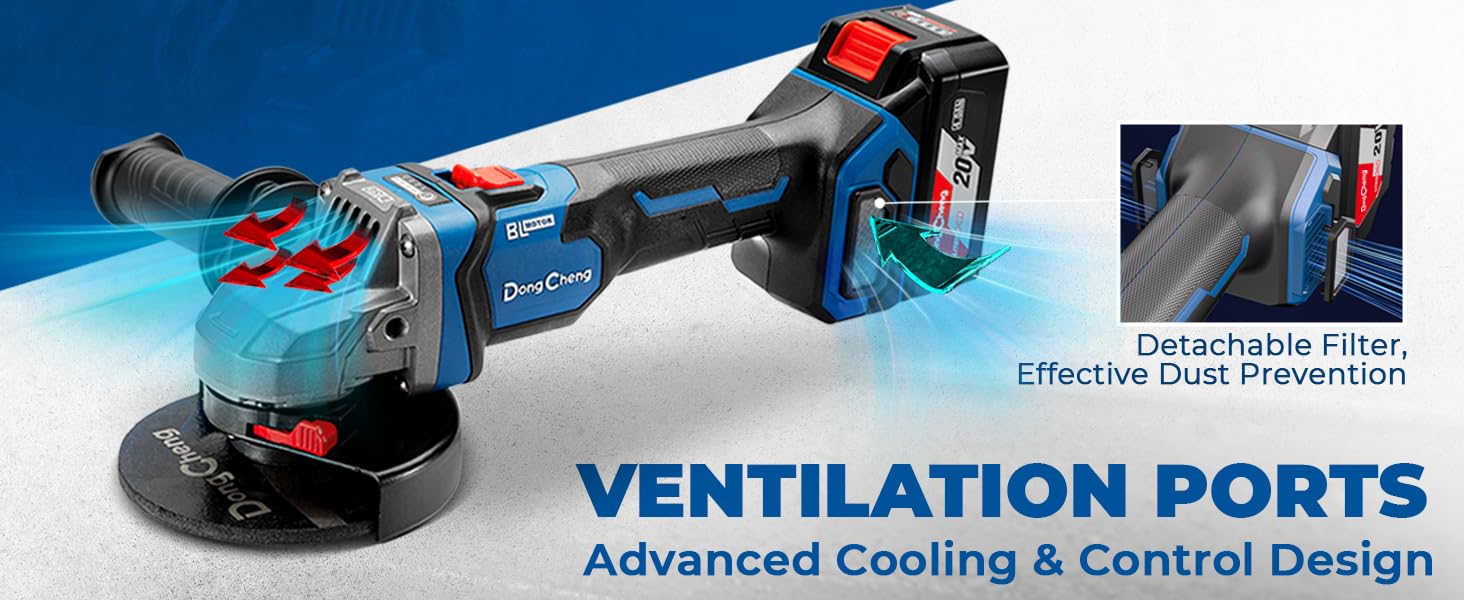
Diagram illustrating the detachable filter and cooling system designed for effective dust prevention.
Disc Replacement
Regularly inspect discs for wear, cracks, or damage. Replace worn or damaged discs immediately to prevent accidents and ensure optimal performance. Follow the disc installation instructions when replacing.
Battery Care
Charge the 4.0Ah Li-ion battery using the provided 2A fast charger. Do not expose the battery to extreme temperatures or moisture. Store the battery in a cool, dry place when not in use. The battery is compatible with other 20V tools from the Dong Cheng brand.
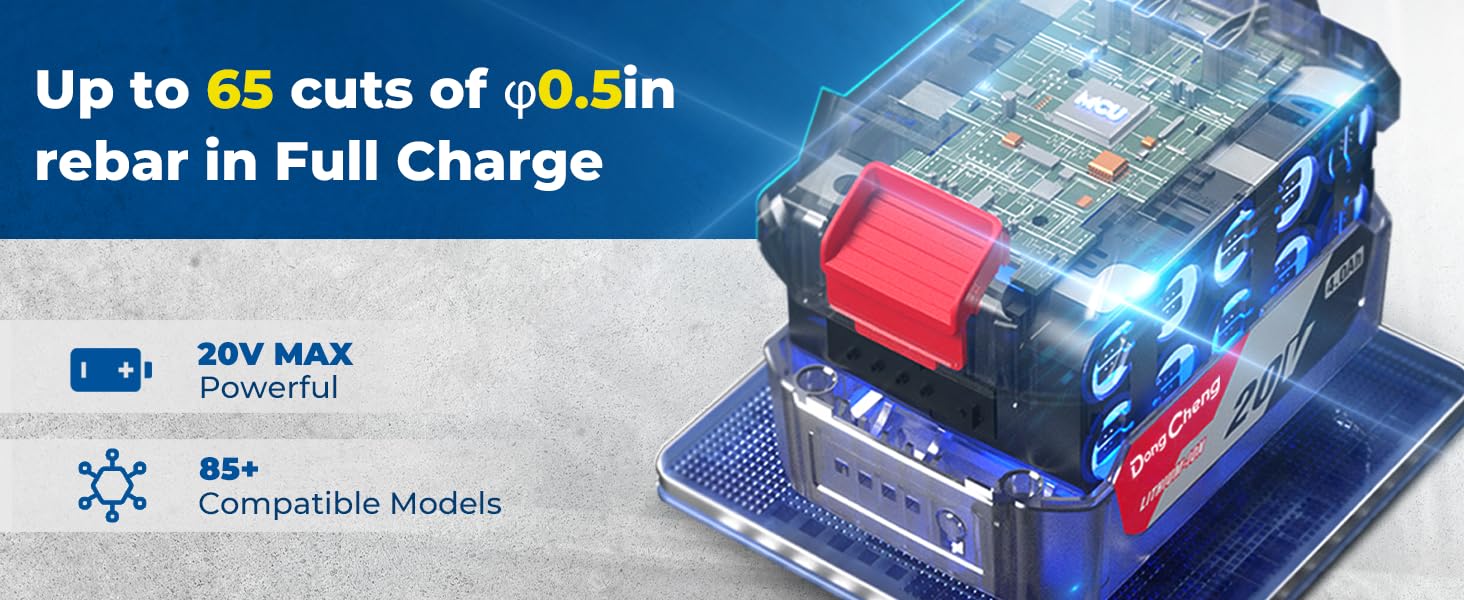
Information on the 4.0Ah battery capacity and its long-lasting power.
Troubleshooting
- Tool not starting: Ensure the battery is fully charged and properly installed. Check the power switch position.
- Reduced power or performance: The battery may be low; recharge it. Ensure the correct disc is used for the application.
- Overheating: Allow the tool to cool down. Ensure ventilation ports are clear of debris. Avoid continuous heavy-duty use without breaks.
- Excessive vibration: Check that the disc is correctly installed and not damaged. Ensure the flanges are tightened securely.
If issues persist, refer to the warranty and support section for further assistance.
Specifications
| Feature | Specification |
|---|---|
| Brand | Dong Cheng |
| Model Number | DCSM04-115 |
| Power Source | Battery Powered (20V DC) |
| Motor Type | Brushless |
| Wattage | 1000 Watts |
| Maximum Rotational Speed | 9000 RPM |
| Adjustable Speeds | 3-Stage (4000/6000/9000 RPM) |
| Disc Diameter | 4-1/2 inches |
| Battery Capacity | 4.0Ah Li-ion |
| Item Weight | 2.5 Kilograms |
| Material | Metal |
Warranty and Support
For warranty information, technical support, or service inquiries, please refer to the warranty card included in your package or contact Dong Cheng customer service. Keep your purchase receipt as proof of purchase for any warranty claims.