Introduction
This manual provides instructions for the setup and operation of your new Generic Replacement Remote Control, compatible with Summit LE5047, PRLE5047, and LE5036 Smart LCD LED HDTV TV models. This remote is designed for immediate use without complex programming.
Setup
Battery Installation
The remote control requires two AAA batteries (not included). Please purchase new batteries from a local store before use.
- Locate the battery compartment cover on the back of the remote control.
- Slide the cover downwards or press the latch (if present) to open the compartment.
- Insert two AAA batteries, ensuring the positive (+) and negative (-) terminals align correctly with the markings inside the compartment.
- Replace the battery compartment cover by sliding it back into place until it clicks securely.
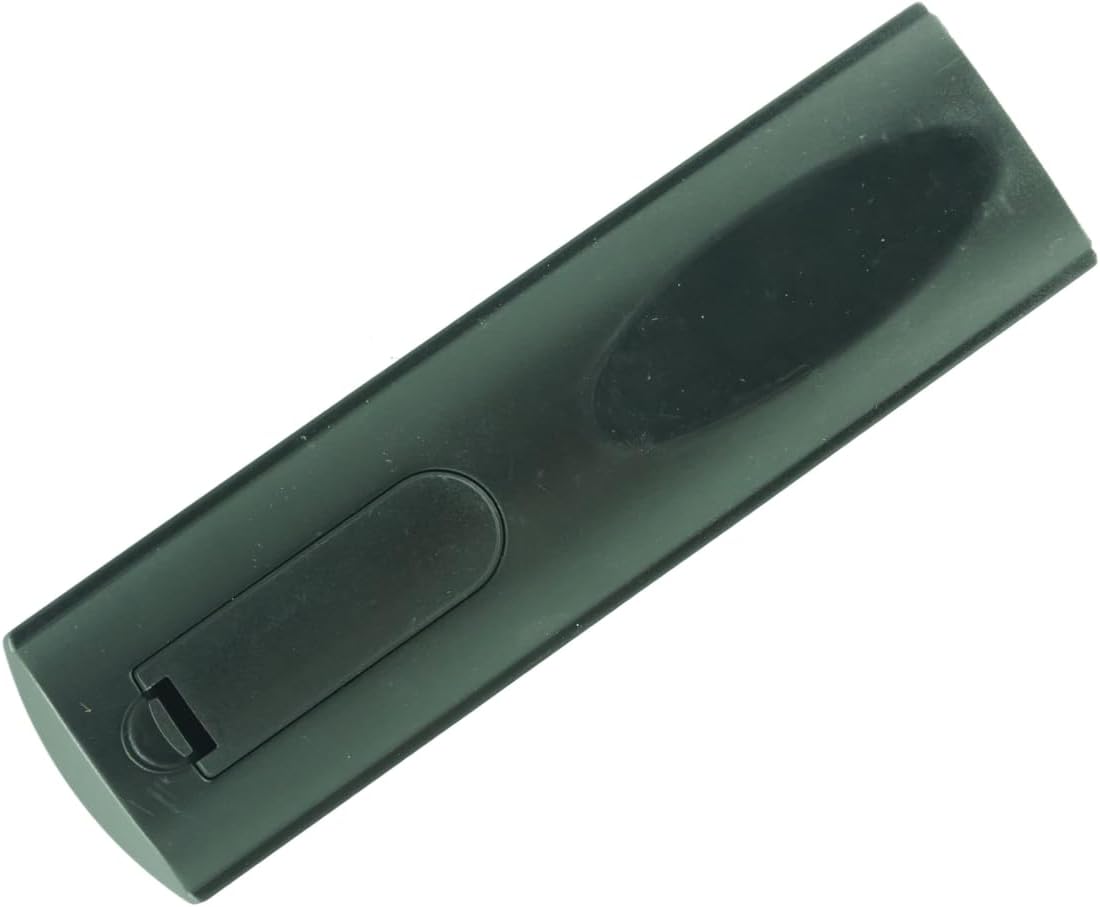
Figure 1: Back of the remote control with the battery compartment cover.
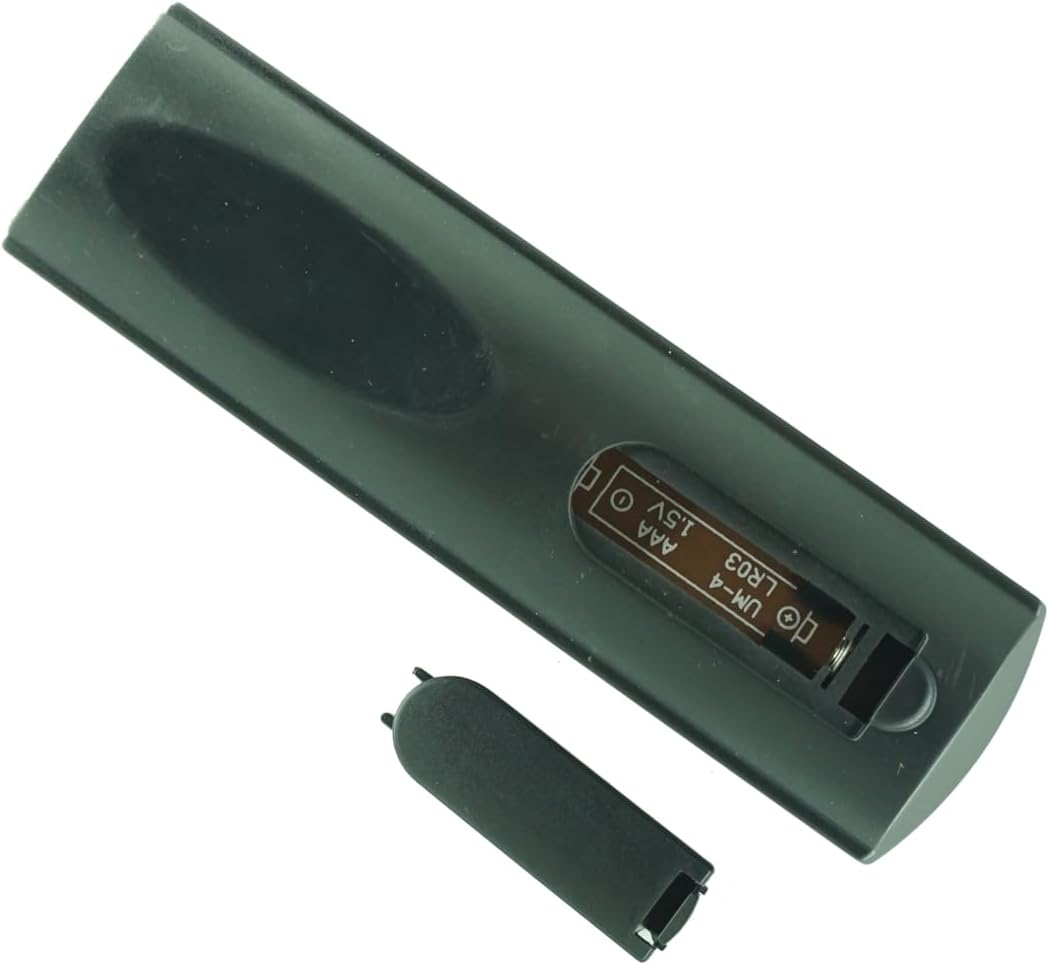
Figure 2: Battery compartment open, showing battery placement.
Initial Use
This remote control is pre-programmed and requires no additional setup. Once new batteries are inserted, it will work immediately with compatible Summit LE5047, PRLE5047, and LE5036 Smart LCD LED HDTV TVs.
Operating Instructions
The remote control features a standard layout for easy navigation and control of your television.
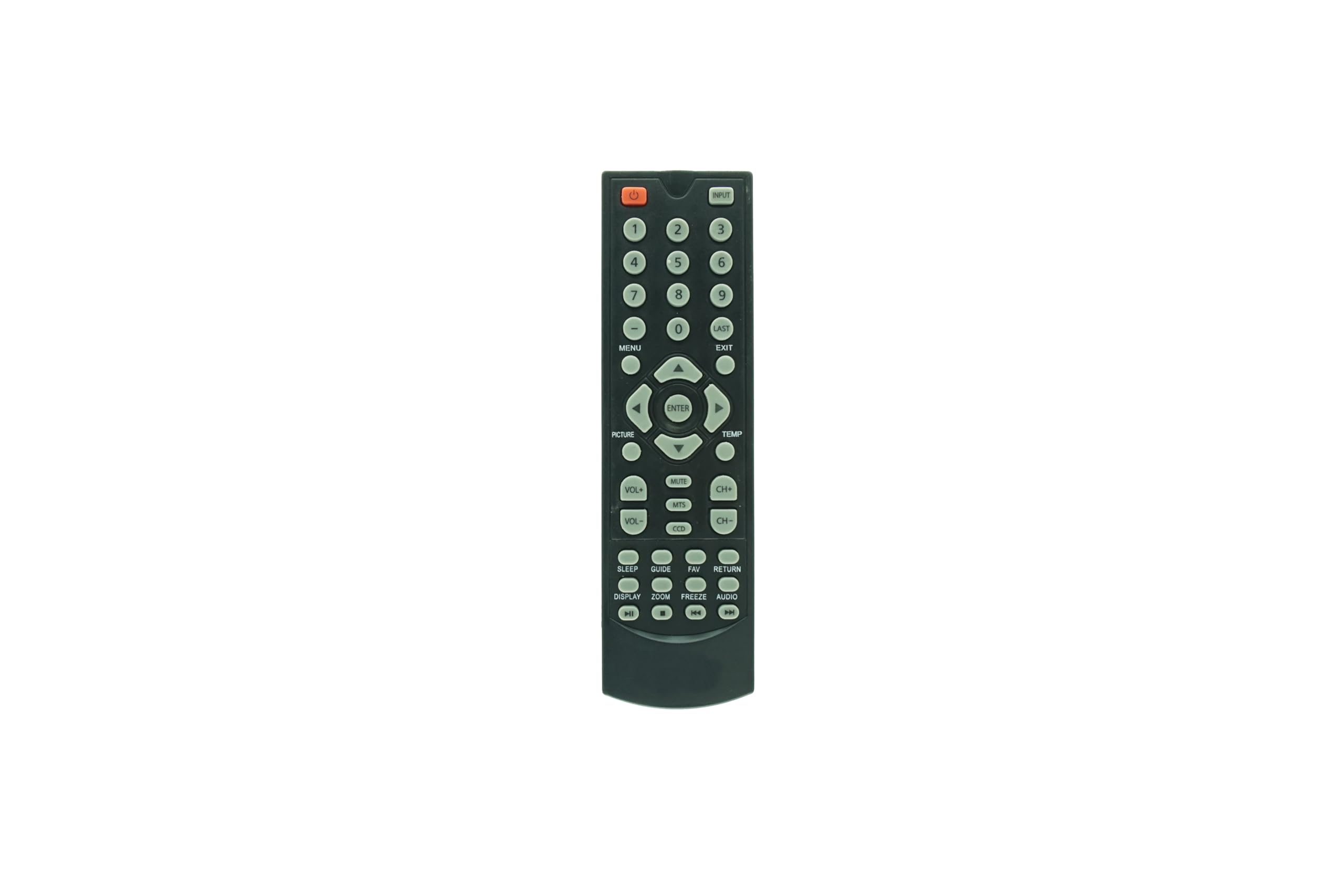
Figure 3: General view of the remote control.
Basic Functions
- Power Button: Located at the top, typically red, to turn the TV on or off.
- Input Button: To select different input sources (HDMI, AV, etc.).
- Volume Up/Down (+/-): To adjust the sound level.
- Channel Up/Down (CH +/-): To change television channels.
- Mute Button: To silence the TV audio.
- Navigation Pad (Up, Down, Left, Right, OK): For menu navigation and selection.
- Number Pad (0-9): For direct channel entry.
Special Function Buttons
This remote may include dedicated buttons for specific smart TV features or applications, such as 'Smart', 'Netflix', '3D', and 'Apps'. Pressing these buttons will directly access the corresponding function on your compatible TV.
Maintenance
- Cleaning: Use a soft, dry cloth to clean the remote control. Do not use liquid cleaners or sprays.
- Battery Care: If the remote will not be used for an extended period, remove the batteries to prevent leakage and damage.
- Storage: Store the remote in a cool, dry place away from direct sunlight and extreme temperatures.
Troubleshooting
- Remote not responding:
- Ensure new batteries are correctly installed.
- Check for any obstructions between the remote and the TV's infrared receiver.
- Point the remote directly at the TV.
- Specific functions not working:
- While the remote is pre-programmed, some advanced TV models or specific functions might require the TV's original remote or a universal remote with learning capabilities. This remote is designed for basic functionality.
Specifications
- Brand: Generic
- Compatible Devices: Television
- Max Number of Supported Devices: 1
- Special Feature: No additional programming required
- Power Source: 2 x AAA Batteries (not included)
Warranty Information
Specific warranty details are not provided in the product information. Please refer to your purchase documentation or contact the seller for information regarding warranty coverage.
Customer Support
If you have questions regarding compatibility or encounter any issues not covered in this manual, please contact the seller for assistance. Ensure you provide your product details (ASIN: B0DWSGYBJH) when seeking support.

