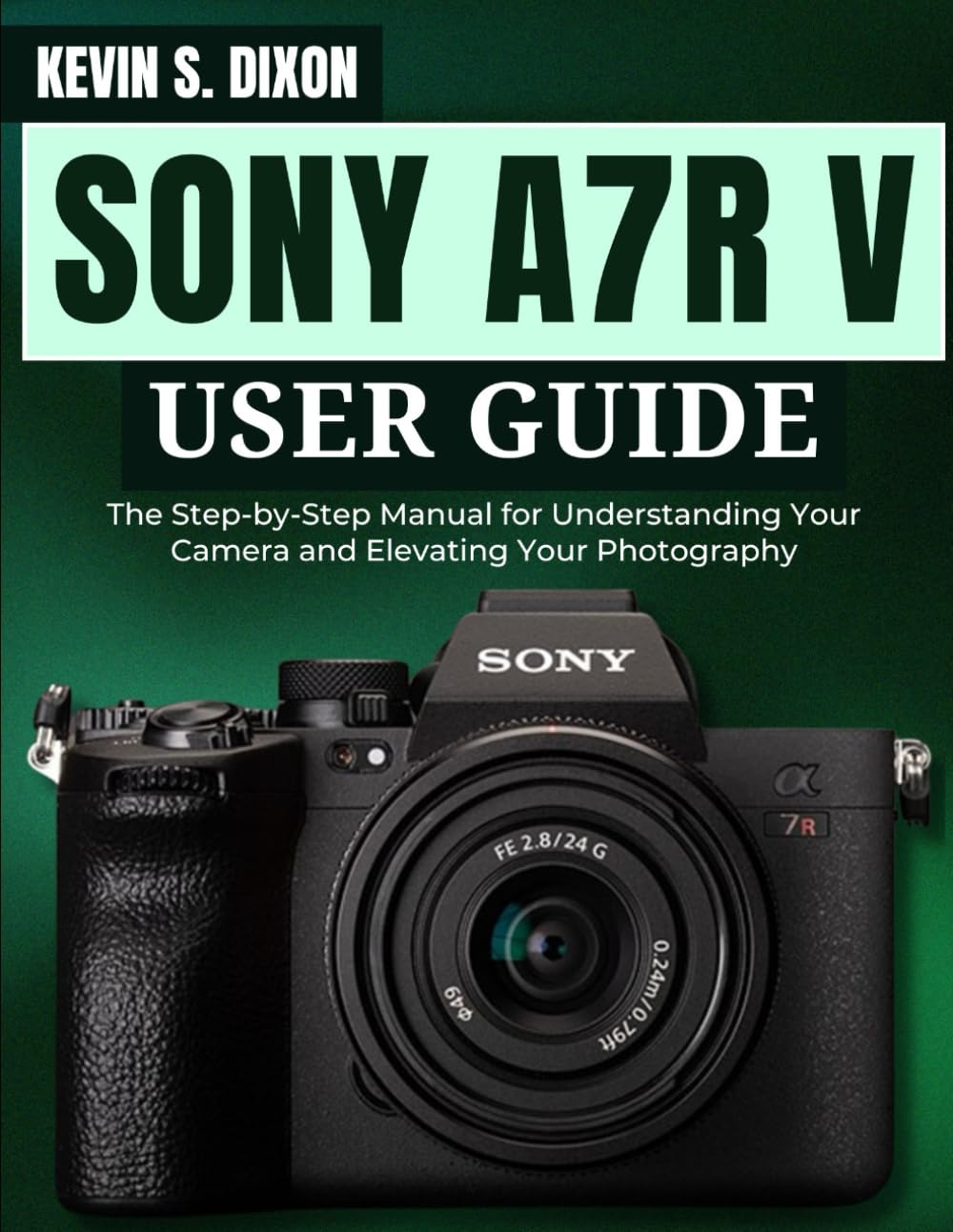
1. Introduction to the Sony a7R V
The Sony a7R V is an advanced mirrorless camera designed for professional and enthusiast photographers. It features a 61.0MP full-frame sensor and an AI-powered autofocus system, offering exceptional detail and precision. This manual provides essential information to help you understand and operate your camera effectively, enabling you to capture high-quality images and videos.
2. Initial Setup
Before using your Sony a7R V camera, perform the following initial setup steps:
- Charge the Battery: Fully charge the camera battery using the supplied charger. Ensure the battery is inserted correctly into the camera.
- Insert Memory Card: Insert a compatible SD card (UHS-II recommended for optimal performance) into the card slot. Format the card in-camera before first use to ensure proper operation.
- Attach Lens: Carefully attach a compatible Sony E-mount lens to the camera body. Align the white index marks on the lens and camera, then rotate the lens clockwise until it clicks into place.
- Initial Settings: Power on the camera and follow the on-screen prompts to set the date, time, and language.
3. Operating the Camera
3.1. Core Functionalities
Understanding the fundamental controls is crucial for effective camera operation. This includes managing exposure settings, selecting focus modes, and navigating the camera's menu system.
- Exposure Settings: Adjust aperture (f-stop), shutter speed, and ISO sensitivity to control the brightness and creative aspects of your images.
- Focus Modes: Select appropriate autofocus modes (e.g., Single-shot AF, Continuous AF, Manual Focus) based on your subject and shooting scenario.
- Menu Navigation: Utilize the rear control wheel, joystick, and touch screen to access and customize camera settings.
3.2. Photography
The 61.0MP full-frame sensor allows for capturing images with immense detail. The a7R V excels in various photographic genres:
- Landscapes: Utilize the high resolution for detailed landscape photography.
- Portraits: Achieve incredible depth and subject separation.
- Action Shots: Freeze fast-moving subjects with high shutter speeds and continuous autofocus.
- Low-Light Photography: Leverage the sensor's performance for clear images in challenging lighting conditions.
- Wildlife & Astrophotography: Explore specialized techniques for capturing wildlife and celestial bodies.
3.3. Videography
The a7R V offers advanced video capabilities for cinematic results:
- 8K Movie Recording: Capture ultra-high-definition video.
- 4K Oversampled Footage: Record detailed 4K video with enhanced clarity.
- Cinematic Techniques: Learn to use various video settings and external accessories to achieve professional-grade video.
3.4. AI Autofocus System
The revolutionary AI-driven autofocus system provides precise subject tracking:
- Real-time Eye AF: Automatically detects and tracks human and animal eyes for sharp focus.
- Real-time Tracking: Maintains focus on moving subjects across the frame.
4. Workflow Optimization
Enhance your images directly in-camera or prepare them for post-processing:
- In-Camera Image Processing: Apply various creative styles and adjustments directly on the camera.
- Editing Techniques: Understand principles of color grading, noise reduction, and sharpening for professional results.
5. Customizing Settings
Personalize your Sony a7R V to match your shooting style and preferences. This includes assigning functions to custom buttons, saving custom shooting modes, and configuring menu shortcuts for quick access to frequently used settings.
6. Maintenance and Care
Proper maintenance ensures the longevity and optimal performance of your camera:
- Cleaning the Sensor: Use a professional sensor cleaning kit or have it serviced by an authorized technician if dust spots appear on images.
- Lens Care: Keep lens elements clean using a lens brush and microfiber cloth. Avoid touching the glass directly.
- Battery Care: Store batteries in a cool, dry place. Avoid extreme temperatures.
- Storage: When not in use, store the camera in a dry, dust-free environment, ideally with desiccant packs to prevent moisture buildup.
7. Troubleshooting Common Issues
This section addresses common issues you might encounter with your Sony a7R V:
| Problem | Possible Cause | Solution |
|---|---|---|
| Camera does not power on. | Battery is depleted or incorrectly inserted. | Charge the battery fully. Reinsert the battery correctly. |
| Images are blurry. | Incorrect focus, camera shake, or low shutter speed. | Check focus mode and focus point. Use a faster shutter speed or tripod. Ensure lens is clean. |
| Memory card error. | Card is full, corrupted, or incompatible. | Delete unnecessary files or use a new card. Format the card in-camera. Use a compatible card. |
| Video recording stops unexpectedly. | Memory card speed is too slow or camera overheats. | Use a faster memory card (e.g., V90 rated). Allow camera to cool down. |
8. Key Specifications
Below are the primary specifications of the Sony a7R V camera:
- Sensor: 61.0MP Full-Frame Exmor R CMOS Sensor
- Processor: BIONZ XR Image Processing Engine
- Autofocus: AI Processing Unit with Real-time Recognition AF
- Video Recording: Up to 8K 24p/25p, 4K 60p/50p (oversampled from 6.2K)
- Image Stabilization: 5-axis in-body image stabilization
- Viewfinder: 9.44m-dot EVF
- LCD: 3.2" 4-axis multi-angle touchscreen LCD
9. Warranty and Support
For detailed warranty information, please refer to the warranty card included with your camera or visit the official Sony support website. Sony provides comprehensive customer support, including online resources, FAQs, and contact information for technical assistance and service centers.
Official Sony Support: www.sony.com/electronics/support
10. Related Manual Images