
flexman flexmangsihq4rxwu
FLEXMAN Automatic Electronic Irrigation Timer
Model: flexmangsihq4rxwu
Introduction
The FLEXMAN Automatic Electronic Irrigation Timer is designed to simplify your garden watering tasks. This programmable digital timer allows you to set precise watering schedules, ensuring your plants receive optimal hydration even when you are away. Its robust construction and user-friendly interface make it an ideal solution for various watering needs, from small balconies to extensive garden lawns.
This manual provides comprehensive instructions for the setup, operation, and maintenance of your new irrigation timer. Please read it thoroughly before first use to ensure proper function and longevity of the device.
Safety Information
- Do not immerse the timer in water. It is designed to be water-resistant, not submersible.
- Use only clear freshwater as the irrigation medium. Do not use with dirty water or other liquids.
- Ensure the water pressure is within the recommended range of 200~600KPA.
- Operating temperature range is 0~40℃. Protect the timer from freezing temperatures.
- Remove batteries if the timer will not be used for an extended period to prevent leakage.
- Do not attempt to disassemble or repair the timer yourself. Contact customer support for assistance.
- The machine cannot be powered off at will. Continuous indirect power-off may cause program loss.
Package Contents
Please check the package to ensure all components are present:
- 1 x FLEXMAN Automatic Electronic Irrigation Timer
- Accessories (as pictured, including connectors and seals)
- 1 x User Manual
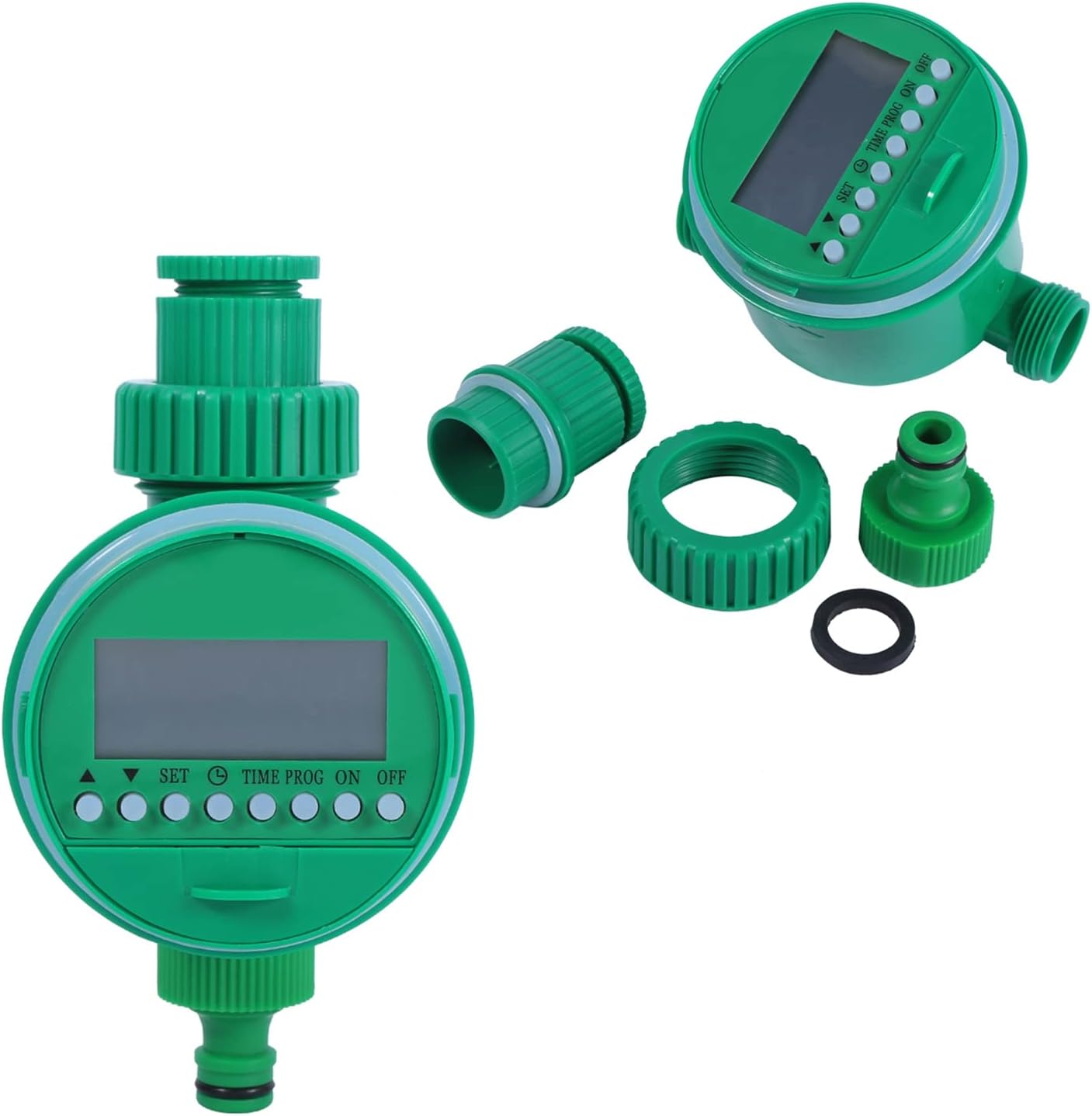
Image: The FLEXMAN irrigation timer shown with its various connection accessories, including a filter and different sized adapters.

Image: The FLEXMAN irrigation timer positioned next to its user manual, indicating the included documentation.
Product Overview
Familiarize yourself with the main components of your irrigation timer:

Image: A close-up front view of the FLEXMAN irrigation timer, highlighting its green casing, LCD display, and control buttons labeled 'SET', 'TIME', 'PROG', 'ON', and 'OFF'.
- LCD Display: Shows current time, program status, and settings.
- Control Buttons: Used for setting time, programming, and manual operation.
- Water Inlet: Connects to your tap (21mm with 26.5mm thread).
- Water Outlet: Connects to your hose or irrigation system.
- Battery Compartment: Located at the back, holds 2 x 1.5V AAA batteries.
Setup
1. Battery Installation
- Locate the battery compartment cover on the back of the timer.
- Remove the cover by twisting or sliding it open.
- Insert two (2) 1.5V AAA size batteries, ensuring correct polarity (+/-). Batteries are not included.
- Securely replace the battery compartment cover to ensure a watertight seal.

Image: The FLEXMAN irrigation timer with its battery compartment open, showing the internal components and a small filter screen, indicating where batteries are inserted and maintenance can be performed.
2. Connecting to Water Source
- Ensure the rubber washer is properly seated in the timer's inlet connector.
- Screw the timer onto your outdoor tap (faucet) securely. The timer is designed for 21mm (0.8 inch) taps with 26.5mm (1 inch) thread.
- Connect your garden hose or irrigation system to the timer's outlet.
- Turn on the tap fully. The timer will regulate the water flow.
Operating Instructions
1. Setting the Current Time
- Press the TIME button. The hour digit will flash.
- Use the ▲ or ▼ buttons to adjust the hour.
- Press TIME again to move to the minute digit.
- Use the ▲ or ▼ buttons to adjust the minute.
- Press SET to confirm and save the current time.
2. Programming Watering Schedules
The timer supports various programming options including single program, multiprogram, regular, cycle, and multi-day programs.
- Press the PROG button. The display will show the first program setting.
- Set Start Time: Use ▲ or ▼ to adjust the desired start hour, then press PROG to move to minutes. Adjust minutes and press PROG.
- Set Watering Duration: The display will show watering duration (e.g., "00h 01m"). Use ▲ or ▼ to set the duration from 1 minute to 9 hours 59 minutes. Press PROG.
- Set Frequency (Interval): The display will show the frequency (e.g., "Every 1 day"). Use ▲ or ▼ to select the watering interval (e.g., every 1, 2, 3 days, or specific days of the week). Press PROG.
- Repeat steps for additional programs if needed.
- Press SET to save all program settings and exit programming mode.
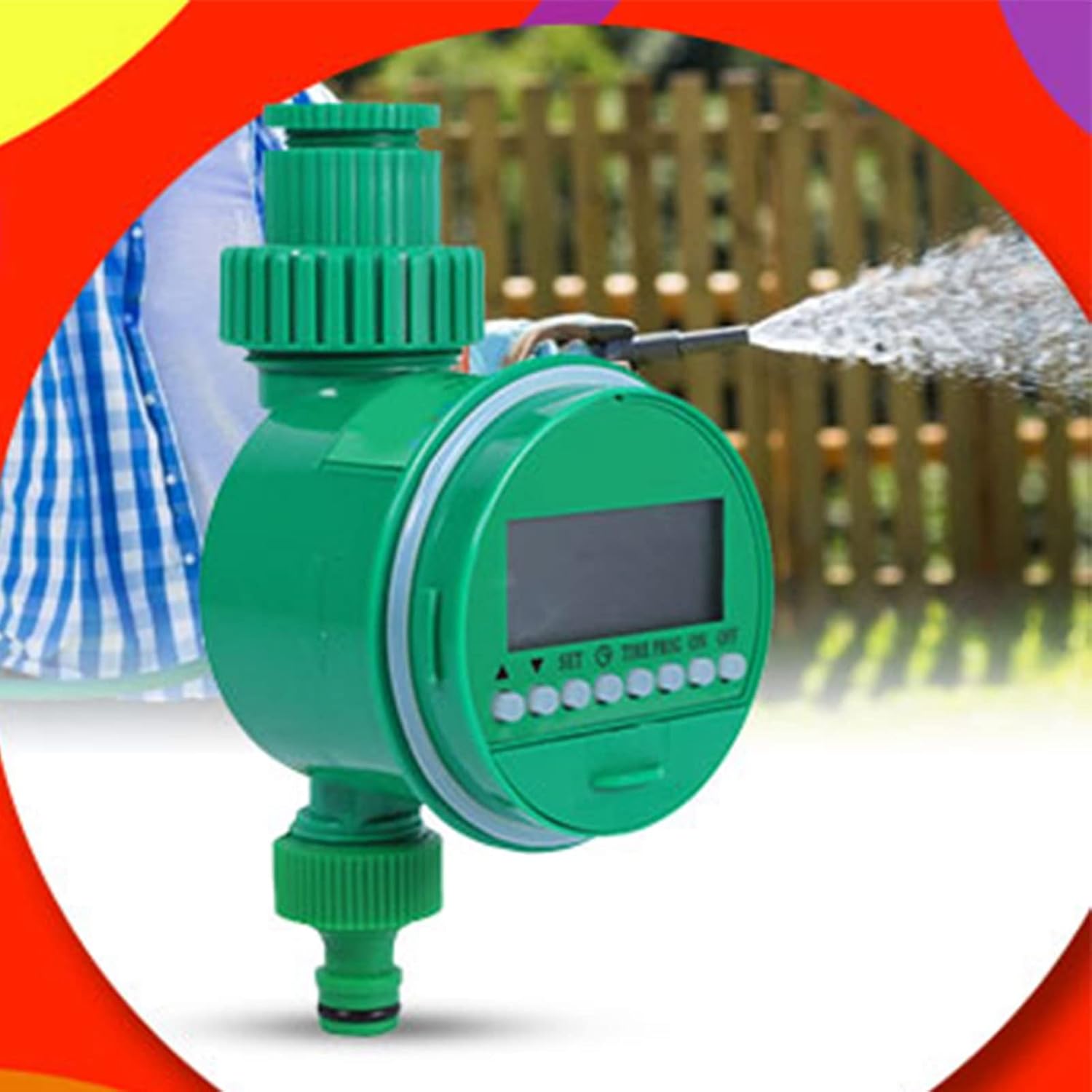
Image: The FLEXMAN irrigation timer actively watering a garden, demonstrating its function in an outdoor setting.
3. Manual Watering
To manually water outside of programmed schedules:
- Press the ON button. The timer will start watering immediately.
- To stop manual watering, press the OFF button.
4. Disabling Programs / Turning Off
- Press the OFF button. This will stop any active watering and disable all programmed schedules until the ON button is pressed again.
Maintenance
- Cleaning: Periodically check the inlet filter screen for debris and clean if necessary. This prevents blockages and ensures proper water flow.
- Battery Replacement: Replace batteries when the low battery indicator appears on the LCD, or if the display becomes dim. Always use fresh 1.5V AAA alkaline batteries.
- Winterization: Before the first frost, disconnect the timer from the tap and hose. Remove batteries and store the timer indoors in a dry, frost-free location. Freezing water inside the timer can cause damage.
Troubleshooting
| Problem | Possible Cause | Solution |
|---|---|---|
| Timer does not turn on/LCD is blank. | Dead or incorrectly installed batteries. | Replace batteries with new 1.5V AAA batteries, ensuring correct polarity. |
| Water does not flow at scheduled time. | Tap is off; low water pressure; program not set correctly; timer is in OFF mode. | Ensure tap is fully open. Check water pressure. Verify program settings. Press ON button to activate. |
| Timer leaks from connections. | Loose connection; missing or damaged washer. | Tighten connections. Check that rubber washers are properly seated and undamaged. Replace if necessary. |
| Program settings are lost. | Batteries removed or drained for too long; continuous indirect power-off. | Re-enter program settings. Avoid frequent battery removal or power interruptions. |
Specifications
| Feature | Detail |
|---|---|
| Model Number | flexmangsihq4rxwu |
| Material | Plastic |
| Main Color | Green |
| Water Connection | 21mm (0.8") tap with 26.5mm (1") thread |
| Irrigation Time Range | Shortest 1 min, longest 9 hours 59 min |
| Suitable Water Pressure | 200~600KPA |
| Suitable Water Temperature | 0~40℃ |
| Irrigation Medium | Clear Freshwater |
| Switch Modes | Automatic, Manual |
| Power Source | 2 x 1.5V AAA Size Batteries (Not included) |
| Dimensions (Approx.) | 9.8cm x 16.5cm (3.8" x 6.5") |
| Item Weight | 11 ounces |

Image: A side view of the FLEXMAN irrigation timer with key dimensions labeled in centimeters, showing its height, width, and depth.
Warranty and Support
For warranty information or technical support, please refer to the contact details provided on the product packaging or contact your retailer. Keep your purchase receipt as proof of purchase.
For general inquiries or further assistance, please visit the official FLEXMAN website or contact their customer service department.
Ask a question about this manual
Ask about setup, troubleshooting, compatibility, parts, safety, or missing instructions. Manuals+ will review the question and use this page’s manual context to help answer it.