
Introduction
The Ridge Magnetic Power Bank A0369 is a versatile and portable charging solution designed for modern devices. This manual provides essential information for safe and efficient use, including setup, operation, maintenance, and troubleshooting.
1. Setup and First Use
1.1 Charging the Power Bank
To ensure optimal performance, fully charge your Ridge Magnetic Power Bank before first use.
- Connect the integrated USB-C cable to a compatible power adapter (not included).
- Alternatively, use the integrated Lightning cable to charge the power bank if a Lightning input is available.
- The LED display will show the charging progress. A full charge is indicated by 100%.
1.2 Attaching to Your Device
The power bank features MagSafe compatibility for secure attachment to compatible devices.
Align the magnetic charging pad on the power bank with the back of your MagSafe-compatible phone. The magnets will snap into place, initiating wireless charging.

Image: The Ridge Magnetic Power Bank securely attached to the back of a smartphone, indicating active wireless charging.
2. Operating Instructions
2.1 Wireless Charging
For MagSafe-compatible devices, simply attach the power bank to the back of your device. Wireless charging will begin automatically. This method is ideal for topping off your battery or maintaining charge during use.
2.2 Wired Charging (Built-in Cables)
The power bank includes integrated Lightning and USB-C cables for direct wired charging.
- Lightning Cable: Pull out the integrated Lightning cable and connect it to your Apple device.
- USB-C Cable: Pull out the integrated USB-C cable and connect it to your USB-C compatible device.
- For fastest charging and highest efficiency, using the built-in cables is recommended.
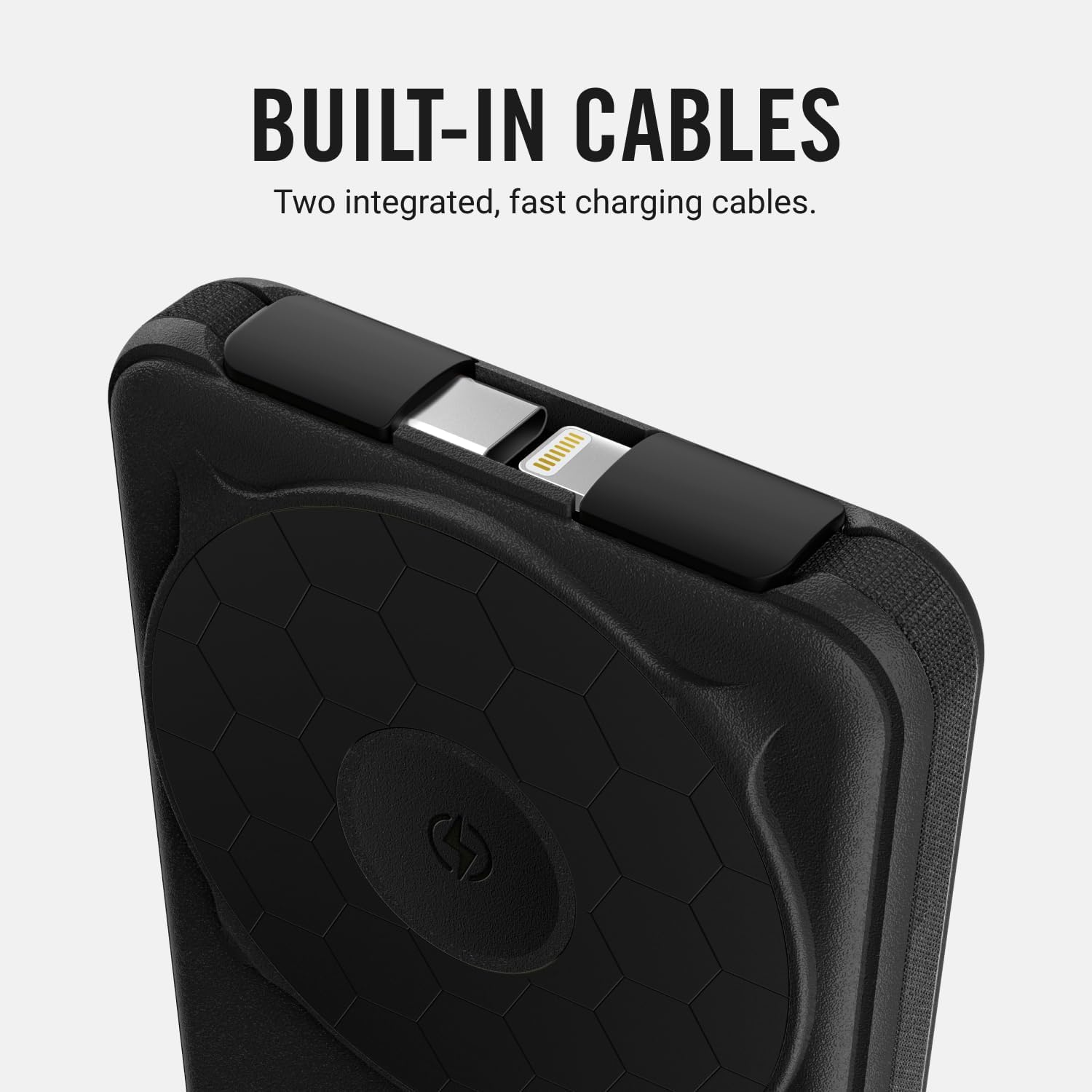
Image: Detail of the power bank highlighting the neatly stored built-in Lightning and USB-C cables.
2.3 Multi-Device Charging
The Ridge Magnetic Power Bank supports charging multiple devices simultaneously using a combination of wireless charging and the built-in cables.

Image: The power bank connected to and wirelessly charging a smartphone, smartwatch, and earbuds, demonstrating its multi-device capability.
2.4 Integrated Kickstand
The power bank features an integrated kickstand for hands-free viewing while your device charges.
- Gently pull out the kickstand from the back of the power bank.
- Position your phone (with the power bank attached) in either landscape or portrait orientation for comfortable viewing.
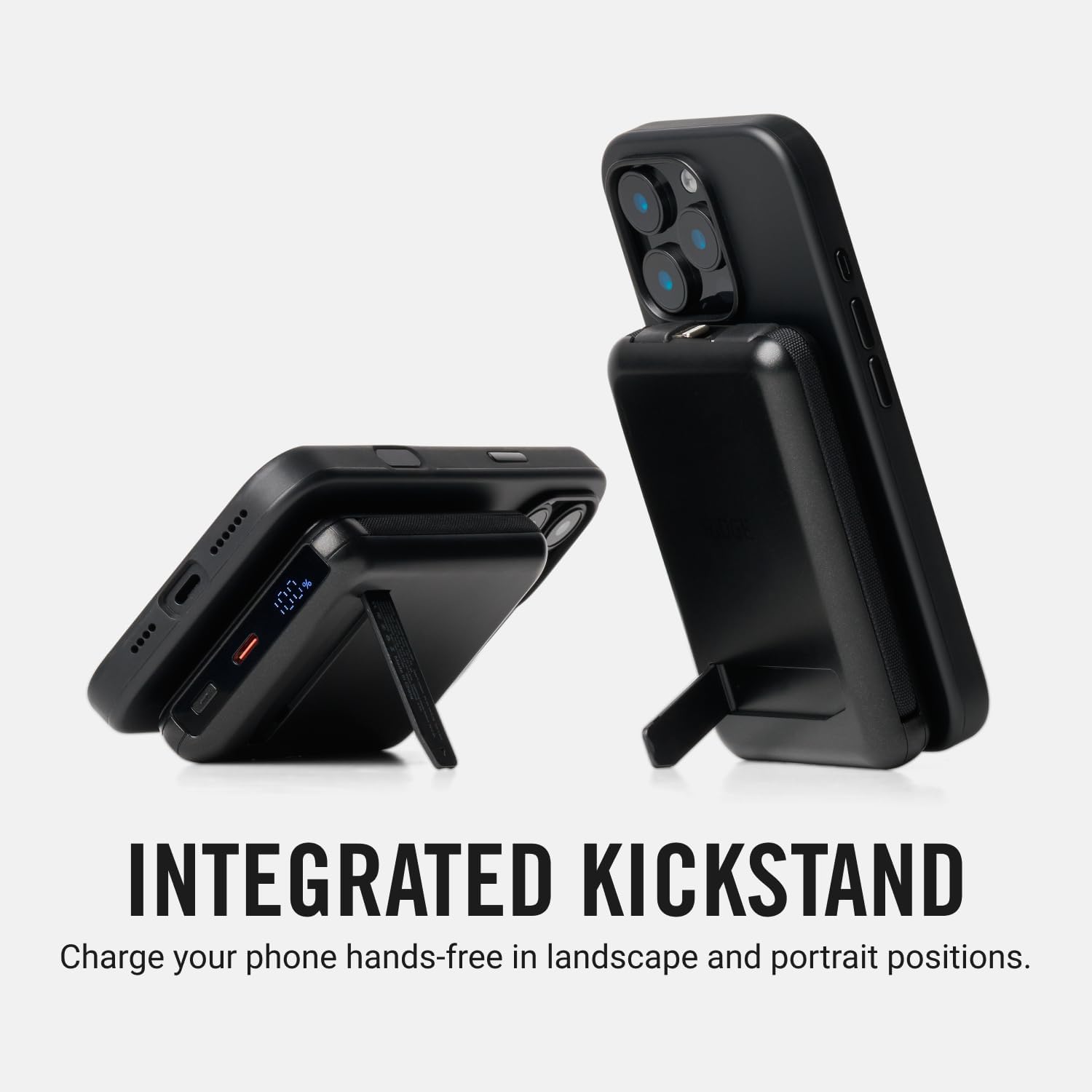
Image: The power bank's kickstand in use, allowing a phone to be propped up for hands-free viewing.
2.5 LED Charge Status Indicator
The LED display on the side of the power bank shows the current battery level and charging status at a glance.

Image: The LED screen on the power bank displaying the current charge percentage.
3. Maintenance and Care
- Keep the power bank dry and away from extreme temperatures.
- Clean the surface with a soft, dry cloth. Avoid using harsh chemicals or abrasive materials.
- Store in a cool, dry place when not in use.
4. Troubleshooting
4.1 Device Not Charging
- Ensure the power bank is sufficiently charged (check the LED display).
- For wireless charging, verify your device is MagSafe compatible and properly aligned with the charging pad.
- For wired charging, ensure the built-in cables are fully inserted into both the power bank and your device.
- Try a different charging method (wireless vs. wired) or a different cable if available.
4.2 Slow Charging
- Ensure you are using the integrated cables for the fastest charging speeds. Wireless charging may be slower than wired charging.
- Check if your device is running power-intensive applications in the background.
- Ensure the power bank itself is fully charged.
4.3 Power Bank Not Recharging
- Verify the charging cable (integrated USB-C or Lightning) is securely connected to a working power adapter and outlet.
- Check the power adapter and outlet for functionality.
5. Specifications
| Feature | Detail |
|---|---|
| Brand | The Ridge |
| Model Name | Portable Magsafe Power Bank |
| Model Number | A0369 |
| Battery Capacity | 10000 Milliamp Hours |
| Connector Type | USB-C & Lightning Cable |
| Special Features | Built-in Cable, Charging Display, Integrated Kick Stand, Watch Charging Pad, Wireless Charging |
| Compatible Phone Models | Compatible with iOS & Android Devices |
| Power Source | Built-in Battery Cell |
| Battery Cell Type | Lithium Polymer |
| Item Weight | 300 Grams |
| Item Dimensions | 4.13"L x 2.68"W x 0.63"Th |
| UPC | 810171782199 |
6. Official Product Videos
6.1 Wireless Power Bank: Fast Charging and Easy to Use
Video: A demonstration of the Ridge Magnetic Power Bank's wireless charging capabilities and ease of use.
6.2 Power Bank Charging Demonstration
Video: A visual guide on how to charge devices using the Ridge Magnetic Power Bank's various features.
6.3 Cords Tuck Away Neatly and Charge a Variety of Devices
Video: This video showcases the integrated cables and the power bank's ability to charge diverse devices efficiently.
7. Warranty and Support
The Ridge Magnetic Power Bank is designed for durability and performance. For any questions, technical support, or warranty claims, please contact The Ridge customer service directly. Refer to the product packaging or The Ridge official website for contact information.