
Zmuhyrd Elf Ear Headphones-02072
Elf Ear Headphones User Manual
Model: Elf Ear Headphones-02072 | Brand: Zmuhyrd
Introduction
Thank you for choosing the Zmuhyrd Elf Ear Headphones. These lightweight and compact wireless earbuds are designed to provide high-definition sound quality, low latency, and a unique aesthetic with RGB lighting effects. This manual will guide you through the setup, operation, maintenance, and troubleshooting of your new headphones.

Image: Elf Ear Headphones in various colors, including the charging cases and a model demonstrating how they are worn.
Package Contents
Please check the package contents upon unboxing:
- 1 or 2 pcs Elf Ear Headphones
- 1 or 2 pcs User Manual
- 1 or 2 pcs Charging Case
- 1 or 2 pcs USB Type-C Charging Cable
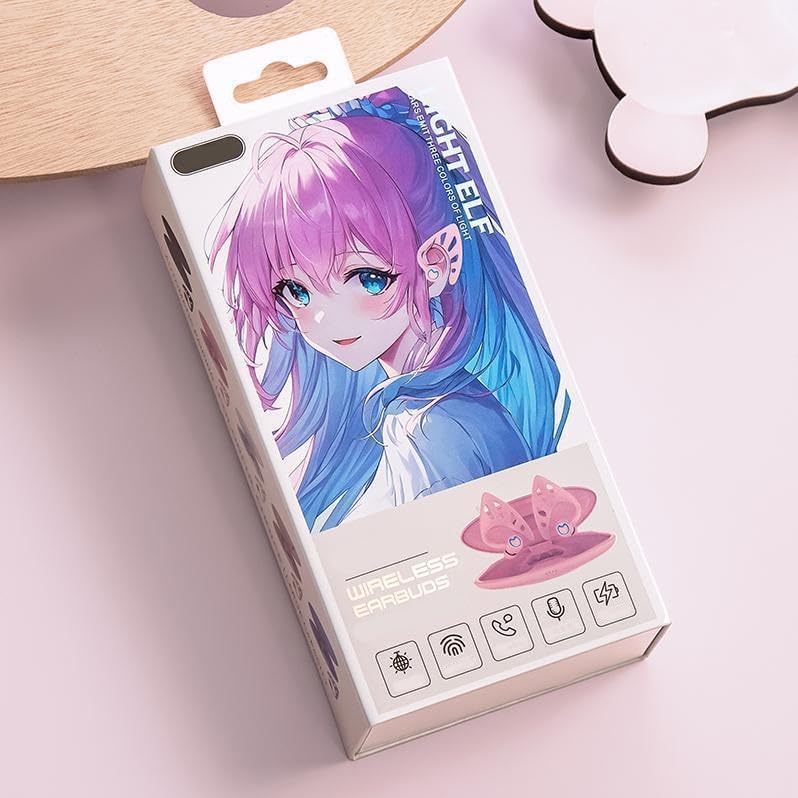
Image: The retail packaging box for the Elf Ear Headphones, showing the product design.
Setup
1. Charging the Headphones and Case
Before first use, fully charge the Elf Ear Headphones and their charging case.
- Connect the USB Type-C cable to the charging case and a power source.
- Place the headphones into the charging case. Ensure they are properly seated.
- The charging case battery capacity is 350 mAh. The headphone battery capacity is 30 mAh.
- Charging case charging time: Approximately 15 hours.
- Headphone charging time: Approximately 45 minutes.
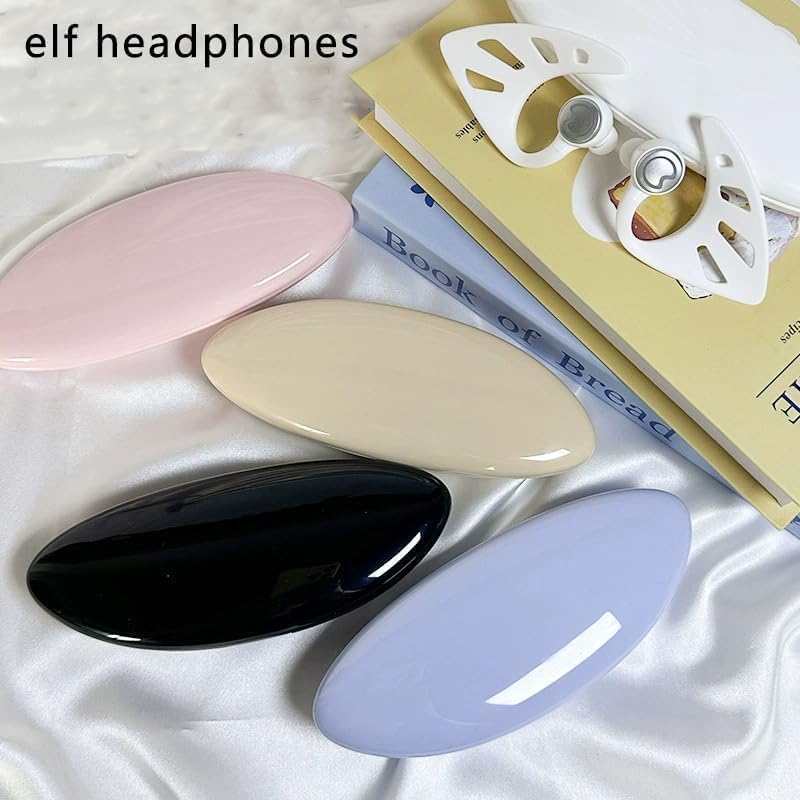
Image: Multiple Elf Ear Headphones and their charging cases displayed in different colors, ready for use or charging.
2. Bluetooth Pairing
The Elf Ear Headphones use Bluetooth 5.0 for stable and rapid transmission.
- Open the charging case. The headphones will automatically enter pairing mode.
- On your device (smartphone, tablet, etc.), enable Bluetooth.
- Search for "Elf Ear Headphones" or a similar name in the list of available Bluetooth devices.
- Select the headphones to connect. Once connected, you will hear a confirmation tone.
- Transmission distance: Up to 10 meters.

Image: A graphic representation highlighting the Bluetooth 5.4 chip and its capability for uninterrupted transmission, indicating advanced connectivity.
Operating Instructions
Smart Tap Control
The Elf Ear Headphones feature intuitive touch controls:
- Tap to wake up: A single tap can wake up the device.
- Play/Pause Music & Answer Calls: Tap twice on either earbud.
- Next Song: Tap three times on either earbud.
Sound Quality and Noise Reduction
Experience premium audio with these features:
- High-definition Sound Quality: Enjoy clear and crisp audio.
- True Wireless Stereo: Delivers an immersive audio-visual stereo surround effect.
- Dual Microphone Noise Reduction: Ensures clear calls by reducing ambient noise.

Image: Close-up of the Elf Ear Headphones and their case, emphasizing high-definition sound quality and low latency features.
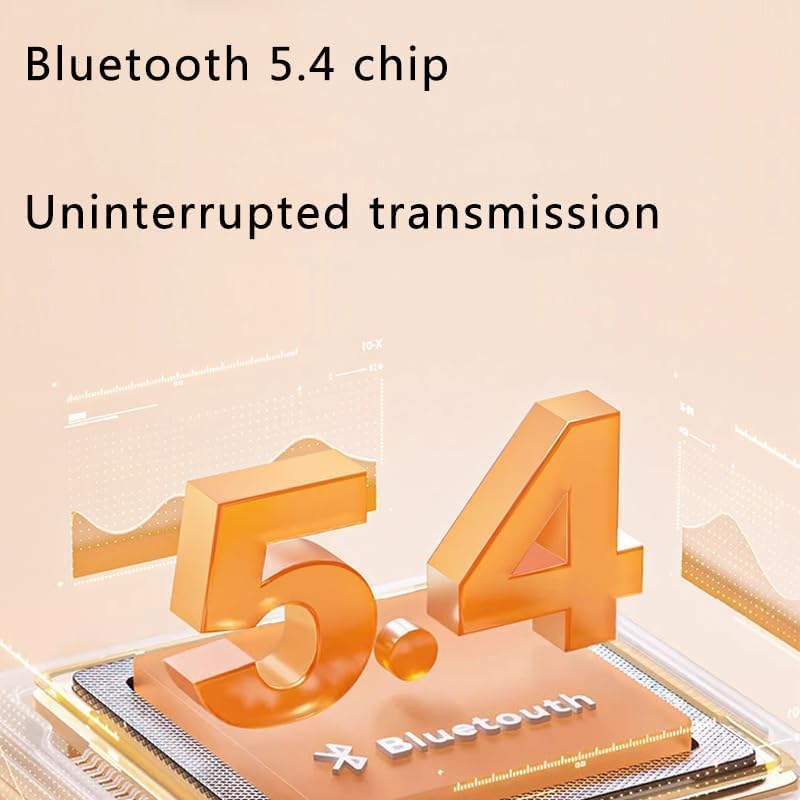
Image: An exploded diagram illustrating the internal components of the headphone speaker, highlighting its stereo surround sound capabilities.
RGB Lighting Effect
The earbuds are equipped with 10 colors of RGB lighting effects.
- Users can switch freely between colors by touching the earphones.
- An exclusive application (if available, check product details for app name) may also allow for customization of lighting effects.
Maintenance
To ensure the longevity and optimal performance of your Elf Ear Headphones, follow these maintenance guidelines:
- Cleaning: Gently wipe the earbuds and charging case with a soft, dry, lint-free cloth. Do not use harsh chemicals or abrasive materials.
- Water Resistance: The headphones are IPX4 water resistant, meaning they are protected against splashing water from any direction. Do not submerge them in water or expose them to heavy rain.
- Storage: When not in use, store the headphones in their charging case to protect them from dust and damage. Store in a cool, dry place.
- Battery Care: Avoid fully discharging the battery frequently. Charge regularly to maintain battery health.
Troubleshooting
If you encounter any issues with your Elf Ear Headphones, please refer to the following common solutions:
| Problem | Possible Solution |
|---|---|
| Headphones not pairing |
|
| No sound or low volume |
|
| Charging issues |
|
| Touch controls not responding |
|
Specifications
| Feature | Detail |
|---|---|
| Model Name | Elf Ear Headphones-02072 |
| Brand | Zmuhyrd |
| Connectivity Technology | Wireless (Bluetooth 5.0) |
| Ear Placement | In Ear |
| Form Factor | In Ear |
| Charging Method | Charging Case |
| Charging Case Battery Capacity | 350 mAh |
| Headphone Battery Capacity | 30 mAh |
| Charging Case Charging Time | About 15 hours |
| Headphone Charging Time | 45 minutes |
| Transmission Distance | 10 meters |
| Game Talk Time | About 4 hours |
| Standby Time | About 72 hours |
| Water Resistance | IPX4 |
| Microphone | Dual Microphone Noise Reduction |
| Lighting Effect | 10 colors RGB |
Warranty and Support
For warranty information or technical support, please refer to the contact details provided with your purchase or visit the official Zmuhyrd website. Keep your proof of purchase for warranty claims.
Note: Due to manual measurement, please allow a difference of 1-5g/1-2cm. Due to different displays and different lighting, the picture may not reflect the actual color of the item. Thank you for your understanding.
Related documentsElf Ear Headphones-02072

Ask a question about this manual
Ask about setup, troubleshooting, compatibility, parts, safety, or missing instructions. Manuals+ will review the question and use this page’s manual context to help answer it.