
HOCHSTERN BA003M
HOCHSTERN 12.0Ah High Output Replacement Battery User Manual
Model: BA003M | Brand: HOCHSTERN
Introduction
This manual provides essential information for the safe and effective use, maintenance, and troubleshooting of your HOCHSTERN 12.0Ah High Output Replacement Battery, designed for compatibility with Milwaukee M-18 18V cordless power tools and original chargers. Please read this manual thoroughly before first use to ensure optimal performance and safety.

Image: The HOCHSTERN 12.0Ah High Output Replacement Battery, featuring a black and red design with 18V and 12Ah markings.
Safety Information
Always observe basic safety precautions when using, charging, or storing batteries to reduce the risk of fire, electric shock, and personal injury.
- Do not disassemble, open, or shred battery pack.
- Do not short-circuit a battery pack.
- Do not expose battery pack to heat or fire. Avoid storage in direct sunlight.
- Do not subject battery pack to mechanical shock.
- In the event of battery leakage, do not allow the liquid to come into contact with the skin or eyes. If contact has been made, wash the affected area with copious amounts of water and seek medical advice.
- Keep battery pack clean and dry.
- Recharge only with the charger specified by the manufacturer.
- Do not use any charger other than that specifically provided for use with the equipment.
- Do not leave a battery on charge when not in use.
Features
- Capacity Advantage: This replacement for Milwaukee M-18 battery 12.0Ah delivers 2.5x capacity of 8Ah batteries and 60% more than other 12Ah batteries, utilizing premium high-density battery cells.
- Extended Runtime: Matches OEM power output with no memory effect and self-discharge for consistent performance and extended service life.
- Wide Compatibility: Fully compatible with Milwaukee 18V all cordless tools and original chargers.
- Smart BMS Protection: Built-in safeguards against overcharging, overheating, overloading, and short circuits ensure safe charging and worry-free operation.
- Power Monitoring: Features a 4-stage LED meter that shows remaining runtime to optimize tool usage and minimize job site interruptions.

Image: Visual representation of the upgraded battery cells, highlighting 12000mAh capacity, 1000+ longer cycles, and 216Wh high output, leading to 150% runtime, 90% lifetime, and 80% power.
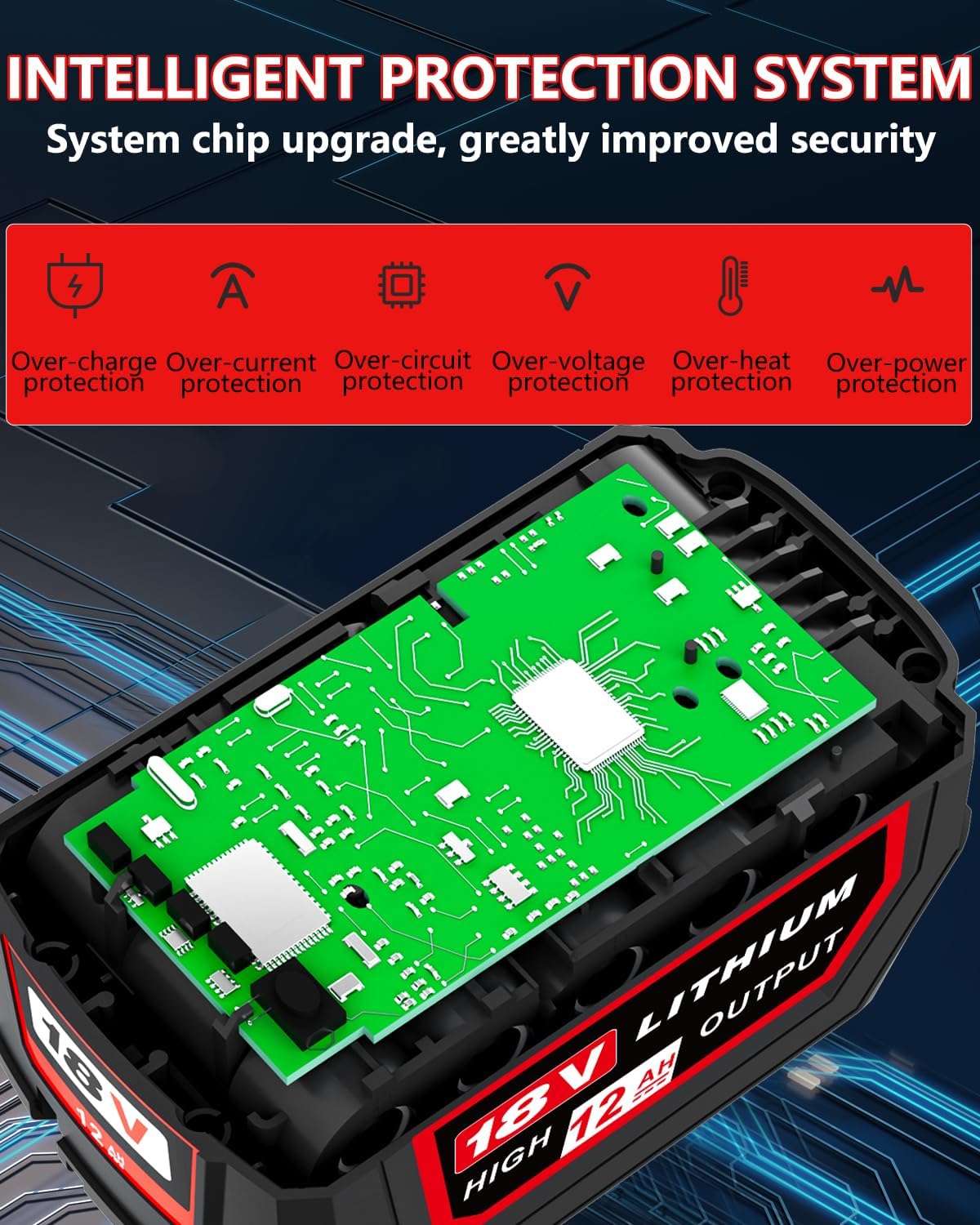
Image: An internal view of the battery showcasing the intelligent protection system, with icons indicating safeguards against over-charge, over-current, over-circuit, over-voltage, over-heat, and over-power.
Compatibility
The HOCHSTERN 12.0Ah High Output Replacement Battery is engineered for seamless integration with a wide range of Milwaukee 18V cordless power tools and their original chargers. This ensures you can continue to use your existing equipment without interruption.
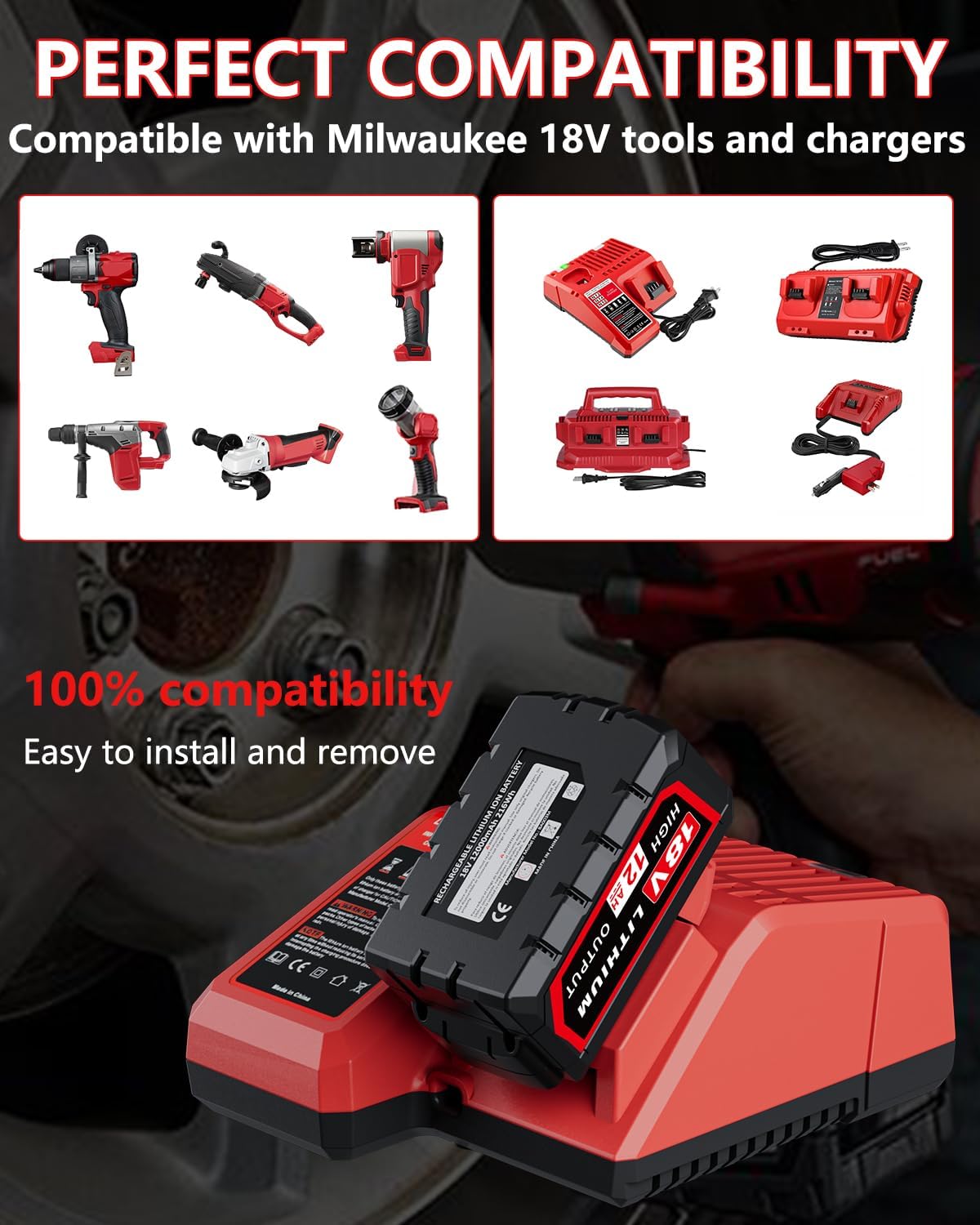
Image: A collage of various Milwaukee 18V cordless tools, such as drills, impact drivers, reciprocating saws, and grinders, demonstrating compatibility with the HOCHSTERN battery.

Image: A collection of different Milwaukee 18V battery chargers, illustrating their compatibility with the HOCHSTERN replacement battery.
Setup
Charging the Battery
Before first use, fully charge the battery. Use only original Milwaukee 18V chargers. Insert the battery pack into the charger, ensuring it clicks into place. The charger's indicator lights will show the charging status. Once fully charged, remove the battery from the charger.
Installing the Battery
To install the battery into a compatible Milwaukee 18V cordless tool, align the battery with the tool's battery slot and slide it in until it locks securely. Ensure the battery is firmly seated before operating the tool.
Operating
Once the battery is charged and installed, the tool is ready for operation. Always refer to your specific tool's instruction manual for detailed operating procedures.
Monitoring Battery Status
The HOCHSTERN 12.0Ah battery features a 4-stage LED indicator to show the remaining charge. Press the quick release button on the battery to activate the LED lights. Each light represents approximately 25% of the battery's charge.
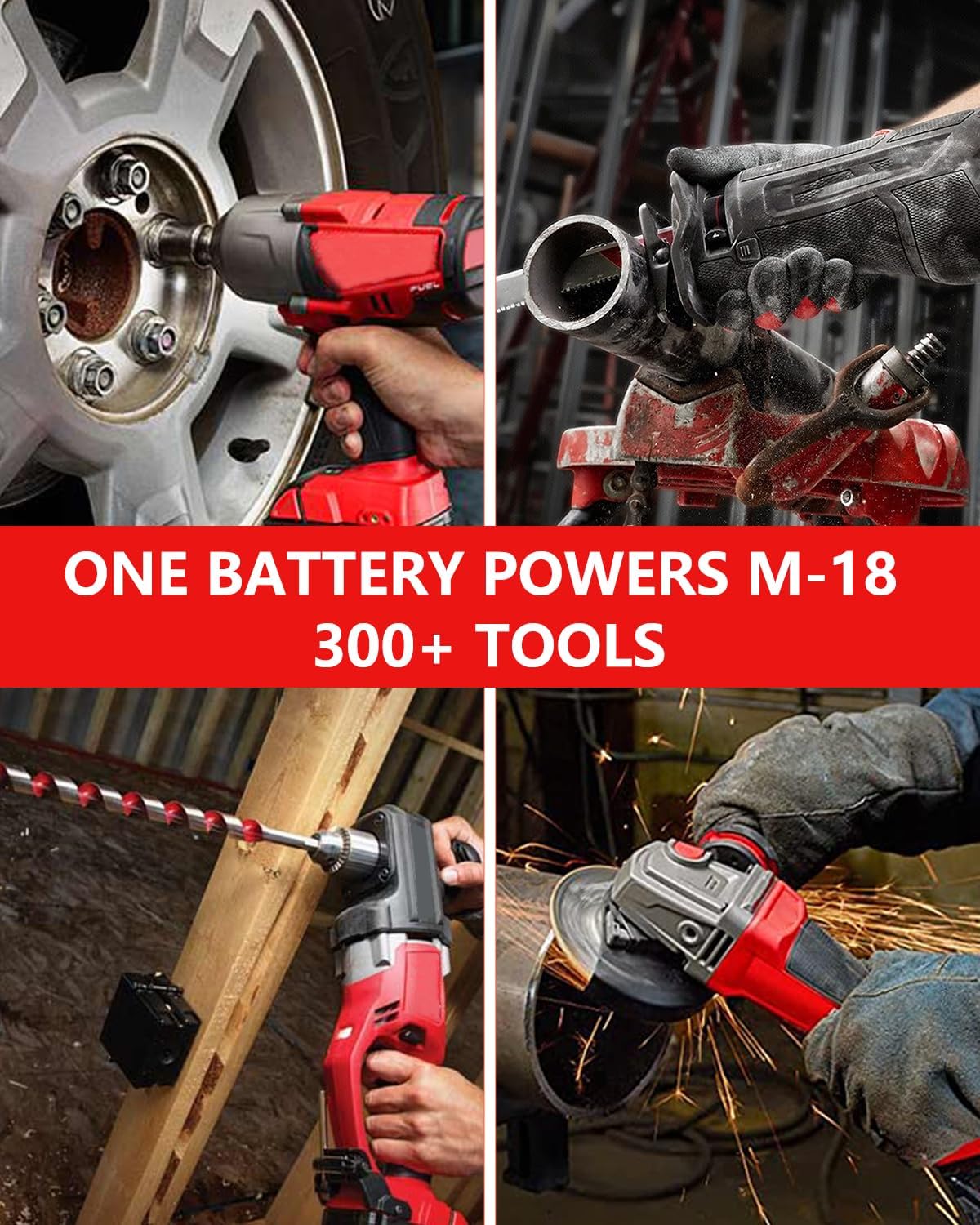
Image: Detailed view of the battery's top, highlighting the precise interface for tool connection, the quick release button, and the four LED indicator lights that display charge level (25%, 50%, 75%, 100%).
Product Demonstration Video
Video: An official product video demonstrating the features and compatibility of the HOCHSTERN 12.0Ah replacement battery, including its capacity comparison and use with various Milwaukee 18V tools.
Maintenance
Cleaning
Keep the battery pack and its terminals clean. Use a dry, soft cloth to wipe off any dust or debris. Do not use water or cleaning solutions.
Storage
Store the battery pack in a cool, dry place, away from direct sunlight and extreme temperatures. For long-term storage, it is recommended to store the battery at approximately 50% charge to prolong its lifespan. Avoid storing fully charged or completely discharged batteries for extended periods.
Battery Life
To maximize battery life, avoid completely discharging the battery before recharging. Regular, partial discharges and recharges are generally better for lithium-ion batteries than full discharge cycles.
Troubleshooting
Battery Not Charging
- Ensure the charger is properly plugged into a working power outlet.
- Verify the battery is correctly seated in the charger.
- Check for any visible damage to the battery or charger.
- Allow the battery to cool down if it is hot from recent use, as some chargers will not charge a hot battery.
Tool Not Operating
- Ensure the battery is fully charged.
- Verify the battery is securely installed in the tool.
- Check the tool's own power switch or safety mechanisms.
- If the battery's LED indicator shows no charge, recharge it.
Reduced Runtime
- Ensure the battery is fully charged before use.
- Operating tools under heavy load will consume battery power faster.
- Extreme temperatures can affect battery performance.
- Over time, all batteries experience a natural degradation in capacity.
Specifications
| Attribute | Detail |
|---|---|
| Brand | HOCHSTERN |
| Model Number | BA003M |
| Battery Capacity | 12 Amp Hours (12000mAh) |
| Battery Cell Composition | Lithium Ion |
| Voltage | 18V |
| Item Weight | 4.8 ounces |
| Package Dimensions | 7.76 x 5.16 x 3.82 inches |
| Number of Batteries | 1 Lithium Ion batteries required (included) |
| Recommended Uses | Power Tool |
| Manufacturer | HOCHSTERN |
| Country of Origin | China |
Warranty and Support
The HOCHSTERN 12.0Ah High Output Replacement Battery is backed by a hassle-free 12-month warranty. For any inquiries or support needs, responsive customer service is available 24/7 online. Please refer to your purchase documentation for specific warranty claim procedures or contact HOCHSTERN customer support directly.