FameVibe Q50 1080p Wireless Security Camera User Manual
Model: Q50
1. Introduction
Thank you for choosing the FameVibe Q50 1080p Wireless Security Camera with Solar Panel. This manual provides detailed instructions for setting up, operating, and maintaining your security camera to ensure optimal performance and longevity. Please read this manual thoroughly before using the product and retain it for future reference.
2. Product Features
- Encrypted Cloud Storage: Securely store your recordings in AES 128-bit encrypted cloud storage for remote access and sharing. (SD cards NOT supported. Cloud storage sold separately.)
- Exclusive 2.4GHz Wi-Fi Compatibility: Connects only to 2.4GHz Wi-Fi for stability (5GHz is not supported).
- AI-Enhanced Motion Alerts: Receive only relevant alerts thanks to smart AI-driven human motion detection.
- Seamless Two-Way Audio: Communicate clearly with visitors, couriers, or family members at any time using the built-in microphone and speaker.
- Clear 1080p Video & Night Vision: Provides sharp, Full HD resolution and enhanced night vision for 24/7 protection.
- Solar-Powered with High-Capacity Battery: Runs on a 5200mAh battery and solar panel, ensuring consistent power supply and reducing the need for manual charging.
- Full-Area Monitoring: Offers 355° pan and 90° tilt for maximum surveillance coverage, leaving no area unseen.
3. Package Contents
Please check the package for the following items:
- FameVibe Q50 Security Camera
- Solar Panel
- Mounting Accessories (screws, wall anchors)
- USB Charging Cable
- User Manual (this document)
4. Product Diagram
FameVibe Q50 Wireless Security Camera with Integrated Solar Panel
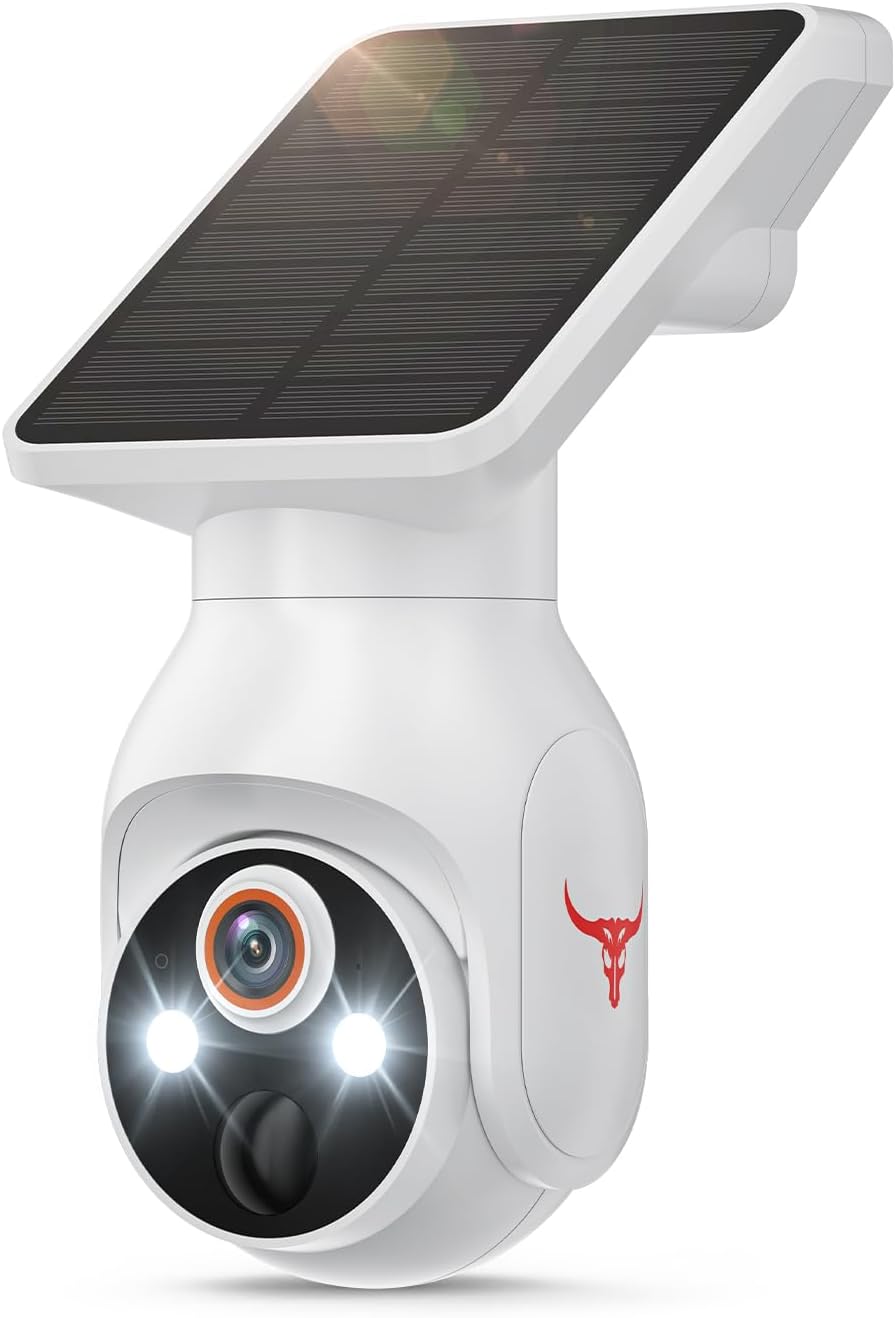
This image shows the overall design of the FameVibe Q50 camera, featuring the main camera unit with integrated lights and lens, and the solar panel mounted on top.
Key Features Overview

This image highlights the camera's main features: AI Human Detection, Color Night Vision, 355° Panoramic Surveillance, 2.4GHz Wi-Fi, Two-Way Talk, and Cloud Storage.
5. Setup Guide
5.1 Initial Charging
Although your camera is solar-powered, it is recommended to fully charge the built-in 5200mAh battery using the provided USB cable before the first use. This ensures the camera has sufficient power to operate during initial setup and periods of low sunlight.
5.2 App Download and Account Creation
The FameVibe Q50 camera operates with the "Seeing" application. Download the "Seeing" app from your smartphone's app store (iOS App Store or Google Play Store). Follow the on-screen instructions to create an account and log in.
5.3 Wi-Fi Connection
The FameVibe Q50 camera supports 2.4GHz Wi-Fi networks ONLY. It is not compatible with 5GHz Wi-Fi. Ensure your router is configured to broadcast a 2.4GHz network, and that your smartphone is connected to this network during the setup process.

This image illustrates the camera's compatibility with 2.4GHz Wi-Fi and incompatibility with 5GHz Wi-Fi.
Follow these steps to connect your camera to Wi-Fi:

This image provides a step-by-step visual guide for connecting the camera to your 2.4GHz Wi-Fi network using the mobile application.
- Open the "Seeing" app and tap the "+" icon to add a new device.
- Select the appropriate device type (e.g., "Battery Camera" or "Q50" if listed).
- Power on the camera. Press and hold the reset button (usually located near the charging port or under a rubber flap) for 5 seconds until you hear a prompt or see an indicator light flash.
- Follow the app's instructions to connect via Bluetooth.
- Once Bluetooth connection is complete, select your 2.4GHz Wi-Fi network and enter the password.
- Confirm the Wi-Fi information. The camera will attempt to pair.
- Once pairing is successful, you will receive a confirmation in the app.
5.4 Installation and Mounting
The FameVibe Q50 is designed for both indoor and outdoor use and can be wall-mounted. Choose a location that provides the desired viewing angle and receives adequate direct sunlight for the solar panel. Use the provided mounting accessories to securely attach the camera to a wall or other stable surface. Ensure the solar panel is positioned to maximize sun exposure throughout the day.
6. Operating Instructions
6.1 Live View and Recording
Once connected, you can access the live feed from your camera via the "Seeing" app. From the live view, you can manually initiate recordings or capture screenshots. The camera records in 1080p resolution and uses H.264 video capture format.
6.2 AI Human Detection
The camera features advanced AI human detection to minimize false alerts. When human movement is detected, you will receive instant notifications on your mobile device.

This image demonstrates how the AI human detection feature works, distinguishing human figures from other objects like pets to send accurate alerts.
6.3 Two-Way Audio
Utilize the two-way audio feature to communicate with people on the other end of the camera. Tap the microphone icon in the app to speak, and listen through the camera's built-in speaker.

This image illustrates the real-time two-way communication feature, showing a user interacting with someone via the camera's audio.
6.4 Color Night Vision
The camera is equipped with color night vision, providing clear, full-color footage even in low-light conditions. This enhances clarity and allows for better identification of details compared to traditional infrared (IR) night vision.

This image compares the clarity and detail of color night vision with standard IR night vision, showcasing the superior performance of the former.
6.5 Pan and Tilt Control
Use the controls within the "Seeing" app to remotely adjust the camera's viewing angle. The camera supports 355° horizontal pan and 90° vertical tilt, allowing you to cover a wide area.
7. Cloud Storage
The FameVibe Q50 camera utilizes cloud storage for recording and playback. Please note that cloud storage is sold separately and requires a subscription. The camera does not support local SD card storage.
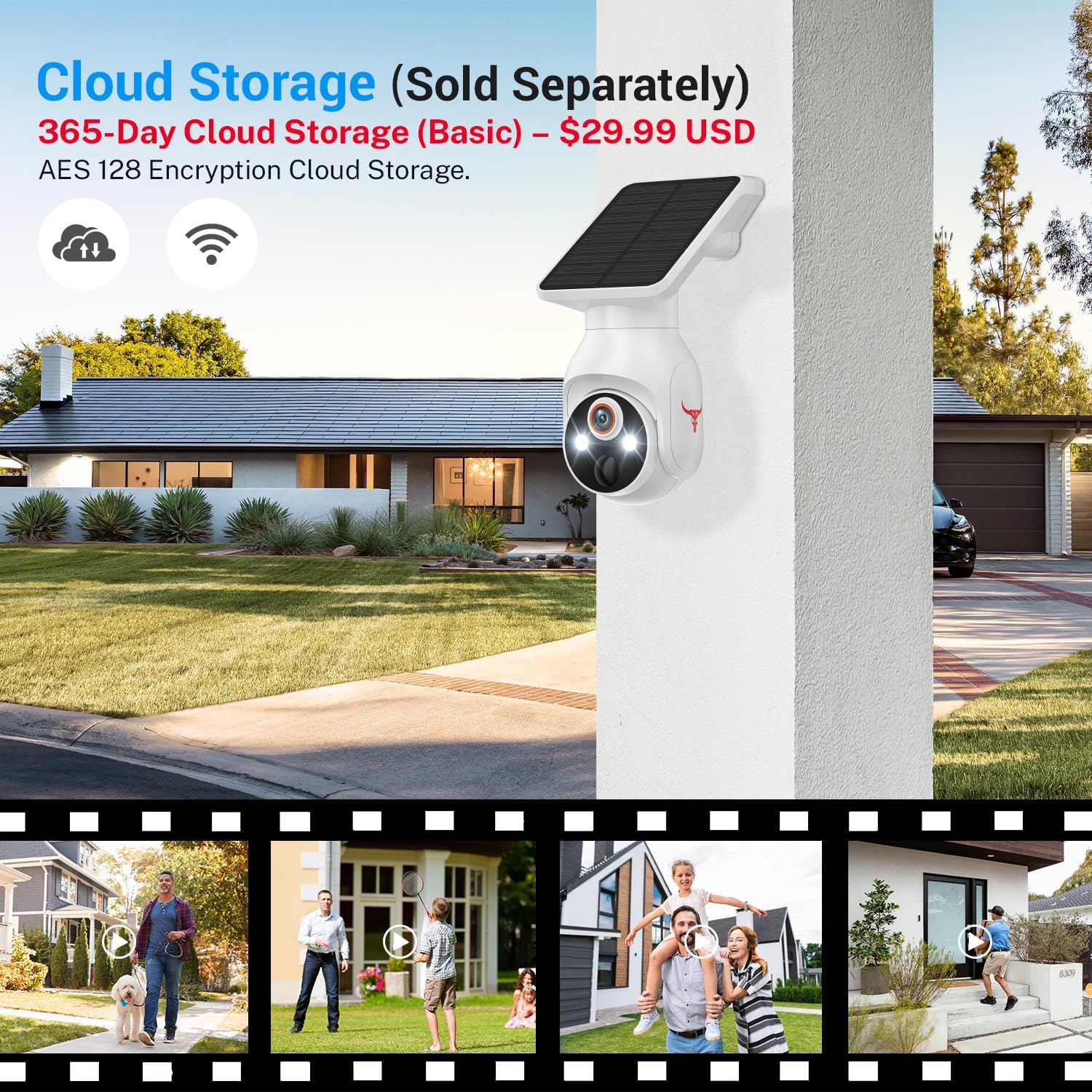
This image emphasizes that cloud storage is sold separately and highlights the AES 128-bit encryption for secure data storage.
Refer to the "Seeing" app or FameVibe's official website for details on cloud storage plans and pricing.
8. Solar Power Management
The integrated solar panel continuously charges the camera's internal battery by utilizing direct sunlight. This design aims to provide non-stop power, reducing the need for manual recharging.
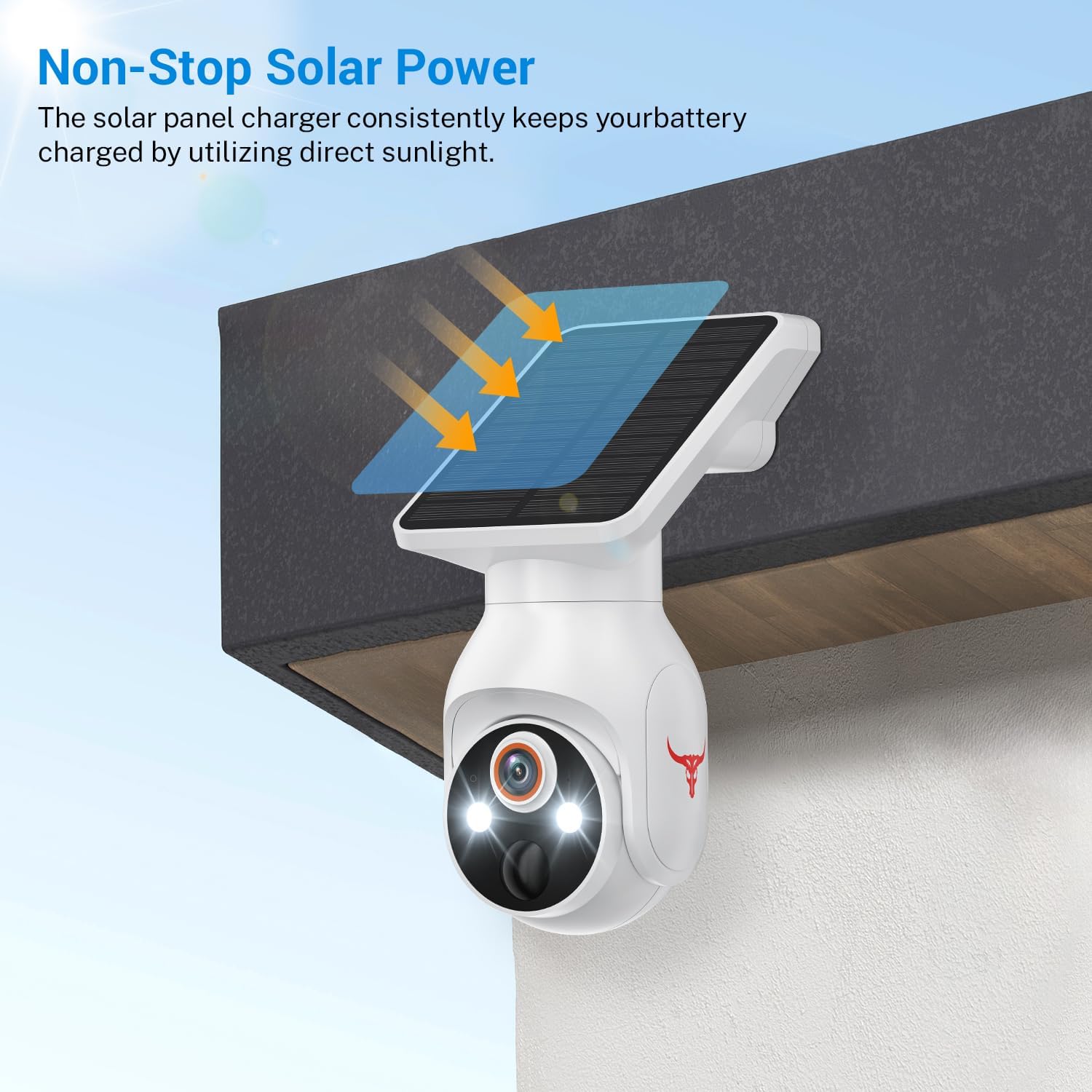
This image illustrates the solar panel's function in continuously charging the camera's battery using sunlight.
For optimal performance, ensure the solar panel is positioned in an area that receives several hours of direct sunlight daily. Factors like heavy cloud cover, shade, or extreme temperatures can affect charging efficiency.
9. Maintenance
- Cleaning: Regularly wipe the camera lens and solar panel with a soft, damp cloth to remove dust, dirt, or debris. Avoid using harsh chemicals or abrasive materials that could scratch the surfaces.
- Firmware Updates: Check the "Seeing" app periodically for available firmware updates. Keeping your camera's firmware up-to-date ensures you have the latest features and security enhancements.
- Battery Health: While solar-powered, prolonged periods of low sunlight may require occasional manual charging via the USB port to maintain battery health.
10. Troubleshooting
| Problem | Possible Cause | Solution |
|---|---|---|
| Camera won't connect to Wi-Fi | Incorrect Wi-Fi band (5GHz), wrong password, weak signal. | Ensure you are connecting to a 2.4GHz Wi-Fi network. Double-check the Wi-Fi password. Move the camera closer to the router or use a Wi-Fi extender. |
| No notifications received | App notification settings disabled, motion detection sensitivity too low. | Check app notification settings on your phone and within the "Seeing" app. Adjust motion detection sensitivity in the app. |
| Battery not charging via solar panel | Insufficient direct sunlight, dirty solar panel. | Relocate the camera to an area with more direct sunlight. Clean the solar panel surface. |
| Poor video quality | Dirty lens, weak Wi-Fi signal, low light conditions. | Clean the camera lens. Improve Wi-Fi signal strength. Ensure adequate lighting for optimal video quality, especially at night. |
| Two-way audio not working | Microphone/speaker permissions, volume settings. | Check app permissions for microphone access. Adjust volume settings in the app and on your phone. |
11. Specifications
| Feature | Detail |
|---|---|
| Model Name | Wi-Fi 1080p Battery Camera with Solar Panel (Q50) |
| Video Capture Resolution | 1080p Full HD |
| Connectivity Technology | Wireless (Wi-Fi) |
| Wi-Fi Frequency | 2.4GHz Only |
| Power Source | Battery Powered (5200mAh, 2 A batteries included) with Solar Panel |
| Pan/Tilt Angle | 355° Pan, 90° Tilt |
| Special Features | 2-Way Audio, AI Human Motion Sensor, Color Night Vision |
| Indoor/Outdoor Usage | Indoor, Outdoor |
| Compatible Devices | Smartphone (via "Seeing" app) |
| Mounting Type | Wall Mount |
| Dimensions (L x W x H) | 3.43 x 4.53 x 7.44 inches |
| Item Weight | 1.41 pounds |
| Video Capture Format | H.264 |
12. Warranty and Support
For warranty information, technical support, or further assistance, please refer to the official FameVibe website or contact their customer service directly. Keep your purchase receipt as proof of purchase.


