
1. Introduction
This manual provides essential information for the safe and efficient operation of your VEVOR 14-inch High-Velocity Drum Air Circulator Fan. Designed for powerful air circulation, this fan features a 3-speed dual ball-bearing motor, 360° adjustable tilt, and a durable construction suitable for various indoor environments such as homes, gyms, offices, garages, commercial shops, and bedrooms. Please read this manual thoroughly before first use and retain it for future reference.
2. Important Safety Instructions
To reduce the risk of fire, electric shock, or injury, always follow these basic safety precautions:
- Read all instructions carefully before operating the fan.
- Do not operate any fan with a damaged cord or plug. Discard fan or return to an authorized service facility for examination and/or repair.
- Keep hands, hair, and clothing away from moving parts to prevent injury.
- Do not immerse the fan, cord, or plug in water or other liquids.
- Unplug the fan from the power outlet before cleaning, servicing, or when not in use.
- This fan is intended for indoor use only. Do not use outdoors.
- Close supervision is necessary when any appliance is used by or near children.
- Do not operate the fan near windows, as rain may create an electrical hazard.
- Ensure the fan is placed on a stable, level surface to prevent tipping.
- Do not block air openings or operate near soft surfaces that may block openings.
3. Package Contents
Verify that all components are present upon opening the package:
- 1 x VEVOR 14-inch High-Velocity Drum Air Circulator Fan
- 1 x Power Adapter (for charging)
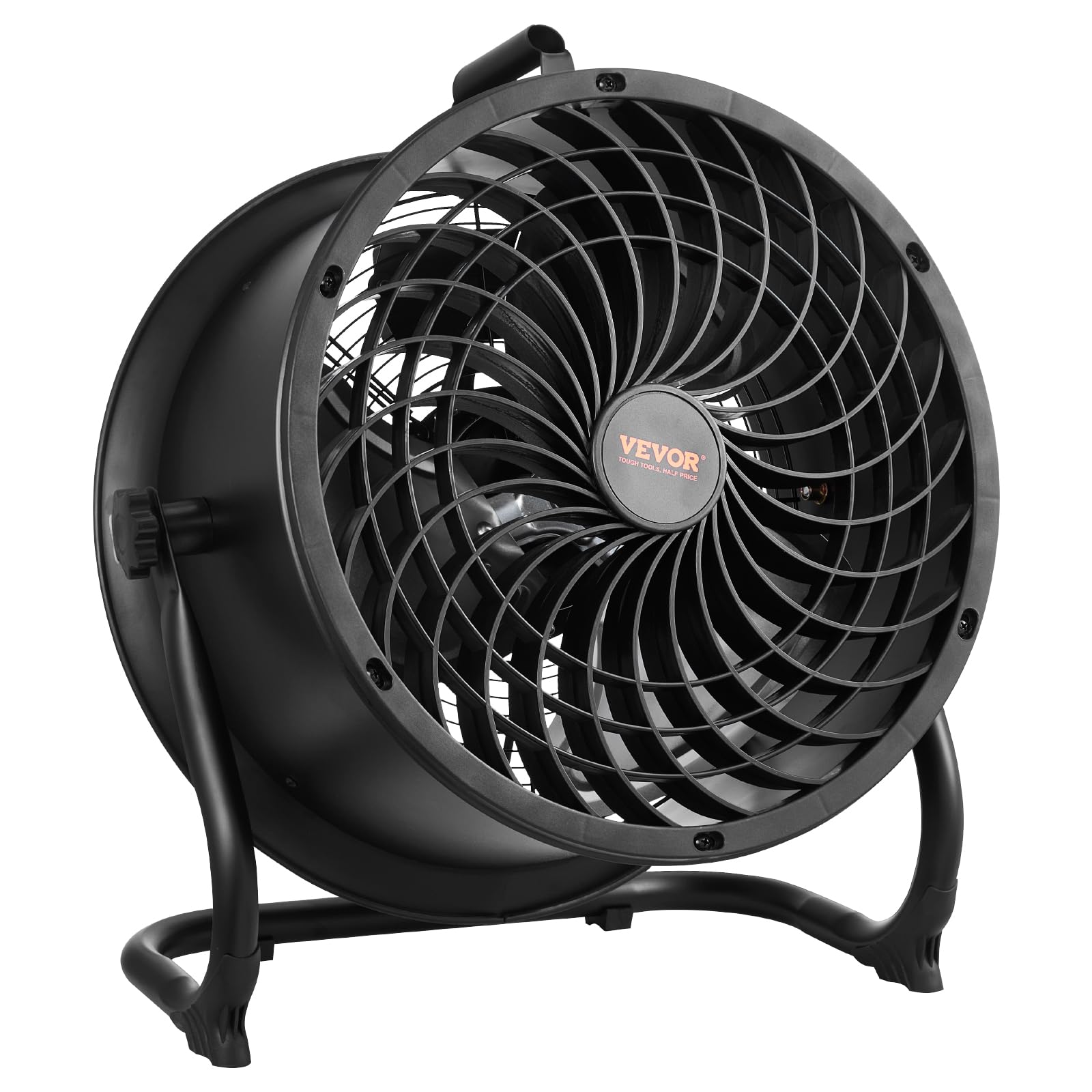
Image: The VEVOR 14-inch drum fan with its power adapter, ready for use.
4. Product Overview
The VEVOR 14-inch High-Velocity Drum Air Circulator Fan is engineered for powerful and efficient air movement. Key features include:
- High-Speed, Low Noise Operation: Equipped with a 3-speed dual ball-bearing enclosed motor and a spiral grill design, it delivers up to 2520 CFM airflow with an air throw distance of 29.53 ft and a wind speed of 23.62 ft/s. The maximum noise level is maintained below 65 dB(A).
- Durable Construction: Features a robust metal grill with a black powder rust-proof coating and 14-inch wide aluminum blades for enhanced durability and resistance to breakage.
- 360° Adjustable Airflow: A built-in pivot adjustment allows for a full 360° vertical tilt, enabling precise direction of airflow.
- Portable Design: Includes a built-in handle and a lightweight design for easy movement and storage.
- Integrated Battery and USB Port: Features a rechargeable battery for cordless operation and a USB port for charging external devices.

Image: The fan demonstrating whole-room air circulation in a garage setting, highlighting its powerful airflow.

Image: A person easily carrying the fan using its built-in portable handle, illustrating its lightweight and portable design.
5. Setup
Your VEVOR drum fan comes largely pre-assembled for immediate use. Follow these steps for initial setup:
- Unpacking: Carefully remove the fan and all accessories from the packaging. Retain packaging for future storage or transport.
- Placement: Place the fan on a firm, level surface. Ensure there is adequate space around the fan for optimal air circulation and to prevent obstruction of air intake/exhaust.
- Adjusting Tilt: Loosen the adjustment knobs on either side of the fan frame. Tilt the fan head to your desired angle (up to 360° vertical adjustment). Tighten the knobs securely to lock the fan head in position.
- Initial Charge (Optional): For cordless operation, ensure the fan's internal battery is charged. Connect the provided power adapter to the charging port on the control panel and plug it into a suitable AC outlet. The LED indicators on the control panel will show the charging progress.

Image: The fan positioned on the floor, demonstrating its 360-degree adjustable head for directing airflow.
6. Operating Instructions
Operating your VEVOR fan is straightforward:
- Power On/Off: Locate the control knob on the rear of the fan. Turn the knob clockwise from the "OFF" position to power on the fan. Turn it counter-clockwise to the "OFF" position to power off.
- Adjusting Fan Speed: The control knob offers continuous speed adjustment. Rotate the knob clockwise to increase the fan speed and airflow. Rotate it counter-clockwise to decrease the speed. The fan has 3 distinct speed settings, with a maximum airflow of 2520 CFM.
- Battery Status Indicators: The control panel features LED lights indicating the battery charge level: 20%, 40%, 60%, 80%, and 100%. These lights illuminate when the fan is in operation or charging.
- Charging External Devices (USB): A USB output port is located on the control panel. You can use this port to charge compatible electronic devices when the fan is powered on or off, provided the internal battery has sufficient charge.
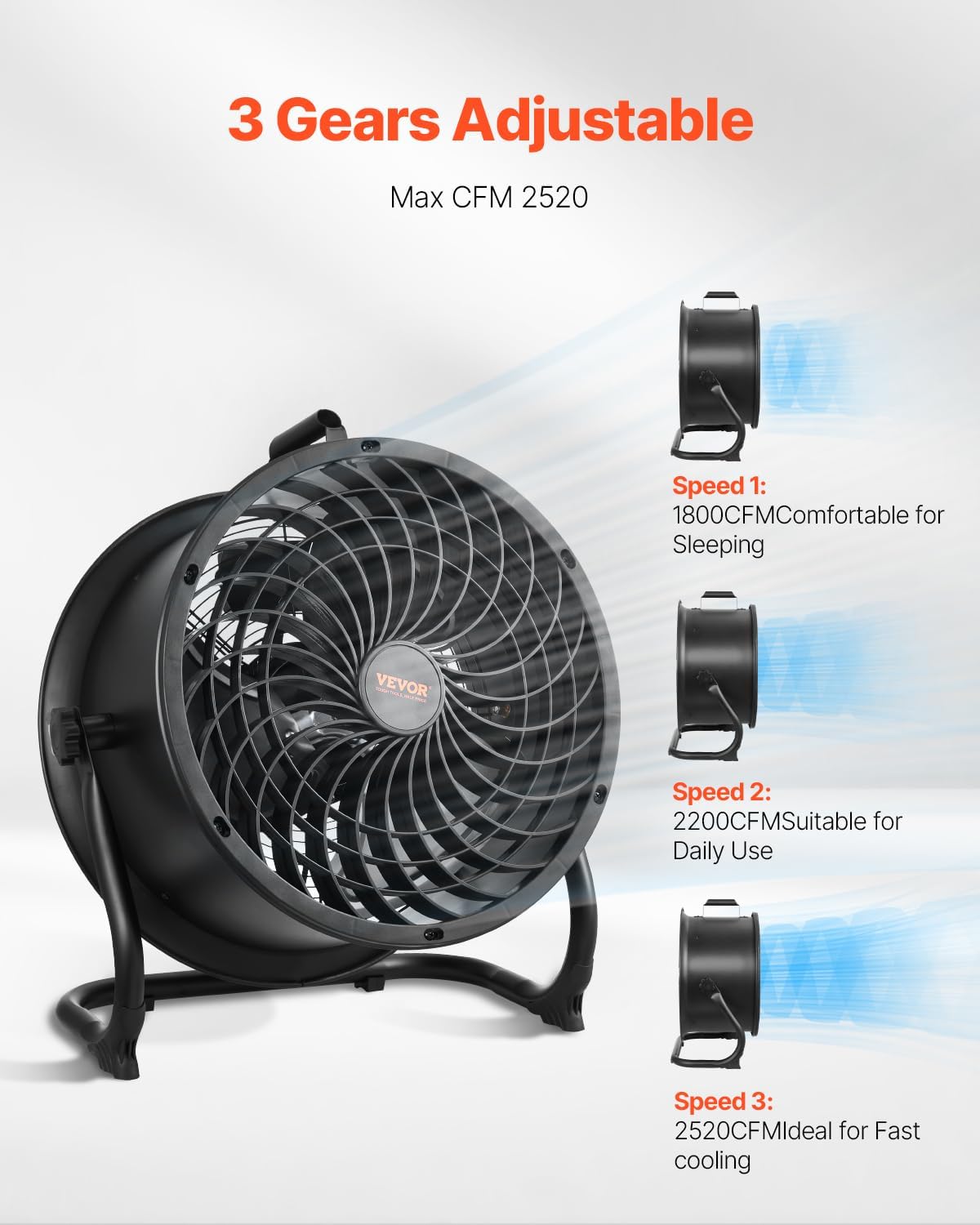
Image: Illustration of the fan's three adjustable speed settings, from comfortable for sleeping to fast cooling.

Image: A detailed view of the fan's control panel, showing the variable speed knob and LED battery charge indicators.
7. Maintenance
Regular cleaning and maintenance will ensure optimal performance and extend the lifespan of your fan:
- Always unplug the fan from the power source before attempting any cleaning or maintenance.
- Cleaning the Exterior: Use a soft, damp cloth to wipe down the exterior surfaces of the fan. Do not use abrasive cleaners or solvents.
- Cleaning the Grill and Blades: The fan features a detachable grill and water-washable blades for easy cleaning.
- Carefully remove the front grill by unscrewing any retaining clips or screws.
- Wipe the fan blades with a damp cloth. For thorough cleaning, the blades can be removed and washed with water. Ensure they are completely dry before reassembly.
- Clean the front and rear grills with a damp cloth or by washing with water.
- Once all parts are dry, reassemble the fan, ensuring the grill is securely fastened.
- Storage: When not in use for extended periods, store the fan in a cool, dry place, preferably in its original packaging.

Image: An exploded view of the fan, illustrating its metal construction and detachable components for maintenance.
8. Troubleshooting
If you encounter issues with your VEVOR fan, refer to the following common problems and solutions:
| Problem | Possible Cause | Solution |
|---|---|---|
| Fan does not turn on. | No power supply or low battery. | Ensure the power adapter is securely plugged into a working outlet. If operating on battery, check battery charge level and recharge if necessary. |
| Weak or no airflow. | Fan speed set too low; obstructions in front or rear grill. | Increase fan speed using the control knob. Check and remove any obstructions from the fan grills. |
| Unusual noise or vibration. | Loose components; debris on blades; fan not on a stable surface. | Turn off and unplug the fan. Check for any loose parts or debris on the blades and clean if necessary. Ensure the fan is placed on a stable, flat surface. |
| Battery not charging. | Power adapter not connected properly; faulty adapter or charging port. | Ensure the power adapter is firmly connected to both the fan and the power outlet. Try a different outlet. If the issue persists, contact customer support. |
9. Specifications
| Feature | Detail |
|---|---|
| Brand | VEVOR |
| Model Number | BT-HF14A |
| Size | 14in Drum Fan |
| Electric Fan Design | Floor Fan |
| Power Source | AC (with rechargeable battery for cordless use) |
| Number of Speeds | 3 (variable speed control) |
| Noise Level | ≤ 65 Decibels |
| Wattage | 65 watts |
| Air Flow Capacity | 2520 Cubic Feet Per Minute (CFM) |
| Voltage | 230 Volts (AC) |
| Indoor Outdoor Usage | Indoor |
| Control Method | Rotary Knob (variable speed) |
| Material | Aluminum (blades), Metal (frame/grill) |
| Item Weight | 15 Pounds |
| Item Dimensions (D x W x H) | 20"D x 10"W x 22.91"H |
| UPC | 197988655787 |

Image: Technical diagram displaying the fan's dimensions and key performance specifications.
10. Warranty and Support
VEVOR products are designed for durability and performance. For specific warranty details, please refer to the warranty information included with your product packaging or visit the official VEVOR website. For technical support, product inquiries, or assistance with troubleshooting, please contact VEVOR customer service through their official channels. You can often find support contact information on the product packaging or the VEVOR brand store on Amazon.
For more information, visit the VEVOR Store.