1. Introduction
This manual provides essential instructions for the installation, operation, maintenance, and troubleshooting of your Zyxel NWA110BE WiFi 7 BE6500 Wireless Dual-Radio Access Point. Please read this guide thoroughly before using the device to ensure optimal performance and safety.
2. Product Overview
The Zyxel NWA110BE is a high-performance WiFi 7 BE6500 Wireless Dual-Radio Access Point designed for robust and high-speed wireless connectivity. It supports advanced features for efficient network management and enhanced security.
Key Features:
- BE6500 (2.4GHz: 2x2:2, 5 or 6GHz: 4x4:2) Dual-radio access point offers blazingly fast WiFi 7 speeds of up to 6.5Gbps.
- BandFlex design supports either 5GHz or 6GHz by configuration, fitting seamlessly into existing 5GHz coverage while futureproofing for 6GHz.
- AI-powered features like Nebula Intent, along with the intuitive UI design, help you easily familiarize yourself with Nebula Cloud management.
- Easy To Use - Switch between standalone or cloud-managed modes with NebulaFlex, and access your network from anywhere with the user-friendly Nebula app.
- VLAN tagging supported for enhanced security and traffic segmentation, ensuring optimal network performance and control.
Product Components:

The package includes the Zyxel NWA110BE Access Point, a mounting bracket, and necessary screws for installation. Please ensure all components are present before proceeding with installation.

The rear of the device features an Ethernet port for network connectivity and Power over Ethernet (PoE+) input, and a USB Type-C port for alternative power input. A reset button is also present.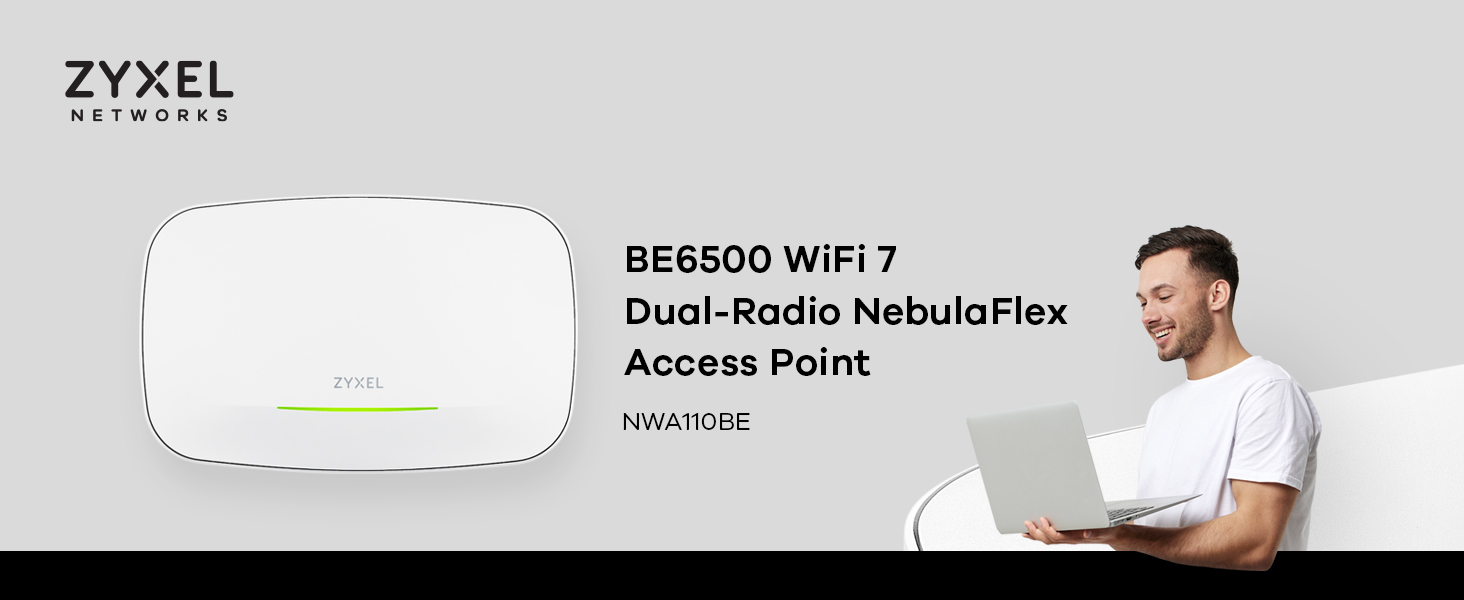



3. Setup
The Zyxel NWA110BE offers flexible deployment options, supporting both Power over Ethernet (PoE+) and USB Type-C for power. It can be managed directly or through the Zyxel Nebula Cloud platform.
Powering the Device:
- Power over Ethernet (PoE+): Connect an Ethernet cable from a PoE+ capable switch or injector to the Ethernet port on the access point. This provides both power and data connectivity through a single cable. A PoE injector (Model: PoE12-30W) is sold separately.
- USB Type-C: Connect a compatible USB Type-C power adapter (not included) to the USB-C port for power. This option is suitable when PoE+ is not available.
Mounting the Access Point:
Use the provided mounting bracket and screws to securely attach the access point to a wall or ceiling. Ensure the chosen location provides optimal signal coverage and is within reach of power and network cables.
Initial Configuration:
The NWA110BE supports NebulaFlex, allowing you to switch between standalone and cloud-managed modes. For cloud management, download the Zyxel Nebula app or access the Nebula Cloud portal. Follow the on-screen instructions for quick setup.
4. Operating
Once powered and configured, the Zyxel NWA110BE provides robust wireless connectivity. Its dual-radio design and advanced features ensure efficient network operation.
BandFlex Technology:
The BandFlex design allows you to configure the access point to operate on either the 5GHz or 6GHz frequency band. This flexibility enables seamless integration with existing 5GHz networks while providing future-proofing for 6GHz devices.
Cloud Management with Nebula:
Leverage the AI-powered Zyxel Nebula Cloud management platform for centralized control and monitoring of your network. The intuitive user interface and Nebula app provide easy access to network settings, client information, and performance metrics from anywhere.
Network Security and Optimization:
The NWA110BE supports VLAN tagging for enhanced network security and traffic segmentation. This feature allows you to create separate virtual networks to isolate different types of traffic or user groups, optimizing network performance and control.
5. Maintenance
Regular maintenance ensures the longevity and optimal performance of your Zyxel NWA110BE Access Point.
Cleaning:
Gently wipe the device with a soft, dry cloth to remove dust. Avoid using liquid cleaners or abrasive materials, as these can damage the casing or internal components.
Ventilation:
Ensure the access point is placed in a location with adequate airflow to prevent overheating. Do not block the ventilation slots.
Firmware Updates:
Keep the device's firmware updated to benefit from the latest features, security enhancements, and performance improvements. Firmware updates are typically managed automatically through the Zyxel Nebula Cloud platform.
6. Troubleshooting
If you encounter issues with your Zyxel NWA110BE Access Point, refer to the following common troubleshooting steps:
- No Power: Verify that the power source (PoE+ switch/injector or USB-C adapter) is properly connected and supplying power. Check the LED indicator on the device.
- No Network Connectivity: Ensure the Ethernet cable is securely connected to both the access point and your network switch/router. Check the status of your internet connection.
- Poor WiFi Performance: Ensure the access point is optimally placed, away from obstructions and sources of interference. Check for firmware updates. If using BandFlex, verify the correct band (5GHz or 6GHz) is configured for your devices.
- Cannot Access Management Interface: Verify your device is connected to the network provided by the access point. If using Nebula Cloud, ensure your device has internet access and the access point is online in the Nebula portal.
- Resetting the Device: If issues persist, you may perform a factory reset by pressing and holding the reset button for several seconds until the LED indicator changes. Refer to the full product documentation for specific reset procedures.
For further assistance, please contact Zyxel Support.
7. Specifications
| Feature | Detail |
|---|---|
| Product Dimensions | 7.87 x 5.91 x 3.94 inches |
| Item Weight | 1.1 pounds (0.5 Kilograms) |
| Model Number | NWA110BE |
| Special Feature | Access Point Mode |
| Frequency Band Class | Dual-Band (5GHz or 6GHz configurable) |
| Wireless Communication Standard | 802.11be (WiFi 7) |
| Compatible Devices | Personal Computer, Security Camera, Smartphone, Tablet |
| Recommended Uses For Product | Business |
| Included Components | Access Point |
| Connectivity Technology | Wi-Fi |
| Power Options | PoE+ or USB Type C (not included) |
8. Support & Warranty
For technical support, product inquiries, or warranty information, please visit the official Zyxel website or contact their customer service. Zyxel offers various support resources to assist you with your NWA110BE Access Point.
Protection Plans:
- 3-Year Protection Plan
- 4-Year Protection Plan
- Complete Protect (monthly billing)
These protection plans are available for purchase separately to extend coverage beyond the standard warranty.
Return Policy:
This product typically has a 30-day return policy for refund or replacement, subject to retailer terms and conditions.
For the most current support and warranty details, please refer to the official Zyxel website: www.zyxel.com


