
Introduction
This manual provides instructions for the Generic X8 Bionic Ear Directional Parabolic Microphone Monocular. This device combines a sound amplifier with an 8x magnification monocular, allowing users to observe and listen to distant subjects.
The parabolic microphone system is designed to amplify sounds from up to 300 feet away, while the integrated monocular provides clear visual observation. It is suitable for activities such as bird watching, wildlife observation, and outdoor exploration where discreet long-distance audio and visual monitoring is beneficial.
Package Contents
- 1 x Sound Collector Unit (Parabolic Microphone Monocular)
- 1 x Headphones
- 1 x English Instruction Manual
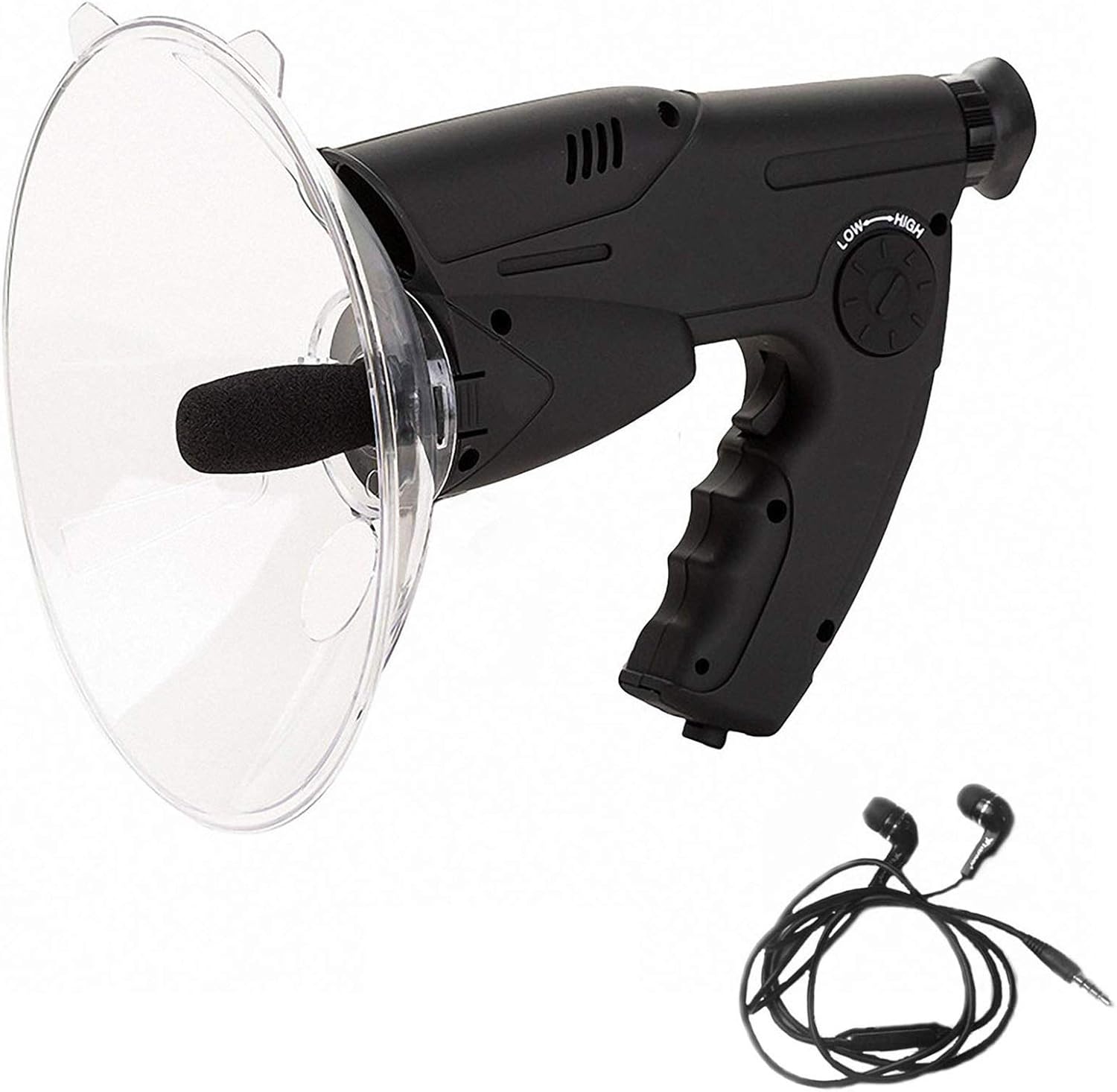
Figure 1: The Generic X8 Bionic Ear Directional Parabolic Microphone Monocular with its accompanying headphones.
Setup
- Battery Installation: The device requires one 9V battery (not included). Locate the battery compartment, typically on the underside of the handle. Open the compartment, insert the 9V battery, ensuring correct polarity, and close the compartment securely.
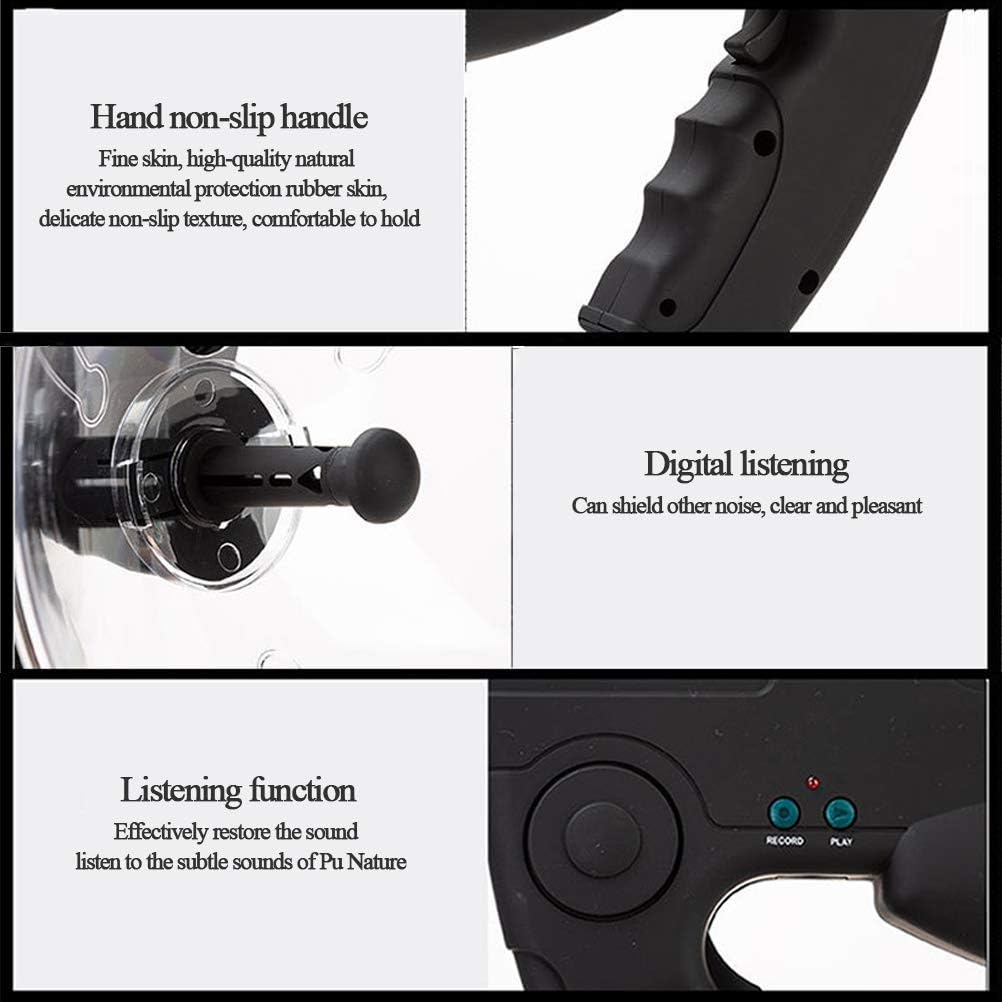
Figure 2: Illustration showing the battery compartment and control panel, including the volume dial and record/play buttons.
- Headphone Connection: Plug the included headphones into the 3.5mm jack port located on the side of the device. This enables real-time listening to amplified sounds.
Operating Instructions
1. Powering On/Off
To power on the device, ensure a 9V battery is installed. The device typically activates upon adjusting the volume dial or pressing a function button. To power off, turn the volume dial to its lowest setting or remove the battery for extended storage.
2. Using the Monocular (8x Magnification)
The integrated monocular provides 8x magnification for visual observation. Look through the eyepiece located at the rear of the device. Adjust the focus ring, if present, to achieve a clear image of your target.

Figure 3: Close-up view of the monocular eyepiece, highlighting the 8x prism optical system for stable and durable viewing.
The monocular features a BAK4 optical glass lens with an FMC-green film, designed to reduce distortion and enhance light transmission, improving visibility in low-light conditions.
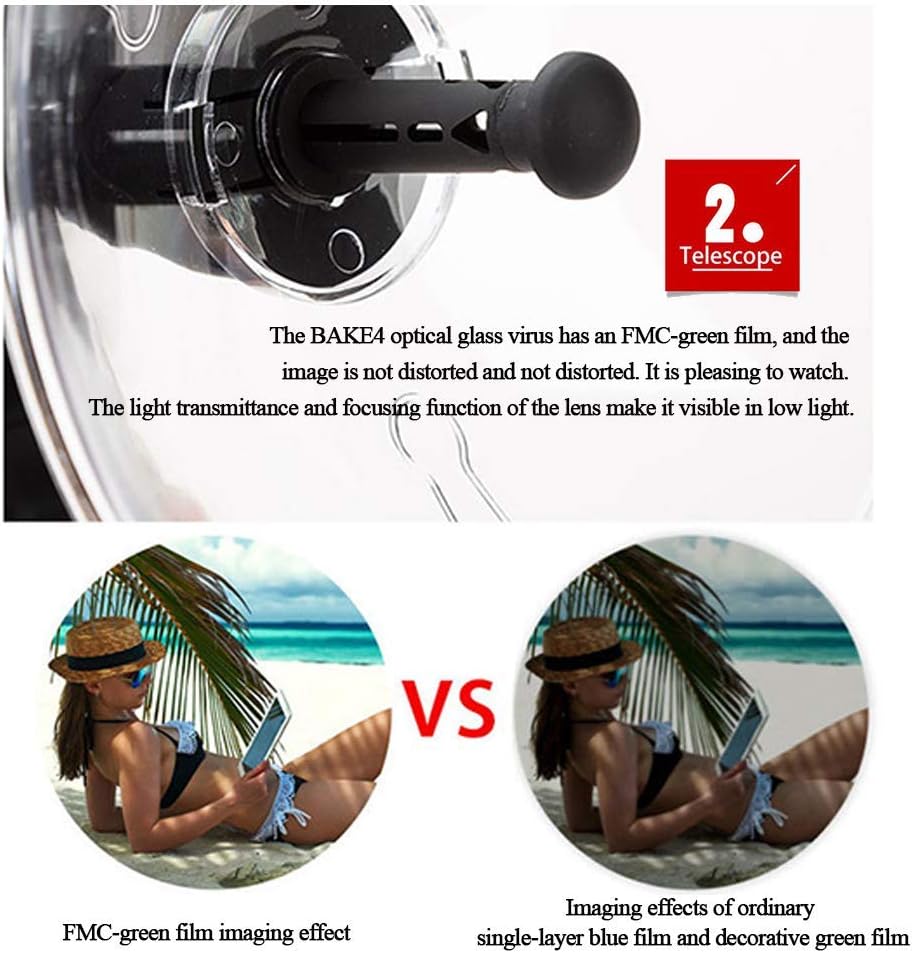
Figure 4: Detail of the monocular lens, illustrating the FMC-green film for improved image clarity and light transmission.
The effective aperture of the objective lens influences the amount of light entering the telescope, affecting resolution and field of view. Larger objective lenses generally provide brighter and clearer images.

Figure 5: Visual comparison demonstrating how different objective lens diameters (25mm, 32mm, 60mm) impact light collection and image brightness.
3. Using the Parabolic Microphone
Point the parabolic dish towards the sound source you wish to amplify. The dish collects sound waves and directs them to the microphone. Listen through the connected headphones.
Adjustable Sensitivity Dial: Use the 'LOW-HIGH' dial on the side of the device to adjust the microphone's sensitivity and volume. Turn the dial to increase or decrease the amplification level for a comfortable listening experience and to reduce unnecessary background noise.
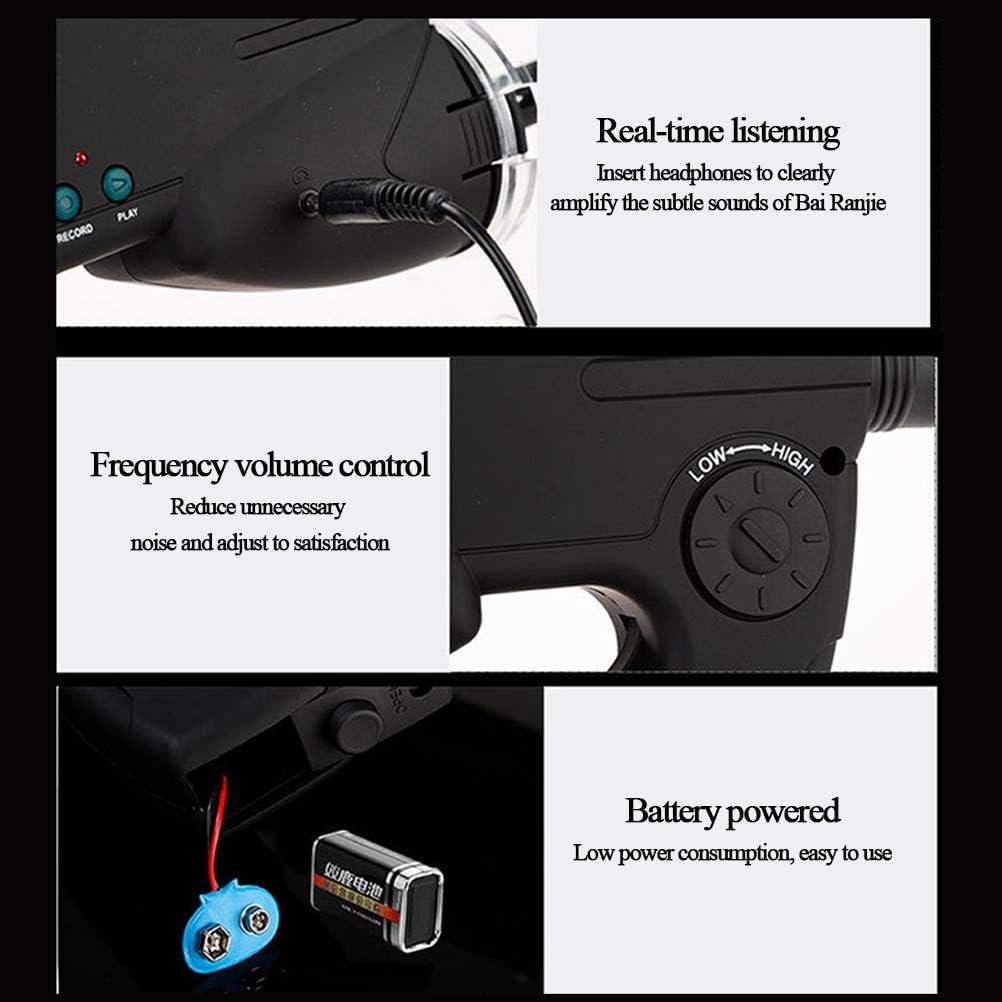
Figure 6: Features such as the non-slip handle for secure grip and the digital listening function designed to filter out ambient noise.
4. Recording and Playback
The device includes a built-in memory for recording and playing back short audio clips.
- Recording: Press the 'RECORD' button to begin recording. The device can store up to 12 seconds of audio. Press 'RECORD' again to stop.
- Playback: Press the 'PLAY' button to listen to the last recorded sound.
- External Recorder: For longer recordings, an external audio recorder can be connected to the 3.5mm jack port.
Maintenance
- Cleaning: Use a soft, dry cloth to clean the exterior of the device, including the parabolic dish and monocular lens. For the lens, use a specialized lens cleaning cloth and solution to avoid scratches.
- Storage: Store the device in a cool, dry place away from direct sunlight and extreme temperatures. Remove the 9V battery if the device will not be used for an extended period to prevent leakage.
- Handling: Handle the device with care to avoid dropping or impacting it, which could damage internal components or the optical system.
Troubleshooting
- No Sound:
- Ensure the 9V battery is correctly installed and has sufficient charge.
- Check that headphones are securely plugged into the 3.5mm jack.
- Adjust the volume/sensitivity dial to a higher setting.
- Unclear Monocular View:
- Adjust the focus ring on the monocular eyepiece.
- Ensure the lens is clean and free of smudges or dust.
- Recording Issues:
- Confirm the device is powered on.
- Ensure the 'RECORD' button is pressed firmly.
- Note that the internal memory is limited to 12 seconds.
Specifications
| Product Dimensions | 20 x 10 x 100 inches |
| ASIN | B0DTY8PYHK |
| Manufacturer | FAFFZ |
| Monocular Magnification | 8x |
| Sound Amplification Range | Up to 300 feet (approx. 91 meters) |
| Recording Capacity | Up to 12 seconds |
| Power Source | 1 x 9V Battery (not included) |

Figure 7: Dimensional diagram of the device, indicating measurements such as 215mm, 210mm, 275mm, and 180mm.
Warranty and Support
Specific warranty information for this Generic product is not provided in the product details. For any support inquiries, troubleshooting assistance beyond this manual, or warranty claims, please contact the seller or retailer from whom the product was purchased. Retain your proof of purchase for any potential service needs.