NEEWER Q6 600Ws 2.4G TTL Outdoor Studio Flash User Manual
Model: Q6
Introduction
This manual provides detailed instructions for the safe and effective use of your NEEWER Q6 600Ws 2.4G TTL Outdoor Studio Flash. The Q6 is a high-performance outdoor strobe light designed for professional photography, featuring 600Ws power output, advanced app control, and versatile flash modes. Please read this manual thoroughly before operating the device to ensure optimal performance and longevity.
What's in the Box
Carefully unpack your NEEWER Q6 flash and verify that all the following items are included:
- 1 x Q6 Flash Strobe
- 1 x Standard Reflector
- 1 x Lithium Battery
- 1 x Reflector Cap
- 1 x Handle
- 1 x Power Cord (US Plug)
- 1 x Power Adapter
- 1 x Carrying Case

Key Features
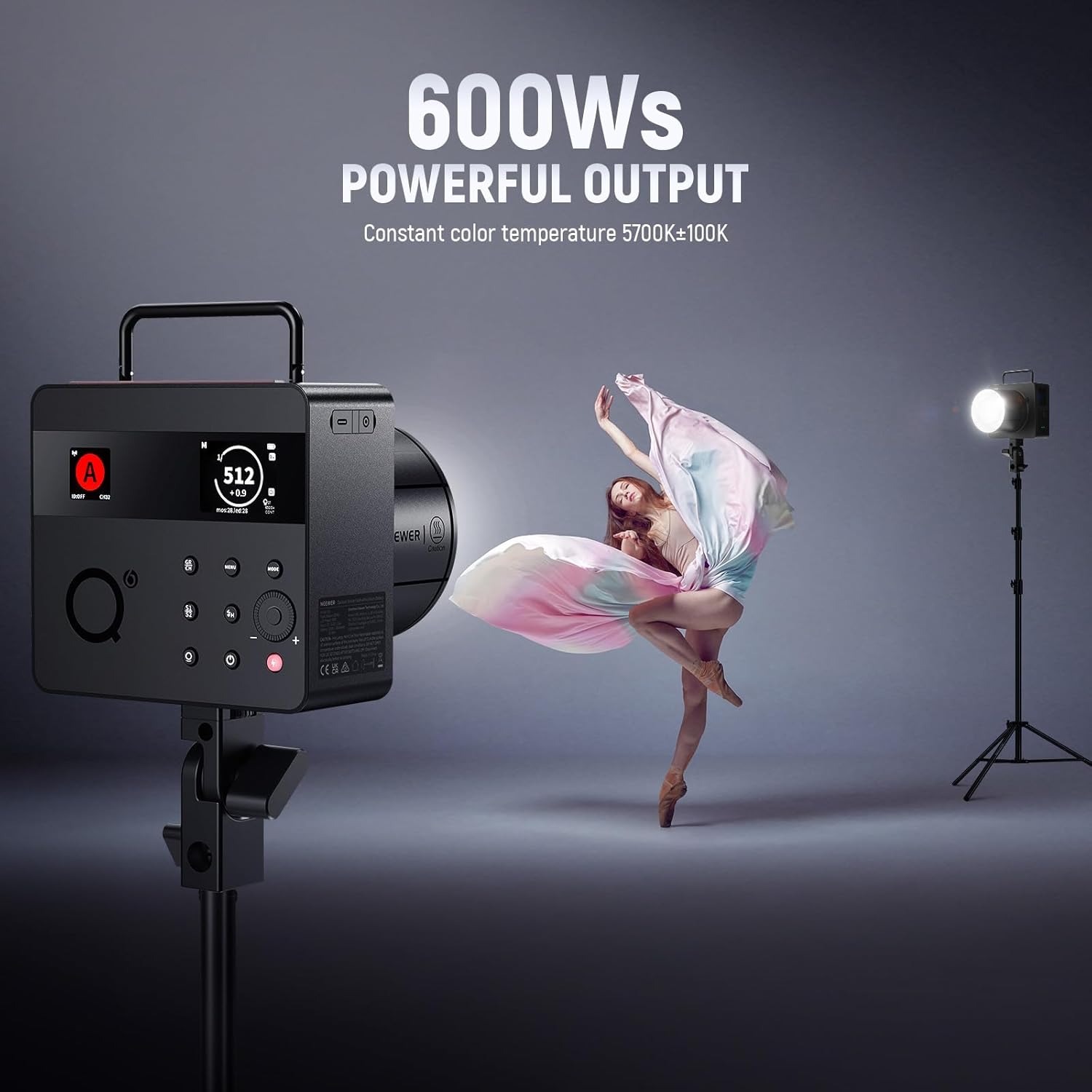
- 600Ws Powerful Output: Provides substantial light output for various photographic scenarios.
- App Control & Enhanced UI: Control flash modes, menu functions, and firmware updates via a smartphone app. Features dual TFT color screens and color groupings for intuitive operation.
- Constant Color Temperature: Maintains a stable 5700K (±100K) color temperature across the entire power range, ensuring consistent color reproduction.
- Precise Flash Power Control: Adjustable from 1/512 to full power (1/1) in 0.1 increments.
- Versatile Flash Modes: Supports TTL, Manual, and Multi (Stroboscopic) flash modes, along with HSS (up to 1/8000s), S1/S2 optical slave modes, C.Fn custom settings, Burst Mode, and time-lapse photography.
- Expanded 2.4G Wireless System: Offers wireless control for five groups (A/B/C/D/E), 32 channels, and 99 IDs up to 100m (328'). Compatible with NEEWER QZ/QPRO triggers and Godox 2.4G X system (as a slave).
- High-Capacity Lithium Battery: A 28.8V/3000mAh battery delivers approximately 400 full power flashes with a rapid recycling time of 0.01-0.9s.
- Ultra Short Flash Durations: Capable of flash durations from 1/209s to 1/10989s for freezing fast-moving subjects.
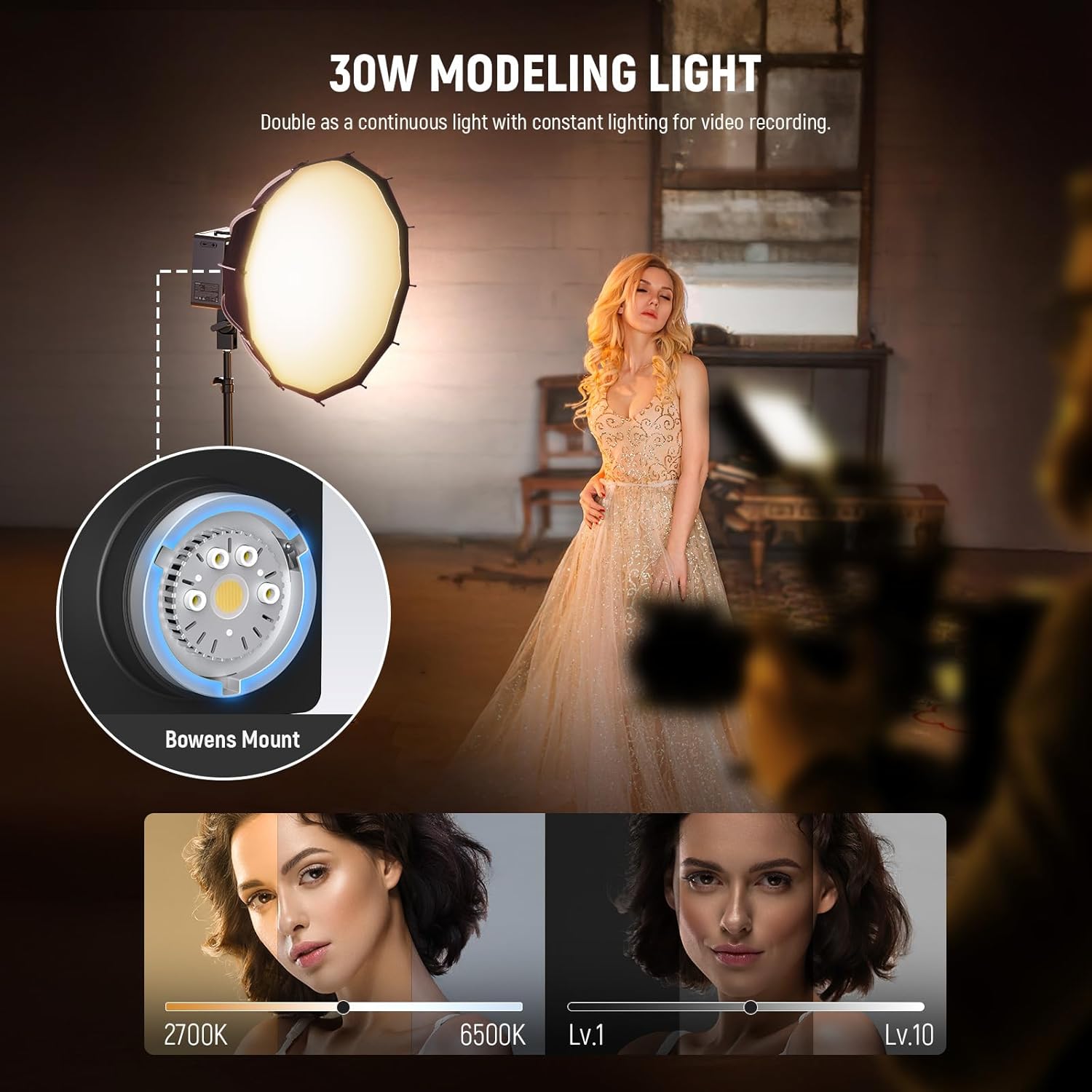
- 30W Bi-Color LED Modeling Lamp: Functions as a continuous light source with adjustable color temperature (2700K-6500K) and brightness levels.

Setup
1. Battery Installation
Insert the provided 28.8V/3000mAh lithium battery into the battery compartment on the side of the Q6 flash unit. Ensure it clicks securely into place. The battery features indicator lights to show its charge level.

2. Attaching the Handle and Reflector
- Attach the handle to the designated mounting point on the flash unit for handheld use or for mounting on a light stand.
- Mount the standard reflector onto the Bowens mount at the front of the flash by aligning the three pins and twisting clockwise until it locks.
3. Powering On/Off
Press and hold the power button located on the unit to turn the flash on or off. The TFT color screens will illuminate upon startup.
Operating Instructions
1. User Interface and Navigation
The Q6 features two TFT color screens for clear display of settings. Use the control dial and buttons to navigate through menus and adjust parameters. The color grouping feature (A-E) allows for distinct identification and management of multiple flash units.

2. Flash Modes
The Q6 supports the following flash modes:
- TTL (Through-The-Lens): Automatic flash exposure compatible with Canon E-TTL II, Nikon i-TTL, Sony TTL, and Fujifilm TTL systems.
- Manual (M): Allows precise manual control over flash power output from 1/512 to 1/1 in 0.1-stop increments.
- Multi (Stroboscopic): Fires a series of rapid flashes during a single exposure, adjustable up to 100 times (100 Hz).
- S1/S2 Optical Slave: Triggers the flash optically from another flash unit.

3. High-Speed Sync (HSS)
The Q6 supports High-Speed Sync (HSS) up to 1/8000s, allowing you to use wider apertures in bright conditions or freeze fast motion. It also supports front and rear curtain sync.

4. 2.4G Wireless System & App Control
The Q6 integrates an expanded 2.4G wireless system for remote control. It can be controlled by NEEWER QZ or QPRO series triggers (sold separately) or function as a master/slave unit within the Q system. It is also compatible with Godox 2.4G X system (in RX COMPAT menu) and Sekonic L-858D light meter (with RT-GX module).
For advanced control, download the NEEWER app to your smartphone. The app allows for easy and quick parameter adjustments, group management, and firmware updates. Note that Q and X systems cannot be used simultaneously, and the latest firmware may be required for full compatibility.


5. 30W Bi-Color LED Modeling Lamp
The integrated 30W LED modeling lamp can be used as a continuous light source for video recording or to preview lighting effects. It offers adjustable color temperature from 2700K to 6500K and 10 levels of brightness.
Maintenance
1. Battery Charging
Charge the lithium battery using only the included power adapter and power cord. Connect the adapter to the DC charging port on the battery. The battery indicator lights will show charging status. Do not use unauthorized chargers or power sources.
2. Cleaning
Wipe the flash unit with a soft, dry cloth. For stubborn dirt, a slightly damp cloth can be used, followed by immediate drying. Avoid using harsh chemicals or abrasive materials.
3. Storage
When not in use for extended periods, store the flash in its carrying case in a cool, dry place. Ensure the battery is partially charged (around 50%) before long-term storage to preserve battery health.
Troubleshooting
- Flash not firing: Check battery level, ensure the flash is powered on, and verify trigger connection/settings.
- Inconsistent exposure: Review flash mode settings (TTL/Manual), check camera's exposure settings, and ensure proper trigger synchronization.
- Wireless connection issues: Confirm channel and group settings match between flash and trigger/app. Ensure no interference from other 2.4G devices. Update firmware if necessary.
- Overheating warning: Allow the unit to cool down. Avoid rapid, consecutive full-power flashes to prevent overheating.
If you encounter persistent issues, refer to the detailed user manual PDF or contact NEEWER customer support.
Specifications
The following image provides a detailed overview of the NEEWER Q6's technical specifications:

Key specifications include a flash output of 600Ws, TTL/M/Multi flash modes, 1/8000s HSS, a 28.8V/3000mAh lithium battery, and a 30W bi-color LED modeling lamp. The 2.4G wireless system offers a transmission distance of 100 meters across 32 channels and 5 groups.
Warranty & Support
For detailed warranty information and customer support, please refer to the official NEEWER website or the documentation included with your product. A comprehensive user manual in PDF format is also available for download:
For technical assistance or service inquiries, please contact NEEWER customer support through their official channels.