
1. Introduction
Thank you for choosing the Athena Collection 71" Tall Metal Storage Cabinet. This manual provides essential information for the safe and efficient assembly, operation, and maintenance of your new storage unit. Please read these instructions thoroughly before beginning assembly and retain this manual for future reference.

This image displays the Athena Collection 71-inch tall metal storage cabinet in Grey White, with its right door open to show the spacious interior and six adjustable shelves. The cabinet is designed for versatile storage in various environments.
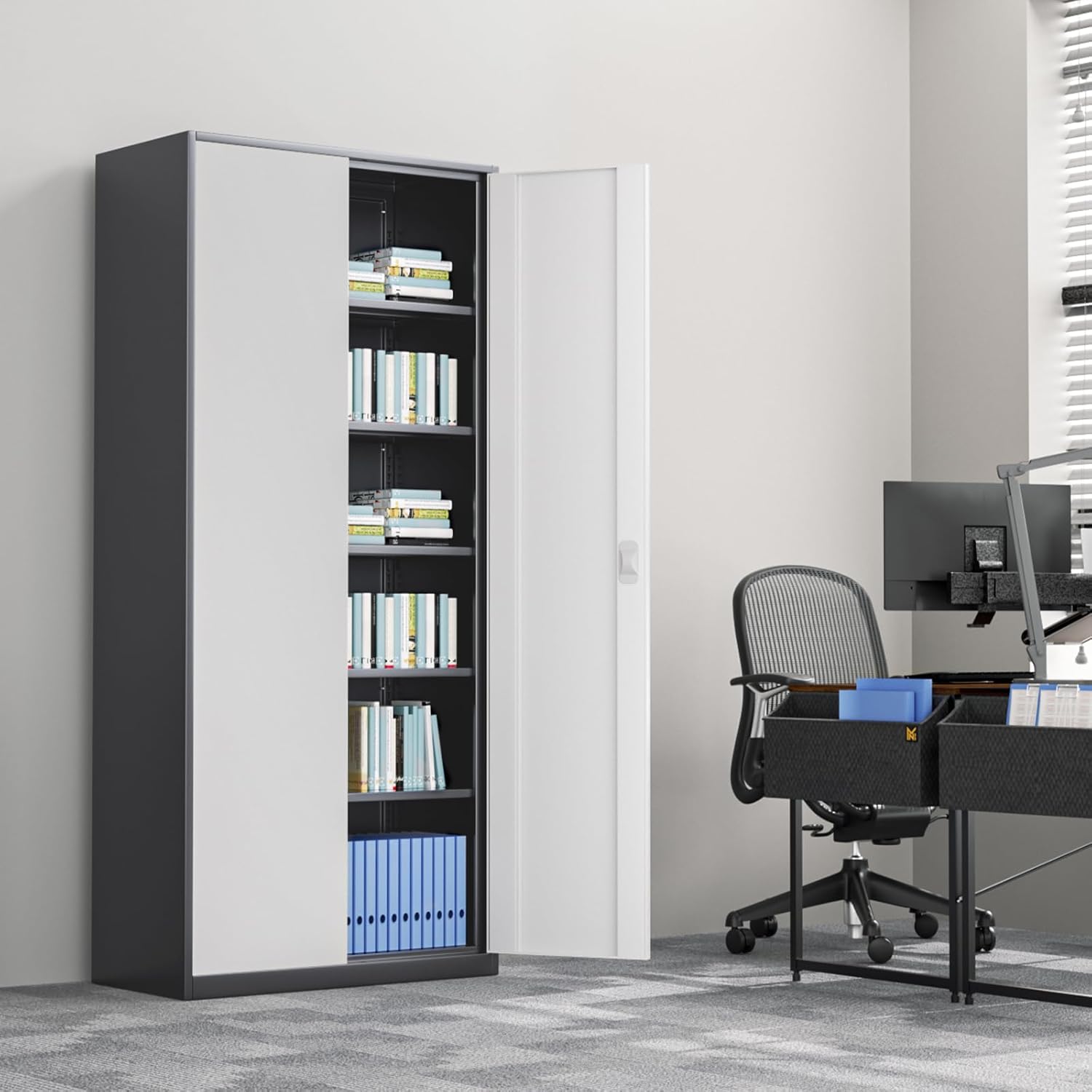
The storage cabinet is shown in an office environment, demonstrating its suitability for professional spaces. It is positioned beside a desk with a computer setup, highlighting its integration into a functional workspace.
2. Safety Information
To ensure safe operation and prevent damage, please observe the following safety guidelines:
- Always assemble the cabinet on a clean, flat, and stable surface to prevent scratching or damage to components.
- Ensure all parts are present and undamaged before beginning assembly. Do not proceed with assembly if any parts are missing or damaged.
- Use appropriate tools as specified in the assembly instructions.
- Do not overload shelves. Each shelf has a maximum weight capacity of 110 lbs (50 kg). Distribute weight evenly.
- Keep small parts and packaging materials away from children and pets to prevent choking hazards.
- For stability, place the cabinet on a level surface. If necessary, use shims to level the unit.
- Do not climb on or hang from the cabinet doors or shelves.
- Secure the cabinet to a wall if there is any risk of tipping, especially in households with children or in areas prone to earthquakes. (Wall anchoring hardware may be sold separately).
3. Package Contents
Please verify that all components listed below are included in your package before starting assembly. If any parts are missing or damaged, please contact customer support.
| Part | Description | Quantity |
|---|---|---|
| A | Side Panels | 2 |
| B | Top Panel | 1 |
| C | Bottom Panel | 1 |
| D | Back Panel | 1 |
| E | Adjustable Shelves | 6 |
| F | Doors | 2 |
| G | Lock Mechanism & Keys | 1 set |
| H | Hardware Pack (screws, bolts, shelf pins, etc.) | 1 pack |
4. Assembly Instructions
Assembly is estimated to take approximately 30 minutes with two people. Follow these steps carefully:
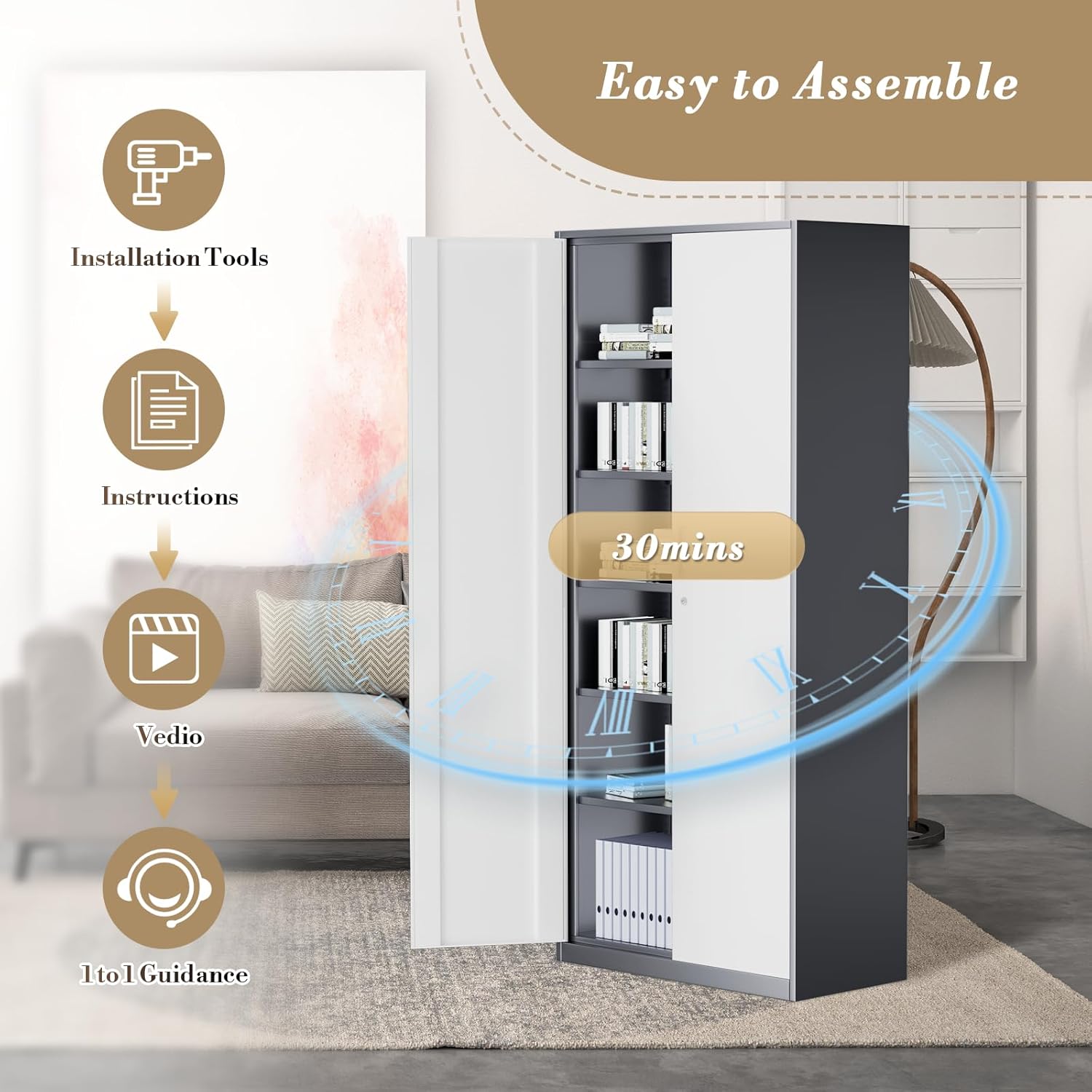
This graphic outlines the straightforward assembly process, indicating that installation tools and instructions are provided. It also mentions the availability of video and 1-to-1 guidance, suggesting an estimated assembly time of 30 minutes for user convenience.
- Prepare the Area: Clear a spacious, flat area for assembly. Lay down a blanket or cardboard to protect the cabinet parts and your floor.
- Attach Side Panels to Base: Connect the side panels (A) to the bottom panel (C) using the designated screws from the hardware pack (H). Ensure they are securely fastened.
- Install Back Panel: Slide the back panel (D) into the grooves on the side and bottom panels. Secure it with small screws or nails provided in the hardware pack.
- Attach Top Panel: Place the top panel (B) onto the assembled structure and secure it to the side panels using the appropriate hardware.
- Insert Shelf Pins: Determine your desired shelf heights. Insert the shelf pins into the pre-drilled holes on the interior of the side panels. Ensure pins are level.
- Place Adjustable Shelves: Carefully place the adjustable shelves (E) onto the installed shelf pins. The shelves can be repositioned later as needed.
- Attach Doors: Mount the doors (F) to the cabinet frame using the hinges and screws from the hardware pack. Adjust hinges as necessary for proper door alignment.
- Install Lock Mechanism: Attach the lock mechanism (G) to the designated area on one of the doors, ensuring it aligns with the corresponding hole on the cabinet frame. Test the lock with the provided keys.
- Final Checks: Ensure all screws are tightened and the cabinet is stable. Move the cabinet to its final desired location.
5. Operating Instructions
Your Athena Collection storage cabinet is designed for ease of use and versatility.
Adjusting Shelves
The cabinet features six adjustable shelves, allowing you to customize the storage space to fit items of various sizes.

A 'Before and After' comparison showcasing the versatility of the adjustable shelves. The left side shows items arranged on shelves at one height, while the right side demonstrates how adjusting the shelf heights allows for accommodating items of varying sizes, such as taller books or decorative objects.

Detailed views of the adjustable shelf system. One inset shows the shelf being moved up or down, while another highlights the 'Buckle For Adjust' mechanism, which secures the shelves at desired heights along the cabinet's interior frame.
To adjust a shelf:
- Empty the shelf of all contents.
- Carefully lift the shelf and remove the four shelf pins supporting it.
- Reinsert the shelf pins into the desired pre-drilled holes, ensuring they are at the same height on all four corners.
- Place the shelf back onto the pins, ensuring it is stable before placing items on it.
Using the Locking Mechanism
The cabinet is equipped with a secure lock to protect your stored items.

This image focuses on the cabinet's security and convenience features. It shows the safety lock and two accompanying keys, the sleek embedded handle for easy opening and closing, and the magnetic door mat which helps keep the doors securely closed.
To lock the cabinet, close both doors and insert the key into the lock. Turn the key clockwise to engage the locking mechanism. To unlock, insert the key and turn counter-clockwise.
Magnetic Door Closure
The doors are fitted with a magnetic door mat feature to ensure they remain securely closed when not locked, preventing accidental opening.
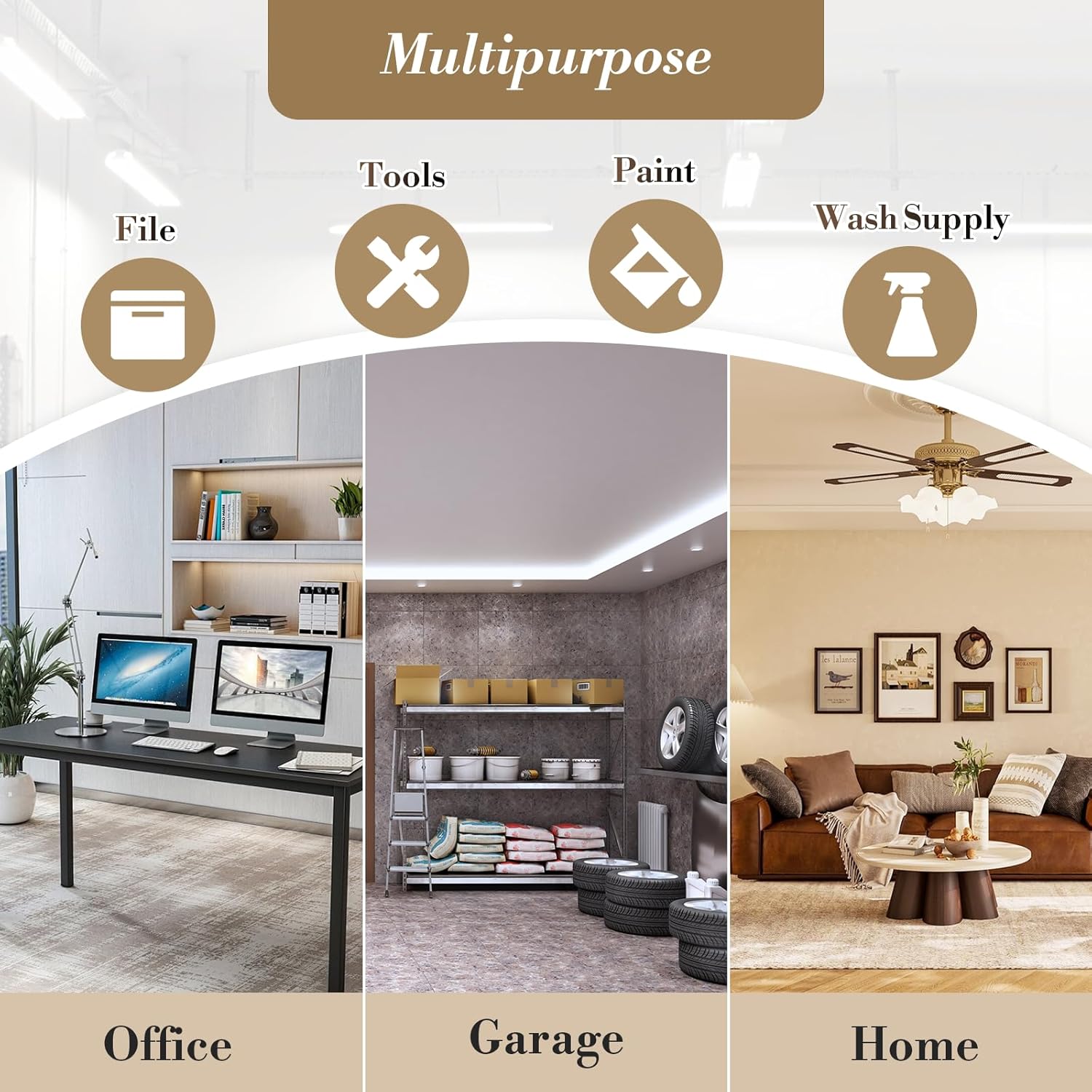
A visual representation of the cabinet's versatility, showing it can store various items like files, tools, paint, and wash supplies. It also depicts the cabinet in different settings: an office, a garage, and a home, demonstrating its adaptability to diverse storage needs.
6. Maintenance and Care
Proper care will extend the life and appearance of your metal storage cabinet.
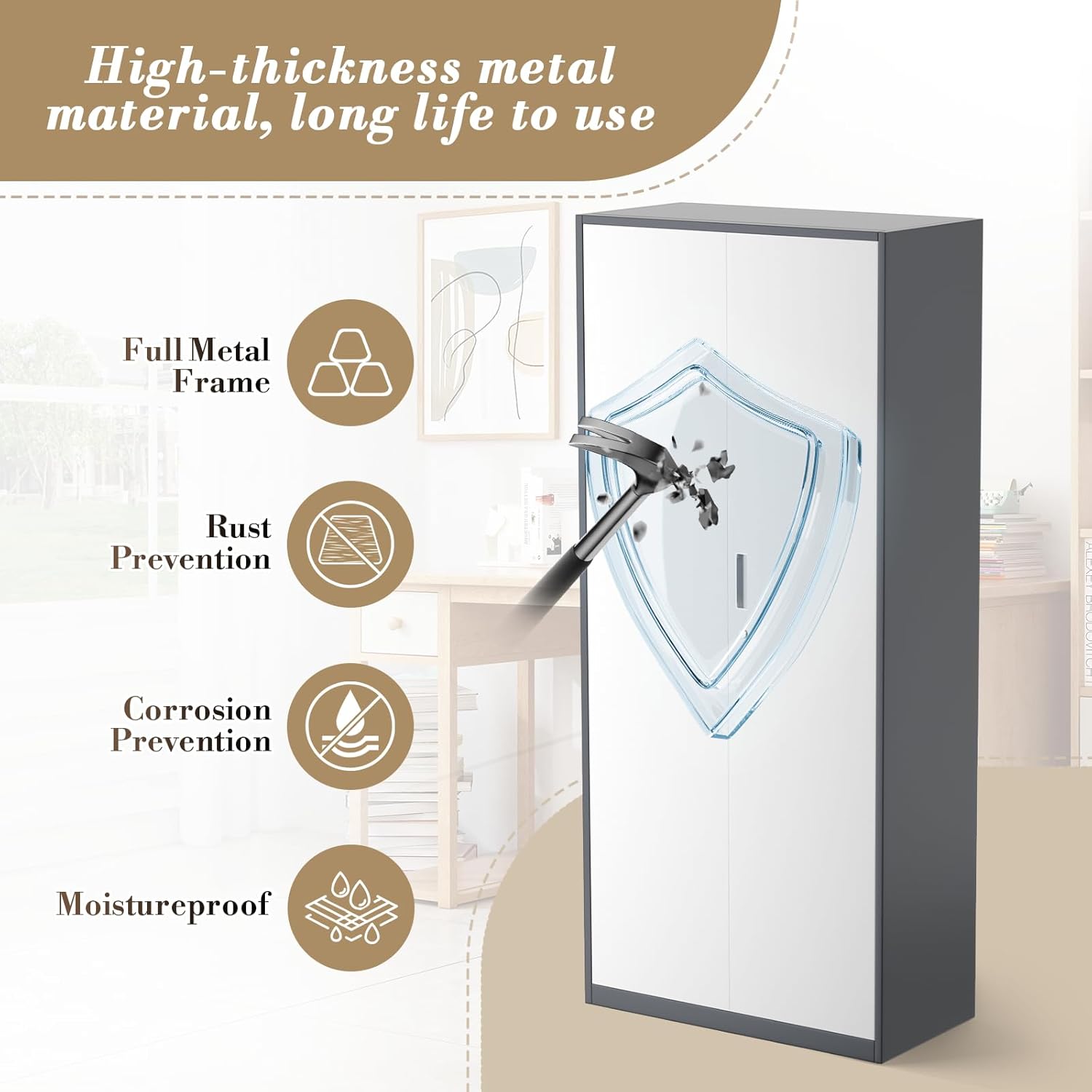
This graphic emphasizes the durable construction of the cabinet, detailing its high-thickness metal material and full metal frame. Icons represent key protective features: rust prevention, corrosion prevention, and moistureproof design, ensuring long-term use and resilience.
- Cleaning: Wipe surfaces with a soft, damp cloth. For stubborn marks, use a mild soap solution and dry immediately with a clean cloth. Avoid abrasive cleaners or harsh chemicals, as they can damage the finish.
- Rust Prevention: The cabinet features a rust-resistant finish. To maintain this, avoid prolonged exposure to excessive moisture. If used in a high-humidity environment, ensure good ventilation.
- Inspection: Periodically check all screws and fasteners to ensure they remain tight. Retighten if necessary to maintain stability.
- Load Management: Always adhere to the maximum weight capacity per shelf (110 lbs). Overloading can cause structural damage and compromise safety.
7. Troubleshooting
If you encounter any issues with your cabinet, refer to the table below for common problems and solutions.
| Problem | Possible Cause | Solution |
|---|---|---|
| Cabinet is wobbly/unstable | Uneven floor; Loose fasteners; Incorrect assembly. | Ensure cabinet is on a level surface; Retighten all screws and bolts; Review assembly instructions. |
| Doors do not close properly | Misaligned hinges; Obstruction; Cabinet not level. | Adjust hinges; Check for items blocking door path; Ensure cabinet is level. |
| Lock is stiff or not working | Key not fully inserted; Mechanism obstruction; Damage. | Ensure key is fully inserted and turned correctly; Check for debris in lock; Contact customer support if damaged. |
| Shelves sag or are unstable | Overloaded shelf; Incorrectly placed shelf pins. | Reduce weight on shelf; Ensure shelf pins are fully inserted and level. |
8. Specifications
| Feature | Detail |
|---|---|
| Brand | Athena Collection |
| Model Number | MSC-AT-00471GYWH-A |
| Color | Grey White |
| Product Dimensions (D x W x H) | 15.85" x 31.6" x 71.1" |
| Material | Metal (Alloy Steel Frame) |
| Number of Shelves | 6 (Adjustable) |
| Shelf Weight Capacity | Up to 110 lbs per shelf |
| Special Features | Heavy Duty, Lockable, Adjustable Shelf, Rust/Corrosion/Moisture Prevention |
| Mounting Type | Free Standing |
| Assembly Required | Yes |
| Item Weight | 73.7 pounds |
| UPC | 840409926941 |

This diagram illustrates the key dimensions of the storage cabinet: 71 inches in height, 31.5 inches in width, and 16 inches in depth. It also highlights the impressive load capacity of each individual shelf, capable of holding up to 110 pounds, ensuring robust storage.
9. Warranty and Support
For warranty information specific to your purchase, please refer to the documentation provided at the time of sale or contact your retailer. Athena Collection is committed to providing quality products and customer satisfaction.
If you have any questions, require assistance with assembly, or need to report missing/damaged parts, please contact Athena Collection customer support through the retailer's platform or the official brand website. Please have your model number (MSC-AT-00471GYWH-A) and purchase details ready when contacting support.