
Introduction
Thank you for choosing the Walfront 2.4G Wireless Gaming Headset B100. This headset offers versatile connectivity options including 2.4G wireless, Bluetooth, and 3.5mm wired connections, designed to provide a low-latency audio experience for gaming and multimedia. This manual provides detailed instructions for setup, operation, and maintenance to ensure optimal performance and longevity of your device.
Package Contents
Please check the package contents to ensure all items are present:
- 1 x Walfront 2.4G Wireless Gaming Headset (Model B100)
- 1 x 2.4G USB Adapter
- 1 x 3.5mm Audio Cable
- 1 x USB Charging Cable
- 1 x User Manual

Image: The Walfront B100 headset shown with its 2.4G USB adapter, 3.5mm audio cable, and USB charging cable.
Product Overview
The Walfront B100 headset features a robust design with comfortable earcups and an adjustable headband. It integrates a retractable microphone and intuitive controls on the earcup for easy access to volume, mute, and connectivity options. The headset is equipped with 50mm drivers for clear audio output.
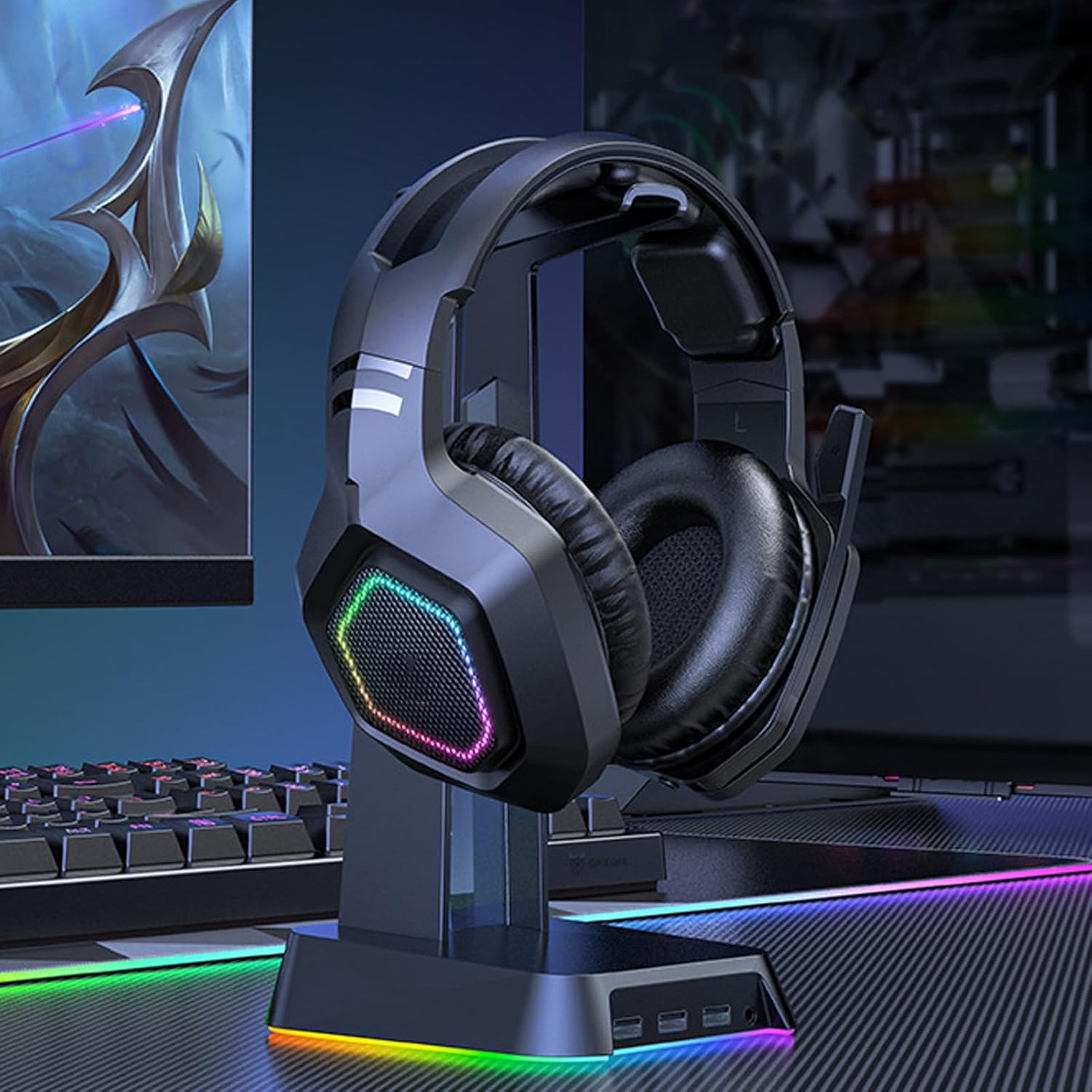
Image: The Walfront B100 gaming headset displayed on a headset stand, showcasing its design and RGB lighting on the earcups.

Image: An exploded view diagram of a 50mm diaphragm unit, highlighting its internal structure for balanced sound performance.

Image: A detailed view of the headset's earcup, illustrating the location of the power button and charging port.
Setup
2.4G Wireless Connection (USB Adapter)
- Insert the 2.4G USB adapter into an available USB port on your device (PC, PS4, PS5, Switch dock).
- Power on the headset by pressing and holding the power button until the indicator light illuminates.
- The headset will automatically attempt to pair with the USB adapter. A solid indicator light on the headset typically signifies a successful connection.
- On your device, ensure the headset is selected as the default audio input and output device in the sound settings.
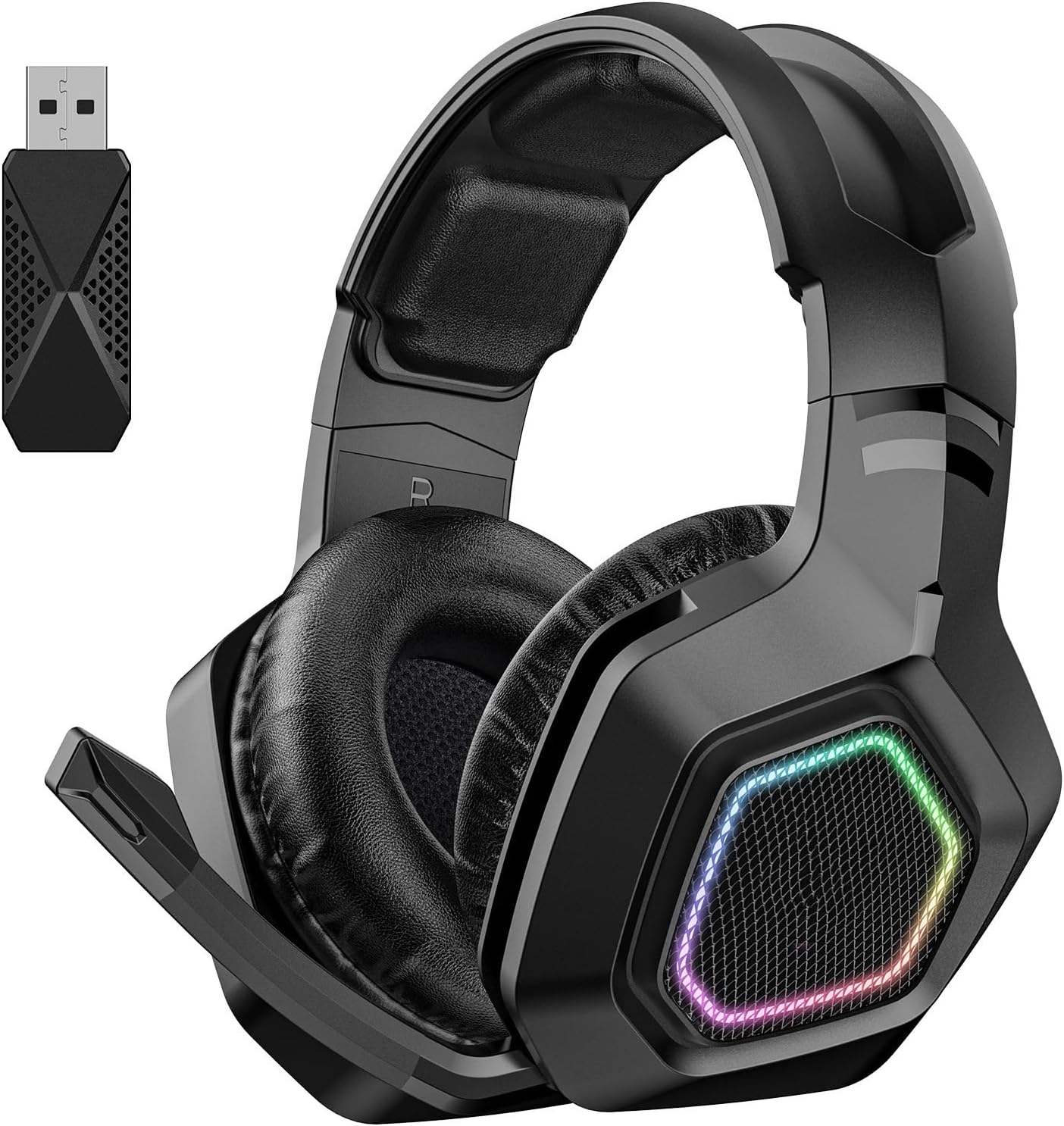
Image: The Walfront B100 headset shown alongside its dedicated 2.4G USB wireless adapter, used for low-latency gaming connections.
Bluetooth Connection
- Ensure the headset is powered off.
- Press and hold the power button for approximately 5-7 seconds until the indicator light flashes rapidly, indicating pairing mode.
- On your Bluetooth-enabled device (smartphone, tablet, laptop), go to Bluetooth settings and search for available devices.
- Select "Walfront B100" (or similar name) from the list to connect.
- Once connected, the indicator light on the headset will typically become solid or flash slowly.
3.5mm Wired Connection
- Connect one end of the 3.5mm audio cable to the audio jack on the headset.
- Connect the other end of the 3.5mm audio cable to the 3.5mm audio port on your device.
- The headset will function in passive wired mode. Power is not required for basic audio playback in this mode, but some features like RGB lighting may require power.
Operating Instructions
Power On/Off
- Power On: Press and hold the power button for 2-3 seconds.
- Power Off: Press and hold the power button for 3-4 seconds.
Volume Control
- Locate the volume roller or buttons on the earcup.
- Roll up/press '+' to increase volume.
- Roll down/press '-' to decrease volume.
Microphone Mute
- Press the microphone mute button (if available) on the earcup to toggle mute on/off.
- Alternatively, retracting the microphone boom may automatically mute the microphone on some models.
Call Management (Bluetooth Mode)
- Answer/End Call: Press the multi-function button once.
- Reject Call: Press and hold the multi-function button for 2 seconds.
Music Playback (Bluetooth Mode)
- Play/Pause: Press the multi-function button once.
- Next Track: Double-press the multi-function button.
- Previous Track: Triple-press the multi-function button.
Lighting Control
- If your headset features RGB lighting, there may be a dedicated button to cycle through lighting modes or turn them off. Refer to the specific button layout on your headset.
Charging
To charge your Walfront B100 headset:
- Connect the USB charging cable to the charging port on the headset.
- Connect the other end of the USB charging cable to a DC 5V power source (e.g., computer USB port, USB wall adapter).
- The indicator light on the headset will typically show red during charging and turn off or change color when fully charged.
Charging Time: Approximately 3 hours.
Playback Time: Up to 20 hours on a full charge.
Maintenance
Proper maintenance ensures the longevity and performance of your headset:
- Cleaning: Use a soft, dry cloth to wipe the headset. Avoid using harsh chemicals or abrasive materials.
- Storage: Store the headset in a cool, dry place away from direct sunlight and extreme temperatures.
- Battery Care: For optimal battery life, avoid fully discharging the headset frequently. Charge it regularly, even if not in use for extended periods.
- Avoid Moisture: Do not expose the headset to water or excessive humidity.
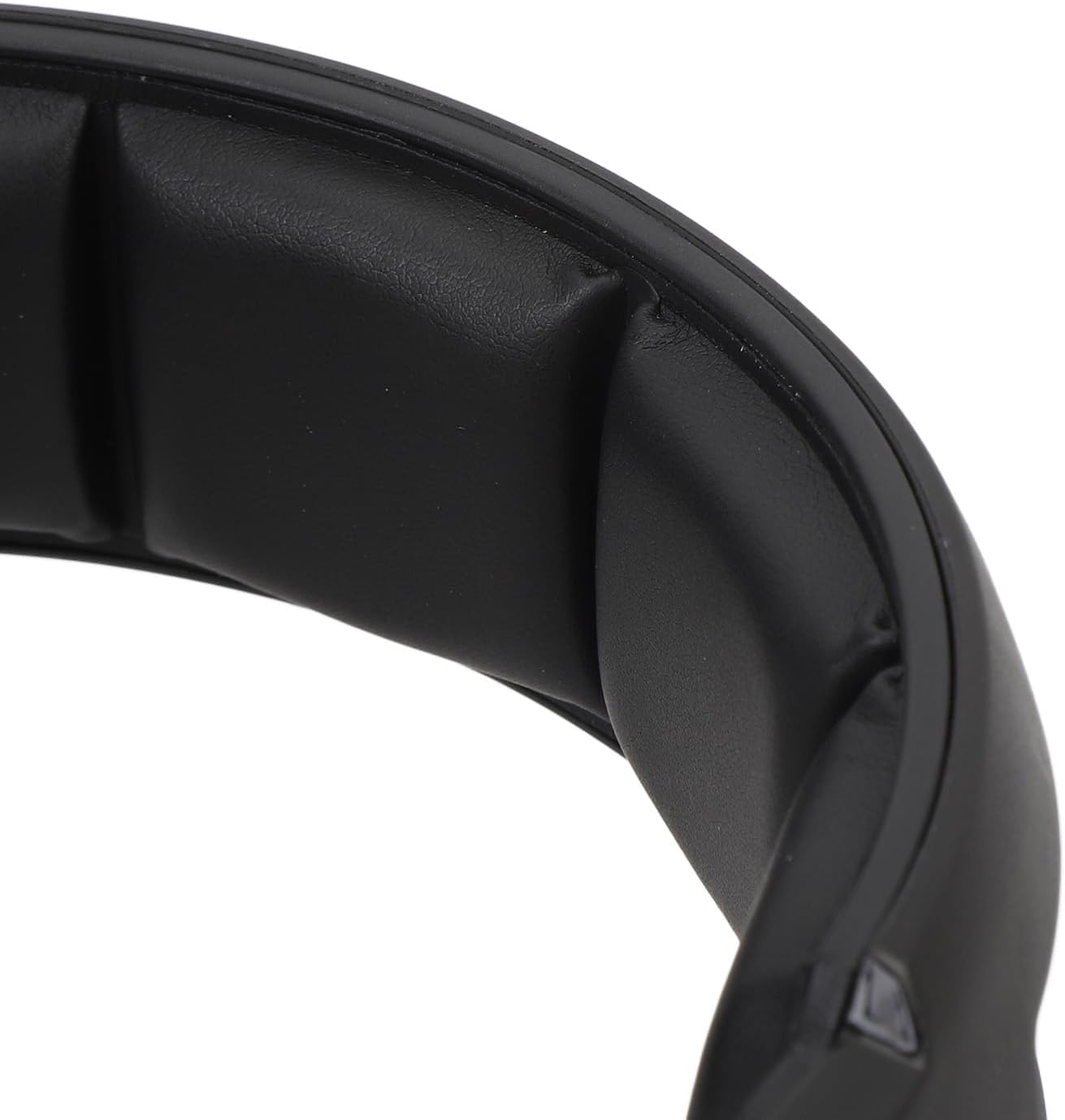
Image: A close-up view of the soft padding on the headband, designed for comfort during extended use.
Troubleshooting
| Problem | Possible Solution |
|---|---|
| No sound from headset (2.4G/Bluetooth) |
|
| Microphone not working |
|
| Headset not charging |
|
| Poor audio quality or disconnections |
|
Specifications
| Model | B100 |
| Material | ABS |
| Power Supply | 1 Li-Ion Battery 1000mAh (Included) |
| Charging Method | DC 5V |
| Driver Diameter | Approx. 50mm / 1.97in |
| Chipset | JL7018 |
| Supported Protocols | AVRCP1.4, A2DP1.2, HFP1.6, HSP1.2 |
| Sound Decoding | WMA, APE, FLAC, AAC, M4A, WAV, AIF, AIFC |
| Bluetooth Distance | Approx. 10m / 32.8ft |
| Transfer Rate | 2Mbps |
| RF Output Power | 9dBm |
| RX Receiver Sensitivity | -92 dBm |
| RF TX Frequency Drift | ±15KHz |
| Frequency | 2401MHz-2478MHz |
| Microphone Sensitivity | -42±3DB |
| Sensitivity | 105±3DB |
| Impedance | 32 ohms |
| Frequency Response Range | 20HZ-20KHZ |
| Playback Time | 20 Hours |
| Charging Time | 3 Hours |
| Sound Latency | 20mS (2.4G Wireless) |
| Item Weight | 1.16 pounds |
| Package Dimensions | 8.66 x 7.48 x 3.94 inches |
Warranty and Support
Walfront products are designed for reliability and performance. For warranty information, technical support, or customer service inquiries, please refer to the contact details provided on the product packaging or the official Walfront website. Please retain your proof of purchase for warranty claims.