
Vsdampj CS-HTB415PX
User Manual
Vsdampj 4000mAh/14.4V Replacement Battery
Model: CS-HTB415PX
Introduction
This manual provides essential information for the safe and effective use of your Vsdampj 4000mAh/14.4V Lithium-ion replacement battery. Please read this manual thoroughly before using the battery to ensure optimal performance and longevity.
What's in the Box
- 1 x Vsdampj 4000mAh/14.4V Replacement Battery
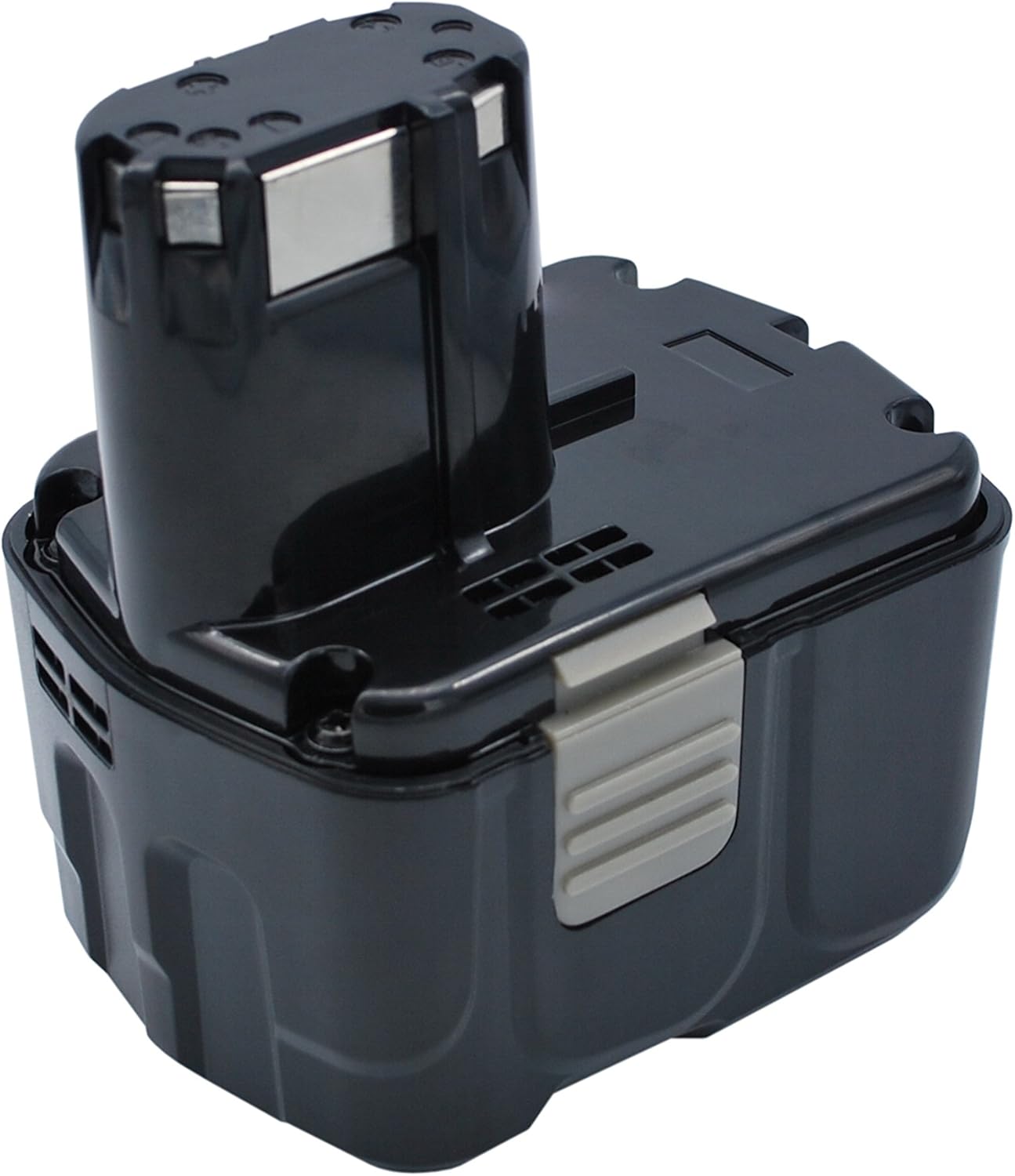
Image: Front view of the Vsdampj 4000mAh/14.4V replacement battery, showcasing its black casing and connection terminals.
Specifications
| Battery Type | Lithium-ion (Li-ion) |
| Capacity | 4000mAh (4.0Ah) |
| Voltage | 14.4V |
| Energy Rate | 57.6Wh |
| Model Number | CS-HTB415PX |
| Dimensions (L x W x H) | 3.17 x 4.36 x 4.01 inches (101.83 x 80.50 x 110.80 mm) |
| Weight | 1.82 pounds (826g) |
| Certifications | ISO9001, RoHS, CE, UN38.3, MSDS |

Image: Bottom view of the battery, displaying the model number (CS-HTB415PX), electrical ratings, and important safety warnings and certifications.
Compatibility
This battery is designed to be compatible with various Hitachi power tools and replaces the following original battery part numbers:
- Applicable Battery Part Numbers (P/N): 327728, 327729, BCL 1415, BCL 1430, BCL1415, EBL 1430
- Compatible Hitachi Tool Models: DS 14DVB2K, DS 14DVF, DS 14DVF2, DS 14DVF3, DV 14DL, DV 14DMR
Before purchase, carefully check the model number of your device and the part number of your original battery to ensure compatibility.
Setup
- Initial Charge: For best performance, a new battery will achieve its full capacity after 2 or 3 complete charge and discharge cycles. Fully charge the battery before its first use.
- Installation: When installing the battery into your device, ensure the connector is properly and securely connected. A loose connection can lead to power interruptions or damage.
- Charger Compatibility: Use only chargers recommended for Lithium-ion batteries of this voltage. Avoid using low-quality third-party adapter chargers, as they can shorten the battery's lifespan and potentially cause damage.
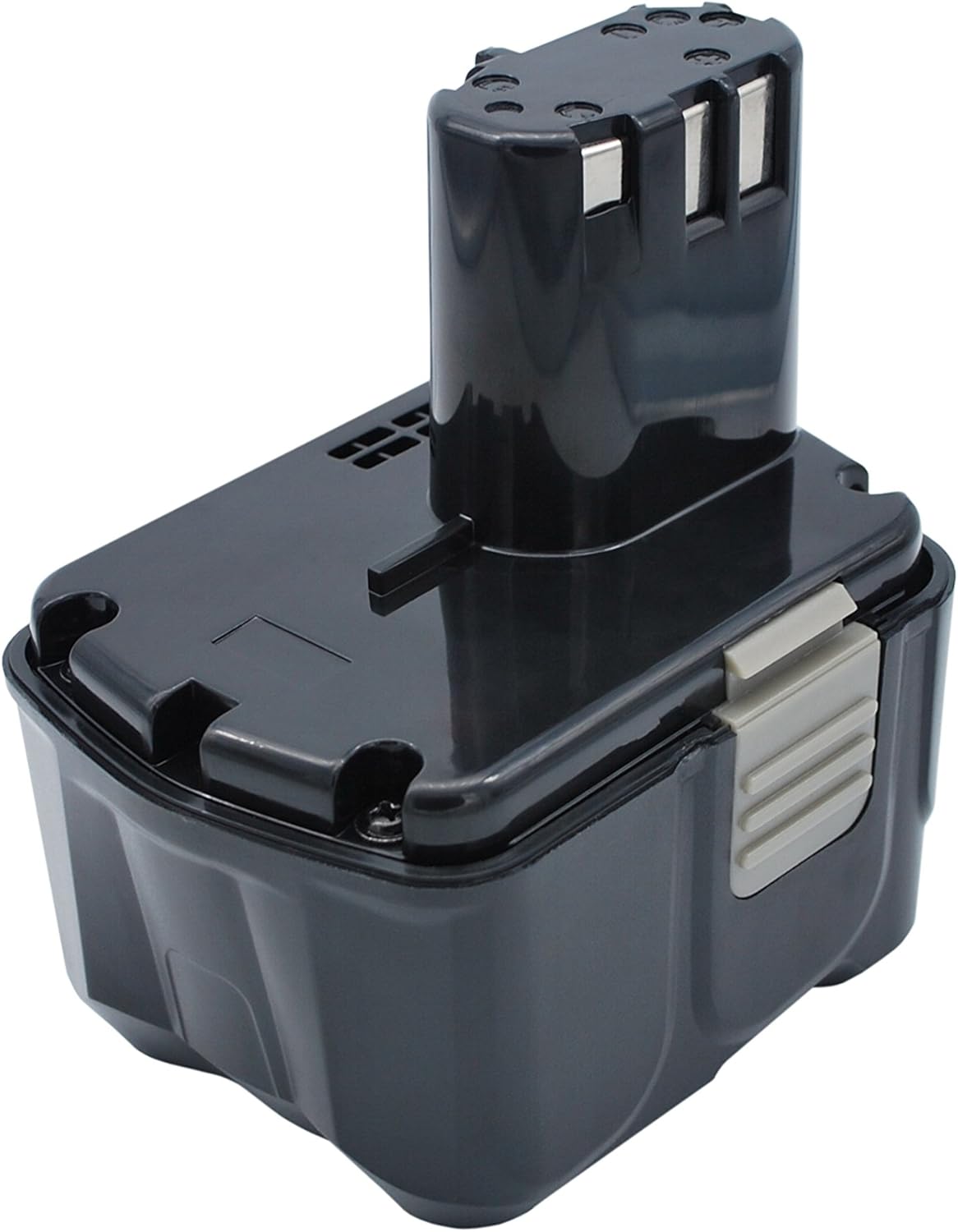
Image: Side view of the battery, highlighting the release buttons for secure installation and removal from compatible tools.
Operating Guidelines
Once installed and charged, the battery operates like your original equipment battery. Always refer to your power tool's instruction manual for specific operating procedures and safety precautions related to the tool itself.
- Ensure the battery is fully seated in the tool before operation.
- Monitor battery charge level during prolonged use to avoid unexpected power loss.
- Avoid deep discharge; recharge the battery when its performance noticeably declines.

Image: Angled view of the battery, illustrating the connection points designed to interface with compatible power tools.
Maintenance and Storage
- Cleaning: Keep the battery terminals clean and free from dust or debris. Use a dry cloth to wipe the battery surface.
- Storage: If storing the battery for an extended period, store it in a cool, dry place away from direct sunlight and extreme temperatures. Do not store above 60°C (140°F). It is recommended to store Li-ion batteries with a partial charge (around 50%) to maintain health.
- Charging Frequency: For optimal battery life, avoid leaving the battery fully discharged for long periods. Recharge it periodically if not in use.
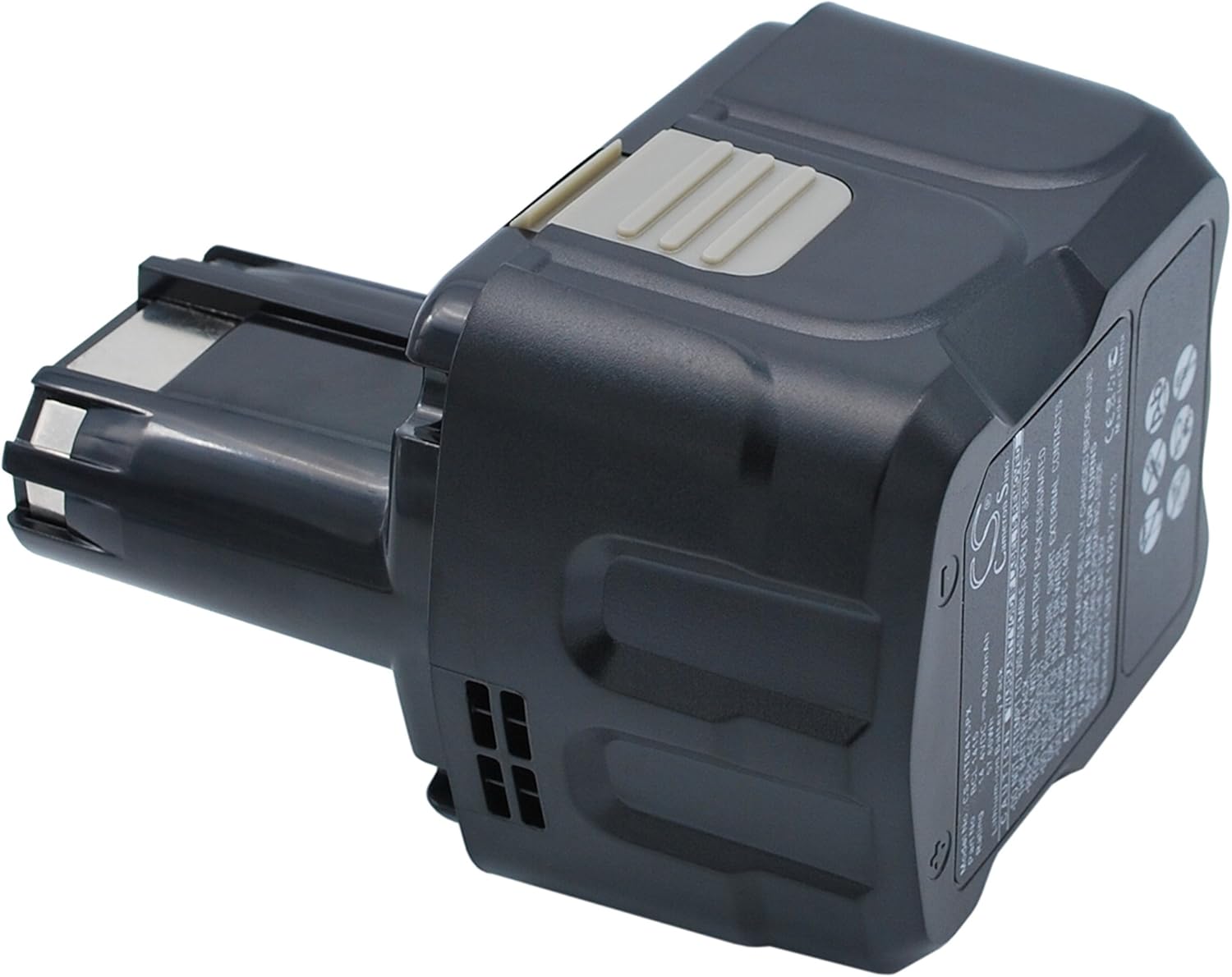
Image: Another angled view of the battery, providing a comprehensive look at its design and form factor.
Troubleshooting
- Battery Not Charging:
- Ensure the charger is properly connected to a power source and the battery.
- Verify that the charger is compatible with Lithium-ion 14.4V batteries.
- Check for any debris or damage on the battery terminals or charger contacts.
- Battery Not Powering Device:
- Ensure the battery is fully charged.
- Confirm the battery is securely inserted into the device.
- Check if the device itself is functioning correctly with another known-good battery (if available).
- Reduced Run Time:
- A new battery requires 2-3 charge/discharge cycles to reach full capacity.
- Ensure the battery is not being used in extreme temperatures.
- If the battery is old, its capacity may naturally degrade over time.
Safety Information
WARNING: Failure to follow these safety instructions may result in fire, electric shock, injury, or damage to the battery or property.
- Do NOT attempt to disassemble, open, or service the battery pack. There are no user-serviceable parts inside.
- Replace ONLY with the battery pack designated for this product. Using an incompatible battery may cause damage or injury.
- Do NOT crush, puncture, short external contacts, or dispose of in fire or water.
- Do NOT store above 60°C (140°F). High temperatures can damage the battery and pose a fire risk.
- Keep the battery away from children and pets.
- Dispose of used batteries according to local regulations. Do not dispose of with household waste.
Warranty and Support
Your Vsdampj battery comes with a satisfaction guarantee. We offer a refund or a free replacement without reason for 30 days from the date of purchase.
If you have any questions, concerns, or encounter any issues while using our product, please do not hesitate to contact us. Our customer support team is ready to assist you as soon as possible.
Contact Information: Please refer to your purchase platform or packaging for specific contact methods, or send us a message through the platform where you purchased the product.
Ask a question about this manual
Ask about setup, troubleshooting, compatibility, parts, safety, or missing instructions. Manuals+ will review the question and use this page’s manual context to help answer it.