
1. Introduction
Thank you for choosing the DUODUO Electric Heated Blanket. This manual provides important instructions for the safe and efficient use of your new heated blanket. Please read this manual thoroughly before use and retain it for future reference. This blanket is designed to provide warmth and comfort, enhancing your sleep experience.
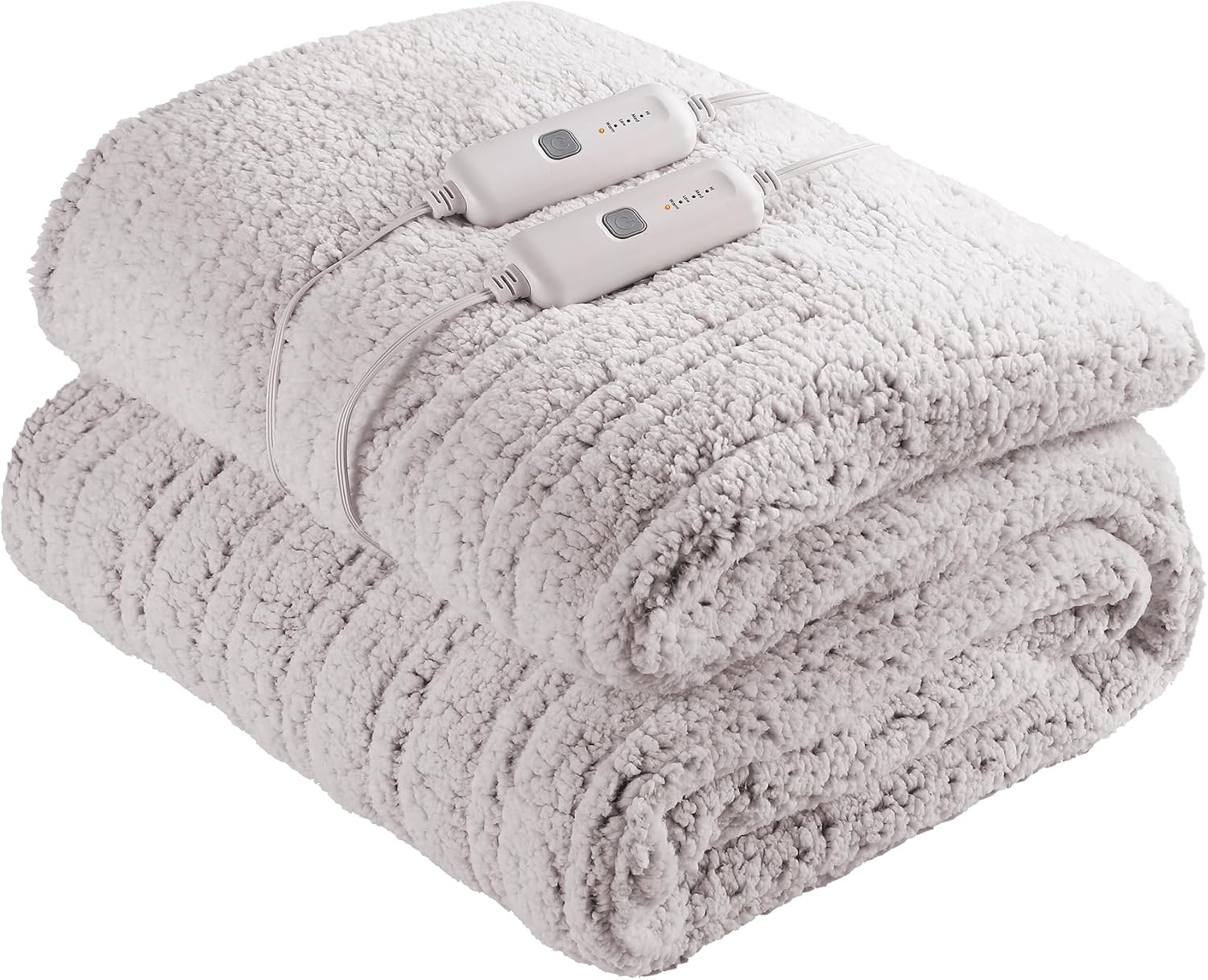
Image 1: The DUODUO Electric Heated Blanket, folded neatly, showcasing its soft texture and the two detachable controllers.
2. Important Safety Instructions
WARNING: To reduce the risk of burns, electric shock, fire, or injury to persons, this product must be used in accordance with the following instructions:
- Do not use with an infant, a child, an incapacitated person, a paraplegic, a quadriplegic, a diabetic, anyone insensitive to heat, or anyone who cannot clearly understand the instructions and/or operate the controls.
- Do not use on a waterbed.
- Do not use if the blanket is wet.
- Never use pins or other metallic objects with this blanket. They may damage the wiring.
- Do not tuck in the blanket or power cord.
- Ensure the controller is not covered or placed under the blanket during operation to prevent overheating.
- Do not use with damaged cords or plugs. If the supply cord is damaged, it must be replaced by the manufacturer, its service agent, or similarly qualified persons in order to avoid a hazard.
- Unplug the blanket from the outlet when not in use.
- Do not dry clean this blanket. Cleaning solvents may damage the insulation of the heating element.
- Do not iron the blanket.
- Keep all pets away from the blanket to prevent damage to the wiring.
- This appliance is not intended for medical use in hospitals.
3. Package Contents
Your DUODUO Electric Heated Blanket package should contain the following items:
- 1 x DUODUO Electric Heated Blanket (Queen Size, 84"L x 72"W)
- 2 x Detachable Controllers with Power Cords
- 1 x User Manual (This document)
4. Setup
Follow these steps to set up your electric heated blanket:
- Unpack: Carefully remove the blanket and controllers from the packaging.
- Inspect: Check the blanket and cords for any signs of damage. Do not use if damaged.
- Position: Lay the heated blanket flat on your bed, ensuring it is spread evenly without any folds or creases. The connectors for the controllers should be positioned at the foot of the bed.
- Connect Controllers: Locate the connector ports on the blanket. Firmly plug each controller's cord into its respective port on the blanket until it clicks securely into place.
- Plug In: Plug the power cords from the controllers into a standard 120V AC electrical outlet. Ensure the outlet is easily accessible.

Image 2: The DUODUO Electric Heated Blanket displayed on a bed, illustrating its generous size and how it covers the mattress.
5. Operating Instructions
Your DUODUO Electric Heated Blanket features dual controls, allowing independent temperature settings for each side of the bed.
- Power On: Press the "Power" button on the controller to turn on the blanket. The indicator light will illuminate.
- Adjust Heat Setting: Use the "+" or "-" buttons to select your desired heat level. The controller typically offers multiple heat settings (e.g., 1-10). Start with a lower setting and adjust as needed for comfort.
- Pre-heating: For best results, turn on the blanket 15-30 minutes before getting into bed to pre-warm the sheets.
- Automatic Shut-off: The blanket is equipped with an automatic shut-off feature for safety and energy conservation. Refer to the controller for specific timer settings, if available. If no timer is set, the blanket will typically shut off after a set number of hours (e.g., 10 hours).
- Power Off: Press the "Power" button again to turn off the blanket. Unplug the blanket from the wall outlet when not in use for extended periods.
Note: The controller may feel slightly warm during operation. This is normal. If it becomes excessively hot, unplug the blanket immediately and contact customer support.
6. Care and Maintenance
Proper care will ensure the longevity and performance of your DUODUO Electric Heated Blanket. This blanket is machine washable.
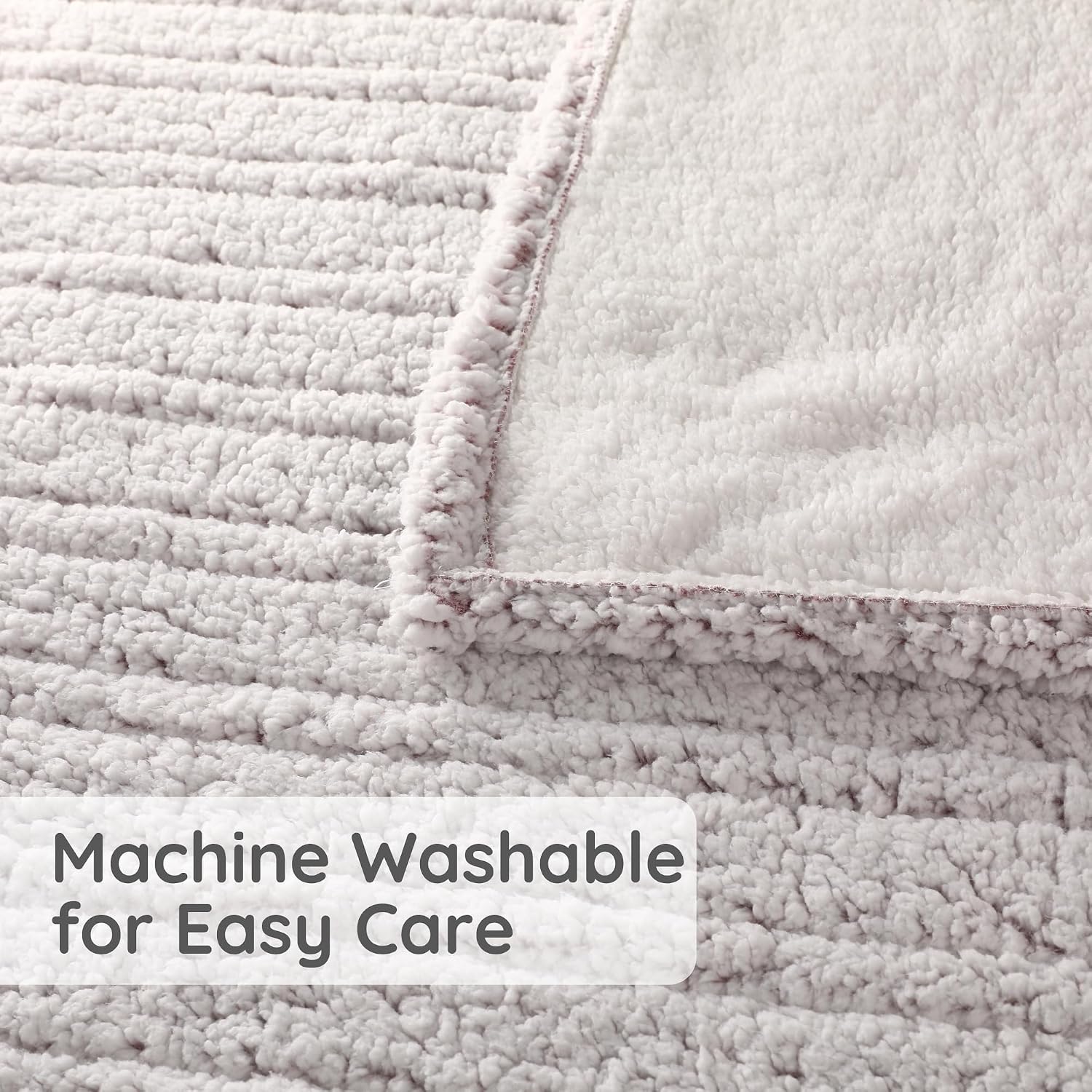
Image 3: A detailed view of the blanket's fabric, highlighting its soft texture and confirming its machine washable quality.
Washing Instructions:
- Disconnect: Always disconnect the power cord from the wall outlet and detach the controllers from the blanket before washing. Ensure the connectors are completely dry before reattaching.
- Pre-soak (Optional): For best results, pre-soak the blanket for 15 minutes in cool water with a small amount of mild detergent.
- Machine Wash: Wash on a gentle or delicate cycle in a washing machine with cool water (maximum 30°C / 86°F). Use a small amount of mild, non-bleach detergent. Do not bleach.
- Rinse: Rinse on a normal cycle.
- Spin Dry: Spin dry on a slow speed to remove excess water.
- Tumble Dry: Tumble dry on a low heat setting for approximately 5-10 minutes. Remove while still damp.
- Air Dry: Drape the blanket over a clothesline or shower rod to air dry completely. Ensure the blanket and controller connectors are thoroughly dry before reconnecting to power. Do not use clothespins that could damage the wiring.
- Do Not Iron: Do not iron the heated blanket.
- Do Not Dry Clean: Dry cleaning solvents can damage the internal wiring.
Storage:
When not in use, store the blanket neatly folded or rolled in a cool, dry place. Avoid placing heavy objects on top of the blanket, as this could damage the internal heating elements.
7. Troubleshooting
If your DUODUO Electric Heated Blanket is not operating correctly, please refer to the following common issues and solutions before contacting customer support.
| Problem | Possible Cause | Solution |
|---|---|---|
| Blanket not heating. |
|
|
| Controller indicator light flashing. | Error code or malfunction. | Unplug the blanket from the wall outlet for 5 minutes, then plug it back in and try again. If the issue persists, contact customer support. |
| Blanket feels too hot or not hot enough. | Heat setting needs adjustment. | Adjust the heat setting using the "+" or "-" buttons on the controller. Allow 15-30 minutes for the blanket to reach the desired temperature. |
If these solutions do not resolve the issue, discontinue use and contact DUODUO customer support.
8. Specifications
| Feature | Detail |
|---|---|
| Brand | DUODUO |
| Model Name | YFO-BL-FF |
| ASIN | B0DT9TSB2X |
| Size | Queen |
| Product Dimensions | 84"L x 72"W |
| Fabric Type | Polyester |
| Special Feature | Lightweight, Machine Washable |
| Color (as per specifications) | Blue (Note: Product title indicates Purple, actual color may vary by purchase) |
| Power Supply | 120V AC (Standard Household Outlet) |
9. Warranty Information
Specific warranty details for the DUODUO Electric Heated Blanket are not provided in this document. For information regarding warranty coverage, terms, and conditions, please refer to the warranty card included with your product packaging or visit the official DUODUO website. Please retain your proof of purchase for any warranty claims.
10. Customer Support
If you have any questions, concerns, or require assistance with your DUODUO Electric Heated Blanket, please contact DUODUO customer support through the retailer where the product was purchased or visit the official DUODUO brand store online. Please have your model number (YFO-BL-FF) and ASIN (B0DT9TSB2X) ready when contacting support.
You can visit the DUODUO Store at: DUODUO Official Store