
AT&T DLP73590
AT&T DLP73590 Cordless Phone System User Manual
Model: DLP73590 | Brand: AT&T
1. Introduction
This manual provides comprehensive instructions for the AT&T DLP73590 5-Handset DECT 6.0 Cordless Home and Business Phone System. It covers setup, operation, maintenance, and troubleshooting to ensure optimal performance and user experience. This system features a 5-inch color base display, Bluetooth Connect to Cell technology, Smart Call Blocker, and a digital answering system.
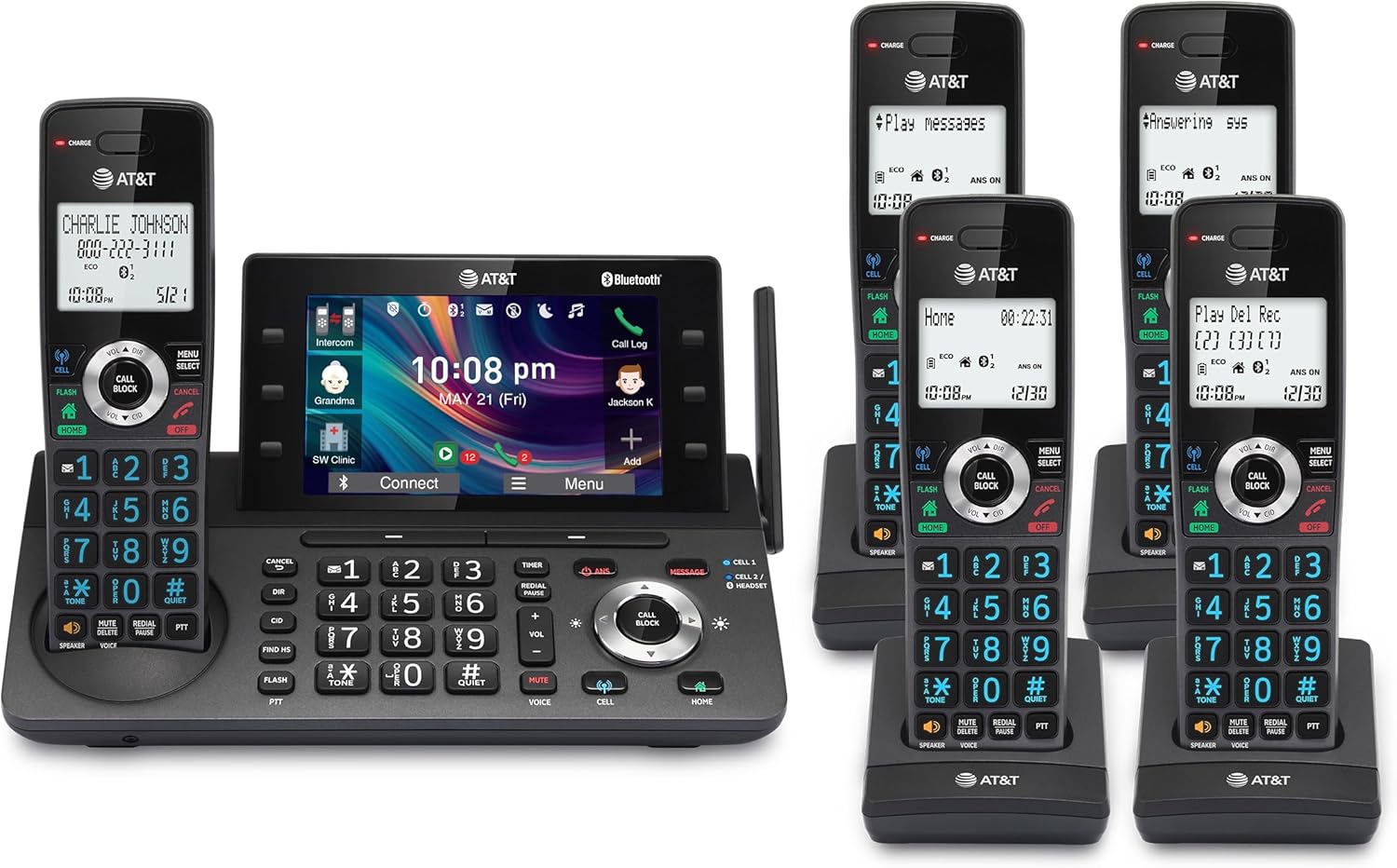
Image: The AT&T DLP73590 cordless phone system, showing the main base unit with one handset and four additional handsets with their charging cradles.
2. What's in the Box
Verify that all items listed below are included in your package:
- Base Unit
- 5 Handsets
- 4 Chargers
- 5 AC Adapters
- Telephone Line Cord
- 5 Battery Packs (AAA batteries included)
- Quick Start Guide
3. Setup Guide
3.1. Battery Installation
- Open the battery compartment cover on the back of each handset.
- Insert the provided AAA battery pack into the compartment, ensuring correct polarity.
- Close the battery compartment cover securely.
3.2. Connecting the Base Unit
- Plug one end of the telephone line cord into the TEL LINE jack on the back of the base unit.
- Plug the other end of the telephone line cord into a telephone wall jack.
- Plug the small end of the AC adapter into the POWER jack on the back of the base unit.
- Plug the large end of the AC adapter into a standard electrical outlet.
3.3. Charging Handsets
- Place each handset into its respective charging cradle or the base unit cradle.
- Ensure the "CHARGE" indicator light on the handset or base unit illuminates, indicating proper charging.
- Allow handsets to charge for at least 16 hours before first use to ensure full battery capacity.
4. Operating Instructions
4.1. 5-inch Color Base Display
The large 5-inch color display on the base unit provides an intuitive interface for managing calls, messages, and settings. Soft keys located on the sides and bottom of the screen offer quick access to various phone functions. The extra-large display enhances readability and ease of navigation through menus and features.

Image: A detailed view of the 5-inch color display on the base unit, highlighting its user-friendly interface with various shortcut icons.
4.2. Personalized Feature Shortcuts
Customize your phone experience by assigning one-touch shortcuts on the large base display. This allows for rapid access to frequently used features such as contacts, messages, call history, and timers, streamlining your daily communication.
4.3. Unsurpassed Range with DECT 6.0
Benefit from extended coverage and superior clarity throughout your home or office. The DECT 6.0 technology, combined with a unique antenna design and advanced noise-filtering, ensures reliable connectivity over long distances, minimizing dropped calls and interference.

Image: An illustration demonstrating the extensive range of the DECT 6.0 system, showing connectivity from inside a house to a phone in a car outside.
4.4. Smart Call Blocker and One-touch Block
Effectively manage unwanted calls with the Smart Call Blocker feature. Robocalls are automatically prevented from ringing through, even on the first attempt. You can also instantly blacklist any incoming number with a single touch, storing up to 1000 names and numbers in your block list.
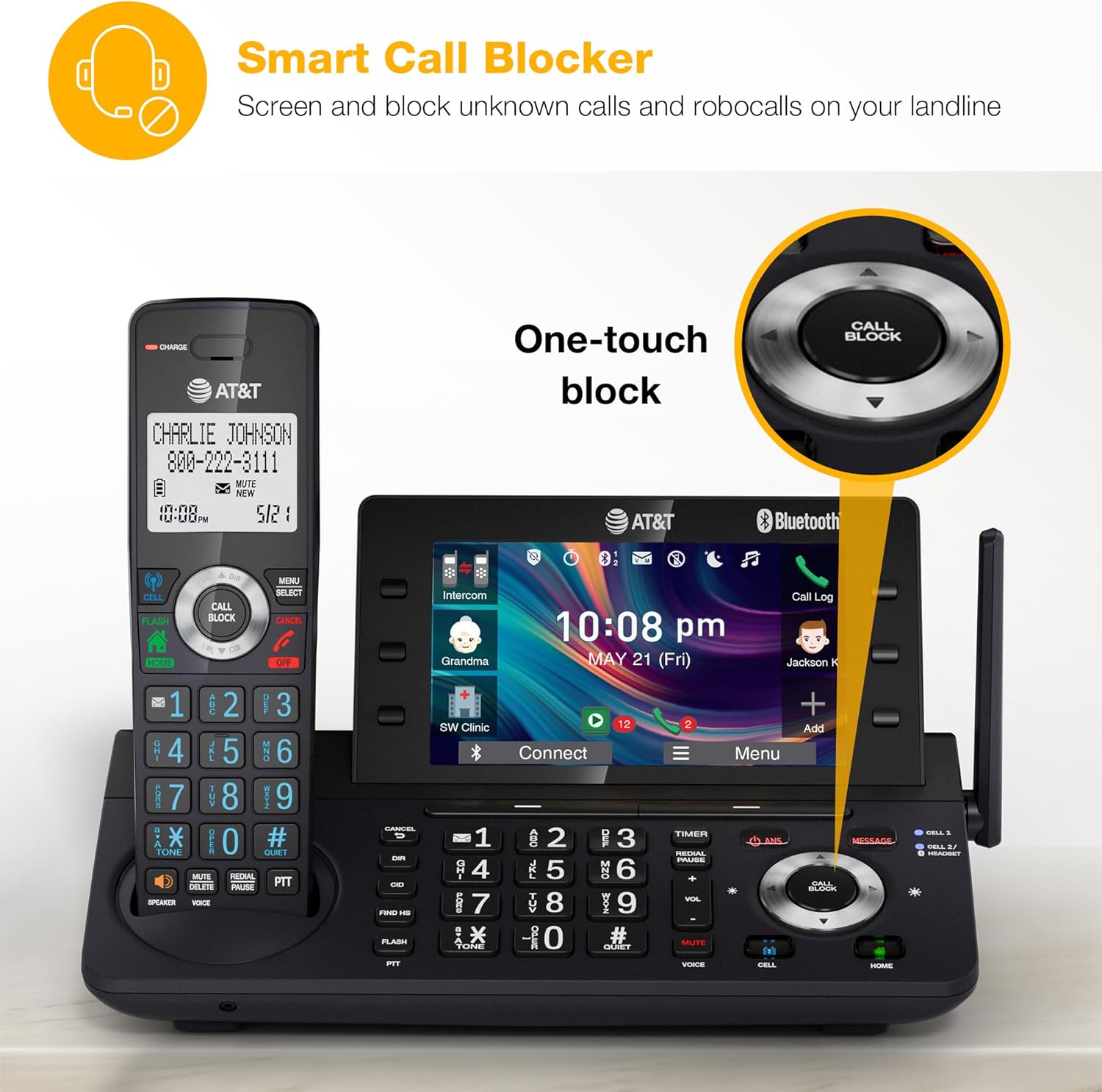
Image: The base unit of the phone system, with a close-up on the "CALL BLOCK" button, illustrating the one-touch blocking feature.
4.5. Connect to Cell (Bluetooth)
The Bluetooth Connect to Cell technology allows you to make and receive cellular calls using your cordless handsets, integrating your mobile and landline communications. You can pair up to two cell phones or one cell phone and one Bluetooth headset. This feature enables access to smartphone voice assistants like Siri or Google Now directly from the cordless handsets, even if your smartphone is in another room.

Image: A user in a kitchen using a cordless handset, with a smartphone nearby, demonstrating the Bluetooth Connect to Cell functionality.
4.6. Digital Answering System
The integrated digital answering system offers up to 40 minutes of recording time, ensuring that all incoming messages are captured when you are unavailable. Easily access and manage your messages directly from the base unit's display or any handset.

Image: The phone's base unit screen showing a message playback interface, with a visual representation of a message being left.
4.7. Conference and Intercom
Streamline your communication with conference calling capabilities, allowing an outside line to connect with up to four cordless handsets simultaneously. The intercom functionality enables direct communication between handsets and the base unit, facilitating internal conversations.

Image: An office scenario depicting multiple individuals participating in a conference call using the AT&T phone system.
4.8. Simulated Full-Duplex Handset Speakerphone
The handset and base speakerphone support full-duplex communication, allowing both parties to speak and be heard simultaneously. This feature enhances natural conversation flow, making calls more comfortable and productive.
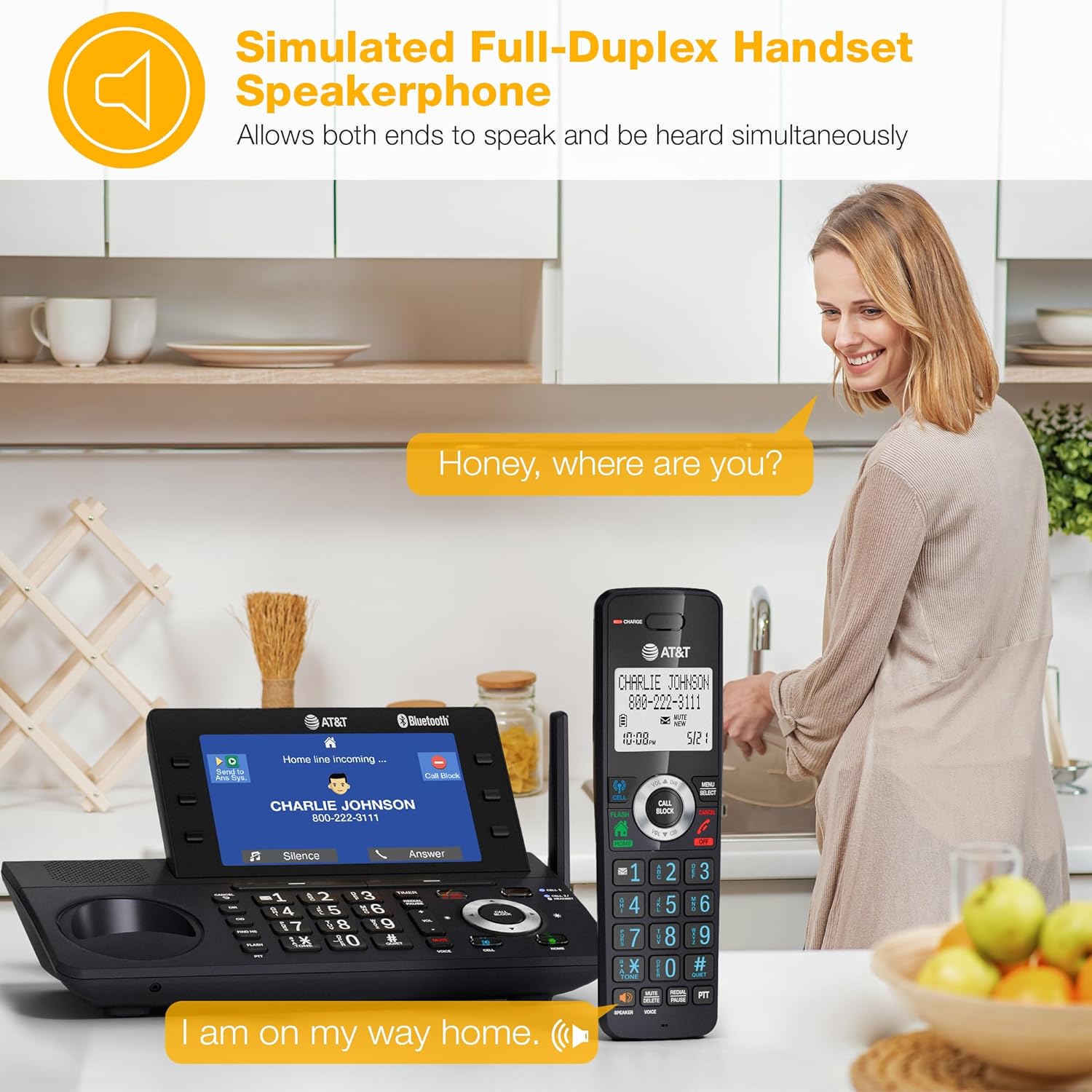
Image: A woman using the speakerphone function of the cordless handset in a home setting, demonstrating hands-free communication.
4.9. Download Cellphone Phonebook
Easily transfer up to 1,200 names and numbers from your cellular phonebook to the cordless phone system, centralizing your contacts for convenient access.
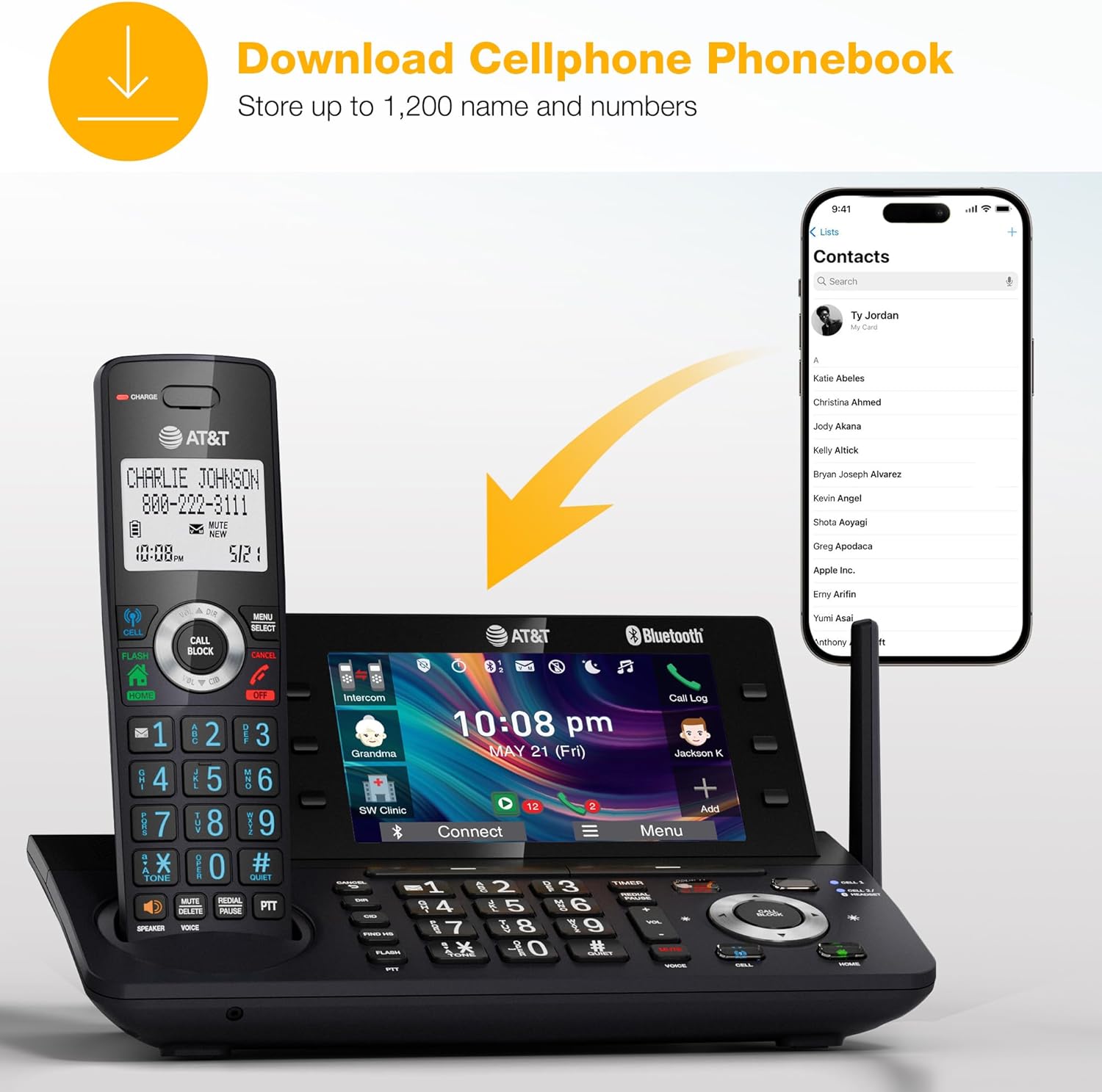
Image: A visual representation of the process to download a cellphone phonebook to the AT&T cordless phone system.
4.10. Push-To-Talk Intercom
Transform your DLP73590 system into a walkie-talkie with the push-to-talk intercom feature, allowing instant communication between handsets with a single click.
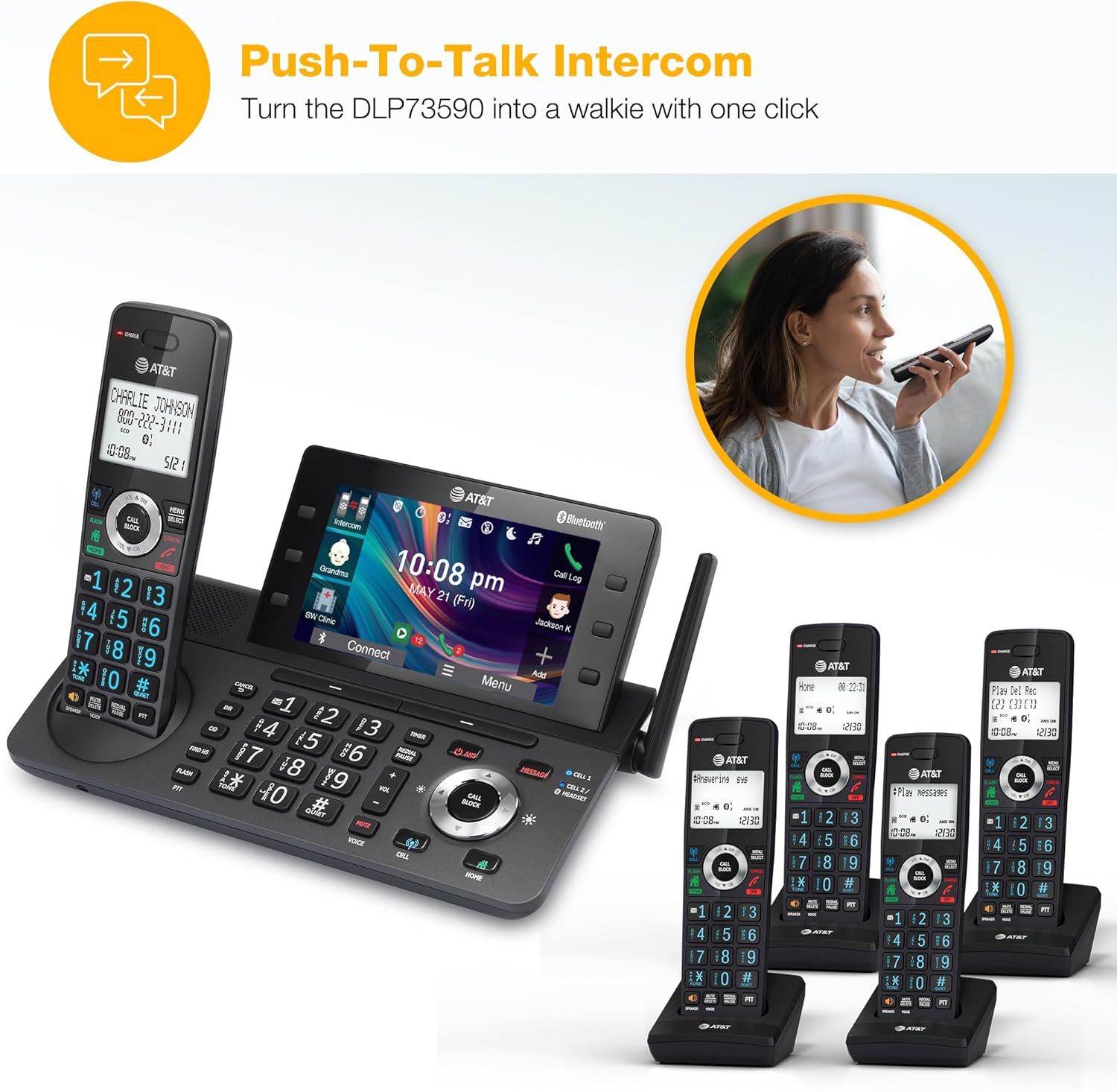
Image: A woman demonstrating the push-to-talk intercom feature, enabling quick communication between handsets.
5. Maintenance
- Cleaning: Use a soft, slightly damp cloth to clean the phone's surfaces. Avoid using harsh chemicals or abrasive cleaners.
- Battery Care: If the phone will not be used for an extended period, remove the batteries from the handsets to prevent leakage.
- Environmental Conditions: Keep the phone away from excessive heat, direct sunlight, and moisture.
6. Troubleshooting
| Problem | Solution |
|---|---|
| No dial tone |
|
| Handset not charging |
|
| Poor call quality / Static |
|
| Answering system not recording |
|
7. Specifications
- Model Number: DLP73590
- Product Dimensions: 9.49 x 6.14 x 7.28 inches
- Item Weight: 4.24 pounds
- Batteries: 5 AAA batteries required (included)
- Color: Graphite & Black
- Telephone Type: Cordless DECT 6.0
- Material: Plastic
- Power Source: Corded Electric
- Answering System Type: Digital (up to 40 minutes recording time)
- Compatible Devices: Cell Phones, Landline Phones, Other Communication Devices (via Bluetooth)
- Bluetooth: Connect to Cell technology
- Call Blocker: Smart Call Blocker, One-touch block (stores up to 1000 numbers)
- Display: 5-inch Color Base Display
8. Warranty and Support
For warranty information and technical support, please refer to the warranty card included in your product packaging or visit the official AT&T support website. You may also contact AT&T customer service for assistance with your DLP73590 phone system.
Online Support: www.att.com/support
Manufacturer: AT&T
Related documentsDLP73590


Ask a question about this manual
Ask about setup, troubleshooting, compatibility, parts, safety, or missing instructions. Manuals+ will review the question and use this page’s manual context to help answer it.