
1. Introduction
This manual provides essential information for the safe and efficient use of your FACBOTALL Computer Desk with Hutch and RGB Lights. Please read all instructions carefully before assembly and operation to ensure proper function and longevity of your product.
2. Safety Information
Important Safety Precautions:
- Always assemble the desk on a stable, level surface.
- Use appropriate tools and follow the instructions carefully.
- This desk is heavy; ensure it is properly anchored to the wall or floor to prevent tipping.
- Keep the area around the desk clear of obstacles to prevent accidents during assembly or use.
- Do not overload shelves or drawers beyond their capacity.
- Ensure all electrical connections for the power outlets and RGB lights are secure and conform to local electrical codes.
3. Product Features
The FACBOTALL Computer Desk with Hutch and RGB Lights is designed for versatility and functionality, offering a dedicated workspace with integrated storage and modern amenities.
3.1 Power Outlets & Charging Ports
The desk includes a built-in power strip with 2 standard AC outlets and 2 USB ports, allowing you to power and charge up to four devices simultaneously. This eliminates the need for multiple wall adapters and keeps your workspace tidy.
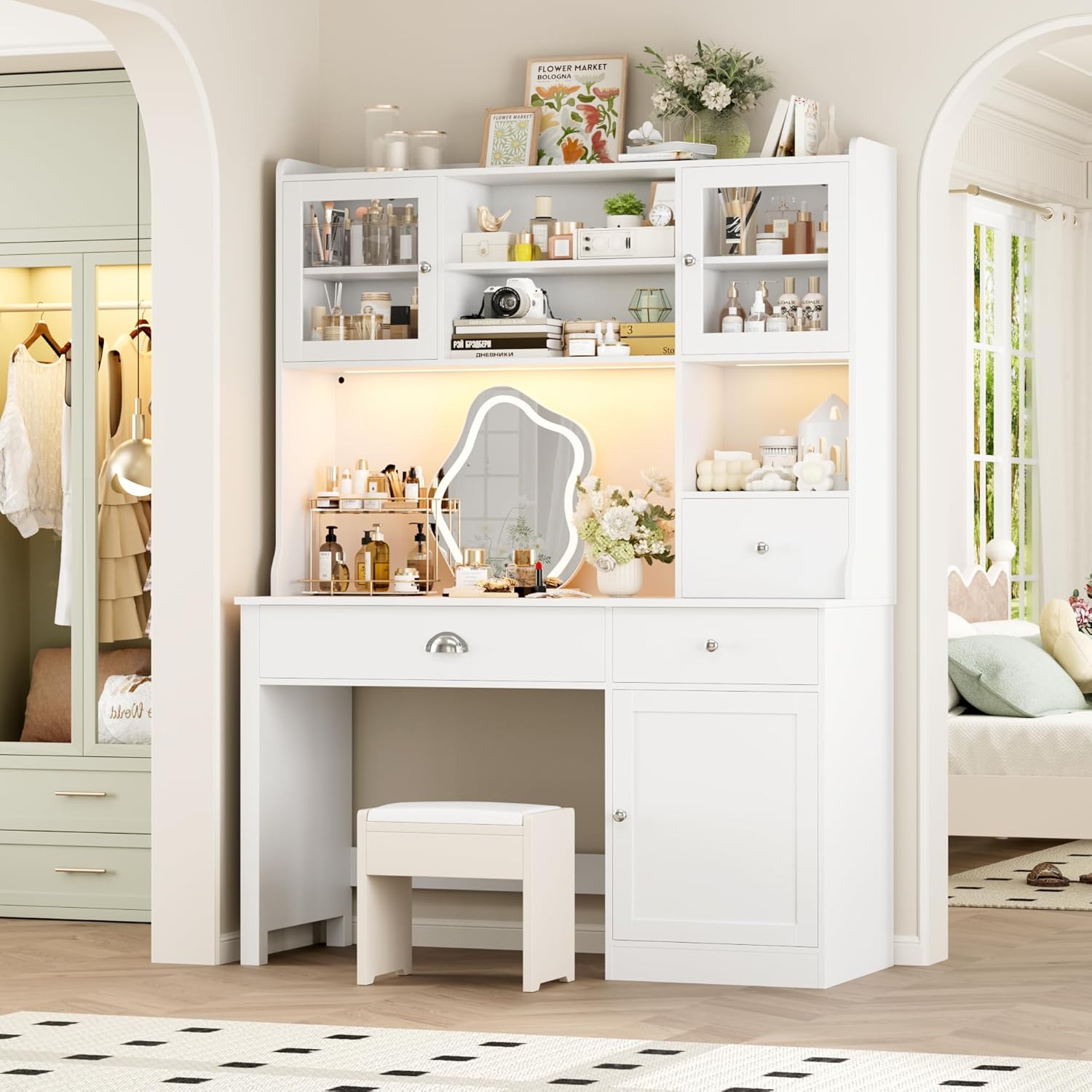
Image: Integrated power outlets and USB charging ports for convenient device power.
3.2 RGB LED Lights
Enhance your workspace ambiance with the integrated RGB lighting system. It offers multiple colors and lighting modes, controllable via a remote control. This feature is ideal for creating a personalized atmosphere for work, study, or gaming.
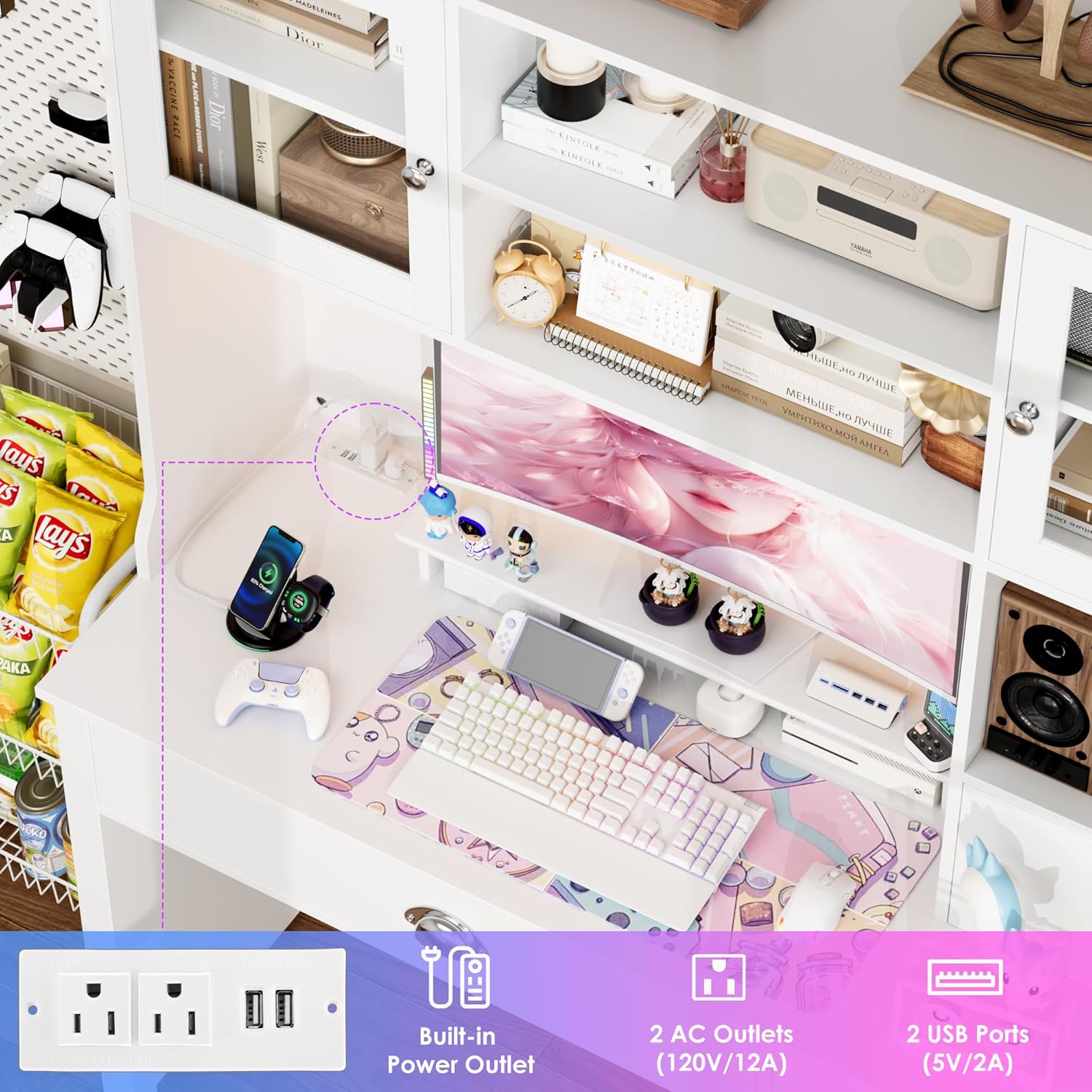
Image: RGB LED lights under the hutch, displaying various color options.
Video: Demonstrates the adjustable shelves, RGB lighting, and charging station features of the computer desk.
3.3 Ample Storage
The desk features a large-capacity design with three doors and three drawers. The drawers are suitable for stationery and documents, while the three-door cabinet provides space for larger office supplies or other items, helping to keep your workspace organized.

Image: Dimensional view of the desk, highlighting storage compartments and overall size.
3.4 Adjustable Storage Shelves
The partitions within the hutch and cabinet can be flexibly adjusted to accommodate items of various heights. This allows for efficient space utilization, whether storing heavy books or large office supplies.
3.5 Versatile Use
This executive desk is designed to serve multiple purposes, functioning as a writing desk, study desk, gaming desk, or even a makeup vanity. Its adaptable design meets diverse user needs.

Image: The desk arranged as a makeup vanity, demonstrating its versatility.
4. Specifications
| Feature | Detail |
|---|---|
| Brand | FACBOTALL |
| Model Number | FPB-472 |
| Product Dimensions | 47.2"D x 18.9"W x 65"H |
| Color | White |
| Material | Engineered Wood |
| Special Feature | Adjustable shelves, RGB Lights, Power Outlets |
| Storage Options | 3 drawers, 3 door cabinet |
| Item Weight | 125.88 Pounds |
| Assembly Required | Yes |
5. Setup and Assembly
Assembly of the FACBOTALL Computer Desk is required. Please refer to the detailed instruction manual included in your product packaging for step-by-step guidance. Ensure all parts are present before beginning assembly. It is recommended to assemble the desk with at least two people due to its size and weight.
Key Assembly Steps (Refer to included manual for full details):
- Unpack all components and verify against the parts list.
- Assemble the main desk frame.
- Install drawers and their slides.
- Attach the hutch to the main desk.
- Install cabinet doors and adjustable shelves.
- Connect the RGB lighting system and power outlets.
- Secure the desk to a wall using anti-tipping hardware (if provided and recommended).
6. Operation
6.1 Using Power Outlets and USB Ports
Plug your devices into the 2 AC outlets and 2 USB ports located on the desk surface. Ensure the desk is connected to a power source. These ports are designed for convenient charging and powering of electronic devices.
6.2 Controlling RGB Lights
The RGB LED lights are controlled via the included remote control. Use the remote to:
- Turn the lights On/Off.
- Select from multiple colors.
- Adjust brightness levels.
- Choose different lighting modes (e.g., static, flashing, fading).
Ensure the remote control has working batteries and is pointed towards the light receiver.
6.3 Adjusting Shelves
To adjust the height of the shelves within the hutch or cabinet, carefully remove the shelf and reposition the support pins to the desired height. Ensure the pins are securely inserted into the pre-drilled holes before placing the shelf back.
7. Maintenance
Regular maintenance will help preserve the appearance and functionality of your desk.
- Cleaning: Wipe surfaces with a soft, damp cloth. Avoid harsh chemicals or abrasive cleaners that may damage the finish.
- Dusting: Regularly dust all surfaces to prevent buildup.
- Hardware: Periodically check all screws and fasteners to ensure they are tight. Retighten if necessary.
- Electrical Components: Keep the power outlets and RGB light components dry and free from dust. Do not attempt to repair electrical components yourself; contact a qualified technician if issues arise.
8. Troubleshooting
| Problem | Possible Cause | Solution |
|---|---|---|
| RGB lights not working | Loose connection, dead remote batteries, faulty light strip. | Check all cable connections. Replace remote batteries. If problem persists, contact customer support. |
| Power outlets not functioning | Desk not plugged in, circuit breaker tripped, faulty outlet. | Ensure the desk's main power cord is securely plugged into a working wall outlet. Check your home's circuit breaker. If the issue continues, discontinue use and contact customer support. |
| Drawers are stiff or not sliding smoothly | Misalignment, debris in slides, loose hardware. | Check drawer slides for obstructions. Ensure all screws on the slides are tight. Realign the drawer if necessary. |
| Desk feels unstable | Loose fasteners, uneven floor, anti-tipping kit not installed. | Tighten all assembly screws. Use leveling feet if available, or place shims under the base. Ensure the anti-tipping kit is correctly installed and anchored to the wall. |
9. Warranty and Support
This FACBOTALL product comes with a Limited Warranty. For details regarding warranty coverage, claims, or technical support, please refer to the warranty information provided in your product packaging or contact FACBOTALL customer service directly.
For further assistance, please visit the FACBOTALL Store on Amazon.