
1. Introduction
This manual provides essential instructions for the safe and efficient operation of your Panasonic HomeChef 4-in-1 Countertop Microwave Air Fryer Combo, Model NN-CV87QS. This appliance integrates microwave, broiler, air fryer, and convection oven functions, offering versatile cooking solutions. Please read this manual thoroughly before use and retain it for future reference.

Figure 1.1: Panasonic HomeChef 4-in-1 Multi-Oven (NN-CV87QS) with the Panasonic Kitchen+ App interface displayed on a smartphone.
Key Features
- 4-in-1 Versatility: Combines Microwave, Broiler, Air Fryer, and Convection Oven functions.
- Inverter Technology: Ensures even cooking, defrosting, and reheating by delivering consistent power.
- Genius Sensor: Automatically adjusts cooking time for optimal results.
- Panasonic Kitchen+ App Connectivity: Access recipes, step-by-step cooking guidance, and automated settings.
- Compact Design: 1.2 cubic foot capacity with a 14.2-inch turntable, designed for countertop placement.

Figure 1.2: Overview of the oven's key features, highlighting its multi-functionality and smart capabilities.
2. Important Safety Information
READ ALL INSTRUCTIONS BEFORE USE.
- Do not attempt to operate this oven with the door open as this can result in harmful exposure to microwave energy.
- Do not heat liquids or other foods in sealed containers as they are liable to explode.
- Do not use corrosive chemicals or vapors in this appliance.
- This appliance is intended for household use only.
- Always ensure the turntable and roller ring are correctly positioned before operation.
- Never operate the oven empty, as this can damage the magnetron. If accidental activation occurs, immediately press the STOP/RESET button.
- Supervise children closely when the appliance is in use.
- Ensure proper ventilation around the appliance.
- Use only microwave-safe cookware for microwave functions. For convection, broiler, and air fryer functions, use oven-safe metal or ceramic dishes.
3. Package Contents
Verify that all items listed below are included in your package. If any items are missing or damaged, contact Panasonic customer support.
- Panasonic HomeChef 4-in-1 Multi-Oven (NN-CV87QS)
- Glass Turntable
- Roller Ring
- Wire Rack (High)
- Airfry Basket
- Enamel Tray
- Instruction Manual (this document)
4. Setup and Installation
4.1 Placement
Place the oven on a stable, level surface capable of supporting its weight (approximately 39 pounds). Ensure there is adequate space for ventilation:
- Minimum 4 inches (10 cm) of clear space above the oven.
- Minimum 2 inches (5 cm) of clear space at the rear and sides.
Do not block air vents. Avoid placing the oven near heat sources or in areas with high humidity.
4.2 Electrical Connection
Plug the oven into a grounded 120V, 60Hz AC outlet. Do not use extension cords or adapters.
4.3 Initial Setup
- Clean the Interior: Before first use, wipe the interior and accessories with a damp cloth.
- Assemble Turntable: Place the roller ring in the center of the oven cavity, then place the glass turntable securely on top of the roller ring.
- Set Clock: Follow the on-screen prompts or refer to the control panel instructions to set the current time.
4.4 Optional Trim Kit
For a built-in appearance, an optional trim kit (Model NN-TK81KCS) is available. Refer to the trim kit's separate instructions for installation.
5. Operating Instructions
Your Panasonic HomeChef oven offers four primary cooking modes and combination options. Always ensure appropriate accessories (glass turntable, wire rack, airfry basket, enamel tray) are used for the selected mode.
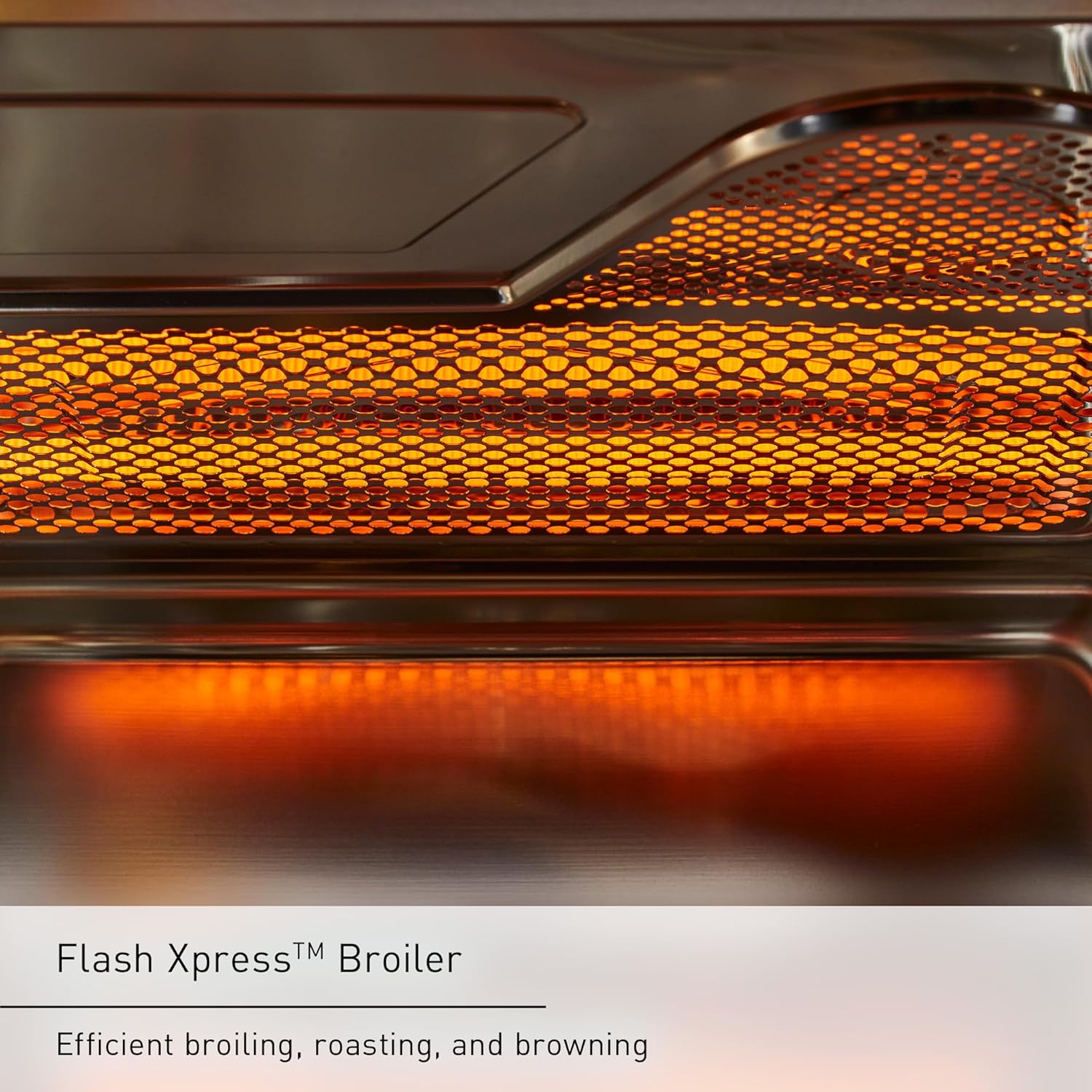
Figure 5.1: The 4-in-1 Combination Cooking capabilities of the oven.
5.1 Microwave Cooking
Ideal for rapid heating, defrosting, and cooking. Utilizes Inverter Technology for consistent power delivery, preventing uneven cooking.
- Place food in a microwave-safe dish on the glass turntable.
- Select 'Microwave' mode.
- Adjust power level and cooking time using the control dial.
- Press 'Start'.

Figure 5.2: Inverter Technology ensures food is cooked evenly from edges to center.
5.2 Air Fryer Function
Achieve crispy, golden-brown results with minimal oil. No preheating is required for this mode.
- Place food in the Airfry Basket, positioned on the Wire Rack (High) or Enamel Tray.
- Select 'Airfry' mode.
- Adjust cooking time and temperature as needed.
- Press 'Start'.
5.3 Broiler Function (Flash Xpress Broiler)
Efficient for broiling, roasting, and browning. The Flash Xpress Broiler provides quick, intense heat from the top element.
- Place food on the Wire Rack (High) or Enamel Tray.
- Select 'Broiler' mode.
- Set desired cooking time.
- Press 'Start'.

Figure 5.3: The Flash Xpress Broiler for efficient browning and roasting.
5.4 Convection Oven Function
For baking and roasting, providing even heat distribution for consistent results.
- Place food in an oven-safe dish on the Wire Rack (High) or Enamel Tray.
- Select 'Convection' mode.
- Set desired temperature and cooking time.
- Press 'Start'.

Figure 5.4: Convection Bake provides even cooking and crispy textures.
5.5 Combination Cooking
The oven allows for combining microwave power with convection or broiler heat for faster cooking and improved browning. Refer to the Panasonic Kitchen+ App for specific combination recipes and settings.
5.6 Genius Sensor Cooking
The built-in Genius Sensor automatically detects humidity levels to determine optimal cooking time for various foods, preventing over or under-cooking.
- Place food in the oven.
- Select a 'Sensor Cook' or 'Sensor Reheat' option (if available on control panel).
- Press 'Start'. The oven will automatically adjust cooking time.
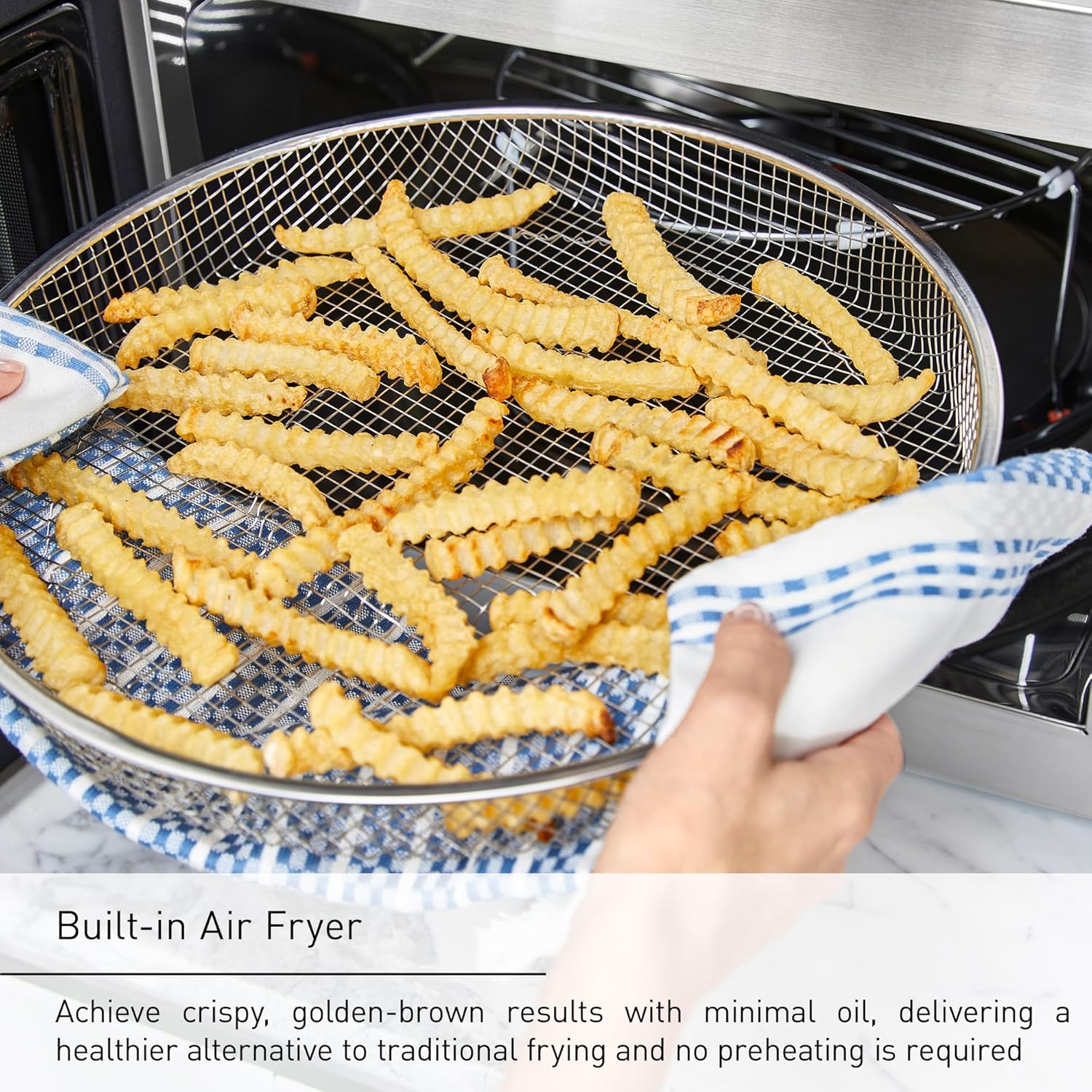
Figure 5.5: The Genius Sensor auto-adjusts cooking time for precise results.
6. Panasonic Kitchen+ App Integration
Enhance your cooking experience by connecting your HomeChef oven to the Panasonic Kitchen+ App.
6.1 Connecting the App
- Download the Panasonic Kitchen+ App from your device's app store.
- Follow the in-app instructions to pair your smartphone or tablet with your NN-CV87QS oven via Wi-Fi.
6.2 App Features
- Recipe Library: Browse and save a wide variety of recipes optimized for your 4-in-1 oven.
- Step-by-Step Guidance: Receive detailed instructions for each recipe, from ingredient preparation to cooking steps.
- Automated Cooking: The app can send cooking settings directly to your oven, automating temperature, time, and mode changes.
- Meal Planning: Simplify mealtime by easily finding and preparing family favorites.

Figure 6.1: The Panasonic Kitchen+ App provides automated multi-step cooking guidance.
7. Maintenance and Cleaning
Regular cleaning ensures optimal performance and extends the life of your oven.
7.1 Interior Cleaning
- Wipe the interior cavity with a damp cloth and mild detergent after each use, especially after cooking greasy foods.
- For stubborn food residue, place a bowl of water with lemon slices inside and microwave on high for 5-10 minutes. The steam will loosen debris for easier wiping.
- Remove the glass turntable and roller ring for separate cleaning with warm, soapy water.
- The wire rack, airfry basket, and enamel tray can be washed with warm, soapy water or in a dishwasher (check accessory specific instructions).
7.2 Exterior Cleaning
- Wipe the exterior surfaces with a soft, damp cloth. Avoid abrasive cleaners or scouring pads.
- Clean the control panel gently with a damp cloth. Do not spray cleaners directly onto the panel.
7.3 Odor Removal
To remove odors, combine 1 cup of water with several lemon slices or 2 tablespoons of white vinegar in a microwave-safe bowl. Microwave on high for 5-7 minutes, then let it sit in the oven for 10-15 minutes before wiping clean.
8. Troubleshooting
Refer to the table below for common issues and their solutions. If the problem persists, contact Panasonic customer support.
| Problem | Possible Cause | Solution |
|---|---|---|
| Oven does not start. | Power cord unplugged; door not closed properly; fuse blown or circuit breaker tripped. | Ensure power cord is securely plugged in. Close door firmly. Check household fuse/circuit breaker. |
| Food is not cooking or heating evenly. | Incorrect power level/temperature; food not stirred/rotated; improper cookware. | Adjust settings. Stir or rotate food during cooking. Use appropriate cookware for the selected mode. Ensure Inverter Technology is active for microwave. |
| Display shows an error code. | Internal malfunction. | Unplug the oven for 30 seconds, then plug it back in. If the error persists, contact customer support. |
| Oven starts accidentally when 'Start' button is bumped. | Sensitive 'Start' button design. | Immediately press 'STOP/RESET'. Ensure no items are near the control panel that could accidentally activate it. Consider placing a microwave-safe cup of water inside when not in use to absorb energy if accidentally activated. |
| App connectivity issues. | Wi-Fi signal weak; incorrect pairing steps. | Ensure oven is within Wi-Fi range. Re-attempt pairing process as per app instructions. Check router settings. |
9. Specifications
| Feature | Detail |
|---|---|
| Model Number | NN-CV87QS |
| Brand | Panasonic |
| Capacity | 1.2 Cubic Feet |
| Product Dimensions (D x W x H) | 17.7 x 22 x 13.4 inches (45 x 55.9 x 34 cm) |
| Item Weight | 39 Pounds (17.7 kg) |
| Wattage (Microwave) | 1000 watts |
| Voltage | 120 Volts |
| Color | Stainless Steel |
| Installation Type | Countertop (Optional Built-in with Trim Kit NN-TK81KCS) |
| Special Features | Auto Cook, Child Safety Lock, Defrost, One Touch Button, Racks, Inverter Technology, Genius Sensor, App Connectivity |
| Included Components | Airfry Basket, Enamel Tray, Glass Turntable, Roller Ring, Wire Rack High |
10. Warranty and Customer Support
10.1 Warranty Information
Panasonic products are manufactured to high quality standards. For detailed warranty terms and conditions, please refer to the warranty card included with your product or visit the official Panasonic website. Keep your purchase receipt as proof of purchase for warranty claims.
10.2 Customer Support
If you have any questions, require technical assistance, or need to report a problem with your appliance, please contact Panasonic Customer Support:
- Website: na.panasonic.com/us/support
- Telephone: Refer to the Panasonic website for regional contact numbers.
When contacting support, please have your model number (NN-CV87QS) and serial number ready.


