
Planet Buddies 52430
Planet Buddies Olive Owl Bluetooth Speaker User Manual
Model: 52430
Introduction
Thank you for choosing the Planet Buddies Olive Owl Bluetooth Speaker. This portable wireless speaker is designed to provide crystal clear sound and a built-in microphone, making it perfect for home, outdoor, and travel use. It works seamlessly with both iPhone and Android devices. This manual provides essential information for setting up, operating, and maintaining your speaker.
Safety Information
- Do not expose the speaker to extreme temperatures or direct sunlight.
- Keep the speaker away from water or other liquids.
- Do not attempt to disassemble or repair the speaker yourself. Refer to qualified service personnel.
- Use only the provided power cable for charging.
- This product is suitable for children ages 3 and up. Adult supervision is recommended.
What's in the Box
- Planet Buddies Olive Owl Bluetooth Speaker
- Power Cable
- Quick Start Guide

Image: The Olive Owl speaker next to its retail packaging, showing the product and its box contents.
Product Overview
The Olive Owl speaker features a compact and adorable design, made from 50% recycled plastic. It includes a built-in microphone for hands-free calling and intuitive touch controls.
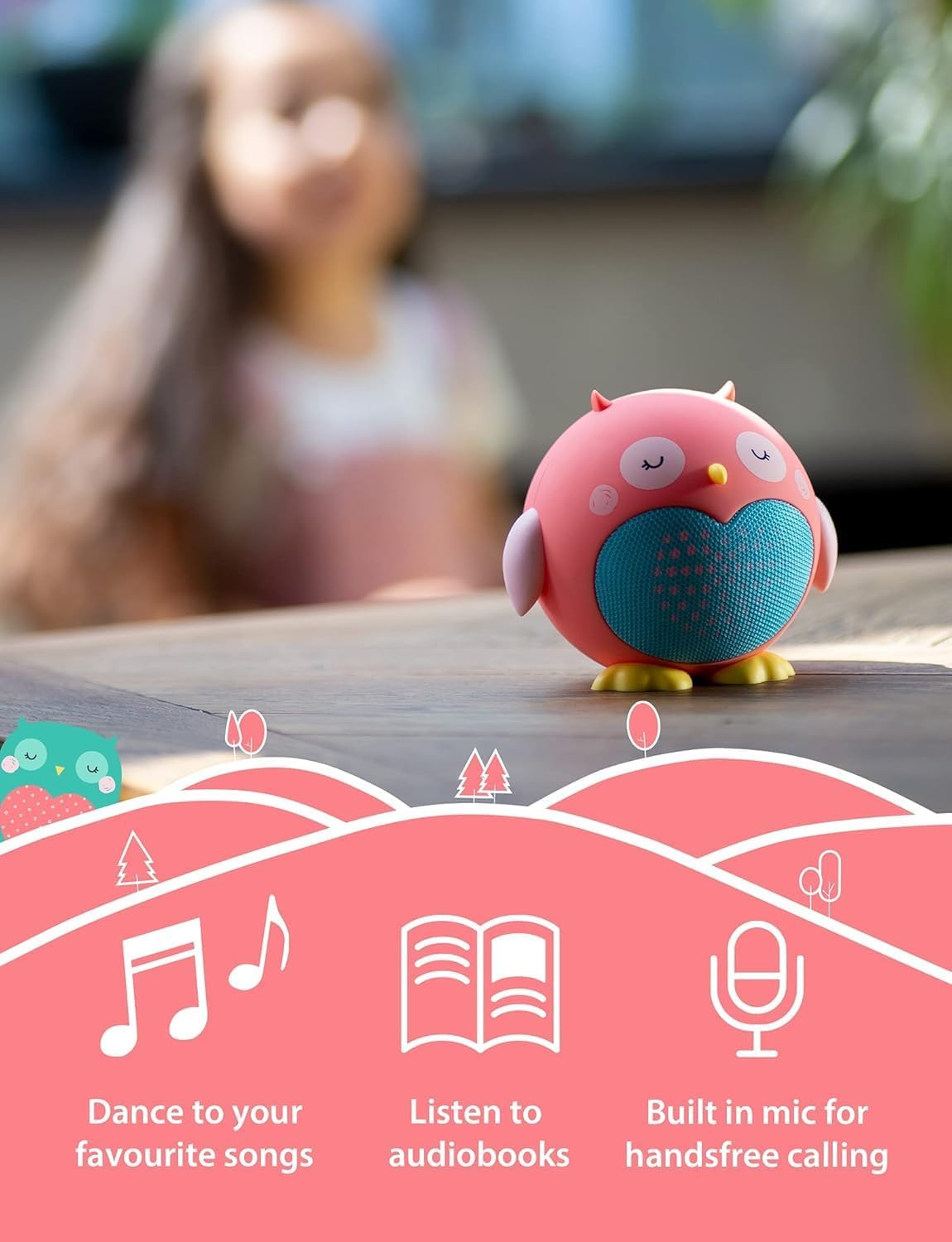
Image: The Olive Owl speaker on a table, highlighting its features for playing music, listening to audiobooks, and hands-free calling via its built-in microphone.
Controls and Indicators
| Feature | Description |
|---|---|
| Power Button | Press and hold to turn the speaker On/Off. |
| Micro-USB Port | For charging the speaker. |
| Built-in Microphone | Enables hands-free calling. |
| LED Indicator | Indicates power status, charging, and Bluetooth pairing mode. |
Image: A close-up view of the back of the speaker, showing the power button and the micro-USB charging port.
Setup
Charging the Speaker
- Connect the provided power cable to the Micro-USB port on the speaker.
- Plug the other end of the cable into a USB power adapter (not included) or a computer's USB port.
- The LED indicator will show charging status. A full charge takes approximately 4 hours.
- The speaker offers up to 60 hours of standby time.
Bluetooth Pairing
- Ensure the speaker is fully charged.
- Press and hold the Power button to turn on the speaker. The LED indicator will flash, indicating it's in pairing mode.
- On your device (smartphone, tablet, laptop), enable Bluetooth and search for available devices.
- Select "Planet Buddies Speaker" from the list.
- Once paired, the LED indicator will stop flashing and remain solid. You are now ready to play audio.
- The speaker has an impressive Bluetooth range of 33 feet (10 meters).
Operating Instructions
Basic Functions
- Power On/Off: Press and hold the Power button.
- Play/Pause: Short press the Power button.
- Volume Control: Adjust volume directly from your connected device. The speaker does not have independent volume controls.
- Answering/Ending Calls: Short press the Power button when a call comes in or to end an ongoing call.
Multi-Speaker Pairing (True Wireless Stereo)
You can pair two Planet Buddies mini speakers together to create a true wireless stereo sound experience for immersive audio.
- Ensure both speakers are turned off and fully charged.
- Turn on both speakers. They will automatically enter pairing mode.
- Wait a few seconds for the two speakers to connect to each other. You will hear an audible confirmation.
- Once connected to each other, one speaker will act as the master and its LED will flash, indicating it's ready to pair with your device.
- On your device, search for "Planet Buddies Speaker" and connect.
- Both speakers will now play audio in stereo.
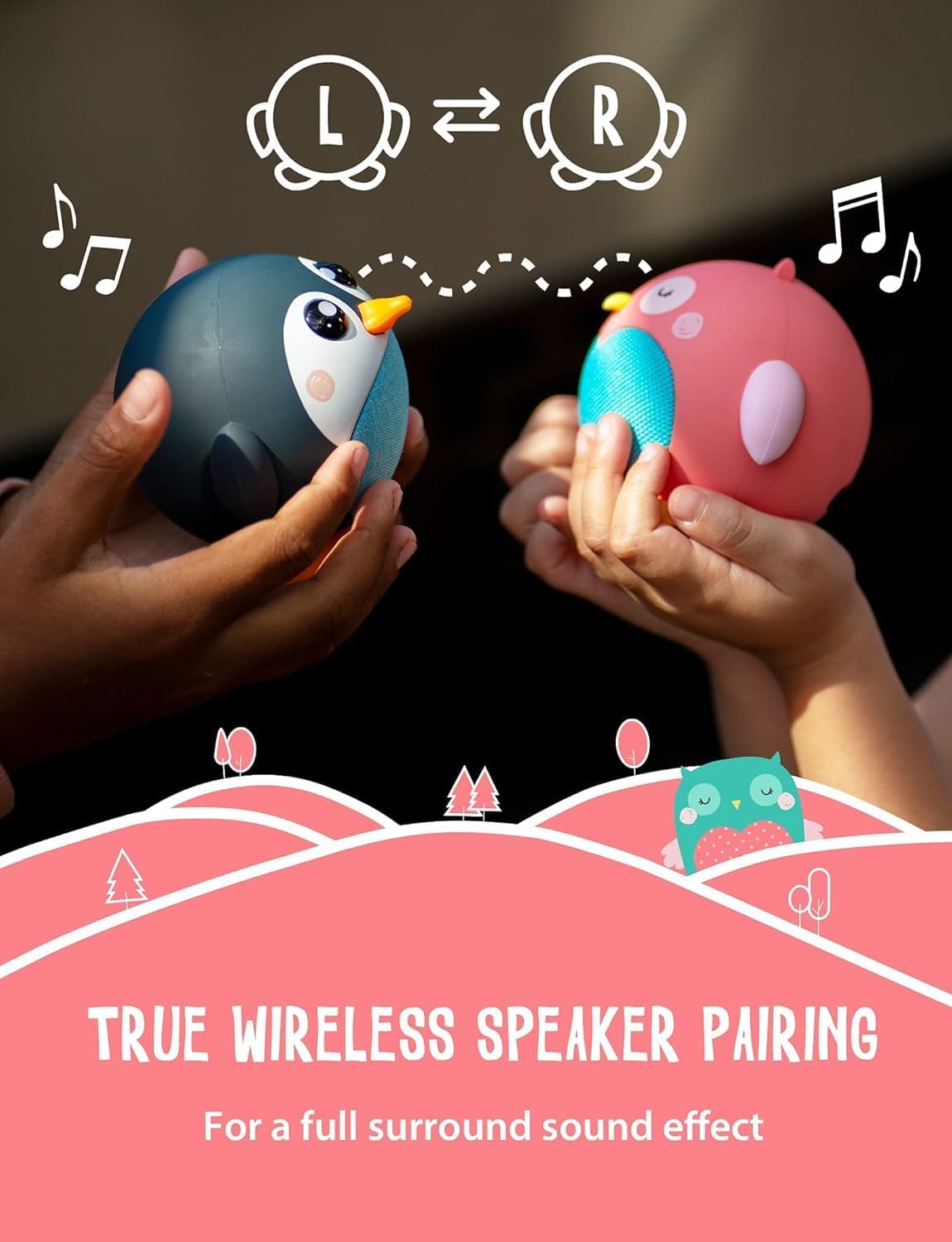
Image: Two Planet Buddies speakers, one Olive Owl and one Penguin, shown wirelessly connected to provide a stereo sound experience.
Maintenance
- Clean the speaker with a soft, dry cloth. Do not use abrasive cleaners or solvents.
- Store the speaker in a cool, dry place when not in use.
- Avoid dropping the speaker or subjecting it to strong impacts.
Troubleshooting
| Problem | Solution |
|---|---|
| Speaker does not turn on. | Ensure the speaker is fully charged. Connect to power and try again. |
| Cannot pair with device. |
|
| No sound or low volume. |
|
| Sound distortion. |
|
Specifications
| Feature | Detail |
|---|---|
| Model Name | Owl |
| Speaker Type | Portable Speaker |
| Connectivity Technology | Bluetooth |
| Wireless Communication Technology | Bluetooth |
| Bluetooth Range | 33 Feet (10 meters) |
| Battery Life | 60 Hours (Standby) |
| Charging Time | 4 Hours |
| Speaker Maximum Output Power | 3 Watts |
| Frequency Response | 18 KHz |
| Audio Output Mode | Stereo (with multi-speaker pairing) |
| Number of Microphones | 1 |
| Material | 50% Recycled Materials |
| Product Dimensions | 3.6"D x 3.4"W x 4"H |
| Item Weight | 7 ounces |
| Age Range (Description) | Kid (3+) |
Warranty and Support
The Planet Buddies Olive Owl Bluetooth Speaker comes with a Limited Warranty. For detailed warranty information and support, please refer to the official Planet Buddies website or contact their customer service.
Visit the Planet Buddies Store for more information and products.
Environmental Responsibility
Planet Buddies is committed to educating children about endangered species and environmental issues. This speaker is made from 50% recycled plastic, and its packaging is made from 100% recycled materials. When you shop with Planet Buddies, they donate 1% to environmental causes in collaboration with organizations like World Land Trust and Marine Conservation Society.

Image: An image highlighting the environmental commitment of Planet Buddies, showing the product is made from 50% recycled plastic and its packaging is 100% recyclable, with two owls in a natural setting.
Video: An official video from Planet Buddies, showcasing their range of products and their mission to raise awareness for endangered animals and environmental conservation. The video features children interacting with the products and highlights the brand's commitment to sustainability.
Ask a question about this manual
Ask about setup, troubleshooting, compatibility, parts, safety, or missing instructions. Manuals+ will review the question and use this page’s manual context to help answer it.