
1. Introduction
This manual provides detailed instructions for the installation, operation, and maintenance of your new Toeeklsa 10-inch Android 14 Car Radio. This unit is designed as a stereo replacement and upgrade for Dodge Challenger and Dodge Avenger models manufactured between 2008 and 2014. Please read this manual thoroughly before installation and use to ensure proper function and safety.
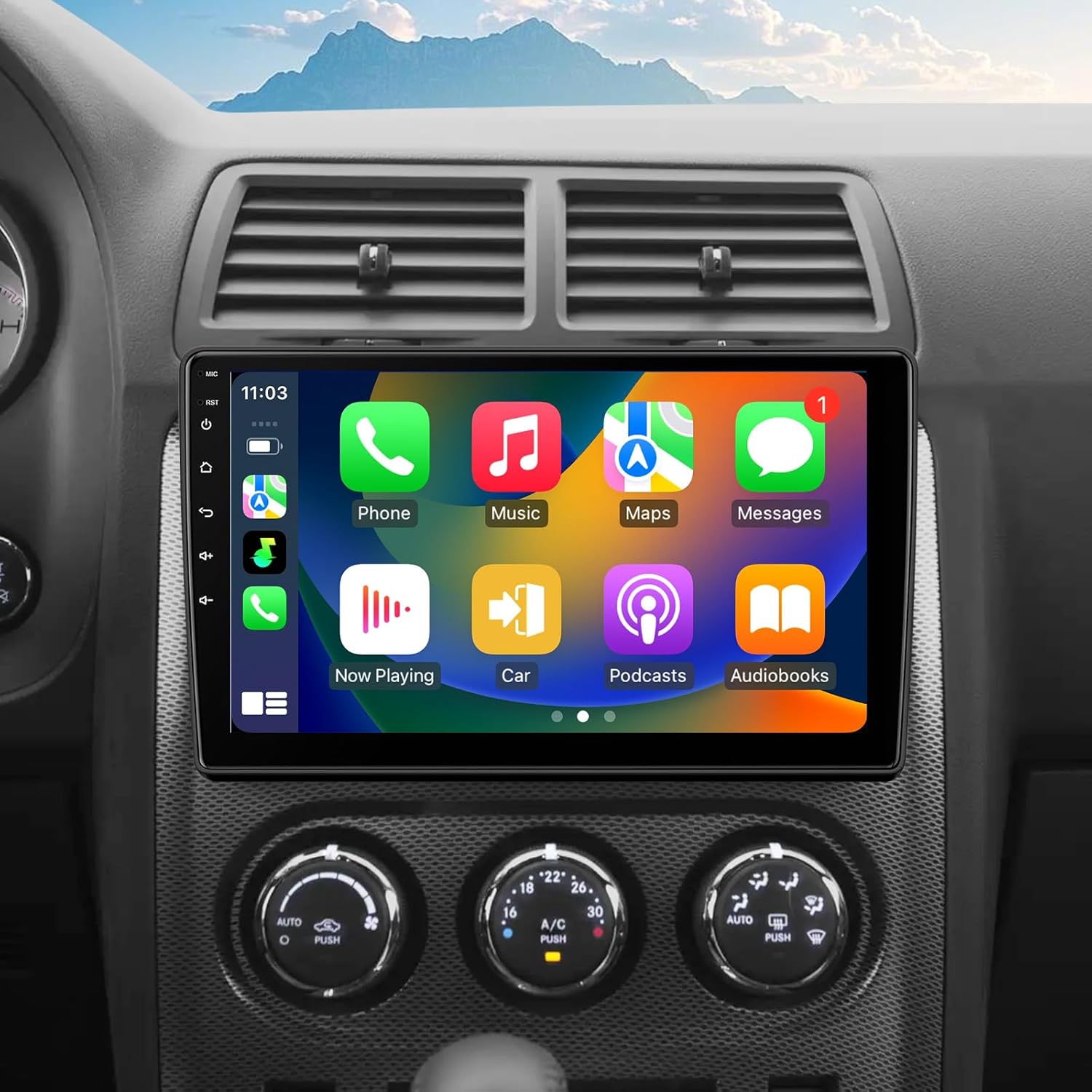
Image 1.1: Toeeklsa 10-inch Android 14 Car Radio installed in a Dodge Challenger dashboard, displaying a CarPlay interface.
2. Safety Information
- Always ensure the vehicle is parked safely before operating the car radio's advanced features.
- Do not attempt to install the unit if you are unfamiliar with car electrical systems. Professional installation is recommended.
- Ensure all wiring is correctly connected to prevent short circuits or damage to the vehicle's electrical system.
- Keep the volume at a safe level to remain aware of traffic and emergency vehicles.
- The device does not support Retained Accessory Power (RAP) functionality.
3. Package Contents
Verify that all items are present in the package:
- 1x 10.1 Inch Android Radio
- 1x Power Cable
- 1x 4 PIN USB Cable
- 1x 6 PIN USB Cable
- 1x GPS Antenna
- 1x WiFi Antenna
- 1x External Microphone
- 1x Backup Camera
4. Installation Guide
This car radio is designed for plug-and-play installation, requiring no cutting or modification of original car wiring. However, professional installation is recommended for optimal results.
4.1 Pre-Installation Steps
- Disconnect Battery: Before starting, disconnect the negative terminal of your vehicle's battery to prevent electrical shorts.
- Remove Old Stereo: Carefully remove the existing car stereo and dashboard trim. Refer to your vehicle's service manual for specific instructions on trim removal.
- Identify Wiring: Familiarize yourself with the vehicle's existing wiring harness.
4.2 Connecting the Unit
- Power Cable: Connect the provided power cable to the car radio and the vehicle's wiring harness. Ensure all connections are secure.
- USB Cables: Connect the 4-PIN and 6-PIN USB cables to the designated ports on the radio. These can be routed to the glove compartment or center console for easy access.
- GPS Antenna: Connect the GPS antenna and mount it in a location with a clear view of the sky, such as on the dashboard or under the windshield.
- WiFi Antenna: Connect the WiFi antenna to improve wireless connectivity.
- External Microphone: Connect the external microphone for clearer hands-free calls and voice commands. Position it near the driver for optimal performance.
- Backup Camera: Install the backup camera at the rear of the vehicle and route its cable to the car radio. Connect the camera's video output to the radio's camera input and its power to the vehicle's reverse light circuit.

Image 4.1: Comparison of car dashboard before and after installing the Toeeklsa 10-inch Android 14 Car Radio, showing the integrated display.
4.3 Post-Installation
- Test Connections: Before reassembling the dashboard, reconnect the vehicle battery and power on the unit to test all functions, including audio, touch screen, GPS, Bluetooth, and camera.
- Secure Unit: Once all functions are verified, secure the car radio in the dashboard opening and reattach any removed trim pieces.
4.4 Installation Demonstration Video
Watch this video for a visual guide on the installation and basic operation of the car radio, including the backup camera and CarPlay functionality.
Video 4.1: Demonstration of the 10.1-inch Dodge Challenger Radio, showcasing its interface, backup camera, and CarPlay features.
5. System Overview and Basic Operation
The unit features a 10.1-inch 1280*720 IPS touch screen running Android 14, powered by a 4-core processor with 2GB RAM and 32GB ROM for smooth performance.
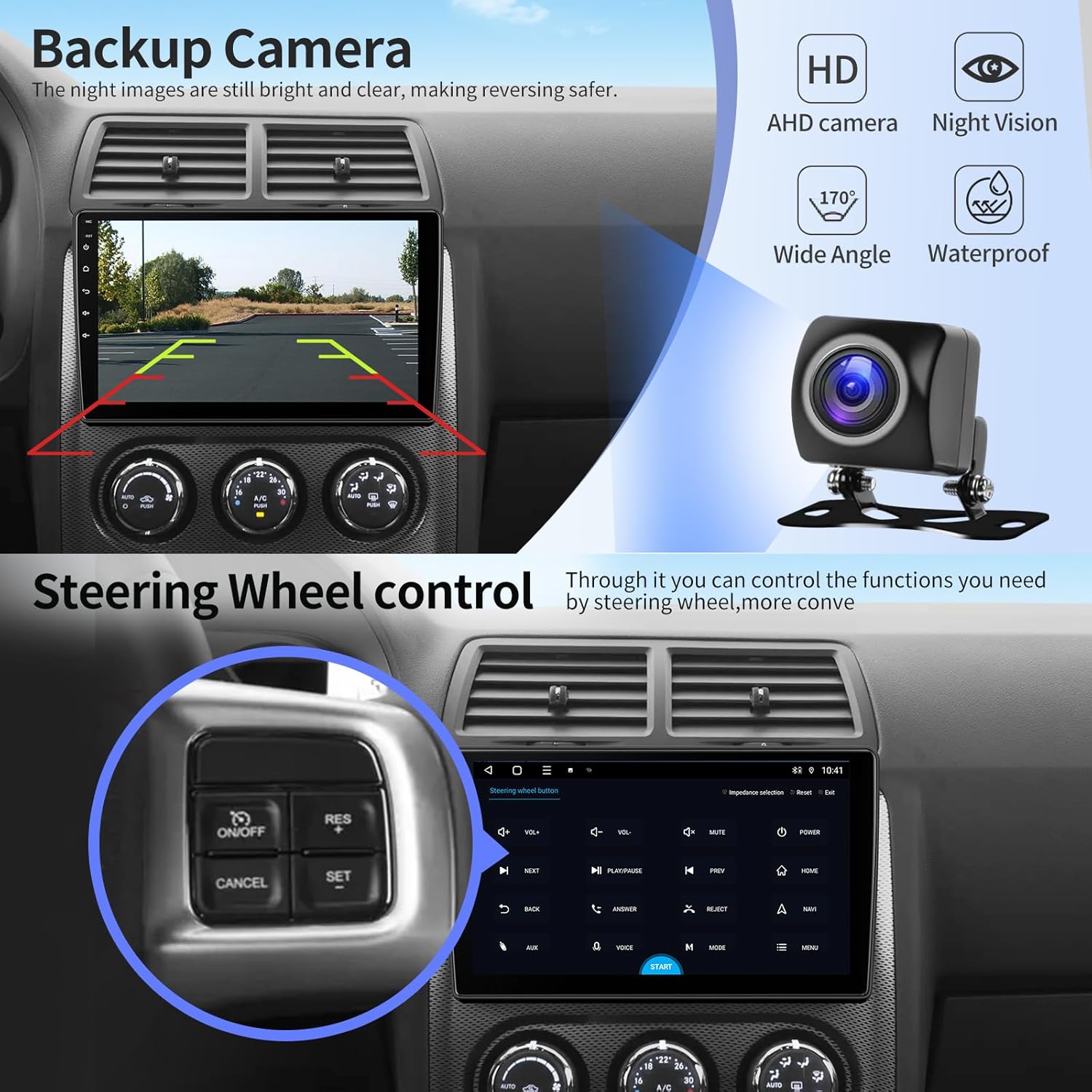
Image 5.1: The 10.1-inch 1280*720 IPS HD Touch Screen provides high-definition visuals.
5.1 Power On/Off
- Power On: Turn on your vehicle's ignition. The unit will automatically power on.
- Power Off: Turn off your vehicle's ignition. The unit will power off after a short delay.
5.2 Touch Screen Navigation
Navigate the Android interface by swiping and tapping, similar to a smartphone or tablet. The intuitive layout allows access to various applications and settings.
6. Key Features
6.1 Wireless Apple CarPlay & Android Auto
Connect your smartphone wirelessly via Bluetooth to access CarPlay or Android Auto. This projects your phone's interface onto the car radio's screen, allowing hands-free control of navigation, calls, messages, and music.

Image 6.1: Wireless CarPlay and Android Auto integration for seamless smartphone connectivity.
6.2 GPS Navigation
The unit includes built-in GPS with support for both online and offline maps. Connect to a WiFi hotspot to download navigation apps from the Play Store and receive real-time traffic updates.

Image 6.2: GPS Navigation and WiFi connectivity for enhanced travel and online access.
6.3 Bluetooth 5.0 & Voice Control
Bluetooth 5.0 enables hands-free calling and music streaming. Use voice commands via Siri or Google Assistant for safe operation while driving.
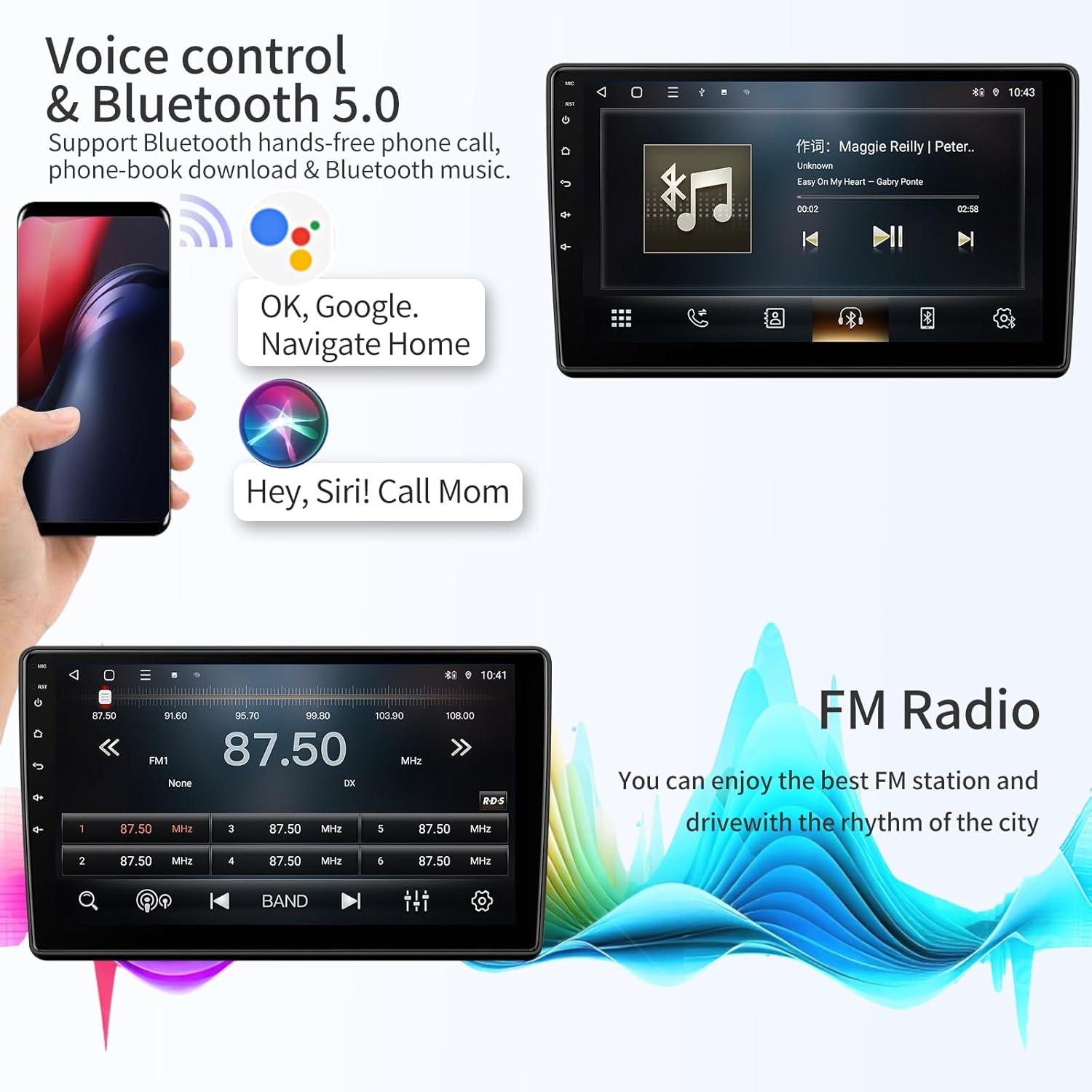
Image 6.3: Bluetooth 5.0 and Voice Control for safe and convenient communication and media management.
6.4 FM Radio & DSP (Digital Sound Processor)
Enjoy FM radio with the ability to save favorite channels. The built-in DSP features 12-band equalizer options, allowing customization of sound playback for different seating positions and preferences, delivering high-fidelity audio.

Image 6.4: FM Radio and DSP with 12-band EQ for personalized audio experience.
6.5 Steering Wheel Control (SWC)
The unit supports steering wheel controls, allowing you to manage audio playback, calls, and other functions without taking your hands off the wheel.
6.6 Backup Camera
An AHD backup camera with night vision is included, providing a clear display on the screen when reversing, enhancing parking safety.

Image 6.5: Backup camera with night vision and wide-angle view for safer reversing.
7. Troubleshooting
| Problem | Possible Cause | Solution |
|---|---|---|
| Unit does not power on. | Loose power connection, blown fuse, incorrect wiring. | Check power cable connections. Inspect vehicle fuses. Verify wiring against installation guide. |
| No sound. | Volume too low, speaker wires disconnected, incorrect audio settings. | Increase volume. Check speaker wire connections. Adjust audio output settings in the system menu. |
| Touch screen unresponsive. | System freeze, temporary software issue. | Restart the unit by turning off and on the vehicle ignition. If issue persists, perform a factory reset (refer to settings menu). |
| GPS signal weak or inaccurate. | GPS antenna obstructed or improperly placed. | Ensure GPS antenna has a clear view of the sky. Check antenna connection. |
| Backup camera not displaying. | Camera power issue, video cable disconnected, incorrect camera input selected. | Verify camera power connection to reverse lights. Check video cable connection to the radio. Ensure the correct camera input is selected in settings. |
8. Specifications
- Display Size: 10.1 Inches
- Resolution: 1280*720 IPS HD Touch Screen
- Operating System: Android 14
- Processor: 4-core
- Memory: 2GB RAM + 32GB ROM
- Connectivity: Bluetooth 5.0, Wi-Fi, USB
- Special Features: Wireless Apple CarPlay, Android Auto, GPS Navigation, DSP (12-band EQ), FM Radio, Steering Wheel Control, Backup Camera support
- Vehicle Service Type: Car (Dodge Challenger & Avenger 2008-2014)
- Mounting Type: Dashboard Mount
- Audio Output Mode: Stereo
- Item Weight: Approximately 4 pounds
- Package Dimensions: 13 x 10 x 5 inches
9. Warranty and Support
Toeeklsa provides a 1-Year product warranty and lifetime technical support for this car radio. Additionally, a 30-day money-back guarantee is offered for any reason.
9.1 Technical Support
If you encounter any questions during use or installation, please contact our technical support team. We aim to provide professional assistance and respond within 24 hours.
To contact support, please follow these steps:
- Visit the product page on Amazon.
- Click on the seller name, "Tokesla".
- On the seller's page, click the "Ask a question" button to send your inquiry.

Image 9.1: Steps to contact Toeeklsa technical support through Amazon.