
1. Introduction
This manual provides detailed instructions for the safe and effective operation of your LIBODD Digital Sound Level Meter. This device is designed for accurate measurement and monitoring of environmental noise levels in various settings such as offices, homes, restaurants, and bars. Please read this manual thoroughly before using the product and retain it for future reference.
2. Safety Information
- Do not attempt to disassemble or modify the device. This may cause damage and void the warranty.
- Keep the device away from water, high humidity, and extreme temperatures.
- Avoid dropping the device or subjecting it to strong impacts.
- Clean the device with a soft, dry cloth. Do not use abrasive cleaners or solvents.
- Ensure proper power supply as specified to prevent electrical hazards.
3. Product Features
- Accurate Measurement: Provides precise readings for environmental noise levels.
- Large Digital LCD Display: Features a backlit display for clear readability, even in low light conditions.
- Versatile Application: Suitable for use in libraries, offices, industrial environments, and public spaces.
- Power-Saving Design: Includes an auto shut-off function to conserve battery life.
- Alarm Function: Beeps and locks data when the measurement exceeds a set alarm value, automatically storing the maximum noise value.
- Wall-Mounted Design: Can be easily installed on a wall for continuous monitoring.
- Rapid Response Measurement: Ensures quick and timely noise level detection.
- Real-time Monitoring: Provides continuous data display throughout the day.
4. Component Identification
Familiarize yourself with the main components of your sound level meter:

Image 1: Overview of the LIBODD Digital Sound Level Meter, highlighting its wall-mounted capability, large screen display, rapid response, alarm function, and real-time monitoring features.
- Large Digital Display: Shows noise level readings in decibels (dB).
- Microphone: Located on the device, responsible for capturing sound.
- Control Buttons:
- Power Button: To turn the device on or off.
- Alarm Button: To enable/disable the alarm function.
- Up/Down Buttons: For adjusting settings or alarm thresholds.
- Mounting Holes: For wall installation.
5. Setup
5.1 Powering the Device
The sound level meter requires a stable power source. Connect the appropriate power adapter (not included) to the device and a power outlet.
5.2 Wall Mounting (Optional)
- Choose a suitable location on a wall, away from direct sound sources that might skew readings (e.g., vents, speakers).
- Mark the positions for the mounting screws using the device's mounting holes as a template.
- Drill pilot holes if necessary and insert appropriate wall anchors.
- Secure the device to the wall using screws, ensuring it is level and stable.
6. Operating Instructions
6.1 Turning On/Off
Press the Power button (usually marked with a circle and vertical line symbol) to turn the device on. The display will illuminate and show the current noise level. To turn off, press and hold the Power button until the display shuts down.
6.2 Reading Noise Levels

Image 2: Close-up view of the LIBODD Digital Sound Level Meter's large 3.0-inch digital display, showing intuitive data and real-time monitoring.
Once powered on, the large digital display will continuously show the current sound level in decibels (dB). The device provides real-time monitoring, with a rapid response time to changes in noise.
6.3 Using the Alarm Function
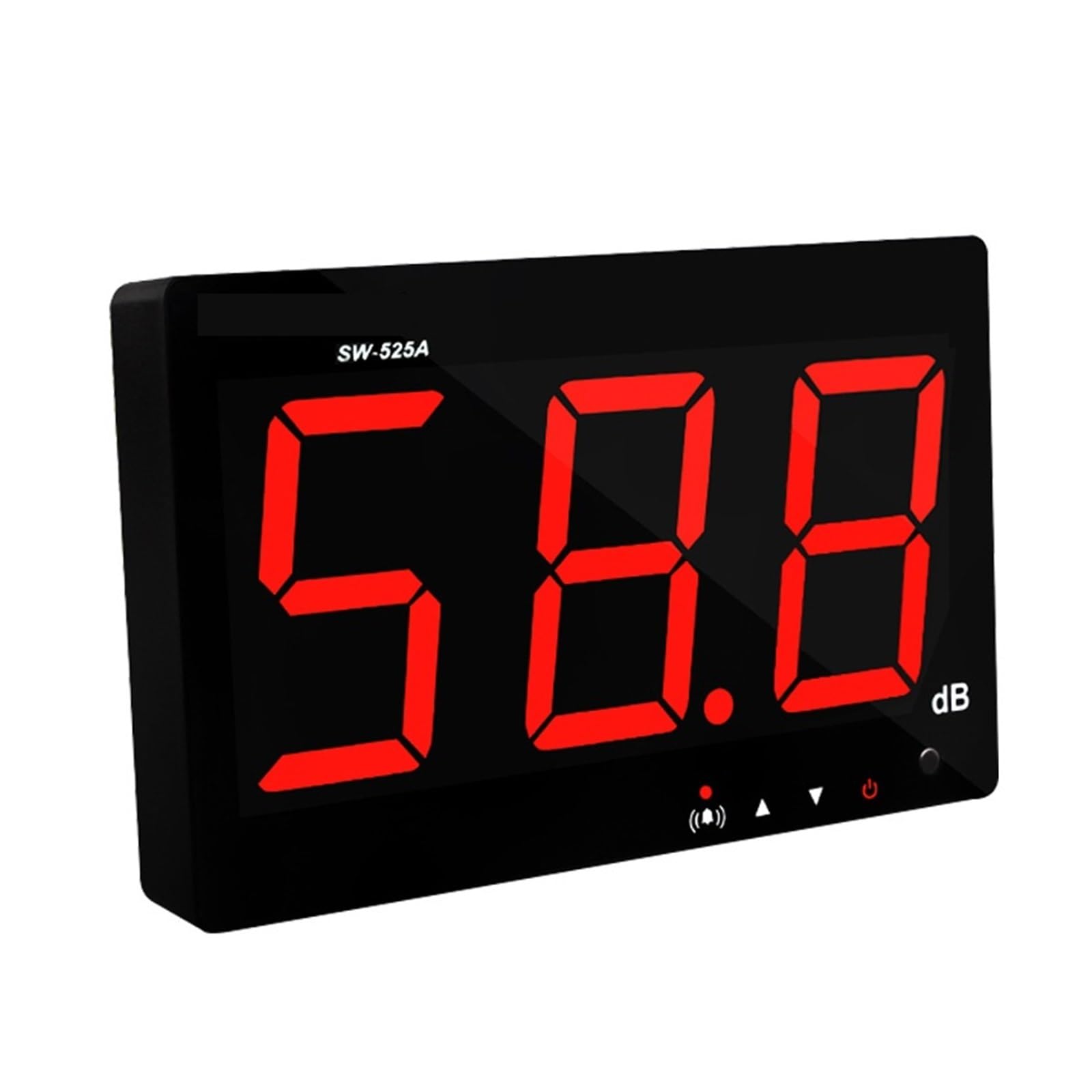
Image 3: The LIBODD Digital Sound Level Meter demonstrating its alarm function, indicated by a red light and an audible alert when noise levels exceed a set threshold.
The alarm function is enabled by default when the instrument is turned on. When the measured value exceeds the preset alarm threshold, the meter will beep, the red indicator light will blink, and the data will be locked on the display. The instrument automatically stores this maximum noise value.
To turn off the alarm: Press the Alarm button (often indicated by a bell icon). The red light will go out.
To turn on the alarm: Press the Alarm button again. The red light will illuminate.
To adjust the alarm threshold: Use the Up and Down buttons to set the desired decibel level at which the alarm should activate. (Specific instructions for entering setting mode are not provided, so refer to device interface for exact steps).
6.4 Auto Shut-Off
To conserve power, the device features an auto shut-off function. If no operation is detected for a certain period (e.g., 15 minutes, specific time not provided), the meter will automatically turn off. This function helps prolong battery life.
7. Maintenance
- Cleaning: Wipe the device regularly with a soft, dry, lint-free cloth. Do not use liquid cleaners or sprays directly on the device.
- Storage: When not in use for extended periods, store the sound level meter in a cool, dry place, away from direct sunlight and extreme temperatures.
- Microphone Care: Ensure the microphone is kept clean and free from dust or debris, as this can affect measurement accuracy.
8. Troubleshooting
| Problem | Possible Cause | Solution |
|---|---|---|
| Device does not turn on. | No power supply or loose connection. | Ensure the power adapter is securely connected and plugged into a working outlet. |
| Inaccurate readings. | Microphone obstructed or device placed in an unsuitable environment. | Clean the microphone. Relocate the device away from direct noise sources or reflective surfaces. |
| Alarm not functioning. | Alarm function disabled or threshold set too high. | Press the Alarm button to enable it. Adjust the alarm threshold to an appropriate level. |
| Display is dim or flickering. | Insufficient power. | Check power connection and ensure stable power supply. |
9. Specifications
| Measuring Range | 30~130dB |
| Accuracy | ±1.5dB |
| Frequency Weighting | A |
| Response Time | Fast |
| Microphone | 6mm Capacitance Microphone |
| Display | 3 Digits Digital Display |
| Resolution | 0.1dB, 1dB |
| Item Model Number | 1005005753690837 |
| Manufacturer | LIBODD |
| Item Weight | 1.76 ounces (approx. 50g) |
| Package Dimensions | 1.18 x 0.79 x 0.39 inches (approx. 3 x 2 x 1 cm) |
10. Warranty and Support
For warranty information or technical support, please contact your retailer or the manufacturer directly. Keep your purchase receipt as proof of purchase.
Manufacturer: LIBODD