
RCkuler EXA76207
VOLANTEXRC 3-CH P-51D Mustang RC Plane Instruction Manual
Model: EXA76207
Introduction
Welcome to the world of remote control aviation with your new VOLANTEXRC 3-CH P-51D Mustang RC Plane. This aircraft is designed for beginners and features a 6-axis gyro stabilization system for enhanced flight stability. Its durable EPP foam construction ensures resilience against minor impacts, making it an ideal choice for outdoor flying. This manual provides detailed instructions for assembly, operation, maintenance, and troubleshooting to ensure a safe and enjoyable flying experience.

Figure 1: The VOLANTEXRC P-51D Mustang RC Plane, remote control, and accessories.
What's in the Box
Upon opening the package, please verify that all components are present and in good condition:
- VOLANTEXRC 3 Channel P-51D Mustang RC plane
- One transmitter (remote control)
- One five-port USB charger
- Three rechargeable lithium batteries for the airplane
- Two sets of spare propellers
- One landing gear set
- User Manual
- 4 AA batteries (for the remote control)

Figure 2: Illustration of the contents included in the product box, showing the airplane, remote, batteries, charger, and spare parts.
Setup
1. Installing the Landing Gear
The landing gear allows for ground take-offs and landings. To install:
- Locate the two slots on the underside of the airplane's fuselage, near the front.
- Gently insert the wire ends of the landing gear into these slots until they are securely in place.
- Ensure the wheels are facing downwards and can rotate freely.

Figure 3: Detailed view of the airplane's components, including the landing gear attachment points.
2. Battery Installation and Charging
The airplane uses rechargeable lithium batteries, while the remote control requires AA batteries.
Airplane Battery:
- Open the battery compartment on the underside of the airplane.
- Connect one of the rechargeable lithium batteries to the airplane's power connector.
- Carefully place the battery inside the compartment and close the cover.
- To charge, connect the airplane battery to the five-port USB charger. The charger allows simultaneous charging of multiple batteries, significantly reducing charging time.
- Connect the USB charger to a suitable USB power source (e.g., computer USB port, USB wall adapter).
- Refer to the charger's indicator lights for charging status (typically red for charging, green for fully charged).
Remote Control Battery:
- Open the battery cover on the back of the remote control.
- Insert 4 AA batteries, ensuring correct polarity (+/-).
- Close the battery cover securely.

Figure 4: The airplane's power system, highlighting the high-capacity batteries and dual motors for extended flight.
3. Binding the Remote Control to the Airplane
Before first flight, the remote control must be paired with the airplane:
- Ensure both the airplane and remote control are powered off.
- Turn on the remote control. The indicator light on the remote will likely flash.
- Connect the battery to the airplane. Place the airplane on a flat, stable surface.
- The airplane's indicator light will flash. Wait for a few seconds.
- Once the indicator lights on both the remote and the airplane become solid, the binding process is complete.
- Test the controls gently to ensure proper response before attempting flight.
Operating the RC Plane
The VOLANTEXRC P-51D Mustang is designed for ease of use, especially for beginners, thanks to its 6-axis gyro stabilization system.
1. Flight Controls
Familiarize yourself with the remote control's functions:
- Throttle Stick: Controls the motor speed (up for more power, down for less).
- Directional Stick: Controls turning (left/right) and pitch (up/down).
- Trim Buttons: Used to fine-tune the plane's flight path if it drifts without input.

Figure 5: The 2.4GHz radio system allows for multiple planes to fly simultaneously with minimal interference.
2. Take-off Procedures
The P-51D Mustang supports two take-off methods:
Hand-Throw Take-off:
- Hold the airplane firmly with one hand, ensuring the propeller is clear.
- Advance the throttle to full.
- Gently throw the airplane forward and slightly upwards into the wind.
- Immediately take control with the remote.
Ground Take-off:
- Place the airplane on a flat, open surface (e.g., paved area, short grass).
- Slowly advance the throttle. The plane will begin to move forward.
- As it gains speed, gently pull back on the directional stick to lift off.

Figure 6: Visual guide for both hand-throw and ground take-off procedures.
3. Flight Stability and Gyro System
The integrated 6-axis gyro stabilization system automatically corrects for wind and turbulence, making the plane easier to control. This feature is particularly beneficial for new pilots, providing a more stable and forgiving flight experience.
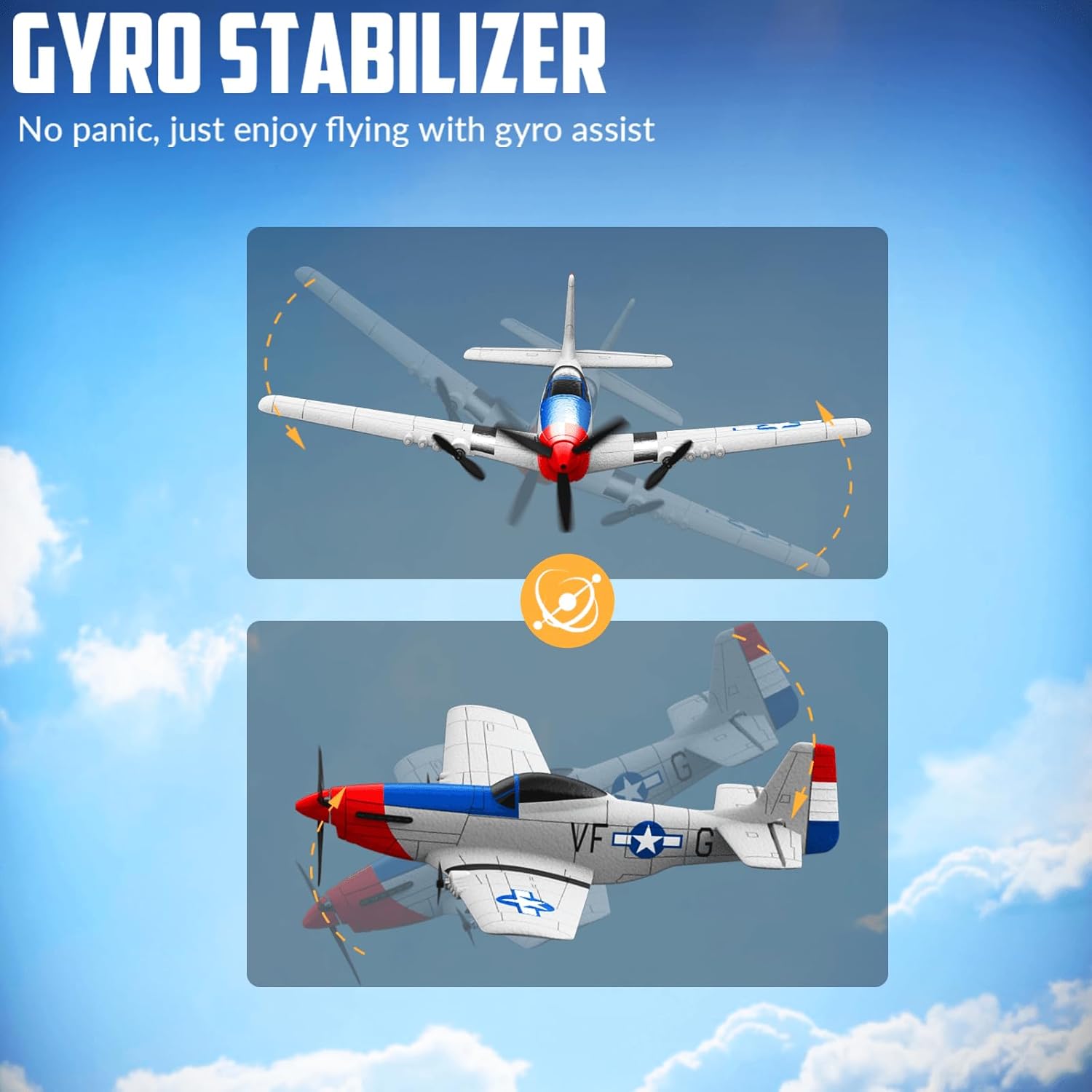
Figure 7: The 6-axis gyro stabilizer helps maintain stable flight, reducing the need for constant manual corrections.
4. Low Battery Alarm
The remote control is equipped with a low battery alarm. When the airplane's battery is running low, the transmitter will beep and its light will flash. This indicates it's time to land the plane to avoid an uncontrolled descent.

Figure 8: The remote control provides a visual and auditory alert when the airplane's battery is low.
5. Official Product Video
Watch the official product video for a visual guide on setting up and operating your VOLANTEXRC P-51D Mustang RC Plane. This video demonstrates key features and flight capabilities.
Video 1: RC Planes for Beginners, 3 Channel P-51D Mustang RC Airplane. This video provides a comprehensive overview of the product, including unboxing, assembly, and flight demonstrations, showcasing its ease of use and stability features.
Maintenance
Proper maintenance will extend the lifespan of your RC plane.
- Cleaning: Wipe down the plane with a soft, dry cloth after each use to remove dirt and debris. Avoid using harsh chemicals.
- Propeller Inspection: Regularly check propellers for any damage (cracks, bends). Replace damaged propellers immediately using the provided spare sets to ensure optimal flight performance and safety.
- Battery Care:
- Always fully charge batteries before use.
- Do not overcharge or over-discharge batteries.
- Store batteries in a cool, dry place away from direct sunlight and extreme temperatures.
- If storing for extended periods, charge batteries to approximately 50% capacity.
- EPP Foam Repair: The EPP foam material is durable but can be repaired if damaged. Use foam-safe glue (not included) for minor cracks or breaks.
Troubleshooting
| Problem | Possible Cause | Solution |
|---|---|---|
| Plane does not respond to remote. | Not bound, low battery (plane or remote), interference. | Re-bind the plane and remote. Check and charge/replace batteries. Fly in an open area away from other 2.4GHz devices. |
| Plane flies erratically or drifts. | Improper trim settings, strong wind, damaged propeller. | Adjust trim settings on the remote. Fly in calm conditions. Inspect and replace damaged propellers. |
| Propeller not spinning. | Motor issue, battery not connected, propeller jammed. | Ensure battery is fully charged and connected. Check for obstructions around the propeller. Contact support if motor is faulty. |
| Short flight time. | Battery not fully charged, old battery, continuous full throttle. | Ensure batteries are fully charged. Consider replacing old batteries. Manage throttle usage during flight. |
Specifications
- Product Dimensions: 12.48 x 15.75 x 3.2 inches
- Item Weight: 1.32 pounds
- Item Model Number: EXA76207
- Manufacturer Recommended Age: 14 years and up
- Batteries: 4 AA batteries required (included for remote), Rechargeable Lithium batteries for plane (3 included)
- Control Channels: 3-Channel
- Stabilization: 6-Axis Gyro System
- Material: EPP Foam
- Flight Time: Up to 60 minutes (with multiple batteries)
Warranty and Support
VOLANTEXRC is committed to providing high-quality products and excellent customer service. Your product comes with standard manufacturer support. For any questions, technical assistance, or warranty claims, please contact our friendly after-sales support team. Refer to the product packaging or the official RCkuler website for contact information.
For more information and support, visit the official RCkuler Store: RCkuler Store on Amazon
Ask a question about this manual
Ask about setup, troubleshooting, compatibility, parts, safety, or missing instructions. Manuals+ will review the question and use this page’s manual context to help answer it.