
GTRUI 10.25"2014-2017
GTRUI 10.25" Car Stereo Instruction Manual
Model: 10.25"2014-2017 for BMW X5 F15 / X6 F16 (2014-2017) NBT System
1. Introduction
This manual provides detailed instructions for the installation, operation, and maintenance of your GTRUI 10.25" Car Stereo. This unit is designed to integrate seamlessly with BMW X5 F15 and X6 F16 models manufactured between 2014 and 2017, specifically those equipped with the NBT system. It enhances your vehicle's infotainment system with Wireless CarPlay and Android Auto functionality while retaining original vehicle features.
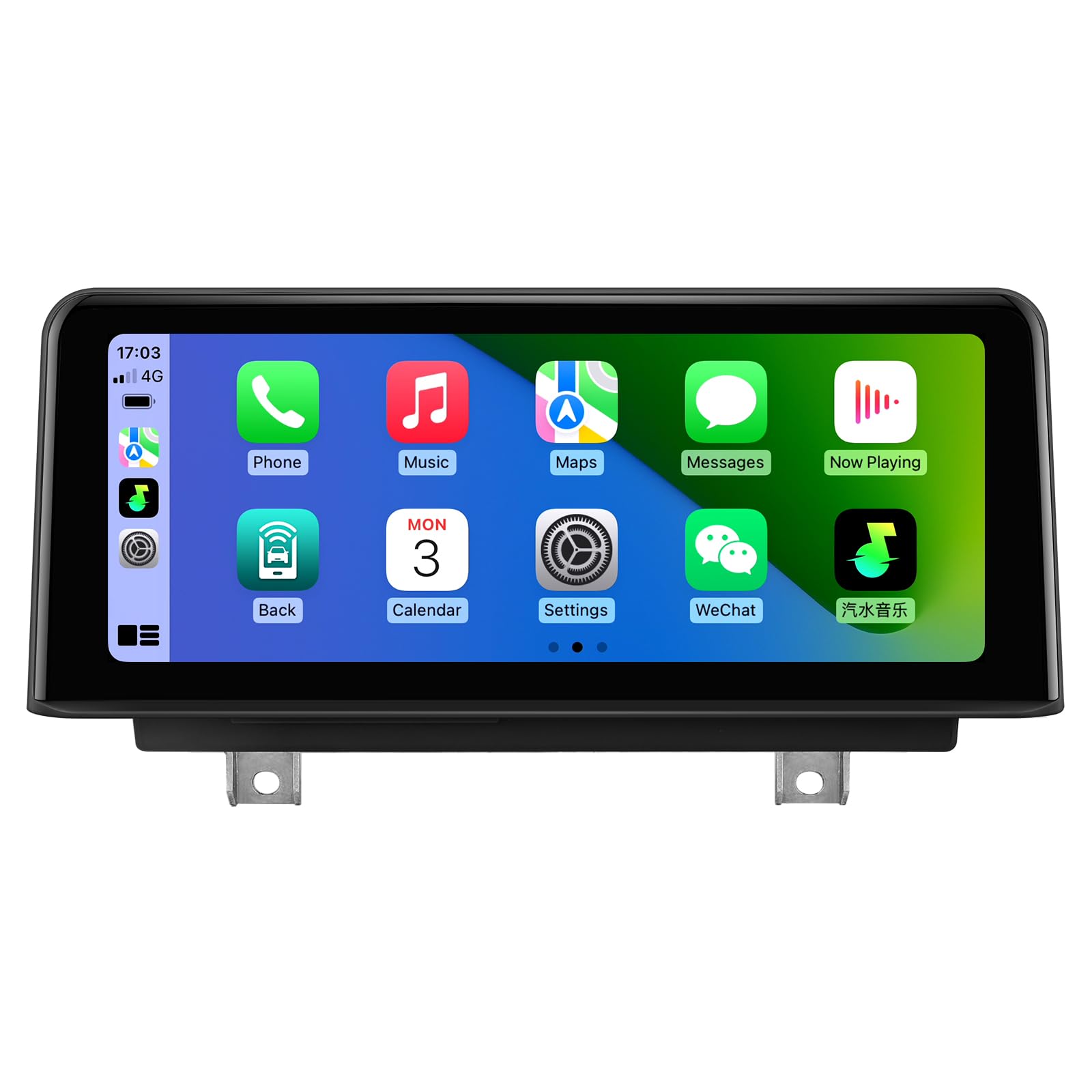
Figure 1: GTRUI 10.25" Car Stereo with CarPlay interface.
The 10.25-inch IPS display features a 1920x720 pixel resolution, offering clear visuals. Its glass-to-glass laminated screen design minimizes air and dust accumulation, providing enhanced clarity and contrast.

Figure 2: Seamless integration of CarPlay and Android Auto into the BMW X5 dashboard.
2. What's Included
Verify that all components listed below are present in your package:
- Head Unit with bezel
- Wiring Harness Cable
- AUX Extension Cable
- USB Cable
- User Manual
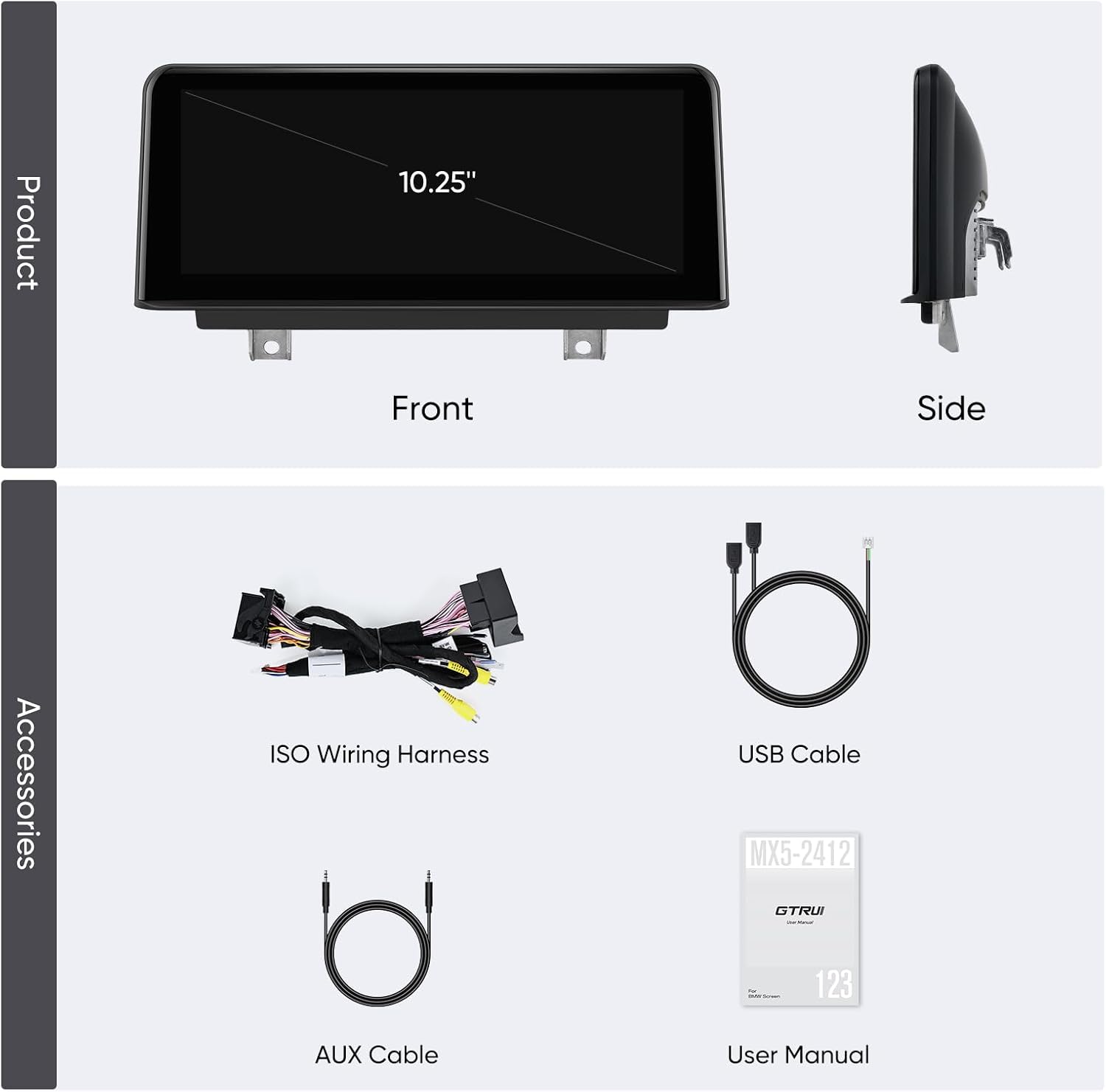
Figure 3: Product and included accessories.
3. Setup & Installation
3.1. Compatibility Check
This unit is compatible with BMW X5 F15 and X6 F16 models (2014-2017) equipped with the NBT system. To confirm your vehicle's compatibility, verify the presence of the following NBT system features:
- A 6-Pin LVDS port at the OEM screen.
- A 'Media' button on the iDrive controller.
- The BMW original system UI should resemble the NBT interface.

Figure 4: Identifying NBT System features.
3.2. General Installation Notes
Installation involves replacing your car's original screen and connecting the new unit via the provided wiring harness adapter. While designed for straightforward integration, professional installation is recommended if you are unfamiliar with car electronics to ensure proper functionality and avoid damage.
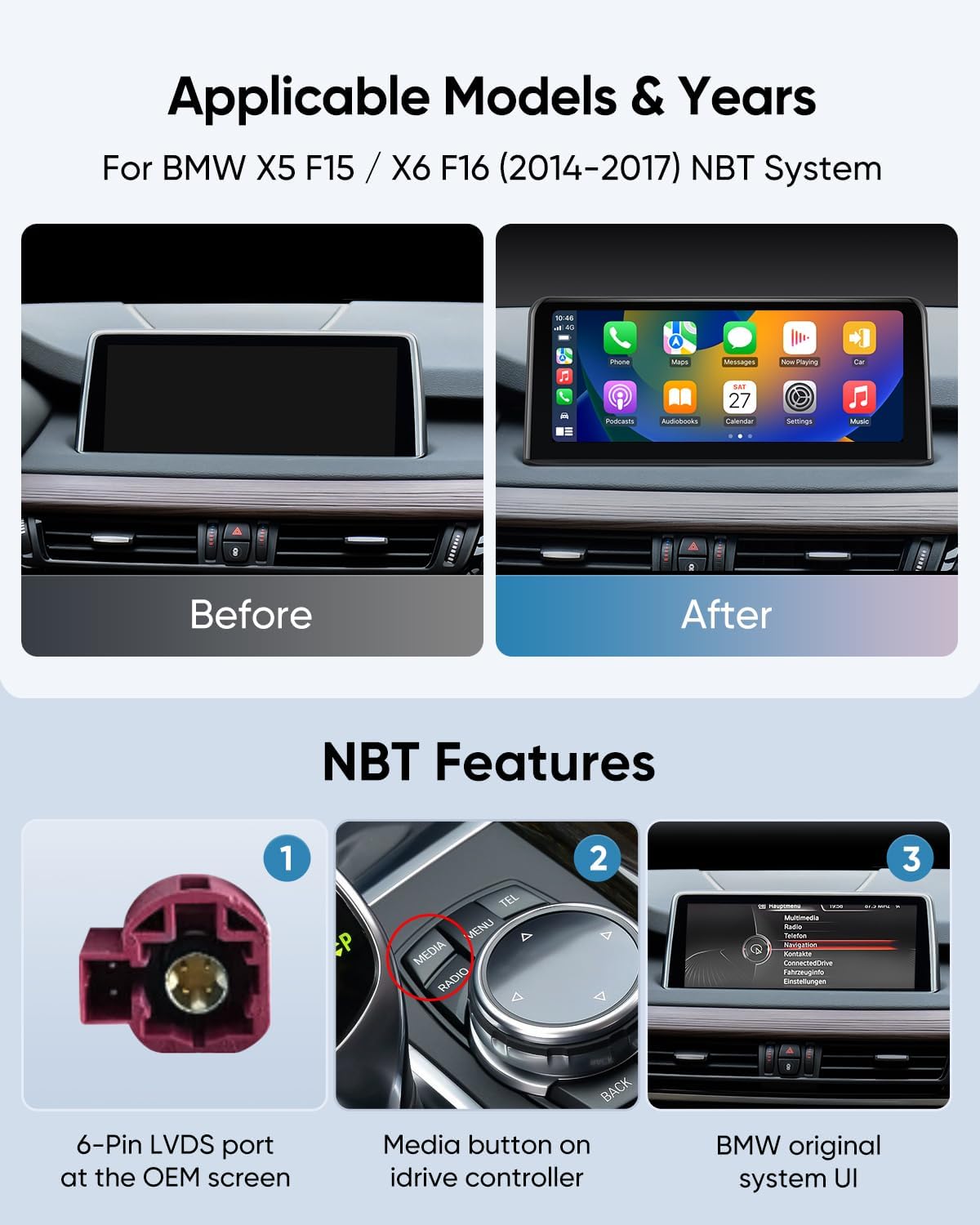
Figure 5: Before and After installation comparison.

Figure 6: Overview of the complete installation kit.
4. Operating Instructions
4.1. Wireless CarPlay & Android Auto
Connect your smartphone wirelessly via Bluetooth to enable CarPlay or Android Auto. Once paired, your phone's interface will be displayed on the 10.25" screen, providing access to navigation, calls, messages, and music.
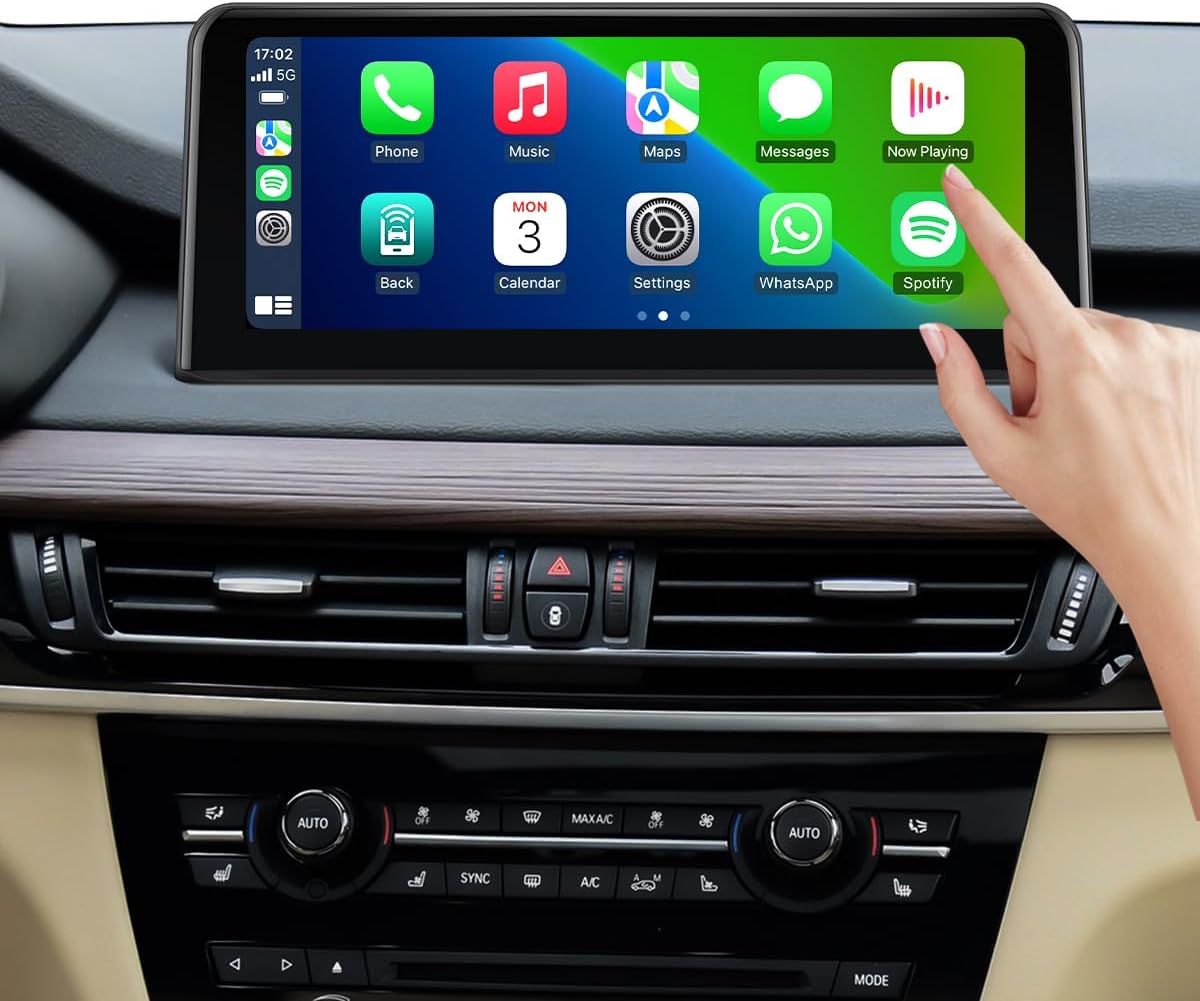
Figure 7: Interacting with the CarPlay interface.
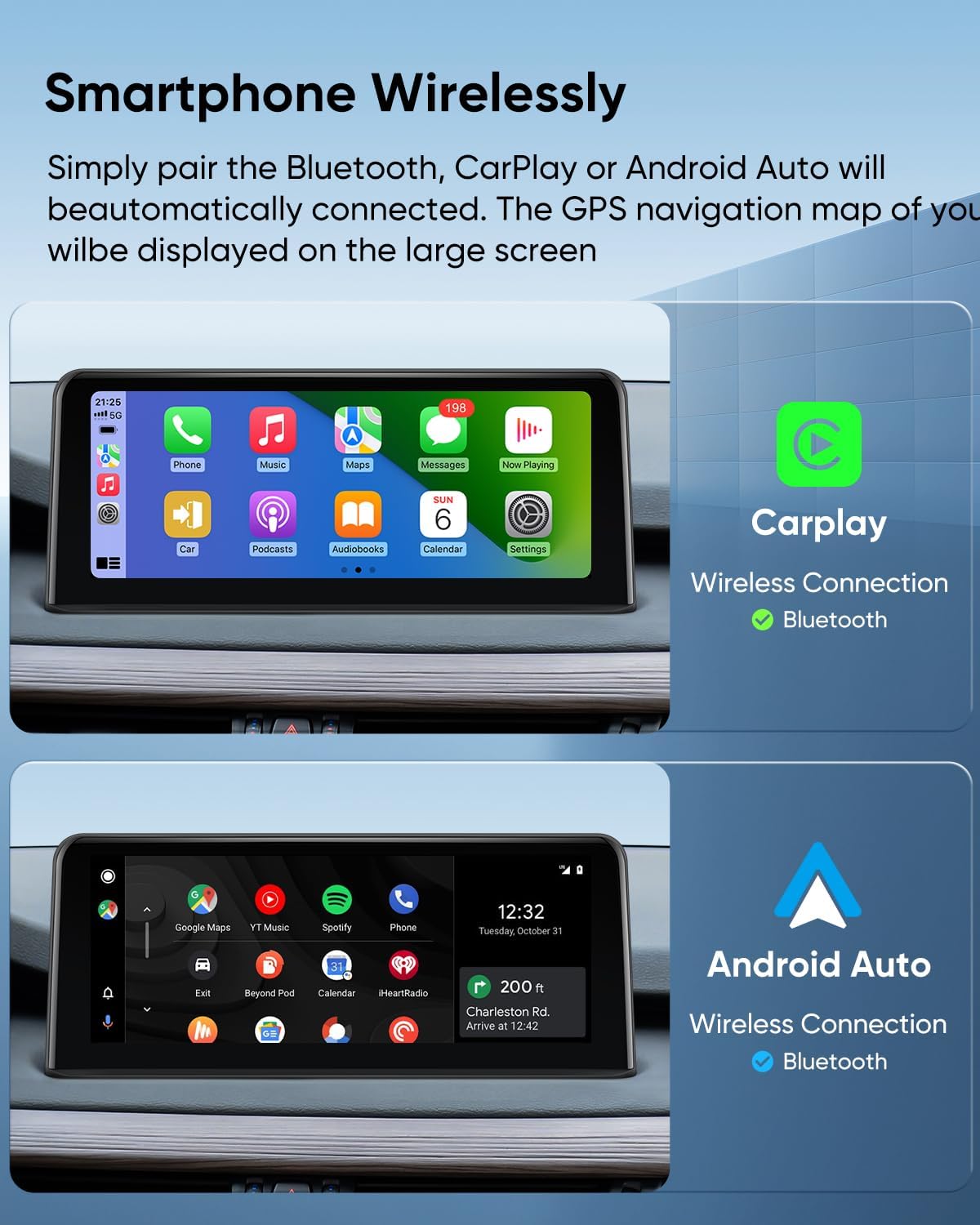
Figure 8: Wireless CarPlay and Android Auto connectivity.
4.2. Voice Commands
Utilize voice commands for hands-free operation. Say "Hey Siri" or "OK Google" to activate your smartphone's voice assistant for navigation, making calls, sending messages, and playing music.

Figure 9: Using voice commands for hands-free control.
4.3. Retained Original Functions
The GTRUI Car Stereo is designed to work with all original BMW vehicle functions, ensuring no loss of existing features:

Figure 10: Overview of retained original BMW functions.
- iDrive System: Full functionality of your original iDrive controller is maintained.
- Original Fiber Optic Sound System: Audio quality and system integrity are preserved.
- Original Radio & CD Player: Access to your vehicle's native radio and CD functions remains.
- Original Bluetooth: Your vehicle's factory Bluetooth system continues to operate.
- Backup Camera Display: The original backup camera feed is displayed on the new screen.
- Steering Wheel Control (SWC) Function: Control audio and other functions directly from your steering wheel.
5. Maintenance
To ensure the longevity and optimal performance of your GTRUI Car Stereo, follow these maintenance guidelines:
- Cleaning the Screen: Use a soft, lint-free cloth to gently wipe the screen. For stubborn smudges, slightly dampen the cloth with water or a screen-safe cleaner. Avoid abrasive materials or harsh chemicals.
- Software Updates: Periodically check for software updates from GTRUI to ensure you have the latest features and performance enhancements. Follow the instructions provided with the update package.
- Environmental Conditions: Avoid exposing the unit to extreme temperatures, direct sunlight for prolonged periods, or excessive moisture.
6. Troubleshooting
If you encounter issues with your GTRUI Car Stereo, refer to the following common problems and solutions:
- No Power/Screen Not Turning On:
- Check all power connections and ensure they are securely seated.
- Verify that the vehicle's ignition is on.
- Inspect fuses related to the car stereo system.
- Laggy Performance / Unresponsive Touchscreen:
- Ensure your smartphone is not running too many background applications, which can affect wireless performance.
- Restart both your smartphone and the car stereo unit.
- If recording video from your phone while using CarPlay/Android Auto, this may cause temporary lag.
- Audio Issues (Muffled Sound, Distortion):
- Verify that the fiber optic cable (if applicable) is fully seated and undamaged.
- Check all audio wiring connections.
- Adjust equalizer settings on both the car stereo and your connected smartphone.
- Ensure the AUX input is correctly selected and functioning.
- Wireless CarPlay/Android Auto Not Connecting:
- Ensure Bluetooth is enabled on your smartphone and the car stereo.
- Forget the device from your phone's Bluetooth settings and re-pair.
- Some smartphones may require a wired connection for Android Auto.
- Original Functions Not Working:
- Double-check all wiring harness connections, especially those related to the iDrive system and steering wheel controls.
- Confirm that your vehicle is indeed an NBT system as per the compatibility check.
If these steps do not resolve the issue, please contact GTRUI customer support for further assistance.
7. Specifications
| Brand | GTRUI |
| Model Number | 10.25"2014-2017 |
| Screen Size | 10.25 Inches |
| Display Type | LCD, IPS |
| Resolution | 1920x720 Pixels |
| Touch Screen Type | Capacitive, Glass to Glass (Fully laminated) |
| Operating System | Linux |
| Connectivity Technology | Bluetooth, USB, Wireless Android Auto, Wireless CarPlay |
| Control Method | Touch, Voice |
| Audio Output Mode | Stereo |
| Supported Navigation System | GPS (Map Type: North America) |
| Compatible Vehicle Type | SUV (BMW X5 F15, X6 F16) |
| Item Weight | 1.79 Kilograms |
8. Warranty & Support
GTRUI provides a 1-Year Manufacturer Warranty for this product. This warranty covers defects in materials and workmanship under normal use.
For technical support, warranty claims, or any inquiries, please contact GTRUI customer service via Amazon email. Our support team will respond as soon as possible to assist you.
Ask a question about this manual
Ask about setup, troubleshooting, compatibility, parts, safety, or missing instructions. Manuals+ will review the question and use this page’s manual context to help answer it.