
FJTJBSI 0054W
FJTJBSI 4-Drawer Dresser Instruction Manual
Model: 0054W
1. Introduction
Thank you for choosing the FJTJBSI 4-Drawer Dresser. This modern chest of drawers is designed to provide ample storage space while enhancing your living environment with integrated power outlets and intelligent LED lighting. This manual provides detailed instructions for assembly, operation, maintenance, and troubleshooting to ensure optimal use and longevity of your product.

Image 1.1: Front view of the FJTJBSI 4-Drawer Dresser, showcasing its sleek white design and illuminated top compartment.
2. Setup and Assembly
The FJTJBSI 4-Drawer Dresser is designed for straightforward assembly. All necessary parts and detailed instructions are included. Please follow the steps carefully to ensure proper construction and stability.
2.1 Package Contents
- All wooden panels for the dresser frame and drawers.
- Drawer slides and hardware.
- Power outlet unit (2AC+2USB+1TC) and connecting cables.
- LED light strip and controller.
- Anti-tip kit (triangular buckles and plastic feet).
- Assembly hardware (screws, dowels, etc.).
- Detailed instruction manual.
2.2 Assembly Steps
- Unpack all components and verify against the parts list in the included manual.
- Assemble the main frame of the dresser according to the step-by-step diagrams.
- Install the drawer slides onto the frame and assemble the drawers.
- Integrate the power outlet unit and LED light strip into the designated areas. Ensure all connections are secure.
- Attach the anti-tip kit to the back of the dresser and secure it to a wall stud using appropriate hardware. This is crucial for safety, especially in homes with children.

Image 2.1: Detailed dimensions of the dresser, including overall size and individual drawer capacity.

Image 2.2: Important safety information regarding the anti-tipping device. Ensure it is properly installed to prevent tip-over hazards.
3. Operating Instructions
3.1 LED Lighting System
The integrated LED lights can be controlled via a dedicated mobile application. This allows for intelligent adjustment and customization of the lighting to suit your preferences.
- Download the companion app from your device's app store.
- Connect the LED lights to the app via Bluetooth or Wi-Fi as per the app's instructions.
- Choose from over 64 DIY colors to create your desired ambiance.
- Utilize the music sync feature to make the lights change color with your audio.
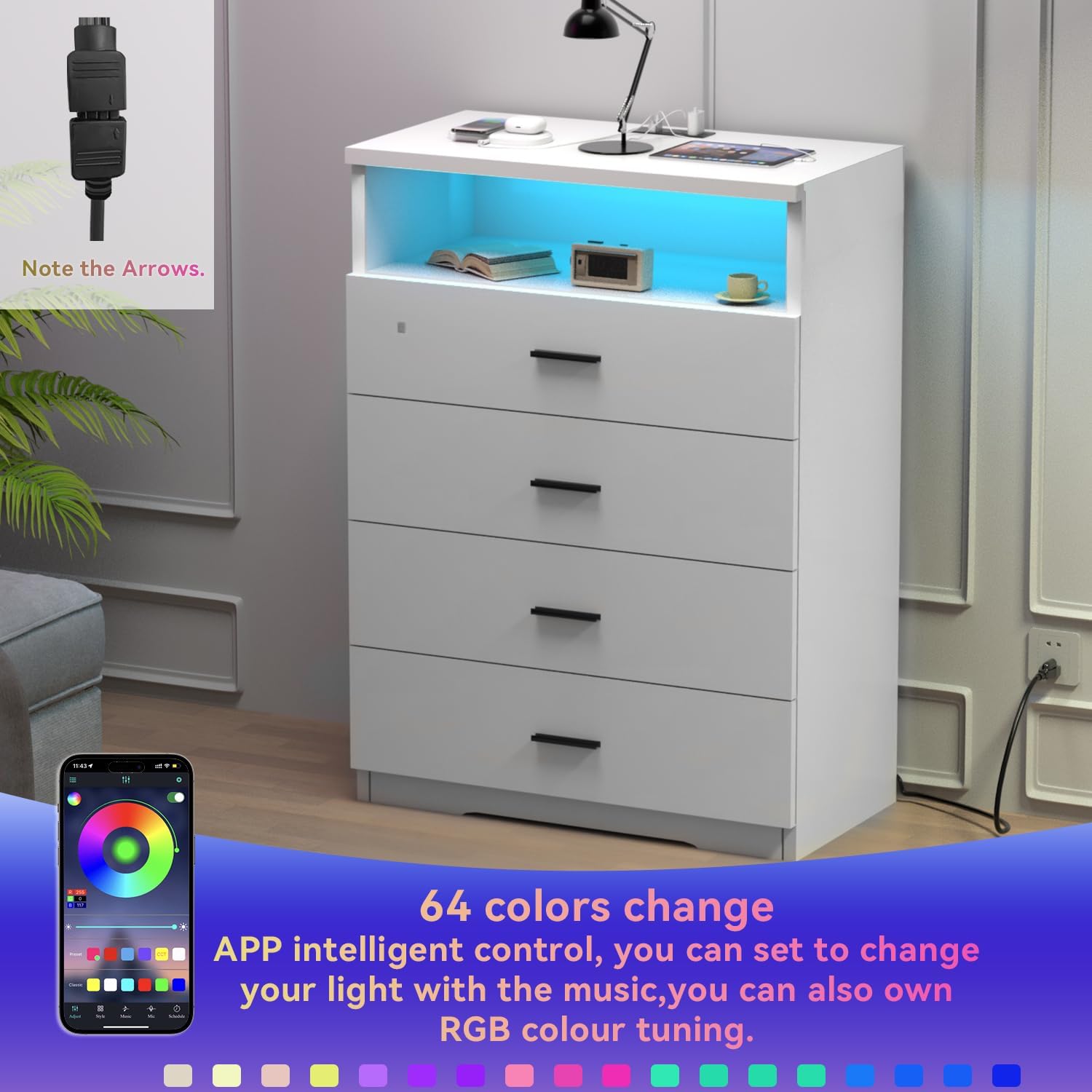
Image 3.1: Illustration of controlling the LED lights using the mobile application, showing color selection and music sync options.
3.2 Built-in Power Outlets
The dresser features a convenient built-in power strip to charge your electronic devices directly from the unit, eliminating the need for additional extension cords.
- The power strip includes 2 AC outlets, 2 USB ports, and 1 Type-C port.
- Plug the dresser's main power cord into a standard wall outlet.
- Connect your devices to the available ports for charging.

Image 3.2: Close-up view of the integrated power strip, highlighting the 2 AC outlets, 2 USB ports, and 1 Type-C port.
3.3 Drawer Usage
The four spacious drawers are designed for smooth operation and ample storage. Each wooden drawer can hold up to 50 lbs, and the wooden tabletop can support up to 250 lbs.
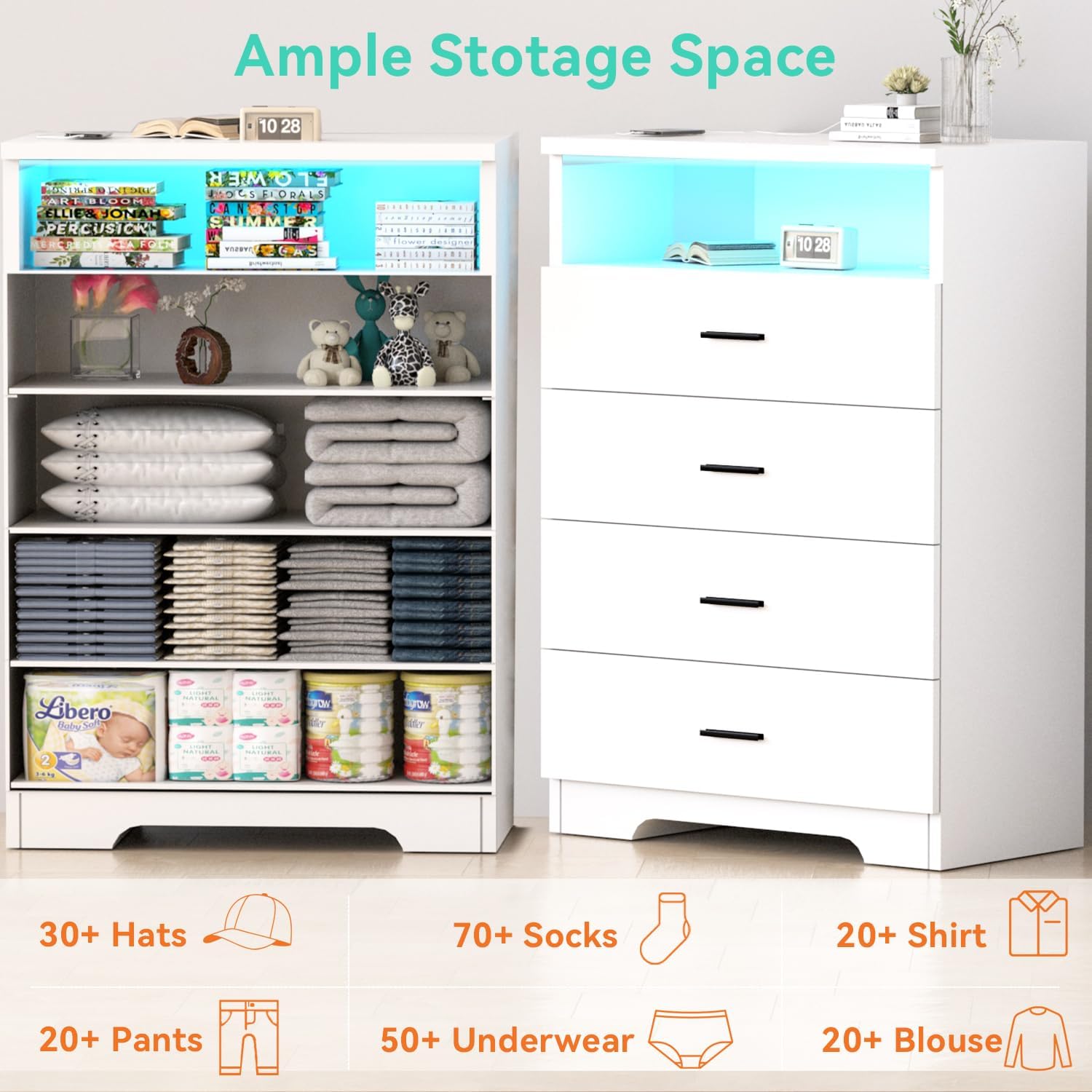
Image 3.3: Visual representation of the dresser's storage capacity, showing various items that can be organized within its drawers.
4. Maintenance
To maintain the appearance and longevity of your FJTJBSI dresser, follow these simple cleaning guidelines:
- The surface of the cabinet is waterproof and easy to wipe down.
- Use a soft, damp cloth to clean the surfaces.
- Avoid harsh chemicals or abrasive cleaners, as they may damage the finish.
- For spills, wipe immediately with a dry cloth.
5. Troubleshooting
If you encounter any issues with your FJTJBSI dresser, please refer to the following common solutions. If the problem persists, contact customer service.
5.1 Common Issues
- Drawers not sliding smoothly: Check that the drawer slides are properly aligned and free of obstructions. Ensure all screws are tightened.
- LED lights not working: Verify that the dresser's main power cord is securely plugged into a working outlet. Check the connection of the LED light strip to its controller and power source. Ensure the mobile app is correctly paired.
- Power outlets not functioning: Confirm the dresser is plugged in. Test the outlets with a different device. Check for any tripped circuit breakers in your home.
- Dresser instability: Ensure the dresser is placed on a level surface. Re-check all assembly connections. Confirm the anti-tip kit is securely installed to the wall.
6. Specifications
| Feature | Detail |
|---|---|
| Brand | FJTJBSI |
| Model Name | 005 |
| Item Model Number | 0054W |
| Product Dimensions | 15.8"D x 24"W x 37"H |
| Color | White |
| Mounting Type | Wall Mount (with anti-tip kit) |
| Room Type | Bedroom, Dressing Room, Home Office, Kids Room, Living Room |
| Special Feature | Integrated Power Outlets (2AC+2USB+1TC), App-Controlled LED Lights (64+ colors, music sync) |
| Assembly Required | Yes |
| Item Weight | 79 Pounds |
| Drawer Capacity | Up to 50 lbs per drawer |
| Tabletop Capacity | Up to 250 lbs |
| Manufacturer | FJTJBSI |
| Date First Available | January 13, 2025 |
7. Warranty and Support
FJTJBSI is committed to providing high-quality products and excellent customer service. Your dresser comes with a satisfaction guarantee and support for any issues you may encounter.
7.1 Return Policy
This product is eligible for 30-day easy returns. Please refer to your purchase platform's return policy for detailed instructions on initiating a return or exchange.
7.2 Customer Support
If you have any questions, require assistance with assembly, or encounter any problems with your FJTJBSI dresser, please do not hesitate to contact FJTJBSI customer service. Our team is ready to assist you.
Contact information can typically be found on your purchase receipt or the FJTJBSI brand store page on the platform where you purchased the product.
Ask a question about this manual
Ask about setup, troubleshooting, compatibility, parts, safety, or missing instructions. Manuals+ will review the question and use this page’s manual context to help answer it.