
BWHEKMO SWS01
MYAILOCK Smart Electronic Lock User Manual
Model: SWS01 | Brand: BWHEKMO
1. Introduction
Thank you for choosing the MYAILOCK Smart Electronic Lock. This advanced security device offers multiple unlocking methods and smart features to enhance the safety and convenience of your home or business. Please read this manual carefully before installation and operation to ensure proper use and optimal performance.
Key Features:
- Multiple Unlocking Methods: WIFI, Fingerprint, Password, IC Card, Temporary Password, and Traditional Key.
- Advanced Security: Anti-peeping password, double verification, anti-picking alarm, incorrect password lock, and real-time APP push notifications.
- Remote Management: Monitor unlock records and manage user access via the Tuya APP.
- Long Battery Life: Up to 6 months on 4 AA batteries with low power reminders.
- Emergency Power: TYPEC interface for backup power.
- Easy Installation: Compatible with standard door bodies, suitable for various door types.
2. Product Overview and Components
The MYAILOCK Smart Electronic Lock system includes all necessary components for installation and operation. Familiarize yourself with each part before proceeding.

Image: Overview of the MYAILOCK Smart Electronic Lock, showing the front and back panels, keys, and IC cards.
Package Contents:
- Door Lock (Front and Rear Panels) x 1 pair
- Lock Body x 1 pc
- Keys x 2
- IC Cards x 2
- Installation Accessories (screws, shaft, etc.) x 1 package
3. Setup and Installation
Proper installation is crucial for the lock's functionality and security. Please follow these guidelines carefully.
Door Compatibility:
- Recommended for security doors, aluminum doors, and wooden doors.
- Suitable for door thicknesses between 4 cm and 12 cm (1.57 to 4.72 inches).
- The installation accessories include a 13 cm door shaft. If the length is not suitable for your door, it may be cut to fit.

Image: Detailed product dimensions and compatibility with wood, metal, and aluminum doors.
Initial Setup:
- Install the lock according to the detailed instructions provided in the built-in manual.
- After installation, power on the lock. The initial administrator password is 123456.
- It is highly recommended to change the default administrator password immediately after the first setup for security reasons.
4. Operating Instructions
The MYAILOCK Smart Electronic Lock offers multiple convenient ways to unlock your door.
Unlocking Methods:

Image: Visual representation of the six unlocking methods: WIFI control, Fingerprint, Electronic Card, Password, Temporary Password, and Key.
- WIFI Control: Connect the lock to your home WIFI network via the Tuya APP for remote unlocking and management.
- Fingerprint: Use the integrated semiconductor fingerprint sensor for quick and secure access. The lock supports up to 40 fingerprint groups.
- Password: Enter your personalized 6-12 digit password on the touchscreen keypad.
- IC Card: Tap the provided IC cards to unlock the door.
- Temporary Password: Generate temporary passwords via the Tuya APP, ideal for guests or service personnel.
- Traditional Key: For manual override, use the physical keys provided.
Tuya APP Remote Management:
The Tuya APP (available for Android/iOS) allows you to manage your smart lock remotely.

Image: Diagram showing the smart lock connected to a WIFI router and controlled via a smartphone app, illustrating smart lock management, user management, and unlock record viewing.
- Real-time Monitoring: View unlock records and check the lock's status (locked/unlocked, battery level).
- User Management: Add or delete user fingerprints, passwords, and IC cards. Supports unlimited password/IC card additions and up to 40 fingerprint groups.
- Temporary Passwords: Create time-limited access codes for visitors.
Security Features:
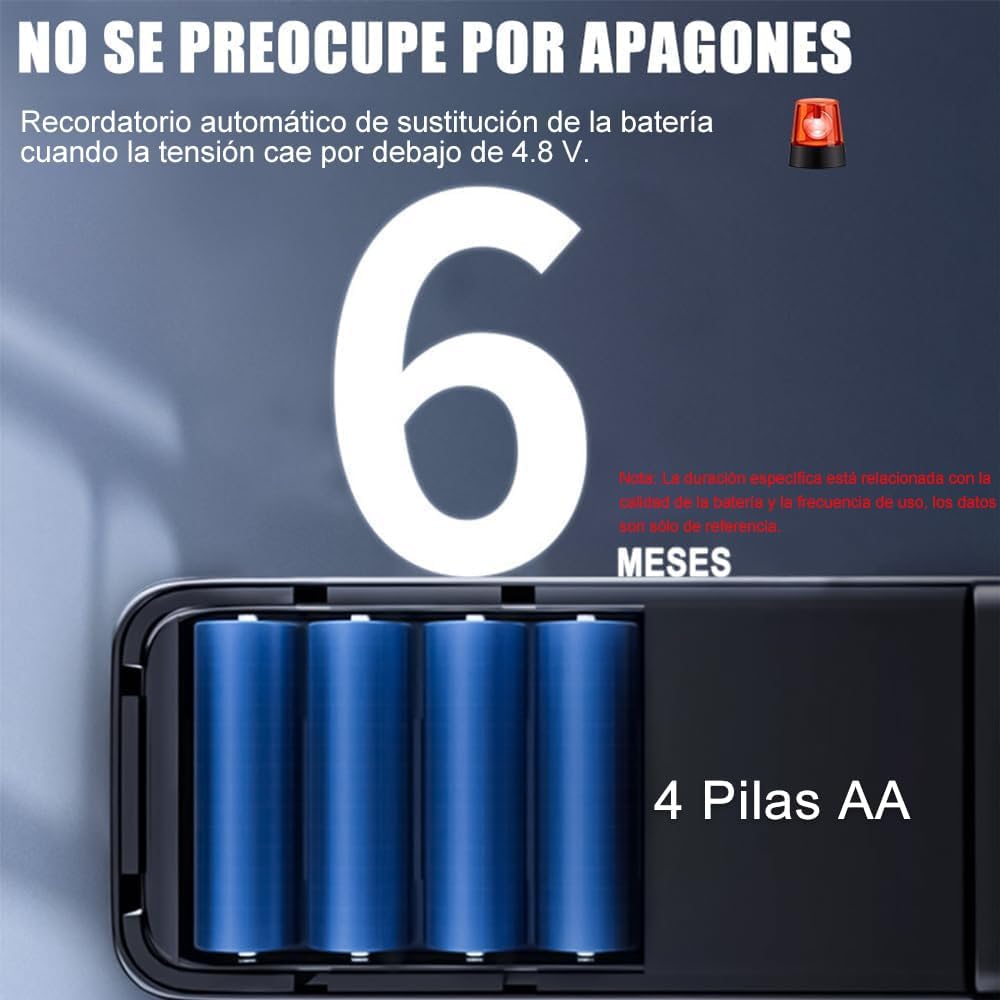
Image: Illustration of the anti-peeping function, where random digits can be entered before or after the real password to obscure it from onlookers.
- Anti-Peeping Password: Enter random digits before or after your actual password to prevent others from guessing it.
- Incorrect Password Lockout: If an incorrect password is entered more than 5 consecutive times, the keypad will lock for 1 minute.
- Abnormal Unlock Alarm: The lock will trigger an alarm for anti-picking attempts or forced entry, and send a real-time push notification to your APP.
- Power-on Self-check: Automatically detects module status to ensure optimal performance.
5. Power Management and Maintenance
Proper power management and regular maintenance will ensure the longevity and reliability of your smart lock.
Battery Information:
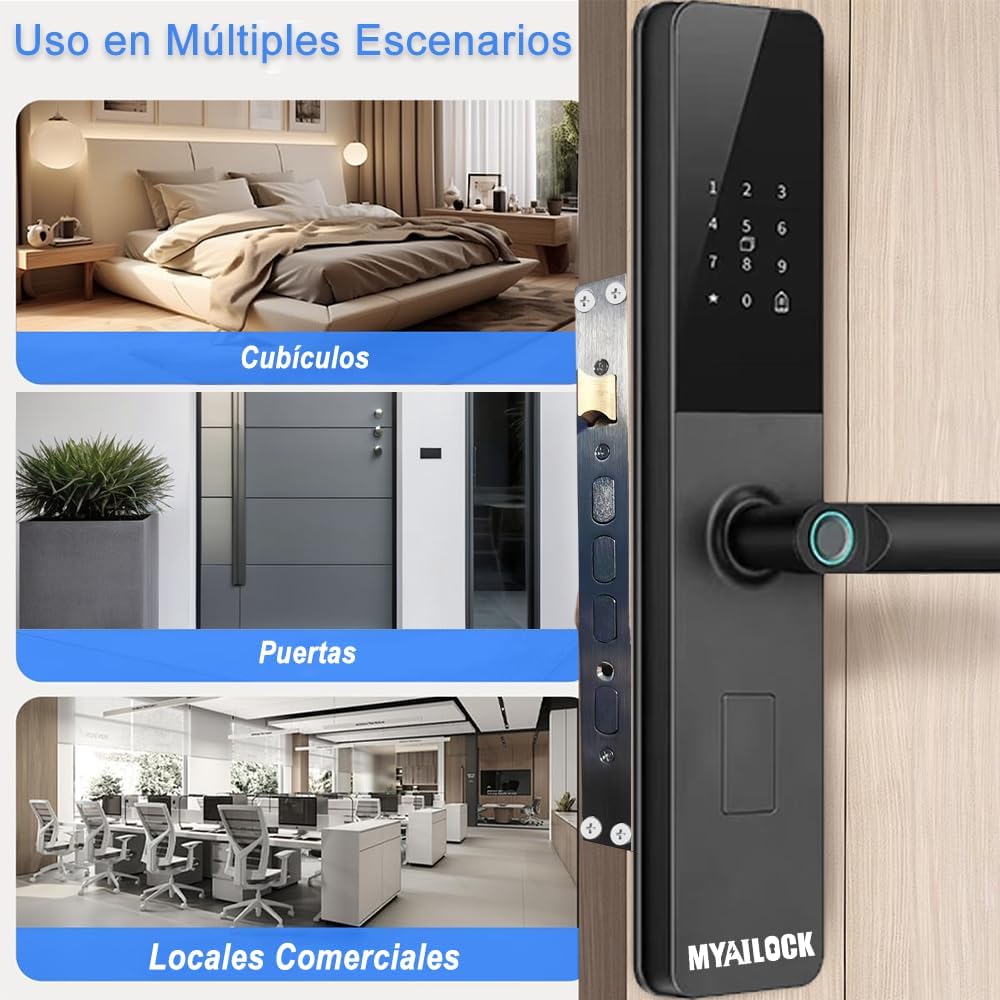
Image: Close-up of the battery compartment, indicating the use of 4 AA batteries and a reminder about battery replacement when voltage drops below 4.8V.
- The lock requires 4 AA batteries for power supply.
- On average, batteries need to be replaced approximately once every 6 months, depending on usage frequency and battery quality.
- The lock features a built-in intelligent low power reminder with automatic voice prompts when the voltage is insufficient.
- In case of a sudden power outage or completely drained batteries, the lock supports emergency power supply via a TYPEC interface. Connect a power bank to the TYPEC port on the lock to temporarily power it.
General Maintenance:
- Clean the lock's surface regularly with a soft, dry cloth. Avoid using abrasive cleaners or solvents.
- Ensure the fingerprint sensor and keypad are free from dirt or moisture for optimal performance.
- Do not expose the lock to extreme temperatures or direct water spray.
6. Troubleshooting
If you encounter any issues with your MYAILOCK Smart Electronic Lock, refer to the following common problems and solutions.
Common Issues:
- Lock does not respond: Check battery level. If batteries are low or dead, replace them or use emergency TYPEC power. If the system does not respond to any operation for 1 minute, it can be unlocked by briefly pressing the reset button on the door panel for 1 second.
- Fingerprint not recognized: Ensure your finger is clean and dry. Try re-registering your fingerprint if the issue persists.
- Password not working: Ensure you are entering the correct password. Remember the anti-peeping function allows random digits before/after. If locked out due to incorrect attempts, wait for the lockout period to expire.
- Cannot connect to WIFI/APP: Ensure your WIFI router is within range and functioning correctly. Check APP settings and ensure the lock is in pairing mode if necessary.
- Lock body not engaging properly: Check for any obstructions in the door frame or strike plate. Ensure the lock body is correctly aligned and installed.
If you experience persistent issues or require further assistance, please contact our customer support.
7. Specifications
Detailed technical specifications for the MYAILOCK Smart Electronic Lock (Model: SWS01).
| Parameter | Value |
|---|---|
| Model Number | SWS01 |
| Brand | BWHEKMO |
| Color | Black |
| Power Supply | 4.2V-6V (4 x AA Batteries) |
| Operating Temperature | -25℃ to 70℃ (-13°F to 158°F) |
| Fingerprint Type | Semiconductor Biometrics |
| Emergency Power | TYPEC Interface |
| Password Length | 6-12 bits |
| Application Program | TuYa APP (Android / iOS) |
| Product Dimensions (L x W x H) | 39.98 x 16.99 x 11.99 cm (15.74 x 6.69 x 4.72 inches) |
| Product Weight | 2.26 kg (4.98 lbs) |
| Door Thickness Compatibility | 4-12 cm (1.57-4.72 inches) |
8. Warranty and Support
We are committed to providing excellent customer service and support for your MYAILOCK Smart Electronic Lock.
Customer Support:
If you have any questions regarding installation, operation, or troubleshooting, please do not hesitate to contact us. Our support team is available 24 hours to assist you.
For direct support, you may contact the seller BWHEKMO via their Amazon seller page: BWHEKMO Seller Page.
Return Policy:
This product is eligible for 30 days free return, allowing you to return the item without cost if you are not satisfied.
Extended Warranty Options:
Extended warranty plans may be available for purchase to provide additional coverage beyond the manufacturer's warranty. Please check for available options from providers like Assurant for 3 or 4 years of extended home improvement warranty coverage.
Ask a question about this manual
Ask about setup, troubleshooting, compatibility, parts, safety, or missing instructions. Manuals+ will review the question and use this page’s manual context to help answer it.