
Introduction
This manual provides detailed instructions for the assembly, operation, and maintenance of your Tatub Natural King Floating Bed Frame with LED Lights. Please read these instructions carefully before beginning assembly and retain this manual for future reference. This bed frame is designed to offer a modern aesthetic and comfortable sleep experience with integrated LED lighting.
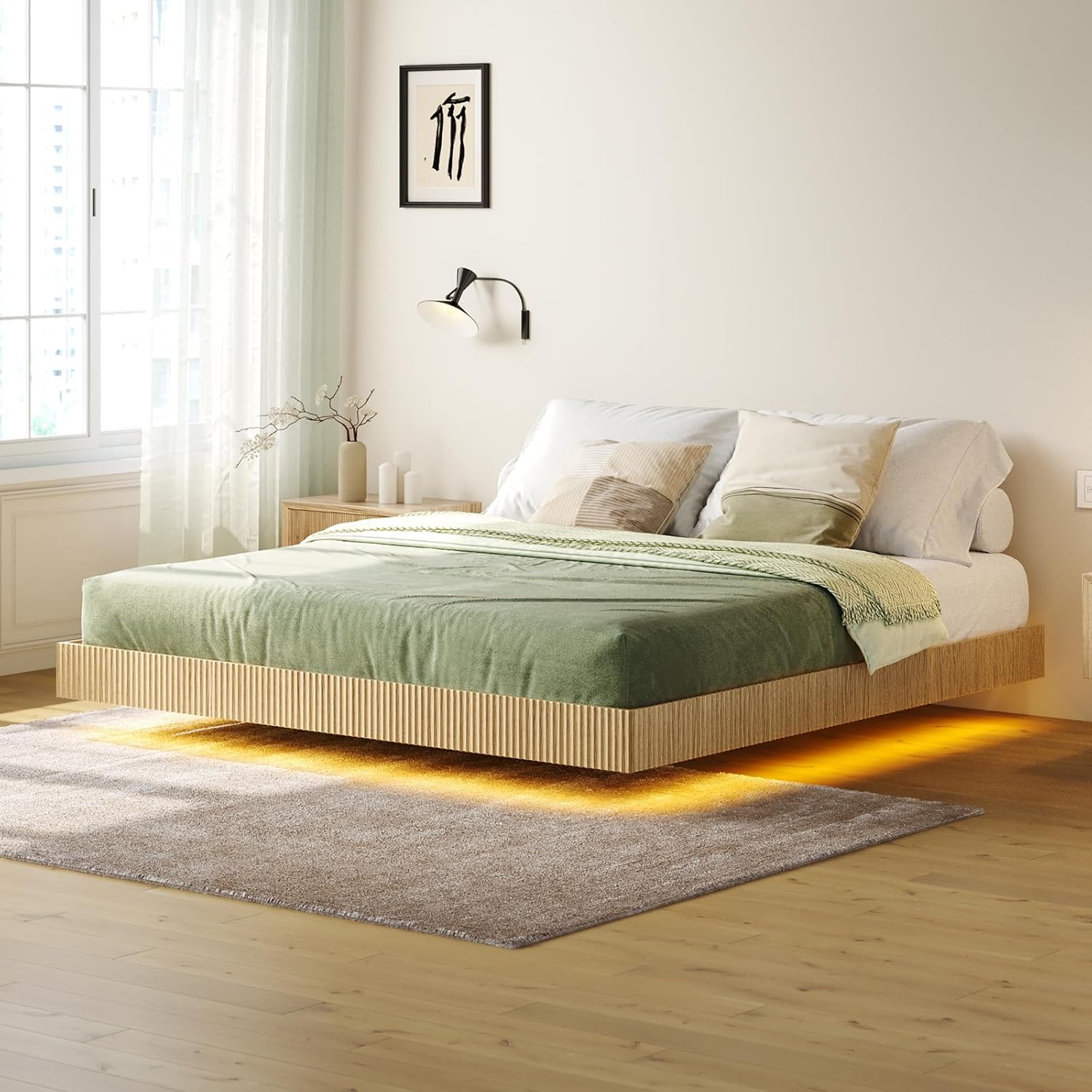
Image 1: Tatub Natural King Floating Bed Frame with LED Lights, showcasing its floating design and under-bed illumination.
Safety Information
- Avoid placing the bed in tight spaces to prevent toe injuries due to the recessed base.
- Do not exceed the maximum weight limit of 1000 lbs. Overloading can compromise the structural integrity of the frame.
- Ensure all screws and fasteners are securely tightened during assembly and periodically check for looseness.
- Keep electrical components (LED lights, power adapter) away from water and moisture.
- Assembly typically requires two adults for safe and efficient installation.
Package Contents
Before beginning assembly, verify that all components listed below are present and undamaged. If any parts are missing or damaged, contact Tatub customer support immediately.
- Headboard and Footboard sections
- Side Rails (Fluted Oak Panels)
- Heavy-Duty Metal Slats and Support Bars
- LED Light Strip with Power Adapter
- Remote Control for LED Lights
- Assembly Hardware (screws, bolts, washers, Allen wrench)
- Instruction Manual
Setup and Assembly Instructions
Follow these steps carefully to assemble your bed frame. It is recommended to have two people for assembly.
- Unpack Components: Lay out all parts on a clean, soft surface (like a rug or blanket) to prevent scratches. Identify each part using the provided labels.
- Assemble Frame Base: Connect the headboard, footboard, and side rails using the provided hardware. Ensure all connections are snug but do not overtighten until the frame is fully aligned.
- Install Metal Slats: Place the heavy-duty metal slats across the frame. Secure them according to the diagrams in your assembly guide. These slats eliminate the need for a box spring.
- Attach LED Lights: Carefully adhere the LED light strip to the designated area on the underside of the bed frame. Ensure the strip is firmly attached and the wiring is neatly routed to avoid damage.
- Final Tightening: Once the entire frame is assembled and aligned, go back and securely tighten all screws and bolts.

Image 2: Diagram illustrating the dimensions of the King size bed frame (80"L x 76"W) and its 1000 lbs weight capacity. Mattress is not included.
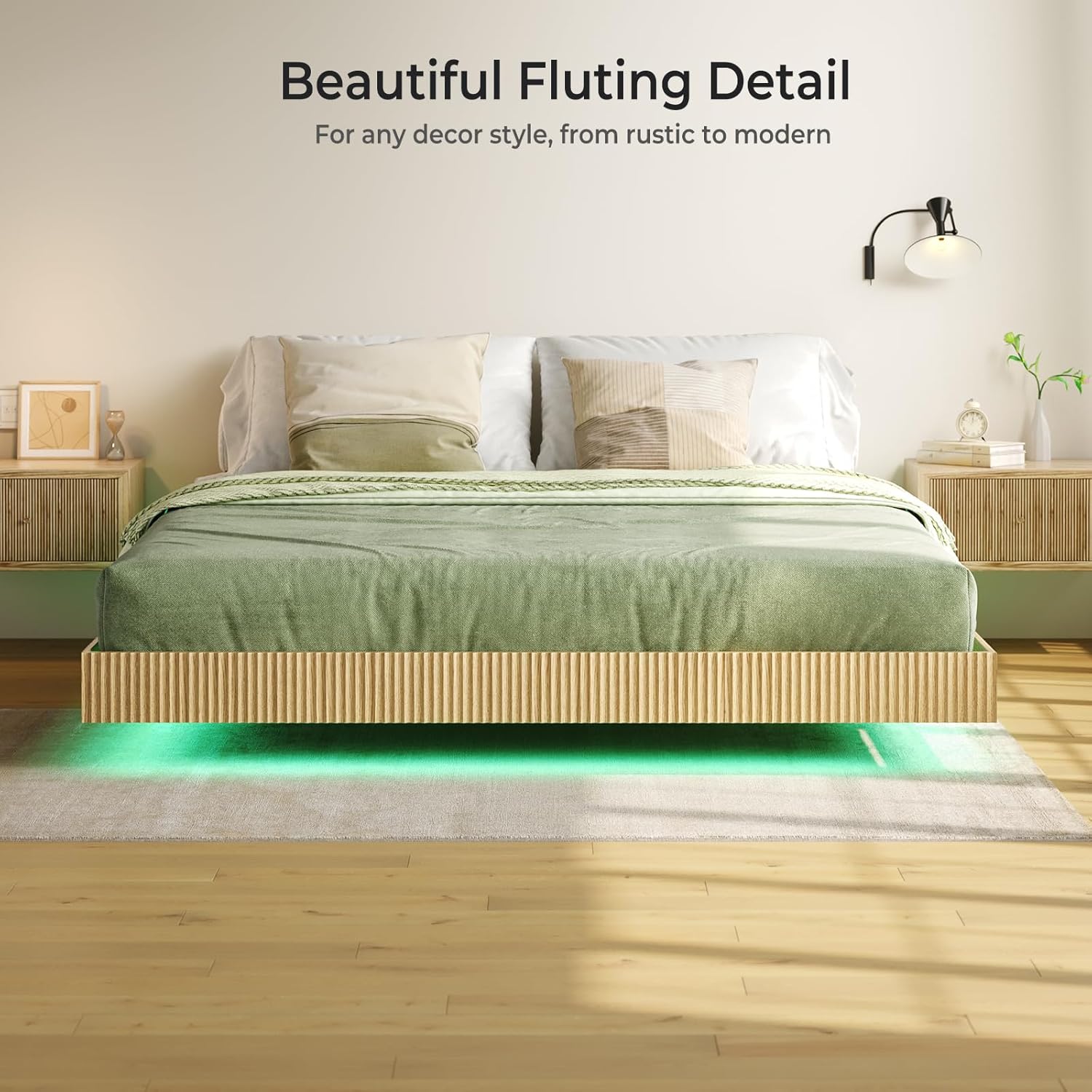
Image 3: Close-up view of the elegant fluting detail on the side panel of the bed frame, highlighting the natural wood grain finish.
Operating Instructions (LED Lights)
The integrated RGB LED lighting system offers customizable ambiance for your bedroom.
- Power Connection: Connect the LED light strip's power adapter to a standard electrical outlet.
- Remote Control: Use the provided remote control to turn the lights on/off, change colors (over 60,000 options), adjust brightness, and select various lighting modes, including music sync. Ensure the remote has fresh batteries and is pointed towards the receiver.
- App Control: Download the designated mobile application (refer to the LED light kit's specific instructions for app name and QR code) to control the lights via your smartphone. The app typically offers more advanced customization and scheduling features.

Image 4: The bed frame illuminated by smart RGB lighting, with an inset showing the remote control and mobile app interface for color selection and music synchronization.
Maintenance
- Cleaning: Wipe the bed frame surfaces with a soft, damp cloth. Avoid harsh chemicals or abrasive cleaners that could damage the finish.
- Hardware Check: Periodically (e.g., every 3-6 months) inspect all bolts and screws to ensure they remain tight. Retighten as necessary to maintain stability.
- LED Lights: If the LED strip accumulates dust, gently wipe it with a dry, soft cloth. Do not attempt to repair the LED strip or power adapter yourself; contact customer support if issues arise.
Troubleshooting
| Problem | Possible Cause | Solution |
|---|---|---|
| LED lights not working |
|
|
| Bed frame feels unstable or wobbly |
|
|
| Missing or incorrect parts |
|
|
Specifications
- Brand: Tatub
- Model: Floating Bed
- Size: King (U.S. Standard)
- Color: Natural
- Product Dimensions: 80.5"L x 77.1"W x 9.8"H
- Weight Limit: 1000 Pounds
- Item Weight: 26 Pounds
- Special Feature: No Box Spring Needed, Integrated LED Lights
- Assembly Required: Yes
- Furniture Finish: Natural
- Included Components: Slat, LED Light Kit
Warranty and Support
This Tatub bed frame comes with a Limited Warranty. Please refer to the warranty card included in your package for specific terms and conditions. For any questions, missing parts, or support needs, please contact Tatub customer service. You can often find contact information on the manufacturer's website or through your purchase platform.
Manufacturer: Tatub
For customer support, visit the Tatub Store on Amazon.