
Introduction
This manual provides essential instructions for the installation, operation, and maintenance of your LSSF Replacement Toner Cartridge for Ricoh IM C2510 printers. Please read this manual carefully before use to ensure optimal performance and longevity of your toner cartridge.
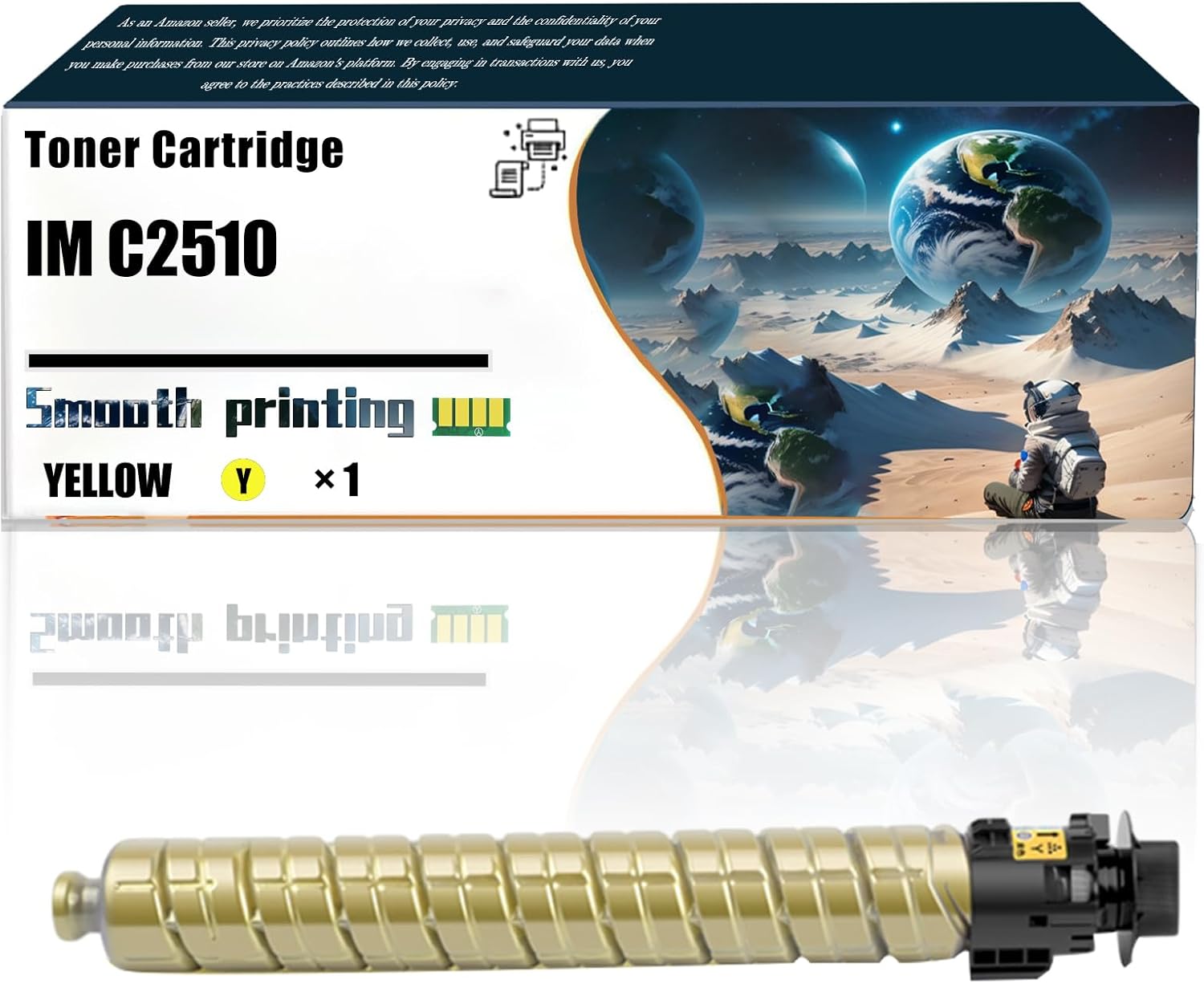
Image: LSSF Replacement Yellow Toner Cartridge IM C2510, shown in its protective packaging. This image displays the product as it arrives, highlighting the brand and model compatibility.
Compatible Printers
This LSSF Replacement Toner Cartridge is specifically designed for use with Ricoh IM C2510 series printers. Ensure your printer model matches for proper functionality.

Image: A visual representation confirming compatibility with Ricoh IM C2510 printers, ensuring users can easily identify the correct printer model for this cartridge.
Setup and Installation
- Unpack the Cartridge: Carefully remove the new toner cartridge from its packaging. Avoid touching the drum or electrical contacts.
- Shake Gently: Gently shake the toner cartridge horizontally 5-6 times to distribute the toner evenly inside.
- Remove Protective Seals: Remove any orange or colored protective clips, tapes, or seals from the cartridge. Refer to your printer's manual for specific instructions on seal removal if unsure.
- Open Printer Access: Open the toner cartridge access door on your Ricoh IM C2510 printer.
- Remove Old Cartridge: Grasp the handle of the old toner cartridge and pull it straight out of the printer. Place it in a protective bag for recycling.
- Insert New Cartridge: Align the new toner cartridge with the corresponding slot in the printer. Push it firmly until it clicks into place.
- Close Printer Access: Close the toner cartridge access door. The printer may perform a calibration cycle.
Note: This cartridge includes an enhanced compatibility chip for seamless communication with your printer.
Operating Instructions
Once installed, the LSSF Replacement Toner Cartridge is ready for use. Your printer will automatically detect the new cartridge and prepare for printing.
- Print Quality: This cartridge is designed to deliver sharp, clear, and vibrant prints. For best results, use appropriate paper types for your printing tasks.
- Page Yield:
- Black Toner Cartridges: Up to 16,000 pages (at 5% coverage).
- Color Toner Cartridges (including Yellow): Up to 5,500 pages (at 5% coverage).
Note: Actual page yield may vary significantly depending on content of printed pages and other factors.

Image: A visual representation of the print quality, emphasizing vivid colors and excellent printing capabilities achieved with this toner cartridge. It also highlights the integrated chip.

Image: A comparative diagram illustrating the printing effect, demonstrating the enhanced clarity and quality provided by this toner cartridge compared to others.
Maintenance and Storage
- Storage: Store unused toner cartridges in their original, sealed packaging in a cool, dry place away from direct sunlight and extreme temperatures.
- Handling: Always handle the toner cartridge by its sides. Avoid touching the imaging drum or electrical contacts, as this can affect print quality.
- Disposal: Dispose of empty toner cartridges responsibly. Many manufacturers and retailers offer recycling programs.
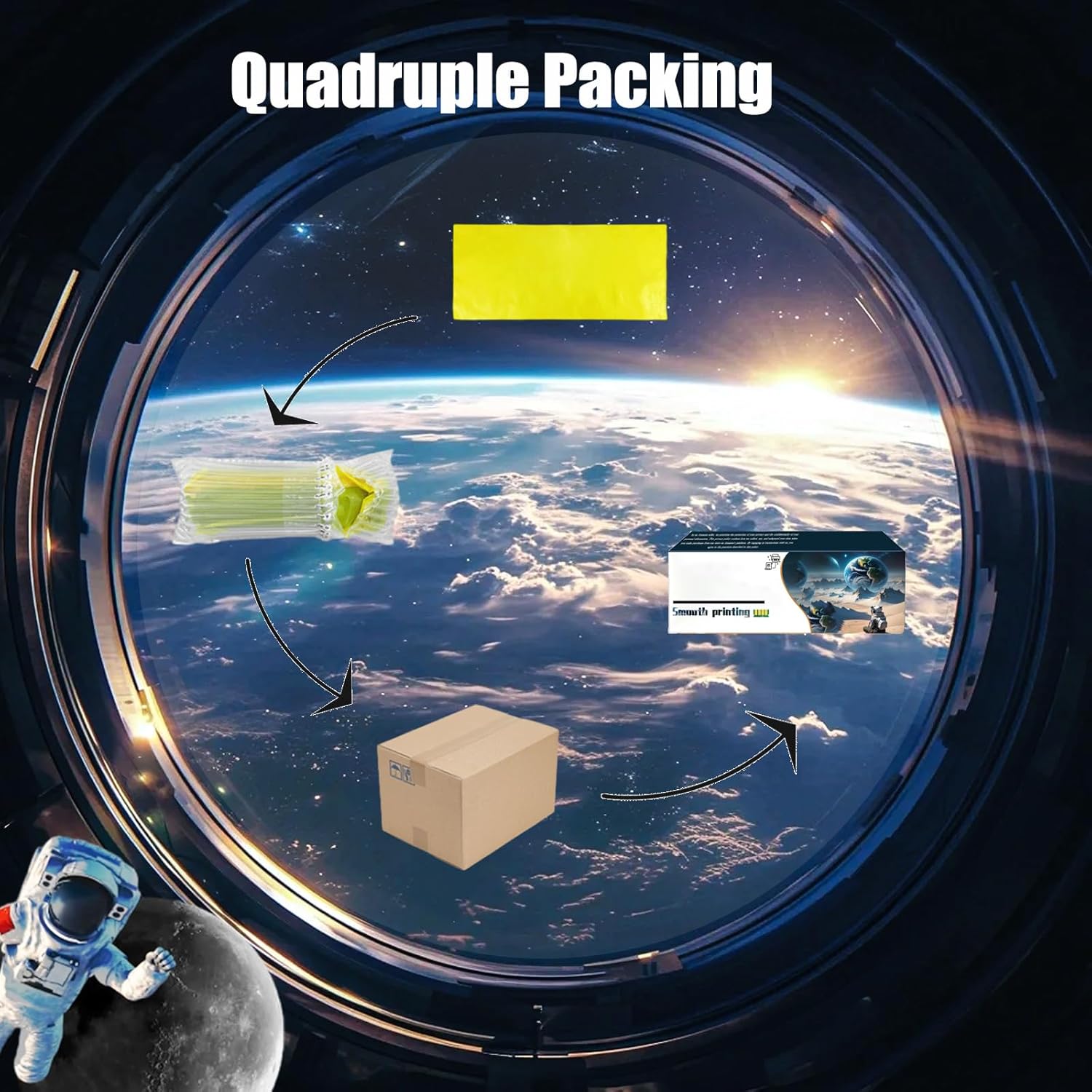
Image: An illustration detailing the quadruple packing method used for the toner cartridge, ensuring its protection during transport and storage.
Troubleshooting
| Issue | Possible Cause | Solution |
|---|---|---|
| Poor Print Quality (streaks, faded prints) |
|
|
| "Toner Low" or "Replace Cartridge" message after installation |
|
|
| Printer not recognizing cartridge |
|
|
Specifications
- Brand: LSSF
- Model: IM C2510 (Yellow)
- Compatible Printer Models: Ricoh IM C2510
- Part Numbers: 842554, 842560, 842559, 842558
- Page Yield (Black): Up to 16,000 pages (at 5% coverage)
- Page Yield (Color - Yellow): Up to 5,500 pages (at 5% coverage)
- Product Dimensions: 10 x 5 x 5 inches
- Item Weight: 2.2 pounds
- Features: Enhanced Compatibility Chip