
HOIFA P98
HOIFA Smart Watch P98 User Manual
Comprehensive Guide for Your Smart Watch
Introduction
Welcome to the user manual for your HOIFA Smart Watch P98. This guide provides detailed instructions on how to set up, operate, and maintain your smartwatch, ensuring you get the most out of its advanced features. The HOIFA Smart Watch P98 is designed to enhance your daily life with its 1.96-inch HD touch screen, Bluetooth call capabilities, comprehensive health monitoring, and extensive sports modes.
What's in the Box
Upon opening your HOIFA Smart Watch P98 package, you should find the following items:
- HOIFA Smart Watch P98 (Main Unit)
- Charging Cable
- User Manual (This Document)
- Watch Band


Setup Guide
Follow these steps to set up your HOIFA Smart Watch P98 and connect it to your smartphone.
- Charge the Smart Watch: Before first use, fully charge your smartwatch using the provided charging cable. Connect the magnetic end of the cable to the charging points on the back of the watch and the USB end to a power adapter (not included) or a computer USB port. A full charge takes approximately 2.5 hours.
- Download the GloryFit App:
On your smartphone, open the App Store (for iOS) or Google Play Store (for Android). Search for "GloryFit" and download the application.
Image: Visual steps for downloading the GloryFit app from Google Play or App Store and binding the device. - Enable Bluetooth on Your Phone: Go to your phone's settings and ensure Bluetooth is turned on.
- Pair the Smart Watch with the App:
- Open the GloryFit app.
- Navigate to the "Device" or "My Device" section within the app.
- Tap "Add Device" or "Connect Device". The app will search for nearby devices.
- Select "P98" from the list of found devices to initiate the pairing process.
- Confirm the pairing request on both your phone and the smartwatch if prompted.
- Enable Bluetooth Call Functionality:
After initial pairing, to enable call answering and making directly from the watch:
- Go to your phone's Bluetooth settings.
- Locate "P98_Call" or a similar entry in the list of paired devices.
- Tap on it to connect. Ensure all necessary permissions (e.g., contact access, call history) are granted.
Image: Detailed steps showing how to connect the smartwatch for Bluetooth calls, including enabling Bluetooth on the phone and connecting to the "P98_Call" device.
Operating Your Smart Watch
1.96" HD Touch Screen and Dial Customization
The HOIFA Smart Watch P98 features a vibrant 1.96-inch HD touch screen (320*386 resolution) for clear display and easy navigation. You can personalize your watch face:
- Online Dials: Choose from over 250 exquisite online dials available through the GloryFit app.
- Custom Dials: Upload your favorite photos to create a unique watch face that reflects your personality.

Bluetooth Calls & Smart Notifications
With its built-in microphone and Hi-Fi speaker, the P98 allows you to manage calls and notifications directly from your wrist.
- Make/Answer Calls: Once connected via Bluetooth, you can dial numbers, answer incoming calls, and view call logs directly on the watch.
- Music Playback: Control music playing on your phone through the watch.
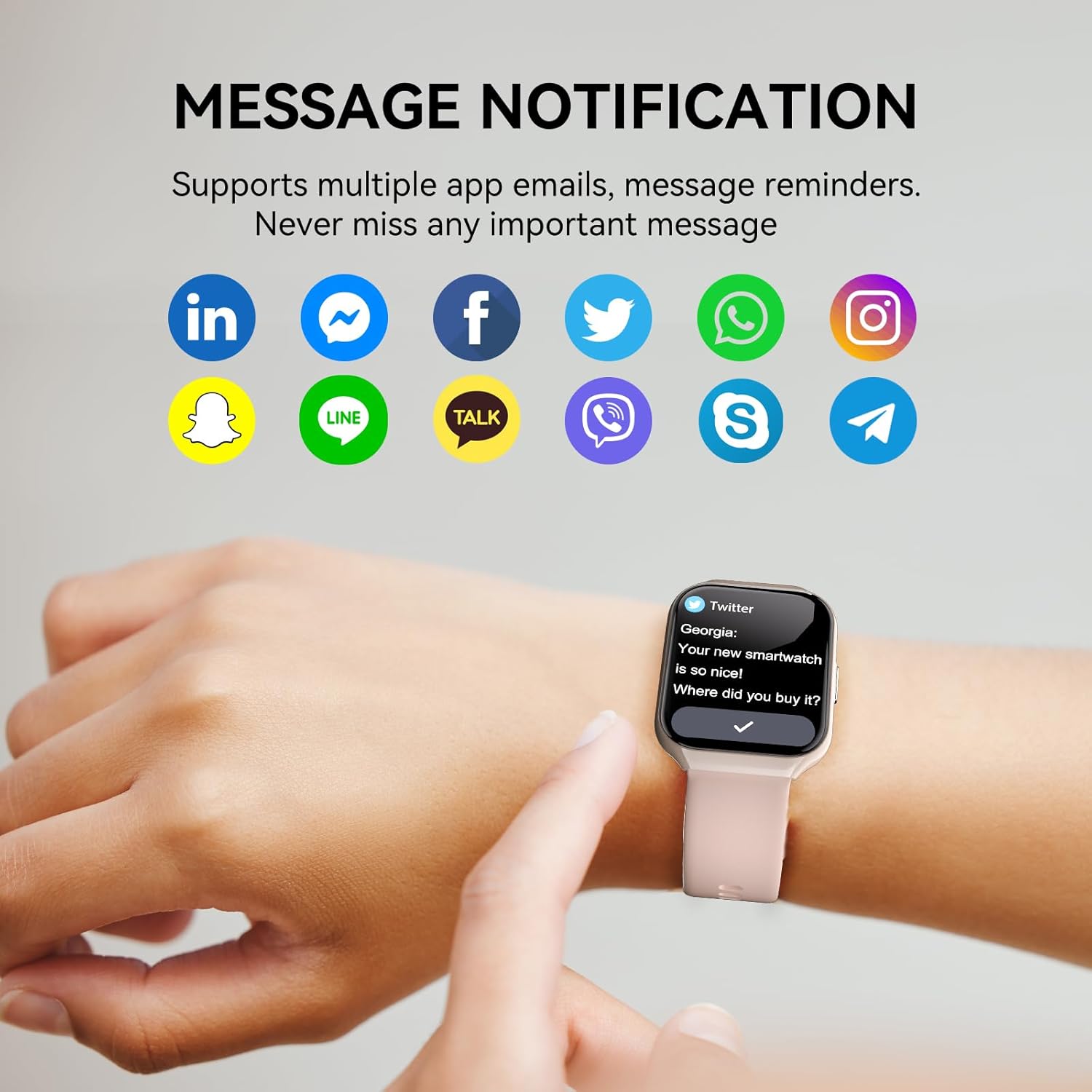
- Message Notifications: Receive alerts for messages from various apps including Instagram, WhatsApp, Twitter, Facebook, Skype, Line, and more.

Health Monitoring
The P98 provides 24/7 health monitoring to help you stay informed about your well-being.
- Heart Rate Monitor: Continuously tracks your heart rate throughout the day.
- Sleep Monitor: Analyzes your sleep patterns, including deep sleep, light sleep, and awake times, to provide insights into your sleep quality.
- Blood Oxygen (SpO2) Monitor: Measures your blood oxygen levels.
- Activity Tracking: Records daily steps, distance, calories burned, and active time.
- Female Health: Track and manage menstrual cycles and ovulation periods.

113+ Sports Modes
The smartwatch supports over 113 sports modes, providing real-time data for your workouts.
- Includes modes for outdoor running, cycling, yoga, skiing, football, swimming, rope skipping, and many more.
- Accurately tracks exercise time, calories burned, and provides real-time feedback on your performance.
Other Practical Functions
The HOIFA Smart Watch P98 includes a variety of additional features for convenience:
- Alarm Clock
- Stopwatch
- Calendar
- Timer
- Camera Control (remote shutter)
- Weather Information
- Music Playback/Control
- Breathing Training
- Voice Assistant
- Sedentary Notification
- Find Phone

Maintenance and Care
Water Resistance (IP68)
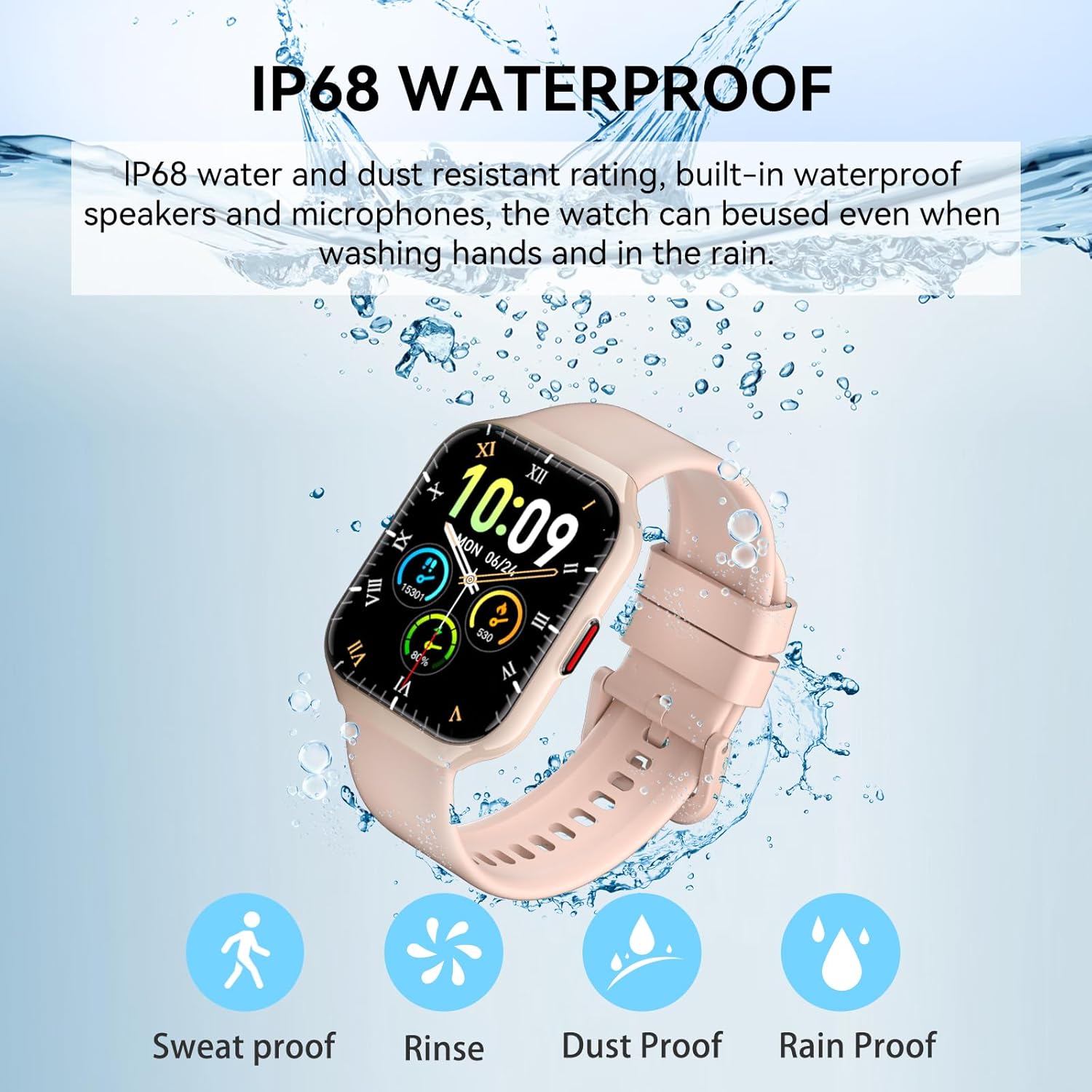
The HOIFA Smart Watch P98 boasts an IP68 water and dust resistant rating. This means it is protected against immersion in water up to 1.5 meters for up to 30 minutes. It is suitable for:
- Washing hands
- Sweating during exercise
- Swimming (in shallow water, avoid hot water or steam)
- Rainy conditions
Important: While IP68 rated, avoid prolonged exposure to hot water, steam, or highly corrosive liquids. Do not press buttons underwater. After exposure to water, especially saltwater, gently wipe the watch dry with a soft cloth.
General Care
- Cleaning: Regularly clean your watch and watch band with a soft, dry cloth. If necessary, use a slightly damp cloth and then dry thoroughly.
- Charging: Use only the provided charging cable. Ensure the charging contacts on the watch and cable are clean and dry before charging.
- Storage: Store the watch in a cool, dry place when not in use. Avoid extreme temperatures.
- Avoid Impacts: Protect the watch from strong impacts or drops, which can damage the screen or internal components.
Troubleshooting
If you encounter issues with your HOIFA Smart Watch P98, refer to the following common solutions:
| Problem | Possible Cause | Solution |
|---|---|---|
| Watch does not turn on | Low battery; Device frozen | Charge the watch for at least 30 minutes. If still unresponsive, press and hold the side button for 10-15 seconds to force restart. |
| Cannot pair with phone | Bluetooth off; App not running; Watch not discoverable; Interference | Ensure phone Bluetooth is on. Restart both phone and watch. Make sure the watch is close to the phone. Close and reopen the GloryFit app. Forget the device in phone's Bluetooth settings and try pairing again. |
| Bluetooth calls not working | "P98_Call" not connected; Permissions not granted | Go to phone's Bluetooth settings and ensure "P98_Call" is connected. Check app permissions for call logs and contacts. |
| Inaccurate health data | Watch fit too loose; Sensor dirty; Incorrect wearing position | Ensure the watch is snug on your wrist (not too tight or loose). Clean the sensor on the back of the watch. Wear the watch about one finger's width from your wrist bone. |
| Notifications not received | App permissions; Notification settings in app; Phone's notification settings | Check notification permissions for GloryFit app on your phone. Ensure app notifications are enabled within the GloryFit app itself. Make sure the app is running in the background. |
Specifications
| Feature | Detail |
|---|---|
| Model Number | P98 |
| Screen Size | 1.96 Inches HD Touch Screen |
| Resolution | 320*386 |
| Battery Capacity | 300 mAh Lithium Polymer |
| Charging Time | Approx. 2.5 hours |
| Battery Life (Daily Use) | 5-7 days |
| Standby Time | Up to 26-30 days |
| Waterproof Rating | IP68 |
| Connectivity | Bluetooth |
| Operating System | watchOS 1 |
| Compatible OS | iOS, Android |
| Special Features | Multisport Tracker, Phone Call, Notifications, Wireless Charging, Music Player, Heart Rate Monitor, Sleep Monitor, SpO2 Monitor, Breathing Training, Female Health, Voice Assistant |
| Item Weight | 3.2 ounces |
| Manufacturer | HOIFA |
| Country of Origin | China |

Warranty and Support
HOIFA is committed to providing quality products and customer satisfaction.
- Warranty: Your HOIFA Smart Watch P98 comes with a 2-year warranty from the date of purchase. This warranty covers manufacturing defects and malfunctions under normal use. Please retain your proof of purchase for warranty claims.
- Customer Service: For any questions, technical support, or warranty inquiries, please contact HOIFA customer service. We aim to provide a 24-hour customer service response.
- Contact Information: Refer to the contact details provided on the product packaging or the official HOIFA website for the most up-to-date support channels.
