
AEGTEST HOUND-3699
AEGTEST HOUND-3699 Radon Detector User Manual
Model: HOUND-3699 | Brand: AEGTEST
1. Introduction
The AEGTEST HOUND-3699 Radon Detector is designed to provide accurate and timely measurements of radon gas concentration in indoor environments. Radon is a naturally occurring radioactive gas that can accumulate in homes and buildings, posing potential health risks. This device offers continuous monitoring, visual and audible alerts, and data tracking capabilities to help users maintain a safe indoor air quality.
2. Safety Information
- Read this manual thoroughly before operating the device.
- Do not expose the device to extreme temperatures, humidity, or direct sunlight.
- Avoid dropping or subjecting the device to strong impacts.
- Keep the device away from water and other liquids.
- Do not attempt to open or repair the device yourself. Refer to qualified personnel for service.
- Use only the provided charging cable.
- Ensure proper ventilation when using the device, especially in areas with suspected high radon levels.
3. Package Contents
Verify that all items are present in the package:
- 1x HOUND-3699 Radon Detector
- 1x User Manual
- 1x Charging Data Cable (USB-A to USB-C)

Figure 1: HOUND-3699 Radon Detector with included USB-C charging cable.
4. Product Overview
The HOUND-3699 is a compact and user-friendly device featuring a high-precision radon pulse ionization sensor for accurate measurements. Its 2.1-inch high-resolution touchscreen display provides clear readings and easy navigation.
Key Features:
- Fast and Accurate Detection: 1-hour detection with readings refreshed every 10 minutes.
- Visual and Audible Alarms: Customizable alert thresholds for real-time notification.
- Data Tracking: Stores up to 508 days of radon measurement data, exportable as PDF.
- User-Friendly Touchscreen: 2.1-inch color display for simple operation.
- Long-Term Monitoring: Designed for continuous monitoring to account for radon fluctuations.
- Portable: Built-in Lithium Ion battery for up to 12 days of wireless operation (with screen off).

Figure 2: The HOUND-3699 utilizes a smart sensor for high-precision radon detection.
5. Setup
5.1 Initial Charging
Before first use, fully charge the device using the provided USB-C cable. Connect the USB-A end to a compatible power adapter (not included) or computer, and the USB-C end to the device's charging port.
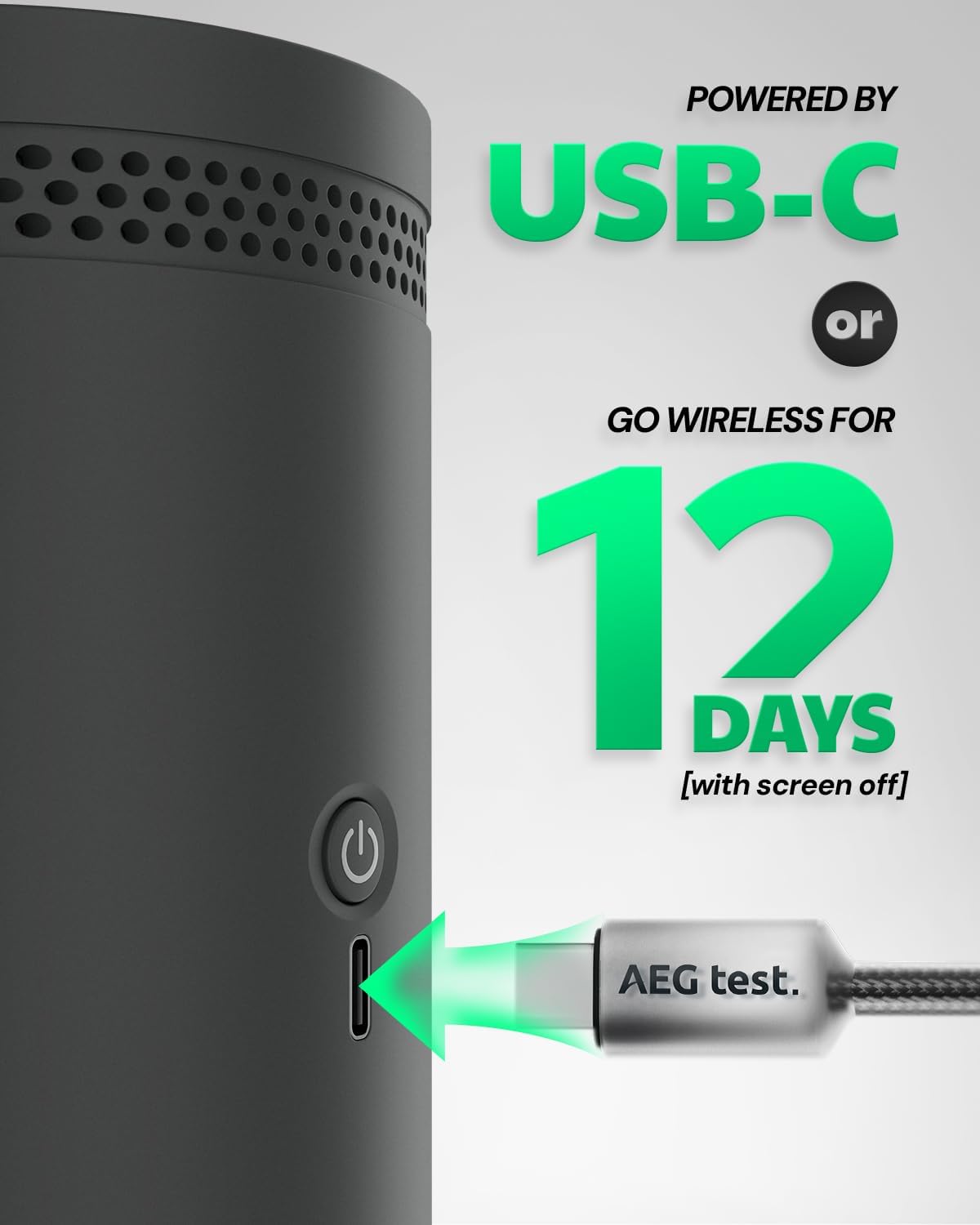
Figure 3: Connecting the USB-C charging cable to the device.
5.2 Powering On/Off
- To Power On: Press and hold the power button located on the side of the device until the screen illuminates.
- To Power Off: Press and hold the power button until a shutdown prompt appears on the screen. Confirm shutdown to power off.
5.3 Setting Date and Time
Upon first power-on or after a factory reset, you may need to set the date and time. Use the touchscreen to navigate to the 'Settings' menu, then select 'Time & Date' to adjust. Accurate date and time are crucial for correct data logging.
6. Operating Instructions
6.1 Device Placement
For optimal results, place the HOUND-3699 in areas where radon levels are of concern, typically on the lowest livable floor of your home, such as a basement or ground floor living areas. Ensure the device is placed on a flat surface, at least 20 inches (50 cm) from the floor and 10 inches (25 cm) from walls or other objects, allowing for proper air circulation.
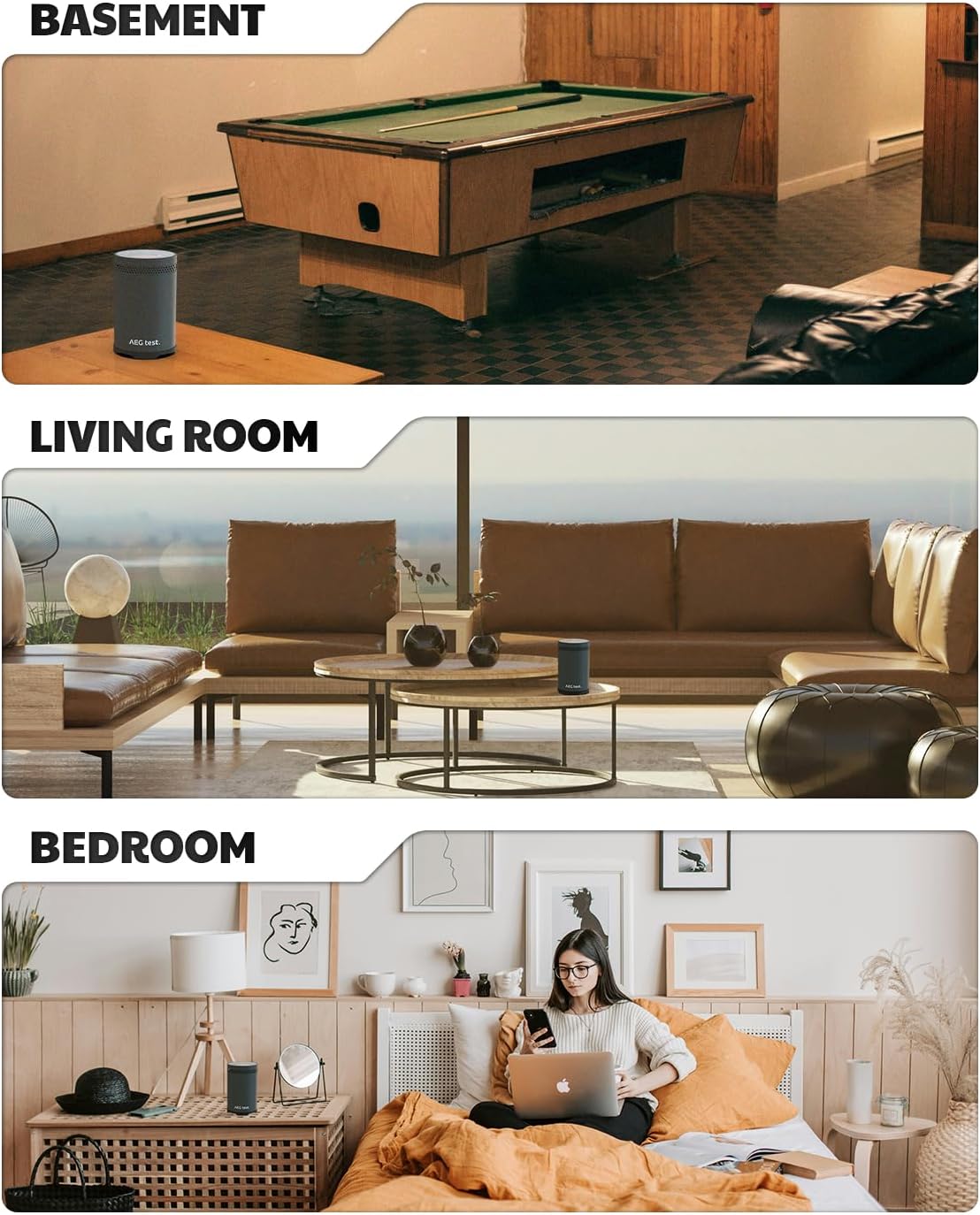
Figure 4: Example placements of the radon detector in different rooms.
6.2 Interpreting Readings
The device displays radon concentration in pCi/L (picocuries per liter). Readings are updated every 10 minutes. The color-coded display provides an immediate visual indication of radon levels:
- Green: Low radon levels.
- Yellow/Orange: Moderate radon levels, consider further action.
- Red: High radon levels, immediate action recommended.
The display also shows 1-hour average, accumulated average, and historical data (e.g., last 12h, 24h, 48h, 96h values).
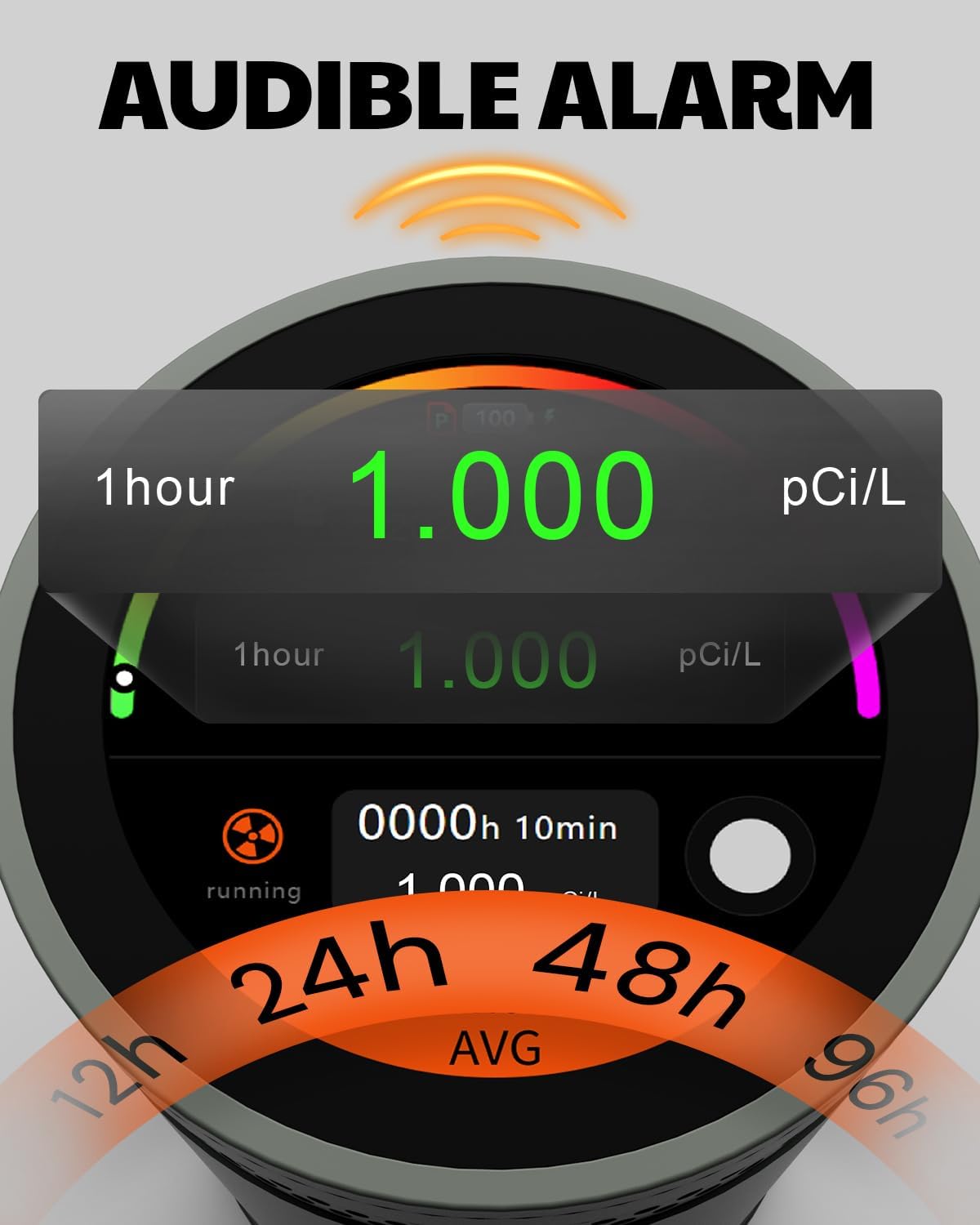
Figure 5: Understanding the color-coded display and measurement values.
7. Data Tracking & Export
The HOUND-3699 stores up to 508 days of radon measurement data. This historical data is crucial for understanding long-term trends and fluctuations in radon levels.
7.1 Exporting Data
To export data, connect the device to a computer (Windows recommended) or mobile phone using the provided USB-C cable. The device will appear as a storage drive. You can then access and copy the PDF report files containing your historical radon data.
Note: If the device is powered off, it may clear previous data. Ensure data is exported regularly if you need to preserve specific measurement periods.

Figure 6: Data export feature showing historical radon concentration graphs.
8. Alarms & Alerts
The device features both visual and audible alarms to notify you of elevated radon levels. You can customize the alert thresholds and alarm settings via the touchscreen menu.
- Visual Alarm: The screen display will change color (e.g., to red) and may flash to indicate high radon levels.
- Audible Alarm: A sound alert will activate when radon levels exceed the set threshold.
- Customization: Access the 'Alarm' option in the 'Settings' menu to adjust the threshold (e.g., 4 pCi/L as recommended by EPA) and enable/disable the audible alarm.
9. Long-Term Monitoring
Radon levels can fluctuate significantly daily, seasonally, and even hourly. Short-term tests provide only a snapshot. Continuous, long-term monitoring with the HOUND-3699 is essential for an accurate assessment of your home's average radon concentration and to identify potential risks that might be missed by short-term measurements.
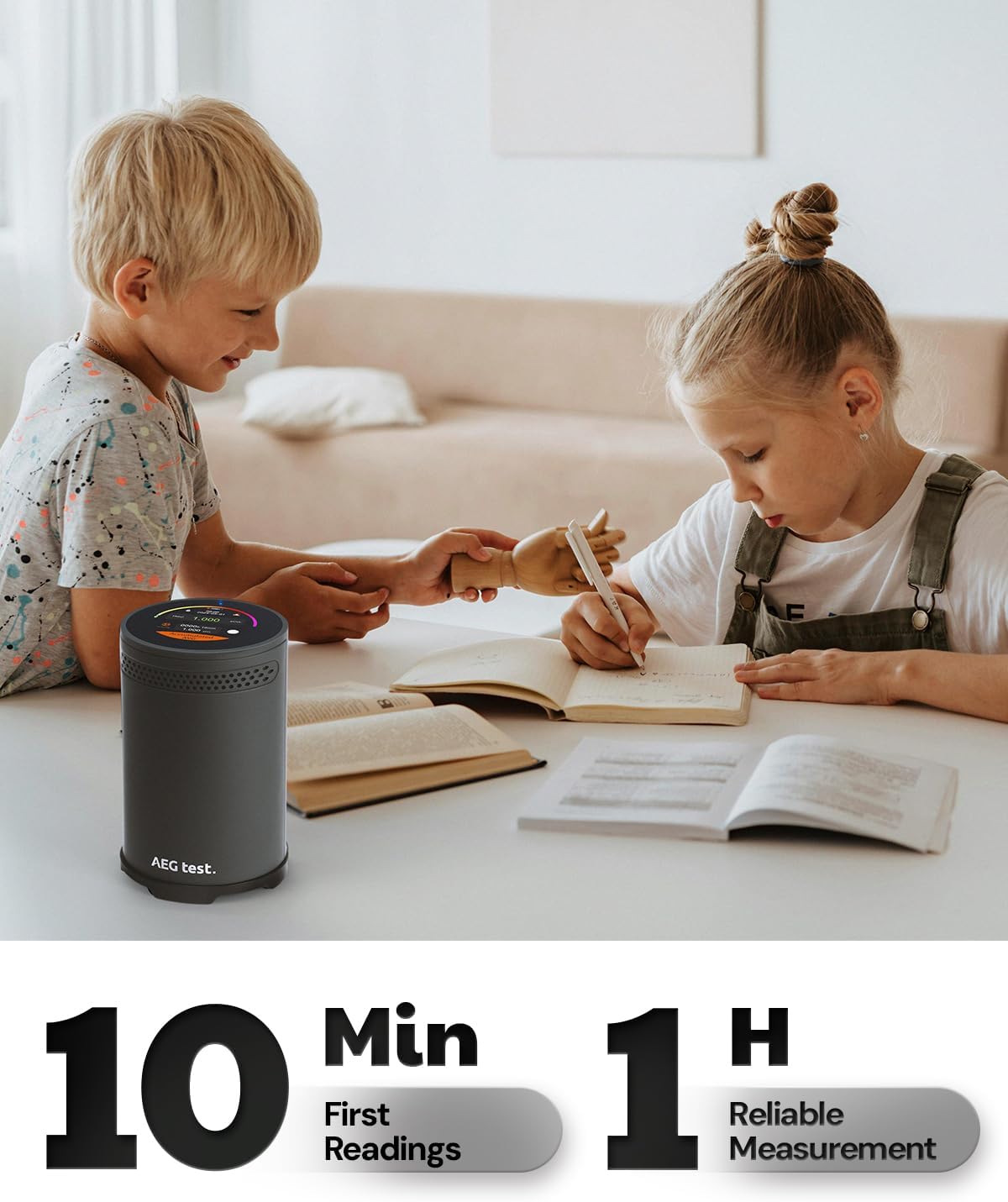
Figure 7: Continuous monitoring helps ensure safety in everyday living areas.
10. Maintenance
- Cleaning: Wipe the device with a soft, dry cloth. Do not use abrasive cleaners or solvents.
- Battery Care: Recharge the device when the battery indicator is low. Avoid fully depleting the battery frequently to prolong its lifespan.
- Storage: Store the device in a cool, dry place when not in use.
11. Troubleshooting
| Problem | Possible Cause | Solution |
|---|---|---|
| Device does not power on. | Low battery. | Charge the device using the provided USB-C cable. |
| Inaccurate or fluctuating readings. | Device not calibrated (initial 48h period) or environmental factors. | Allow 48 hours for initial calibration. Ensure proper placement and stable environment. Radon levels naturally fluctuate. |
| Data lost after powering off. | Device design clears data upon full shutdown. | Export data regularly. Keep the device plugged in for continuous monitoring without data loss. |
| Cannot export data to computer. | Incorrect cable connection or incompatible operating system. | Ensure the USB-C cable is securely connected. Try a different USB port or computer (Windows recommended). |
12. Specifications
- Brand: AEGTEST
- Model: HOUND-3699
- Power Source: Battery Powered (1 Lithium Ion battery included)
- Battery Cell Type: Lithium Ion
- Product Dimensions: 3.2"D x 3.2"W x 5.1"H
- Item Weight: 1.41 pounds (0.64 Kilograms)
- Alarm: Audible
- Detection Method: High-precision radon pulse ionization sensor
- Measurement Updates: Every 10 minutes
- Data Storage: Up to 508 days
- Display: 2.1-inch high-resolution touchscreen color display
13. Warranty & Support
For warranty information, technical support, or service inquiries, please refer to the official documentation provided with your product or contact AEGTEST customer service directly. Contact details can typically be found on the manufacturer's website or in the included user manual.
14. Official Product Video
Video 1: Overview of the HOUND-3699 Radon Detector, highlighting its features and use for home basement monitoring. This video is provided by the seller, GasDoc.
Related documentsHOUND-3699

Ask a question about this manual
Ask about setup, troubleshooting, compatibility, parts, safety, or missing instructions. Manuals+ will review the question and use this page’s manual context to help answer it.