
HP 17-cp3322nr
HP 17 Laptop Computer User Manual
Model: 17-cp3322nr
1. Introduction
This manual provides comprehensive instructions for setting up, operating, maintaining, and troubleshooting your HP 17 Laptop Computer. Please read this manual thoroughly to ensure optimal performance and longevity of your device.
Key Features:
- Processor: AMD Ryzen 5 7430U (6 Cores, 12 Threads, up to 4.3GHz) for efficient multitasking and performance.
- Display: 17.3-inch Full HD (1920 x 1080) IPS Anti-Glare Display for crisp visuals and wide viewing angles.
- Memory: 64 GB DDR4 RAM for smooth application performance and data access.
- Storage: 2 TB PCIe NVMe M.2 SSD for fast boot times and ample storage capacity.
- Connectivity: Wi-Fi 6 and Bluetooth 5.3, with multiple USB ports (Type-C and Type-A) and HDMI.
- Camera & Audio: HP True Vision 720p HD camera with temporal noise reduction and integrated dual array digital microphones. HD Audio with Stereo Speakers.
- Operating System: Windows 11 Pro with Microsoft Office Pro Lifetime License.

Figure 1.1: Front view of the HP 17 Laptop Computer, showcasing the large display and keyboard.
2. Initial Setup
Follow these steps to set up your new HP 17 Laptop Computer for the first time.
2.1 Unboxing and Connecting Power
- Carefully remove the laptop and all accessories from the packaging. Ensure all items listed in the "In the Box" section are present.
- Connect the 45 W Smart AC power adapter to the laptop's power port and then to a wall outlet. The power port is typically located on the side of the laptop.
- Allow the laptop to charge for at least 30 minutes before initial use, or until the battery indicator shows sufficient charge.

Figure 2.1: Diagram showing the HP 17 Laptop, its dimensions, and the location of various ports including USB Type-A, AC smart pin, HDMI, USB Type-C, and Headphone/Microphone combo jack.
This image illustrates what is included in the box (Laptop, 45 W Smart AC power adapter, Setup poster) and provides a visual guide to the laptop's physical dimensions and port layout for easy identification during setup.
2.2 Initial Boot and Windows Setup
- Open the laptop lid and press the power button. The laptop will begin its first boot sequence.
- Follow the on-screen prompts to complete the Windows 11 Pro setup. This includes selecting your region, language, connecting to a Wi-Fi network, and creating a user account.
- Once Windows setup is complete, your laptop is ready for use.
3. Operating Your HP 17 Laptop
This section details the primary functions and features of your HP 17 Laptop.
3.1 Display and Graphics
The 17.3-inch Full HD (1920 x 1080) IPS Anti-Glare display provides a large, clear viewing area. The integrated AMD Radeon Graphics ensures smooth visuals for everyday tasks, media consumption, and light graphics work.

Figure 3.1: Overview of the HP 17 Laptop's core components including the AMD Ryzen 5 7430U processor, AMD Radeon Graphics, 2 TB PCIe NVMe M.2 solid-state drive, and 64 GB DDR4-3200 RAM, highlighting their benefits for performance and storage.
3.2 Keyboard and Touchpad
The full-size, soft grey keyboard includes a numeric keypad for efficient data entry. The enlarged click pad provides precise cursor control.
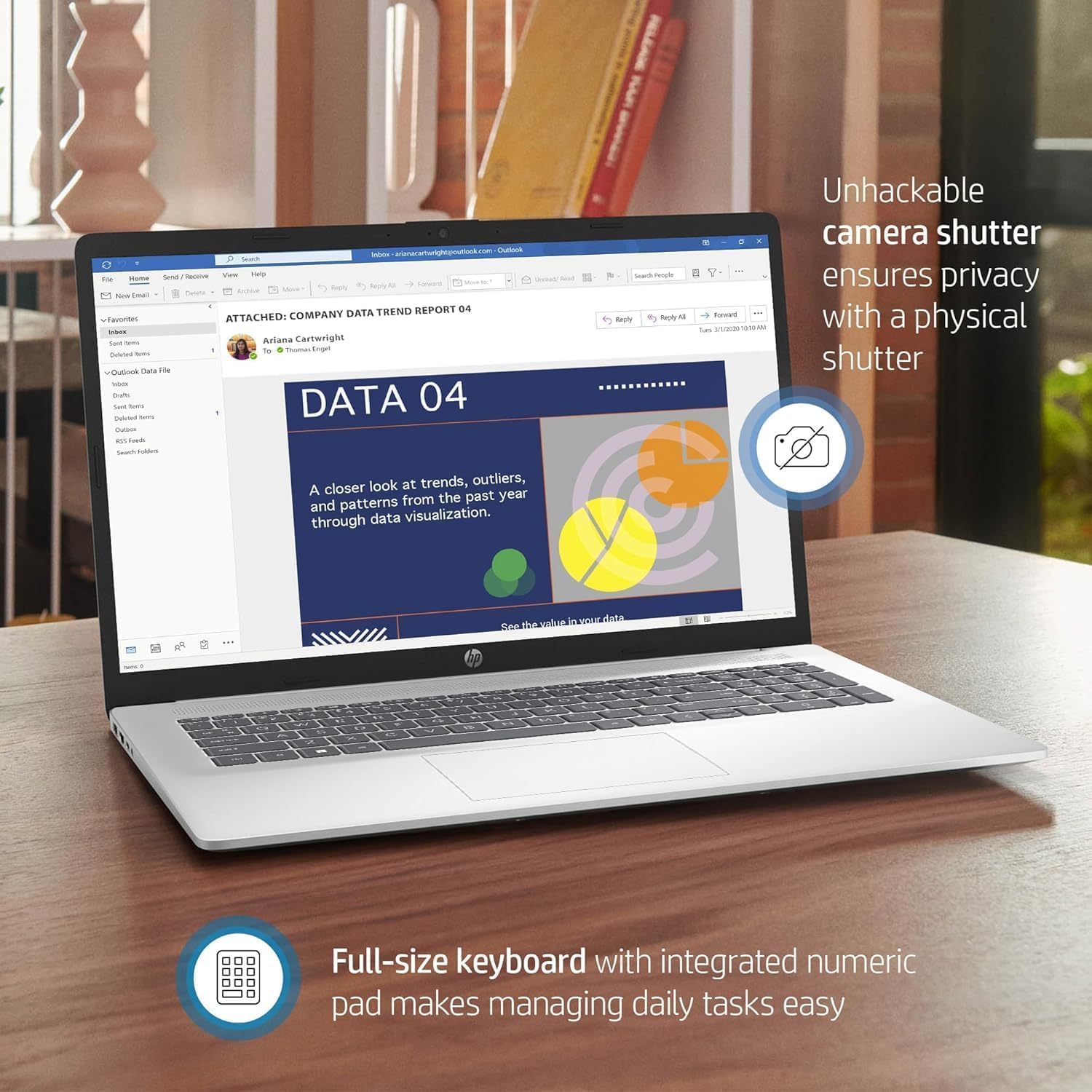
Figure 3.2: Close-up view of the HP 17 Laptop's keyboard and the integrated camera with a physical privacy shutter, emphasizing user privacy and ease of use for daily tasks.
3.3 Camera and Audio
The HP True Vision 720p HD camera with temporal noise reduction and integrated dual array digital microphones ensures clear video calls. Tuned dual speakers provide quality audio output.
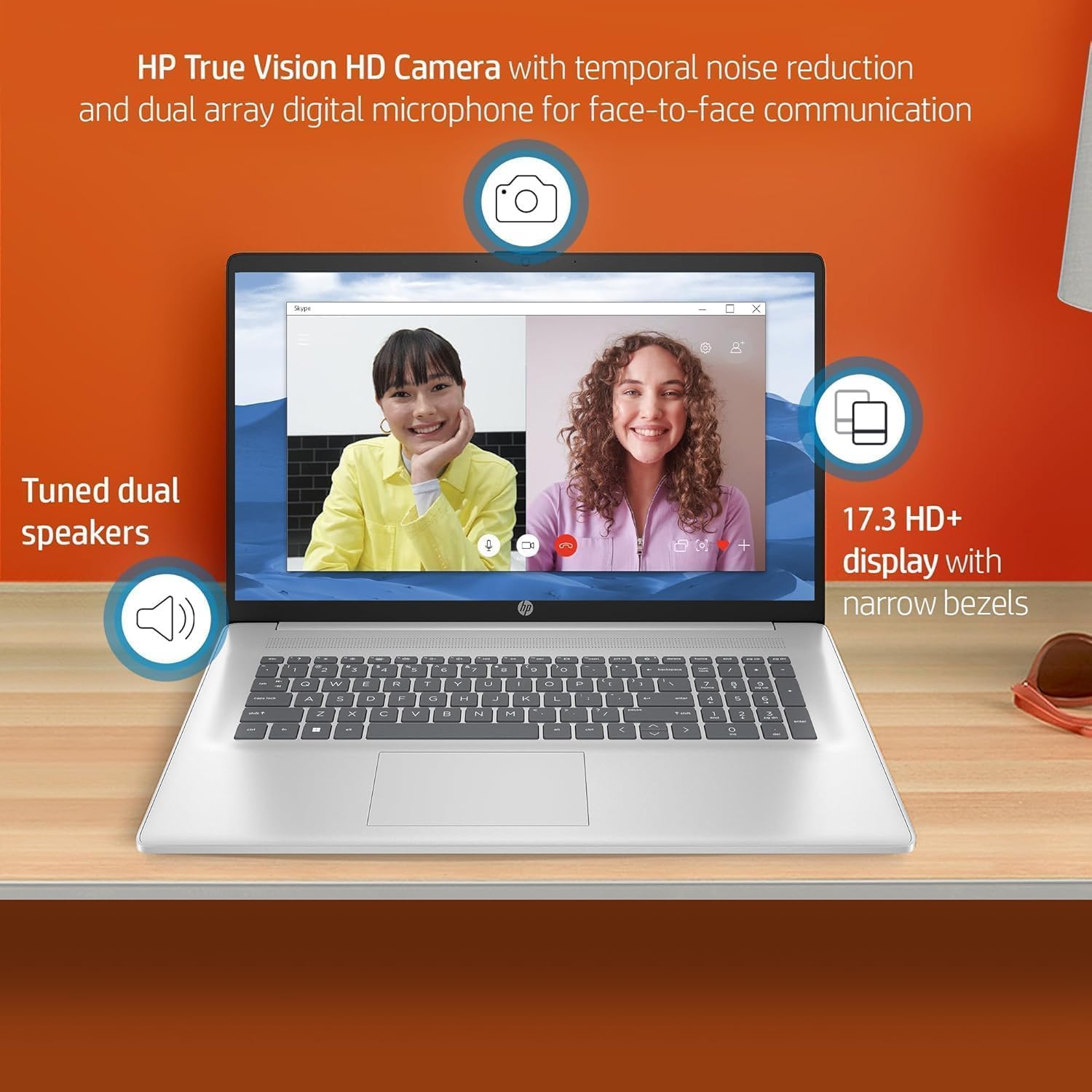
Figure 3.3: Illustration of the HP 17 Laptop's communication features, including the HP True Vision HD Camera for face-to-face communication, tuned dual speakers for clear audio, and the 17.3-inch HD+ display with narrow bezels for an immersive viewing experience.
3.4 Ports and Connectivity
Your laptop is equipped with various ports for external devices and connectivity:
- 1x USB Type-C 5Gbps
- 2x USB Type-A 5Gbps
- 1x HDMI 1.4b
- 1x Headphone/Microphone Combination Jack
For wireless connectivity, the laptop supports Wi-Fi 6 for fast and reliable internet access and Bluetooth 5.3 for connecting wireless peripherals.
3.5 HP Fast Charge
The HP Fast Charge feature allows you to charge your laptop from 0% to 50% in approximately 45 minutes, providing quick power-ups when you're on the go.
4. Maintenance and Care
Proper maintenance ensures the longevity and optimal performance of your HP 17 Laptop.
- Cleaning: Use a soft, lint-free cloth to clean the screen and exterior. For stubborn smudges, dampen the cloth slightly with water or a screen-cleaning solution. Avoid harsh chemicals.
- Ventilation: Ensure the laptop's vents are not obstructed to prevent overheating. Use the laptop on a hard, flat surface rather than soft surfaces like beds or couches.
- Battery Care: To maximize battery lifespan, avoid consistently draining the battery to 0% or keeping it at 100% charge for extended periods. Periodically discharge and recharge the battery.
- Software Updates: Regularly update your Windows operating system and drivers to ensure security and performance improvements.
- Data Backup: Periodically back up important data to an external drive or cloud storage to prevent data loss.
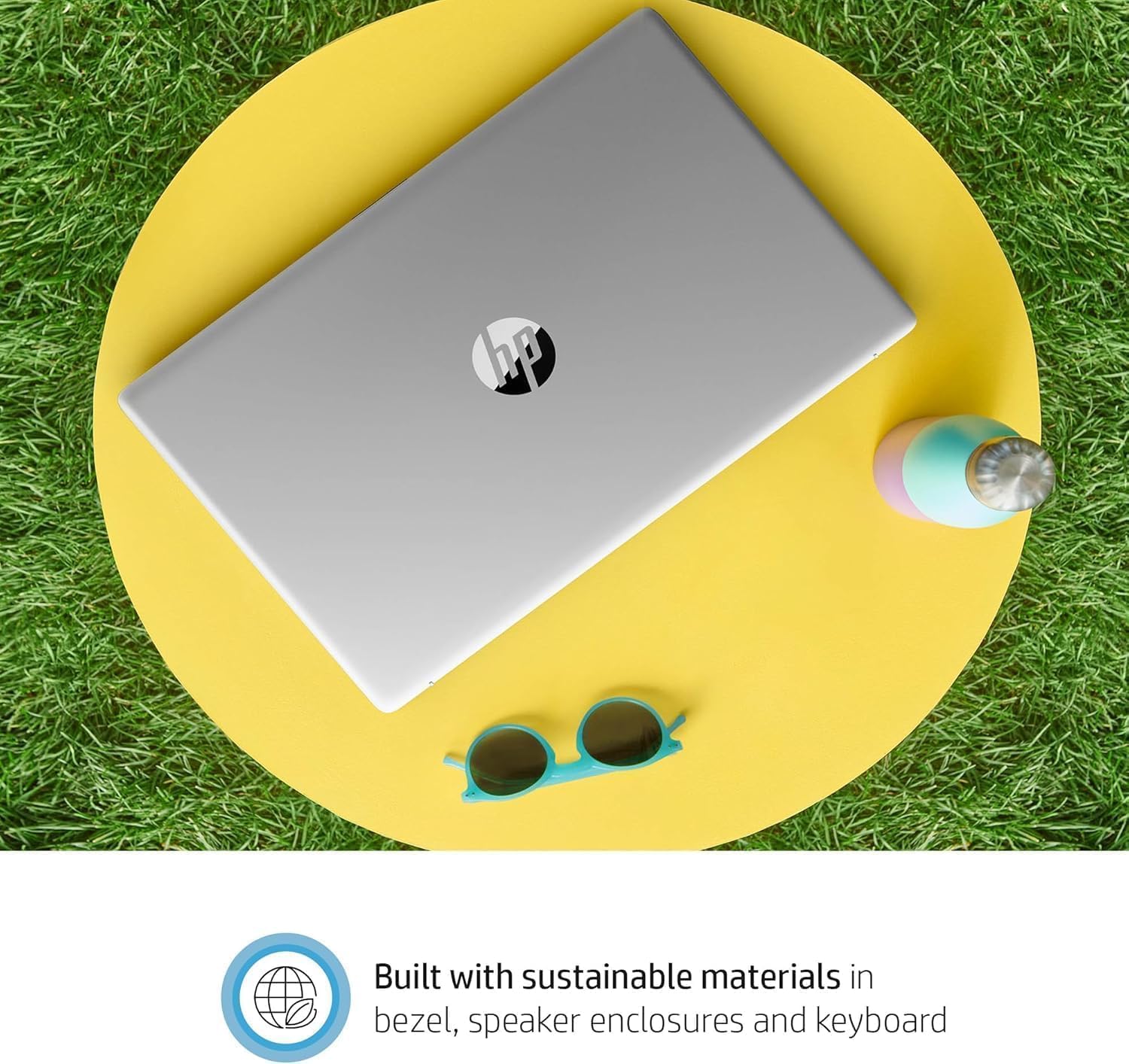
Figure 4.1: The HP 17 Laptop shown in an outdoor setting, emphasizing its sleek design and the use of sustainable materials in its construction (bezel, speaker enclosures, and keyboard).
5. Troubleshooting
This section provides solutions to common issues you might encounter with your HP 17 Laptop.
5.1 Power and Battery Issues
- Laptop not turning on: Ensure the power adapter is securely connected to both the laptop and a working power outlet. Try a different outlet. If the battery is completely drained, allow it to charge for a few minutes before attempting to power on.
- Battery not charging: Verify the power adapter is functioning correctly. Check for any damage to the power cable or port. Restart the laptop.
5.2 Display Issues
- Screen is blank: Ensure the laptop is powered on. Try connecting an external monitor to check if the issue is with the laptop's display or the graphics output. Press Fn + F4 (or the key with a monitor icon) to cycle through display modes.
- Flickering screen: Update your graphics drivers. Check display cable connections if using an external monitor.
5.3 Connectivity Issues (Wi-Fi/Bluetooth)
- Cannot connect to Wi-Fi: Ensure Wi-Fi is enabled (check Windows settings). Restart your router and modem. Run the Windows Network Troubleshooter.
- Bluetooth device not connecting: Ensure Bluetooth is enabled on both the laptop and the device. Make sure the device is in pairing mode. Remove and re-add the device in Bluetooth settings.
5.4 Performance Issues
- Laptop is slow: Close unnecessary applications. Check Task Manager for high CPU/memory usage. Ensure sufficient free space on the SSD. Run a disk cleanup.
- Overheating: Ensure vents are clear. Use the laptop on a hard, flat surface. Consider a cooling pad if issues persist.
6. Technical Specifications
| Feature | Specification |
|---|---|
| Model Name | HP 17.3 Laptop (17-cp3322nr) |
| Processor | AMD Ryzen 5 7430U (6 Cores, 12 Threads, up to 4.3 GHz) |
| Display | 17.3-inch Full HD (1920 x 1080) IPS Anti-Glare |
| Graphics | Integrated AMD Radeon Graphics |
| RAM | 64 GB DDR4 SDRAM |
| Storage | 2 TB PCIe NVMe M.2 SSD |
| Operating System | Windows 11 Pro |
| Wireless Connectivity | Wi-Fi 6 (802.11ax), Bluetooth 5.3 |
| Ports | 1x USB Type-C 5Gbps, 2x USB Type-A 5Gbps, 1x HDMI 1.4b, 1x Headphone/Microphone Combination Jack |
| Camera | HP True Vision 720p HD camera with temporal noise reduction |
| Audio | HD Audio with Stereo Speakers, Dual array digital microphones |
| Keyboard | Full-size, soft grey keyboard with numeric keypad |
| Dimensions (WxDxH) | 15.78 x 10.15 x 0.78 inches |
| Weight | 4.58 pounds |
| Battery | 1 Lithium Ion battery (included), HP Fast Charge support |
7. Warranty and Support
7.1 Manufacturer's Warranty
Your HP 17 Laptop Computer comes with a 1-year manufacturer's warranty. This warranty covers defects in materials and workmanship under normal use. Please retain your proof of purchase for warranty claims.
7.2 Technical Support
For technical assistance, troubleshooting beyond this manual, or warranty inquiries, please contact the seller or HP customer support. You can find contact information on the HP official website or through your purchase documentation.
For purchases made through Amazon, the seller is WYL Tech. You may be able to contact them directly through your Amazon order history for support related to your purchase.
Ask a question about this manual
Ask about setup, troubleshooting, compatibility, parts, safety, or missing instructions. Manuals+ will review the question and use this page’s manual context to help answer it.