
1. Introduction
Thank you for choosing the HomBreez Air Purifier and Humidifier Combo. This device is designed to improve your indoor air quality by combining air purification, humidification, and essential oil diffusion in one compact unit. Please read this manual thoroughly before use to ensure proper operation and maintenance.
2. Product Features
- 3-in-1 Multifunctionality: Air purification, humidification, and essential oil diffusion.
- Advanced Air Purification: H13 True HEPA filter captures dust, pet dander, and airborne particles.
- Optimal Humidification: 500ML water tank provides cool mist for rooms up to 200 ft².
- Ultra-Quiet Operation: Designed for minimal noise, suitable for bedrooms and offices.
- Easy Filter Maintenance: Recommended HEPA filter replacement every three months.
- Smart APP Control: Seamlessly connect to the SmartLife app for remote control, scheduling, and settings adjustment.
- 7-Color Ambient Night Light: Creates a calming atmosphere.
3. Safety Instructions
- Always place the device on a stable, flat, and water-resistant surface.
- Do not immerse the device in water or other liquids.
- Keep out of reach of children and pets.
- Use only the provided power adapter.
- Unplug the device before cleaning, refilling, or performing maintenance.
- Do not block air inlets or outlets.
- Do not add essential oils directly into the water tank; use the designated aromatherapy tray.
- If the device is damaged, do not operate it. Contact customer support.
4. Setup
4.1 Unpacking and Filter Installation
- Carefully remove the device from its packaging.
- Turn the base counterclockwise to remove it and access the filter compartment.
- Remove the plastic packaging from the HEPA filter.
- Install the filter back into the device.
- Secure the base by turning it clockwise.

Image: Steps for filter installation and replacement.
4.2 Water Filling and Aromatherapy
- Remove the top cover of the device.
- Add clean water to the tank, ensuring it does not exceed the maximum water level line.
- For aromatherapy, add 3-5 drops of essential oil into the designated aromatherapy tray (not directly into the water tank).
- Properly reinstall the top cover.

Image: Steps for filling water and adding essential oils.
4.3 Power Connection
- Plug the power adapter into the device.
- Plug the adapter into a suitable power outlet.
- Ensure the device is placed steadily on a flat table and do not tilt it during operation.

Image: Steps for connecting power and proper device placement.
4.4 APP Control Setup
Download the SmartLife app from your device's app store. Follow the in-app instructions to connect your HomBreez device to your Wi-Fi network for remote control functionality.

Image: Overview of smart app control features including timer, filter life check, air quality tracking, and lighting control.
5. Operating Instructions
5.1 Power On/Off and Air Purification
Press the power button on the device or use the SmartLife app to turn the unit on or off. The device will automatically begin air purification. You can select different purification levels (e.g., auto, low, medium, high) via the control panel or app.

Image: The HomBreez air purifier operating in a living room, illustrating 360-degree air circulation.
5.2 Humidification and Aromatherapy
Activate the humidification function via the control panel or app. The device will release a cool mist. If essential oils have been added to the aromatherapy tray, the device will diffuse the scent along with the mist.

Image: Demonstrates the top-fill water feature and adding essential oils for aromatherapy.
5.3 Ambient Night Light
Press the light button on the device or use the app to cycle through the 7-color ambient night light options or turn it off. This feature can be used independently to create a relaxing environment.
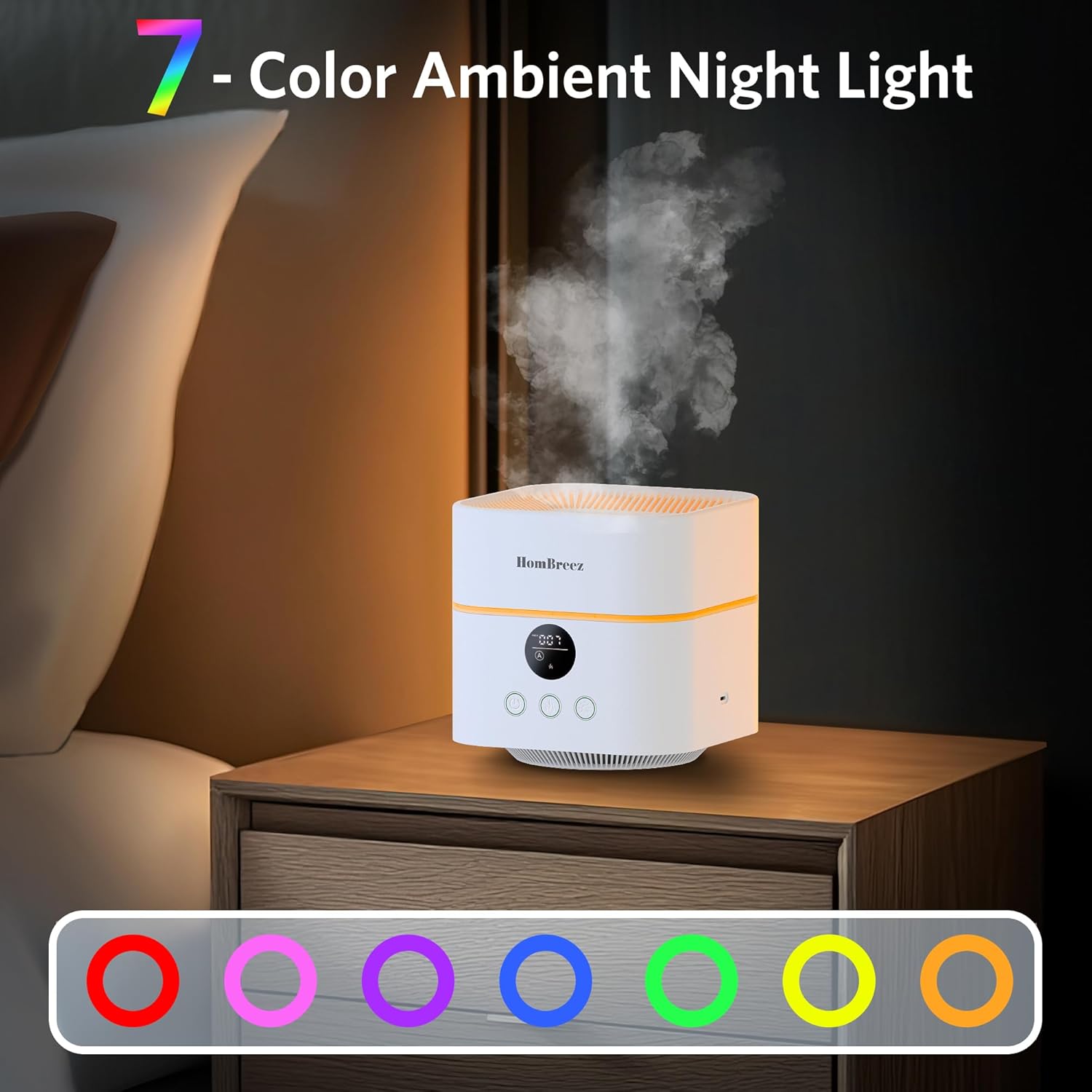
Image: The device displaying its 7-color ambient night light feature in a bedroom setting.
5.4 Timer Settings
Utilize the timer function on the device or through the SmartLife app to set the operating duration for 1, 3, or 6 hours.

Image: Illustrates the 1, 3, and 6-hour timer presets available on the device.
5.5 Sleep Mode
Activate sleep mode for ultra-quiet operation and dimmed lights, ideal for undisturbed rest.
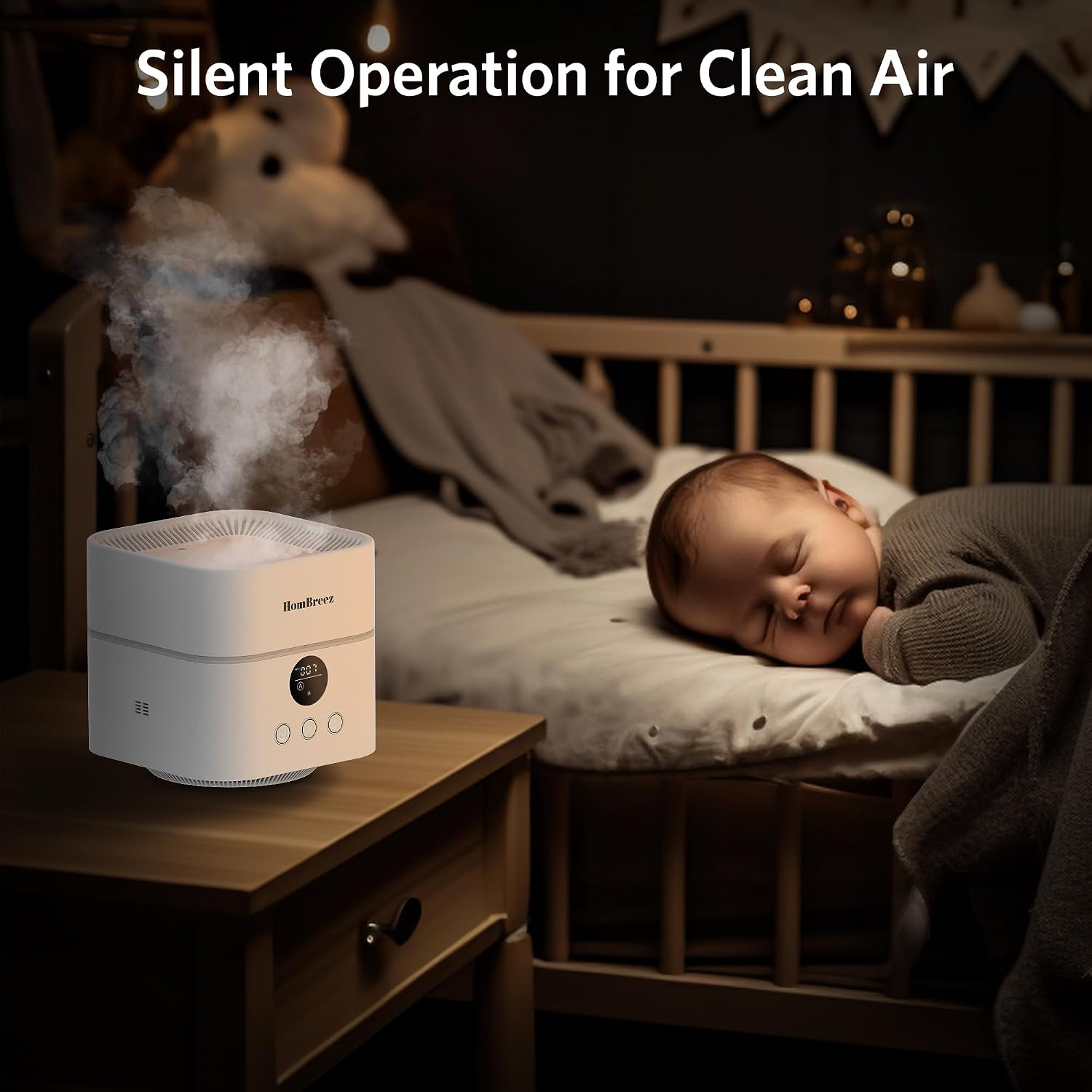
Image: The device operating silently in a baby's room, emphasizing its quiet function.
6. Maintenance
6.1 Filter Replacement
For optimal performance, it is recommended to replace the H13 True HEPA filter every three months. The SmartLife app can track filter life and remind you when replacement is due. Follow the steps in Section 4.1 for filter installation.

Image: A set of replacement HEPA filters for the device.
6.2 Cleaning the Water Tank
Regularly clean the water tank to prevent mineral buildup and ensure hygienic humidification. Unplug the device, remove the top cover, and carefully clean the tank with a soft cloth and mild detergent. Rinse thoroughly and dry before refilling.
7. Troubleshooting
- Device not turning on: Ensure the power adapter is securely plugged into both the device and a working power outlet.
- No mist/low mist output: Check if the water tank is filled to the appropriate level. Ensure the humidifier function is activated. Clean the ultrasonic atomizer if necessary.
- Poor air purification: Verify that the HEPA filter is correctly installed and not clogged. Replace the filter if it's past its recommended lifespan.
- App connectivity issues: Ensure your device is within Wi-Fi range and your Wi-Fi network is stable. Restart the device and try reconnecting through the app.
- Unusual noise: Check for any obstructions in the fan or water tank. Ensure the device is on a stable surface.
8. Specifications
| Feature | Specification |
|---|---|
| Product Dimensions | 6.7 x 6.7 x 6.7 inches |
| Weight | 2.47 Pounds |
| Model Number | WG-03 |
| Brand | HomBreez |
| Special Feature | Smart APP Control |
| Color | White |
| Water Tank Capacity | 500 Milliliters |
| Coverage Area | Up to 200 Square Feet |

Image: The HomBreez device with its dimensions (6.7 x 6.7 x 6.7 inches) indicated.
9. Warranty and Support
For any product quality issues or inquiries, please contact HomBreez customer support via email within 24 hours. We are committed to providing premium after-sales support to ensure a satisfactory experience.
10. Product Overview

Image: Front view of the HomBreez Air Purifier and Humidifier Combo.

Image: The HomBreez device shown alongside a smartphone displaying its app control interface.

Image: The HomBreez device positioned on a surface in a room.

Image: An overview of the HomBreez device's features, including 200ft² air purification, 400ML humidification, oil diffuser, and H13 HEPA filter.

Image: The HomBreez air purifier operating in a living room, illustrating 4x/hr air changes, 200ft coverage, H13 HEPA filter, and 6H timer setting.

Image: The HomBreez humidifier in a bedroom, highlighting its 360° design, 13H runtime, 400ML water tank, and super quiet operation.

Image: A hand adding essential oil drops to the device for aromatherapy.
11. Official Product Video
Video: An official product video from Hombreez showcasing the Mini Air Purifier, Humidifier, and Aromatherapy Diffuser in action, highlighting its various functions and compact design.