
1. Introduction
The Caruner TGZ580 is a sophisticated 3-Axis Gyro Altitude Control Smart Flight System designed for flybarless RC helicopters, compatible with models such as the T-Rex 250-800 series. This system enhances flight stability and control, offering various rescue and flight modes to assist pilots. This manual provides essential information for the proper installation, setup, and operation of your TGZ580 unit.
2. Safety Information
- Always operate RC helicopters in open areas, away from people, animals, and obstacles.
- Ensure all connections are secure and correct before powering on your helicopter. Incorrect wiring can lead to damage or loss of control.
- Verify battery voltage and ensure it is within the specified range (4.5-10V) for the TGZ580.
- Regularly inspect all components for damage or wear. Replace any damaged parts immediately.
- Keep the TGZ580 unit dry and away from extreme temperatures.
- Familiarize yourself with your helicopter's controls and the TGZ580's functions before attempting flight.
3. Specifications
| Feature | Specification |
|---|---|
| Product Type | 3-Axis Gyro Altitude Control System |
| Voltage Range | 4.5-10V (supports high-voltage digital servo) |
| Dimensions | 35 x 25 x 14 mm (1.38 x 0.98 x 0.55 inches) |
| Net Weight | Approximately 10.8g |
| Application | For T-Rex 250-800 RC Helicopters |
| Material | Plastic |
4. Setup and Installation
4.1 Package Contents Overview
The TGZ580 package typically includes the 3-Axis Gyro unit and a set of connection cables. A USB adapter for parameter adjustment is also included.
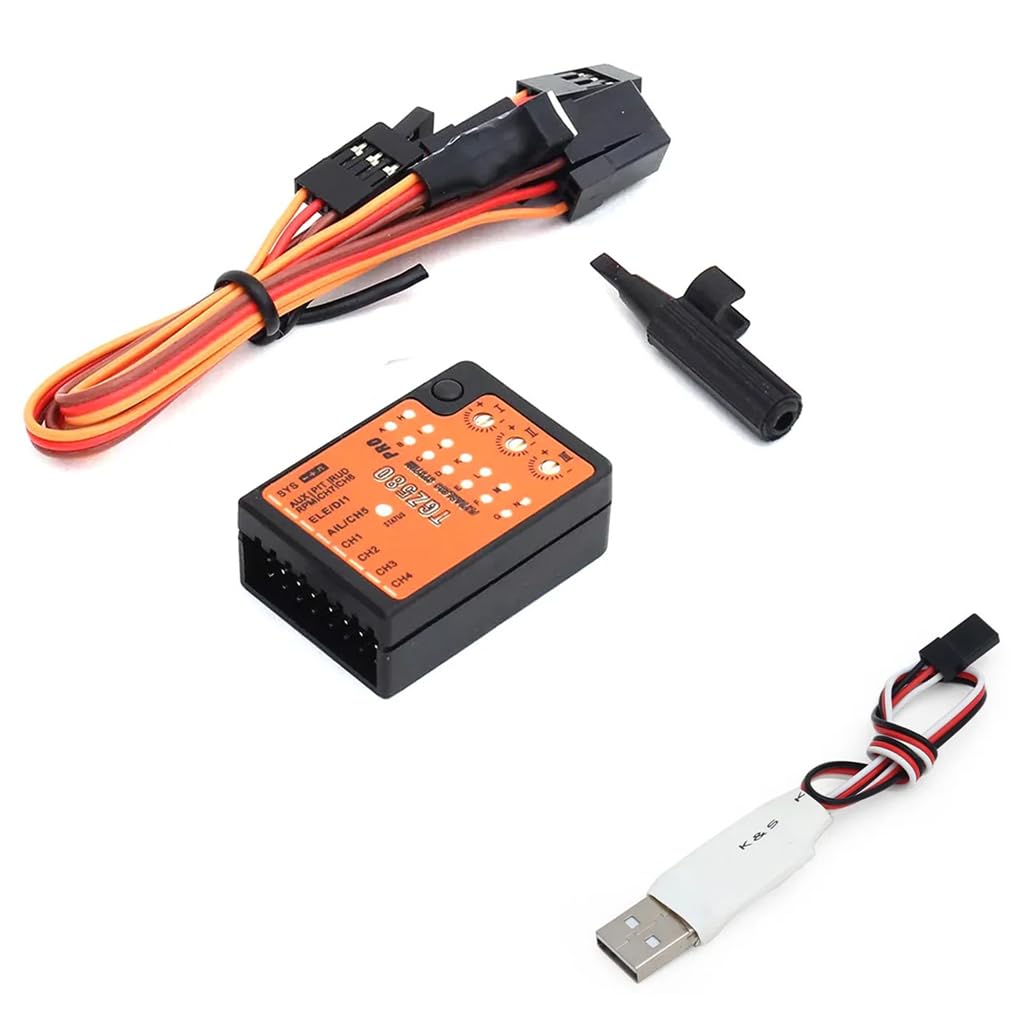
Figure 1: Caruner TGZ580 3-Axis Gyro unit with included wiring harness and USB adapter.
4.2 Component Identification
Familiarize yourself with the ports and indicators on the TGZ580 unit.
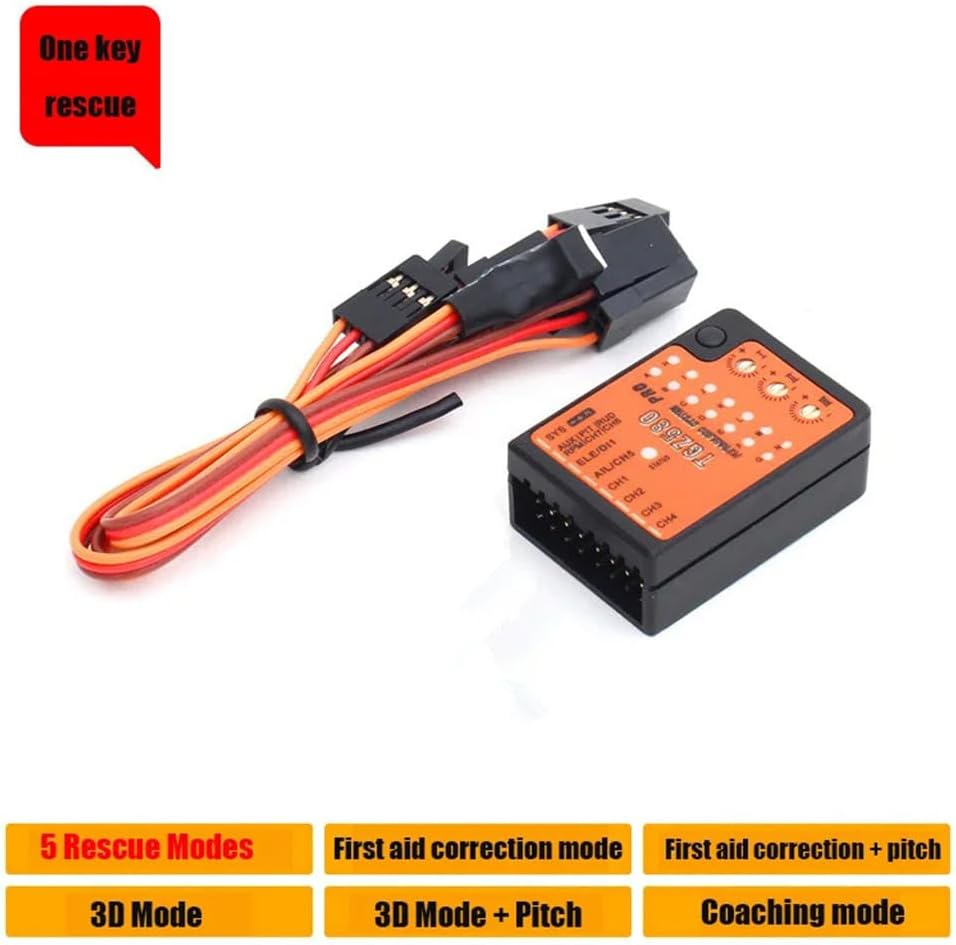
Figure 2: Top view of the TGZ580 gyro showing various ports, adjustment dials, and status LEDs.
4.3 Connection Methods
The TGZ580 supports both standard receiver connections and single-line receiver connections (SBUS, PPM, SRXL, satellite reception). Refer to the diagram below for proper wiring.

Figure 3: Connection diagram for standard and single-line receivers.
For single-line receiver connections, ensure your receiver is compatible with SBUS, PPM, SRXL, or satellite reception protocols.
4.4 Altitude Control Activation
To activate the Altitude Control feature, your remote control must utilize the 7th channel. The gyroscope defaults to using the 7th channel as the rescue channel. This feature requires a single-line receiver (SBUS, PPM, SRXL, or satellite reception) for proper functionality.
5. Operating Modes
The TGZ580 offers several flight modes to assist with various flight scenarios and pilot skill levels. These modes are typically activated via your remote control's 7th channel, as configured during setup.
- First Aid Correction Mode: In this mode, the system primarily corrects the aircraft's attitude. Pitch control remains active, allowing the pilot to adjust the helicopter's nose up or down. All stick inputs are valid, but the turning function's effect diminishes as stick input increases.
- First Aid Correction + Pitch Mode: This mode combines attitude correction with pitch control. The aircraft will correct its orientation and can be turned right. However, the system prevents the aircraft from descending, allowing only upward movement.
- 3D Mode: The system detects whether the aircraft is inverted or upright and automatically turns it to the nearest horizontal hovering altitude (either positive or negative). Pitch control is fully functional in this mode.
- 3D + Pitch Mode: Similar to 3D mode, the aircraft will turn to the nearest horizontal hover (positive or reverse). Pitch control is active to prevent the aircraft from falling, and remote input will only allow the aircraft to rise.
- Coach Mode: This mode limits the aircraft's rotation angle. Even with significant stick input, the aircraft will not become vertical, providing a more stable and forgiving flight experience for training or less aggressive flying.
6. Parameter Adjustment
The TGZ580 allows for fine-tuning of its parameters to suit individual preferences and helicopter characteristics. This is achieved using the included USB adapter. Connect the TGZ580 to your computer via the USB adapter and use the dedicated software (not provided in this manual, typically available from the manufacturer's website) to adjust settings such as gyro gain, servo limits, and flight mode behaviors.
7. Maintenance
- Keep the TGZ580 unit clean and free from dust and debris. Use a soft, dry cloth for cleaning.
- Avoid exposing the unit to moisture or direct sunlight for extended periods.
- Regularly check all wiring and connectors for signs of wear or damage. Ensure connections are snug.
- Store the unit in a cool, dry place when not in use.
8. Troubleshooting
- No Power/No Response: Check all power connections and ensure the voltage is within the specified range (4.5-10V). Verify the receiver is powered correctly.
- Unstable Flight: Ensure the TGZ580 is securely mounted and free from vibrations. Recheck all servo connections and directions. Consider adjusting gyro gain parameters via the USB adapter.
- Altitude Control Not Activating: Confirm that your remote control's 7th channel is correctly configured and that you are using a compatible single-line receiver (SBUS, PPM, SRXL, satellite reception).
- Incorrect Flight Mode Behavior: Verify your remote control's switch assignments for flight modes and ensure they correspond to the TGZ580's settings.
9. Warranty and Support
Specific warranty information for the Caruner TGZ580 is not provided in this manual. Please refer to the product packaging or the retailer's website for warranty details. For further support or inquiries, you may visit the official Caruner store on Amazon: Caruner Store.