1. Product Overview
The XIEFEI MT55 Smart Watch is designed to enhance your daily life with its advanced features and sleek design. It combines a vibrant AMOLED HD display with comprehensive health monitoring and smart connectivity.

Image: Front view of the MT55 Smart Watch, showcasing its round black display and black strap.
Key Features:
- Stunning 1.43-inch AMOLED HD Screen: Enjoy vibrant visuals and crystal-clear clarity for notifications, messages, and fitness tracking.
- Smart Voice Assistant: Control your smartwatch hands-free with the integrated Bluetooth voice assistant.
- Comprehensive Fitness Tracking: Monitor heart rate, sleep, and step count to stay on top of your wellness journey.
- Long-Lasting Battery Life: Ensures reliable performance throughout your busy day.
- Sleek and Stylish Design: Ultra-thin profile suitable for various occasions.

Image: Close-up of the MT55 Smart Watch highlighting its 1.43-inch AMOLED HD screen and ultra-thin design.
2. Setup Guide
2.1. Initial Charging
Before first use, fully charge your MT55 Smart Watch. Connect the provided charging cable to the charging port on the back of the watch and plug the USB end into a standard USB power adapter (not included).
- A full charge typically takes approximately 2 hours.
- The watch display will indicate charging status.
2.2. App Installation and Pairing
To unlock the full potential of your MT55 Smart Watch, download the companion app on your smartphone. Refer to the quick start guide included in the box for the specific app name or QR code.
- Download and install the app from your phone's app store (Google Play Store for Android, Apple App Store for iOS).
- Ensure Bluetooth is enabled on your smartphone.
- Open the app and follow the on-screen instructions to create an account or log in.
- In the app, navigate to 'Add Device' or 'Pair Device'.
- Select 'MT55' from the list of available devices.
- Confirm the pairing request on both your phone and the watch if prompted.
Once paired, the watch will synchronize time and data with your smartphone.
3. Operating Instructions
3.1. Basic Navigation
- Touch Screen: Swipe left/right, up/down to navigate through menus and features. Tap to select.
- Side Button: Press to wake the screen, return to the home screen, or access the app menu.
3.2. Communication Features
The MT55 Smart Watch allows you to manage calls and notifications directly from your wrist when connected to your smartphone via Bluetooth.

Image: A user's hand wearing the MT55 Smart Watch, which shows an incoming call notification on its screen.
- Answering Calls: When a call comes in, tap the green phone icon on the watch screen.
- Rejecting Calls: Tap the red phone icon to reject a call. You may also send a quick reply if configured in the app.
- Notifications: Swipe down from the top of the watch face to view recent notifications from your paired phone.
3.3. Voice Assistant
Activate the integrated voice assistant for hands-free control.

Image: A user looking at their MT55 Smart Watch, which displays the voice assistant interface, indicating hands-free operation.
- Activation: Double-click the side button or use the voice assistant icon on the watch face (if available).
- Commands: Speak clearly to make calls, send texts, set reminders, or control other smart features.
3.4. Health and Fitness Tracking
The MT55 Smart Watch provides comprehensive health monitoring features.

Image: Infographic showing the MT55 Smart Watch's health functions including blood oxygen, blood pressure, heart rate, and sleep monitoring, alongside various watch faces.
- Heart Rate Monitoring: Access the heart rate function on the watch to measure your current heart rate.
- Sleep Tracking: Wear the watch to bed to monitor your sleep patterns. Data is viewable in the app.
- Step Counting: The watch automatically tracks your daily steps, distance, and calories burned.
- Blood Oxygen & Blood Pressure: Specific functions for these measurements are available on the watch. Follow on-screen instructions for accurate readings.
- Female Physiological Cycle Management: Track and manage menstrual and ovulation periods through the dedicated feature on the watch and app.
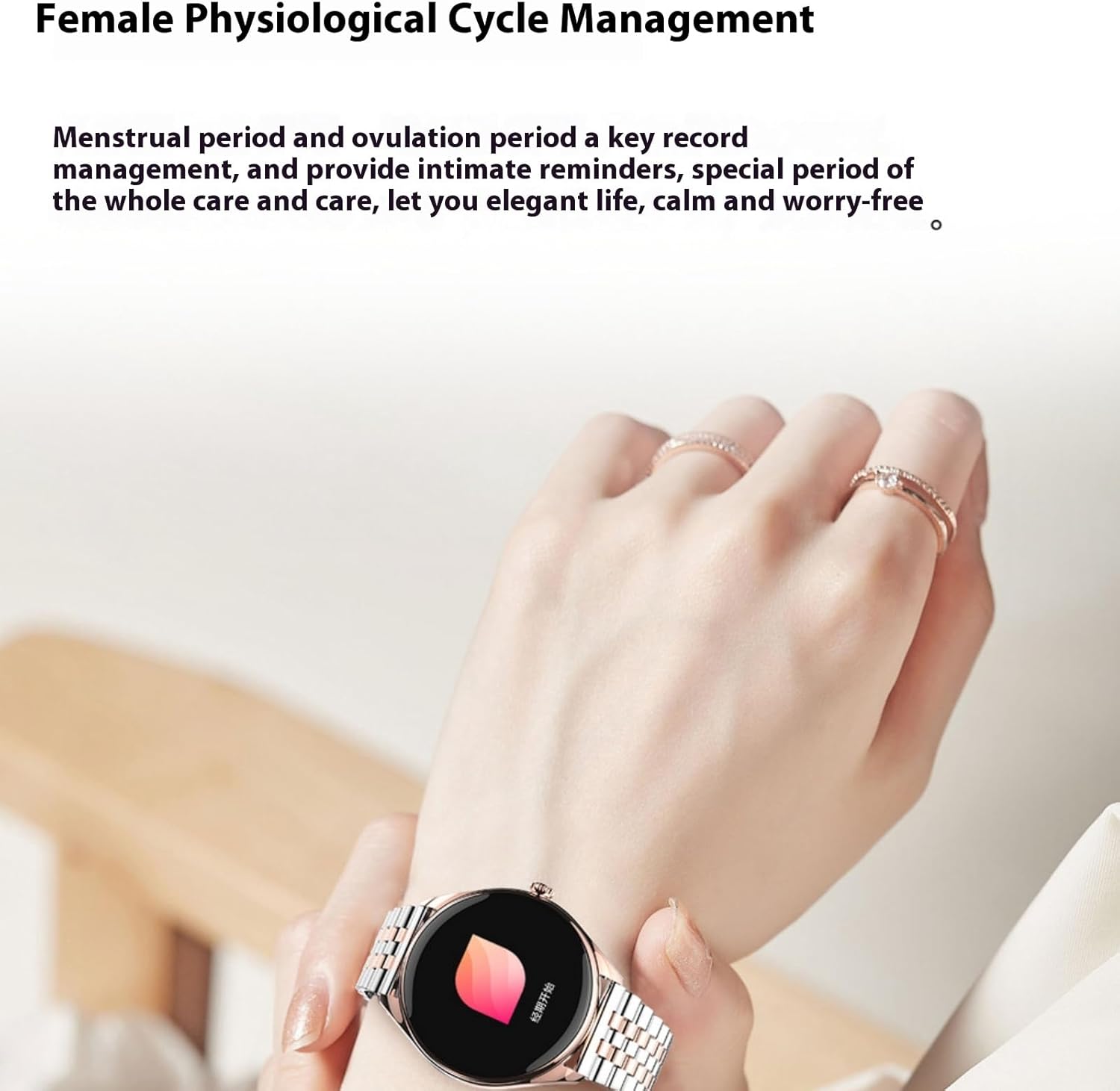
Image: A user wearing the MT55 Smart Watch, which displays a feature for female physiological cycle management.
3.5. Customizing Watch Faces
Personalize your MT55 Smart Watch with a variety of watch faces.

Image: A collage of various digital and analog watch face designs available for the MT55 Smart Watch.
- On Watch: Long-press the current watch face to enter the selection mode, then swipe to choose.
- Via App: The companion app offers a wider selection of watch faces and customization options.
4. Maintenance
4.1. Cleaning Your Watch
- Wipe the screen and body with a soft, lint-free cloth.
- For stubborn spots, slightly dampen the cloth with water. Avoid using harsh chemicals or abrasive materials.
- Clean the charging contacts regularly to ensure proper charging.
4.2. Battery Care
- Avoid fully discharging the battery frequently.
- Store the watch in a cool, dry place when not in use for extended periods.
4.3. Water Resistance
The MT55 Smart Watch is designed with a certain level of water resistance. Refer to the product specifications for the exact IP rating. Generally, it is suitable for daily use like hand washing or light rain, but avoid prolonged immersion in water, hot showers, or swimming.
5. Troubleshooting
5.1. Watch Not Turning On
- Ensure the watch is fully charged. Connect it to the charger for at least 30 minutes.
- Press and hold the side button for 10-15 seconds to attempt a forced restart.
5.2. Unable to Pair with Phone
- Ensure Bluetooth is enabled on your phone and the watch.
- Make sure the watch is within the Bluetooth range (typically 10 meters) of your phone.
- Restart both your phone and the watch.
- Clear the Bluetooth cache on your phone (if applicable) and try pairing again.
- Ensure the correct companion app is installed and updated.
5.3. Inaccurate Health Readings
- Ensure the watch is worn snugly on your wrist, not too loose or too tight.
- Clean the sensors on the back of the watch.
- Avoid excessive movement during measurements.
5.4. Notifications Not Appearing
- Check if the watch is properly connected to your phone via Bluetooth.
- Verify notification permissions for the companion app in your phone's settings.
- Ensure 'Do Not Disturb' mode is not active on either the watch or the phone.
6. Specifications
| Feature | Detail |
|---|---|
| Model | MT55 |
| Screen Size | 1.43 inches |
| Display Type | AMOLED HD |
| Operating System | Android Wear 2.9 |
| Connectivity | Bluetooth |
| Battery Capacity | 200 Milliamp Hours |
| Memory Storage Capacity | 128 MB |
| RAM Memory Installed Size | 0.5 MB |
| Item Weight | 6.7 ounces |
| Package Dimensions | 6.5 x 2.8 x 1.14 inches |
| Manufacturer | migou |
7. Warranty and Support
For warranty information and technical support, please refer to the official XIEFEI website or contact the manufacturer, migou, directly. Details regarding warranty periods and service procedures are typically provided with your purchase documentation or on the manufacturer's support pages.
What's in the Box:
- MT55 Smart Watch
- Charging Cable
- User Manual (this document)
- Watch Band