Introduction
Thank you for choosing the XIEFEI T8Pro Bluetooth Calling Smart Watch. This manual provides detailed instructions on how to set up, operate, and maintain your new smartwatch. Please read this manual thoroughly before using the device to ensure proper functionality and to maximize your user experience. The T8Pro features a vibrant 1.32-inch AMOLED display, advanced heart rate tracking, multi-sport capabilities, and Bluetooth calling, all encased in a premium stainless steel design.
Safety Information
- Do not attempt to disassemble or modify the device. Unauthorized modifications may void the warranty and cause damage.
- Keep the device away from extreme temperatures, direct sunlight, and high humidity.
- Avoid exposing the watch to strong impacts or drops.
- Use only the provided charging cable to charge the device. Using incompatible chargers may cause damage or fire.
- Consult a medical professional before starting any new exercise regimen, especially if you have pre-existing health conditions. The heart rate monitoring feature is for reference only and should not be used for medical diagnosis.
- If you experience skin irritation or discomfort, discontinue use and consult a doctor.
What's in the Box
Upon opening the package, please verify that all the following items are included:
- XIEFEI T8Pro Smart Watch
- Charging Cable
- User Manual (this document)
- Watch Band (pre-installed or separate, depending on model)
Setup
1. Charging the Smart Watch
Before first use, fully charge your T8Pro Smart Watch. Connect the magnetic charging cable to the charging points on the back of the watch and plug the USB end into a standard USB power adapter (5V/1A recommended) or a computer's USB port. The watch display will show the charging progress. A full charge typically takes about 2 hours.
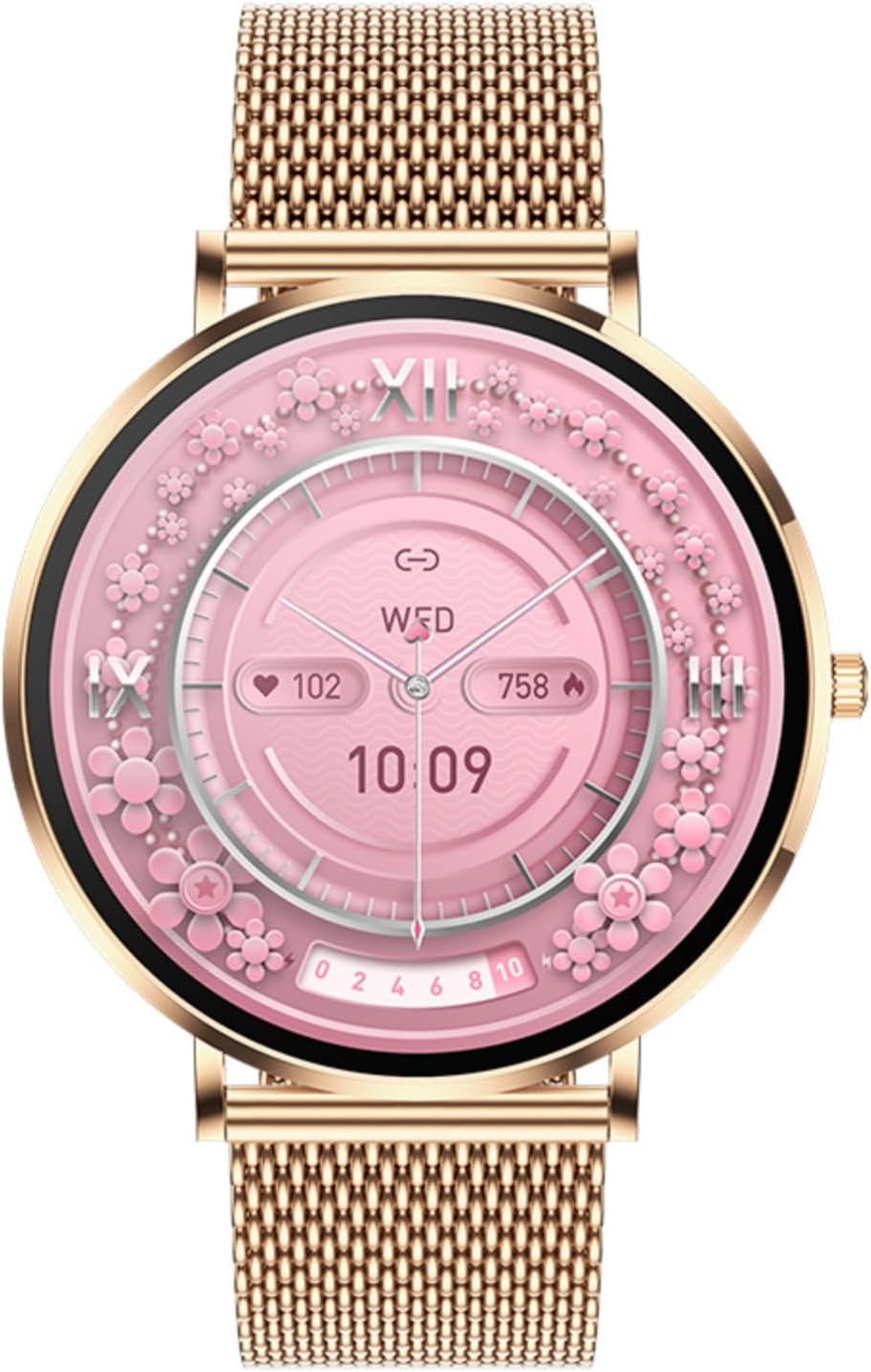
Image: The XIEFEI T8Pro Smart Watch in gold, featuring a vibrant pink watch face with intricate floral patterns and a mesh band. This image illustrates the watch's aesthetic and display.
2. Installing the Companion App
To unlock the full functionality of your T8Pro Smart Watch, you need to install the dedicated companion app on your smartphone. Search for the app name (usually mentioned in the quick start guide or on the watch screen during initial setup) in your phone's app store (Google Play Store for Android or Apple App Store for iOS) and install it. Alternatively, scan the QR code provided in the quick start guide or on the watch itself to download the app.
3. Pairing with Your Smartphone (Bluetooth)
- Ensure Bluetooth is enabled on your smartphone.
- Open the companion app on your smartphone.
- Follow the on-screen instructions in the app to add a new device. The app will search for available smartwatches.
- Select "T8Pro" from the list of found devices.
- Confirm the pairing request on both your watch and smartphone if prompted.
- Once paired, the watch will synchronize data with the app, and you can begin customizing settings.
Operating Instructions
Basic Navigation
- Touchscreen: Swipe left/right to navigate between main functions (e.g., activity, heart rate, weather). Swipe up/down to access quick settings or notifications. Tap to select an option.
- Side Button: Press the side button to wake the screen, return to the home screen, or access the app menu. A long press may activate specific functions like power on/off or voice assistant.
Bluetooth Calling Feature
The T8Pro allows you to make and receive calls directly from your wrist when connected to your smartphone via Bluetooth. Ensure the Bluetooth calling function is enabled in the watch settings and the companion app.
- Making a Call: Access the dial pad or contacts list on your watch to initiate a call.
- Receiving a Call: When a call comes in, the watch will display the caller ID. You can answer or reject the call directly from the watch screen.
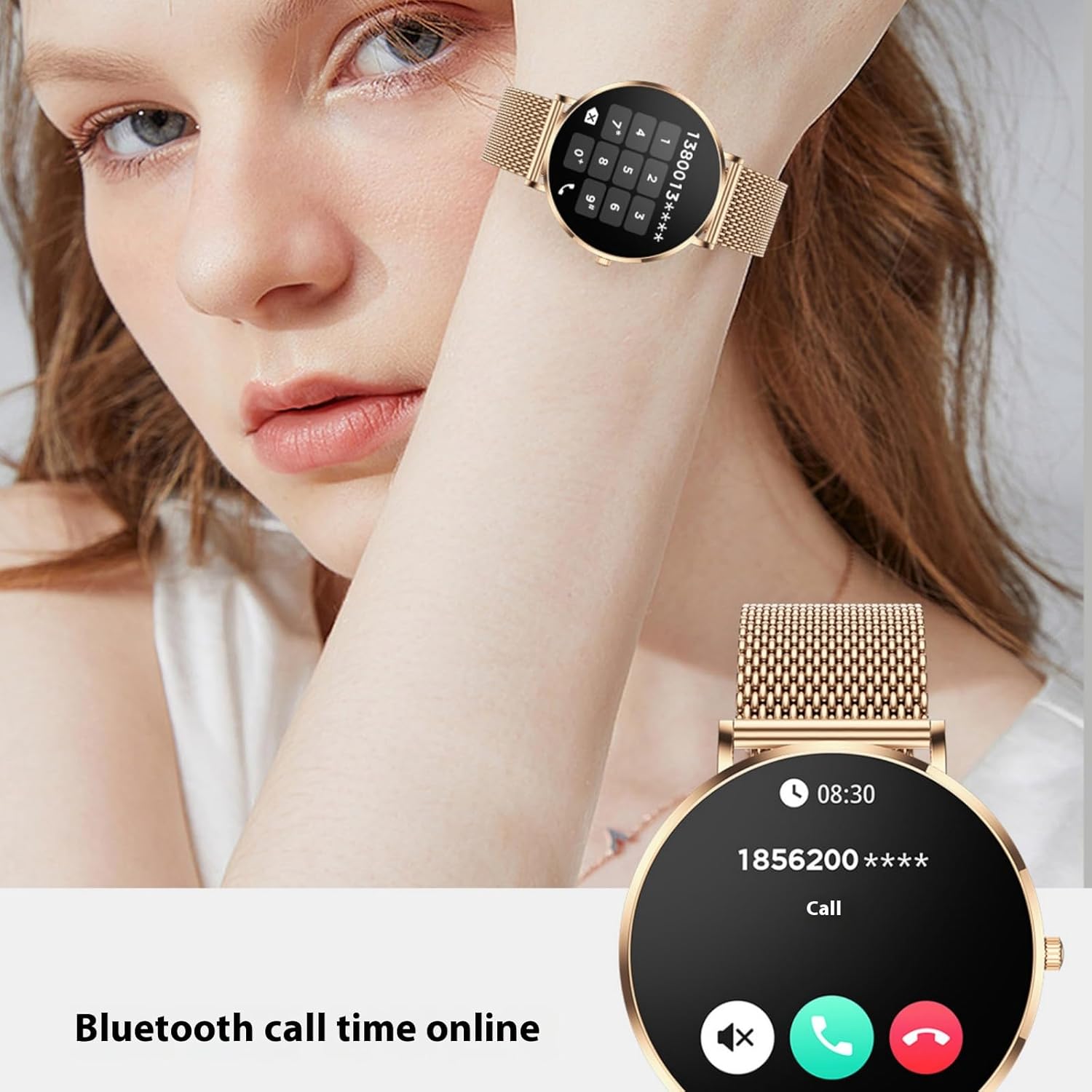
Image: A close-up of the XIEFEI T8Pro Smart Watch on a wrist, showing the Bluetooth call interface with an incoming call number and options to accept or decline the call. This highlights the watch's calling capability.
Heart Rate Tracking
The T8Pro continuously monitors your heart rate. To view your current heart rate, navigate to the heart rate interface on the watch. For more detailed historical data and analysis, check the companion app.
- Ensure the watch is worn snugly on your wrist, about one finger's width above the wrist bone, for accurate readings.
- Enable continuous heart rate monitoring in the app settings if desired.
Multi-Sport Capabilities
The watch supports various sport modes to track your workouts. Select the desired sport mode from the activity menu on the watch before starting your exercise.
- Common modes include walking, running, cycling, and more.
- During a workout, the watch will display real-time data such as duration, steps, distance, calories burned, and heart rate.
- End the workout session on the watch to save the data, which will then sync to your companion app for detailed analysis.
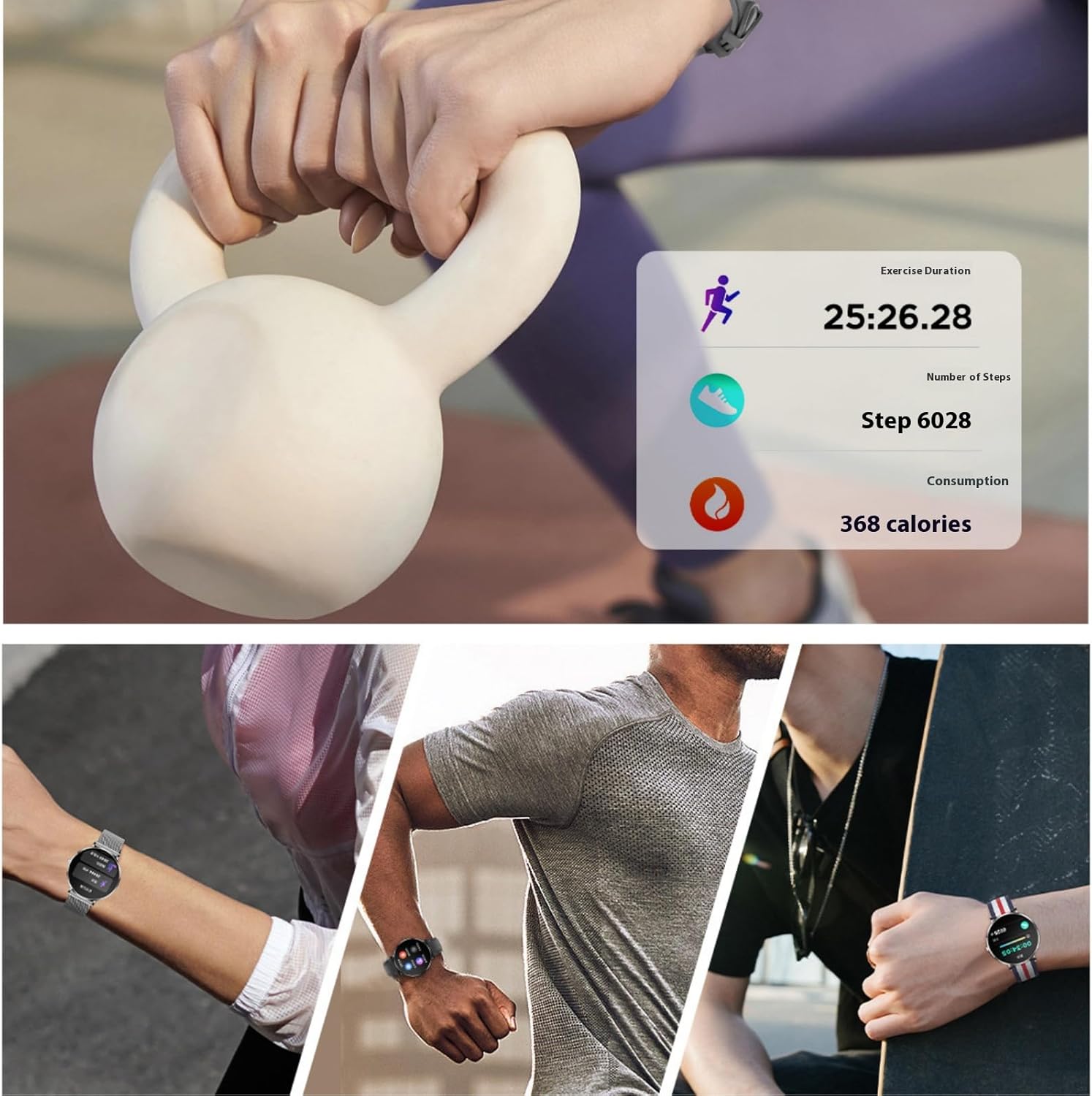
Image: A composite image showing a person exercising with a kettlebell, alongside a digital display from the watch indicating "Exercise Duration 25:26.28", "Number of Steps Step 6028", and "Consumption 368 calories". This illustrates the multi-sport tracking capabilities.
Music Control
Control music playback on your smartphone directly from your T8Pro Smart Watch. This feature allows you to play, pause, skip tracks, and adjust volume without needing to take out your phone.
- Ensure your watch is connected to your phone via Bluetooth.
- Navigate to the music control interface on your watch.
- Use the on-screen controls to manage your music.

Image: A person playing a guitar, with a close-up of the XIEFEI T8Pro Smart Watch displaying a music control interface, including play/pause, skip, and volume icons. This demonstrates the watch's music control functionality.
Notifications
Receive notifications from your smartphone directly on your watch. Configure which app notifications you want to receive through the companion app settings.
- Swipe down from the top of the watch face to view recent notifications.
- Ensure notification permissions are granted for the companion app on your smartphone.
Customizing Watch Faces
Personalize your T8Pro by changing the watch face. You can select from pre-installed faces or download more through the companion app.
- On the Watch: Long-press the current watch face, then swipe left/right to browse available faces. Tap to select.
- Via App: Open the companion app, navigate to the watch face section, and choose from a wider selection.
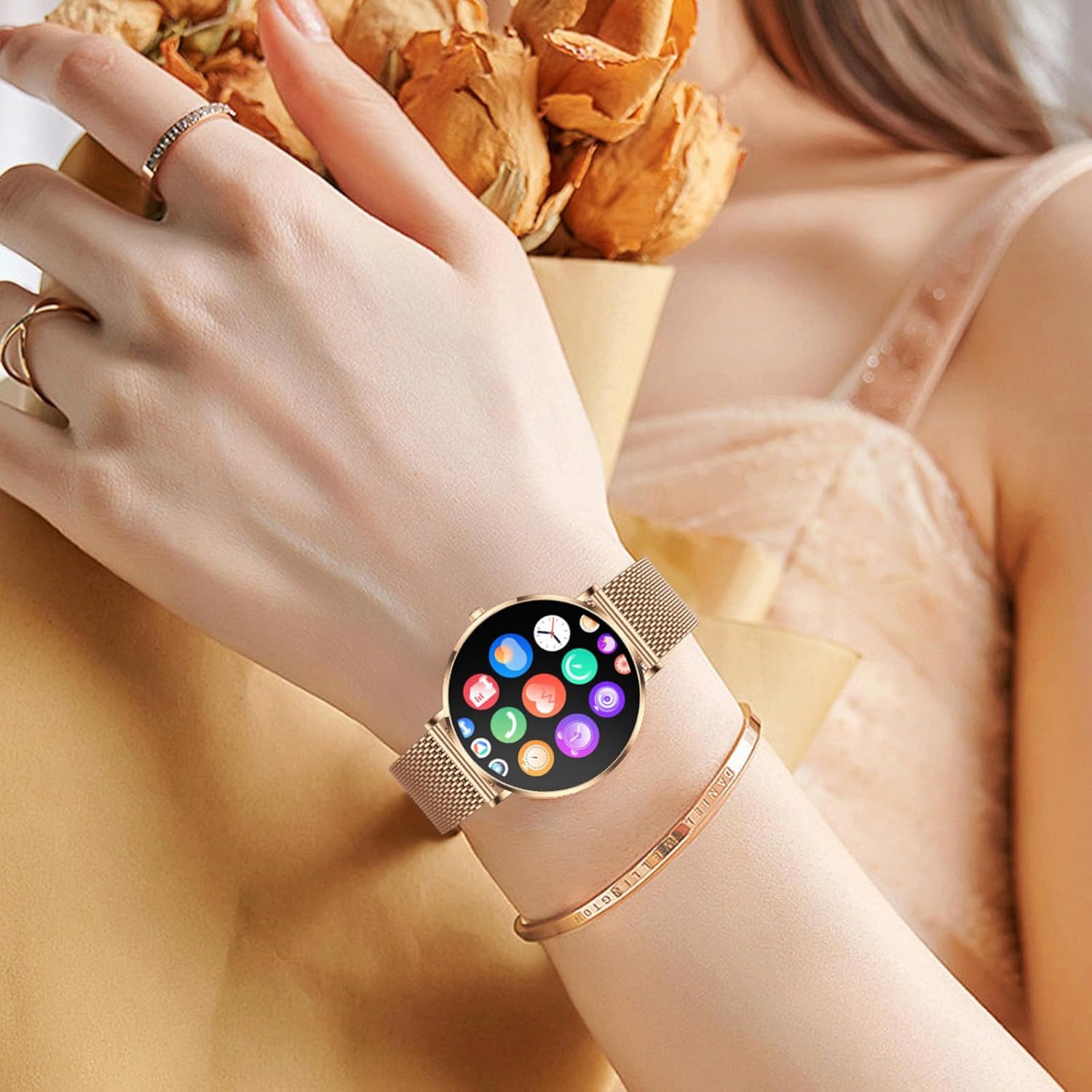
Image: A woman wearing the gold XIEFEI T8Pro Smart Watch, which displays a grid of colorful app icons on its screen. This image demonstrates the watch's user interface and app access.
Maintenance
Cleaning Your Smart Watch
Regular cleaning helps maintain the appearance and functionality of your watch.
- Wipe the watch screen and body with a soft, lint-free cloth.
- For stubborn stains, dampen the cloth slightly with water. Avoid using harsh chemicals or abrasive materials.
- Clean the charging contacts periodically to ensure good connection.
Water Resistance
The T8Pro Smart Watch is designed with a certain level of water resistance. Refer to the specifications section for the exact IP rating. Generally, it is suitable for daily use like hand washing or light rain. Avoid wearing it during swimming, showering, or diving, as water pressure and steam can damage the device.
Battery Care
- Charge the watch regularly, ideally before the battery completely drains.
- Avoid leaving the watch uncharged for extended periods.
- Do not expose the watch to extreme temperatures, as this can degrade battery life.
Troubleshooting
| Problem | Possible Solution |
|---|---|
| Watch won't turn on. | Ensure the watch is fully charged. Connect it to the charger for at least 30 minutes. |
| Cannot pair with smartphone. |
|
| Inaccurate heart rate readings. |
|
| Notifications not appearing. |
|
| Short battery life. |
|
Specifications
| Feature | Detail |
|---|---|
| Model | T8Pro |
| Display | 1.32" AMOLED Display |
| Connectivity | Bluetooth |
| Battery Capacity | 200 Milliamp Hours (Lithium Polymer) |
| Memory Storage Capacity | 128 MB |
| RAM Memory Installed Size | 0.5 MB |
| Operating System | Android Wear 2.9 (Note: This is likely a generic OS description, actual OS may be proprietary) |
| Special Features | Activity Tracker, Alarm Clock, Daily Workout Memory, Camera (remote control), GPS (via smartphone), Phone Call, Contactless Payments (if supported by app), Music Player |
| Item Weight | 6.7 ounces |
| Package Dimensions | 6.5 x 2.8 x 1.14 inches |
Warranty and Support
The XIEFEI T8Pro Smart Watch comes with a standard manufacturer's warranty. Please refer to the warranty card included in your package or visit the official XIEFEI website for detailed warranty terms and conditions. For technical support, troubleshooting assistance, or any inquiries regarding your product, please contact XIEFEI customer service through the contact information provided on their official website or within the companion app.
Note: Warranty terms may vary by region and retailer. Keep your purchase receipt as proof of purchase.