
1. Introduction
Thank you for purchasing the ZWXYVUT G7 Game Box 4K HD TV Game Stick. This device is designed to provide an immersive entertainment experience, combining a vast library of retro games with modern smart TV functionalities. It supports 4K HDMI output, 2-player wireless gaming, and features a user-friendly interface with voice control capabilities. Please read this manual thoroughly to ensure proper setup, operation, and maintenance of your device.
2. Package Contents
Verify that all items listed below are present in your package:
- 1 x G7 Game Console
- 2 x Wireless Gamepads
- 1 x Micro USB Charging Line
- 1 x HDMI-compatible Cable
- 1 x Power Adapter
- 1 x Packing Box

Figure 2.1: The ZWXYVUT G7 Game Box console, two wireless gamepads, power adapter, HDMI cable, and Micro USB charging cable.
3. Product Overview
The G7 Game Box is a compact and powerful entertainment system. It features a micro console design, equipped with various ports for connectivity and expansion. The included wireless gamepads provide a comfortable gaming experience, while the remote control offers convenient navigation and voice command functionality.
3.1 Console Layout and Ports

Figure 3.1: Front and rear views of the G7 Game Box console, showing dimensions and available ports. The console measures 84.0mm x 84.0mm x 23.8mm.
- TF Card Slot: For memory expansion.
- USB Ports (Dual USB 2.0): For connecting peripherals like gamepads or USB drives.
- IR Port: For infrared remote control signals.
- AV Port: For analog video/audio output (if supported by your display).
- HDMI Port: For high-definition video and audio output to your TV or monitor.
- Ethernet Port: For wired internet connection.
- Power Port: For connecting the power adapter.
3.2 Remote Control Features

Figure 3.2: The remote control for the G7 Game Box, highlighting its dimensions (15.0cm length, 1.5cm thickness) and key features.
- Bluetooth Wireless Connectivity: For seamless connection to the console.
- IR Transmitter: For basic control functions.
- Touch Surface Volume Control: Intuitive volume adjustment.
- Microphone for Voice Control: Enables voice commands for navigation and search.
4. Setup Instructions
Follow these steps to set up your ZWXYVUT G7 Game Box:
- Connect to TV: Insert one end of the provided HDMI cable into the HDMI port on the G7 Game Box and the other end into an available HDMI input on your television or monitor.
- Connect Power: Plug the Micro USB charging line into the power port on the G7 Game Box, then connect the power adapter to the charging line and plug it into a wall outlet. The console should power on automatically or indicate power status.
- Select Input: Turn on your TV and select the correct HDMI input source using your TV remote.
- Pair Gamepads:
- Ensure the wireless gamepads have batteries installed.
- Turn on the gamepads. They should automatically attempt to pair with the console. If not, refer to the gamepad's specific pairing instructions (usually involves holding a specific button combination).
- Initial Setup: Follow the on-screen prompts for initial setup, which may include language selection, network connection (Wi-Fi or Ethernet), and Google account login (optional for full Android TV features).
5. Operating Instructions
This section covers basic operation of your G7 Game Box.
5.1 Navigating the Interface
Use the included remote control or a connected gamepad to navigate the Android TV interface. The directional pad (D-pad) on the remote/gamepad allows you to move between icons, and the "OK" or "A" button confirms selections. The "Back" button returns to the previous screen.

Figure 5.1: The G7 Game Box displaying the Android TV interface, with a wireless gamepad and remote control.
5.2 Playing Games
The G7 Game Box comes with over 25,000 built-in retro games. Access these games through the dedicated game application on the home screen. Select a game using the gamepad and press the appropriate button to start. The console supports two players simultaneously with the provided wireless gamepads.
5.3 Media Playback and Screen Mirroring
Beyond gaming, the G7 Game Box functions as an Android TV device, allowing you to stream movies, TV shows, and music through various applications. It also supports screen mirroring technologies like Airplay, DLNA, and Miracast, enabling you to project content from your phone or tablet to your TV.

Figure 5.2: The G7 Game Box demonstrating screen mirroring capabilities from a phone/iPad to a TV, alongside media playback and gaming options.
6. Connectivity
The G7 Game Box offers multiple connectivity options for internet access and peripheral devices.
- Wi-Fi: Supports 2.4G and 5G Wi-Fi for wireless internet connection.
- Ethernet: A 100M Ethernet port is available for a stable wired internet connection.
- Bluetooth 5.4: For connecting wireless accessories such as gamepads, headphones, or speakers.
- USB 2.0: Two USB ports for connecting external storage or other USB devices.
- TF Card Slot: For expanding storage with a TF (MicroSD) card.
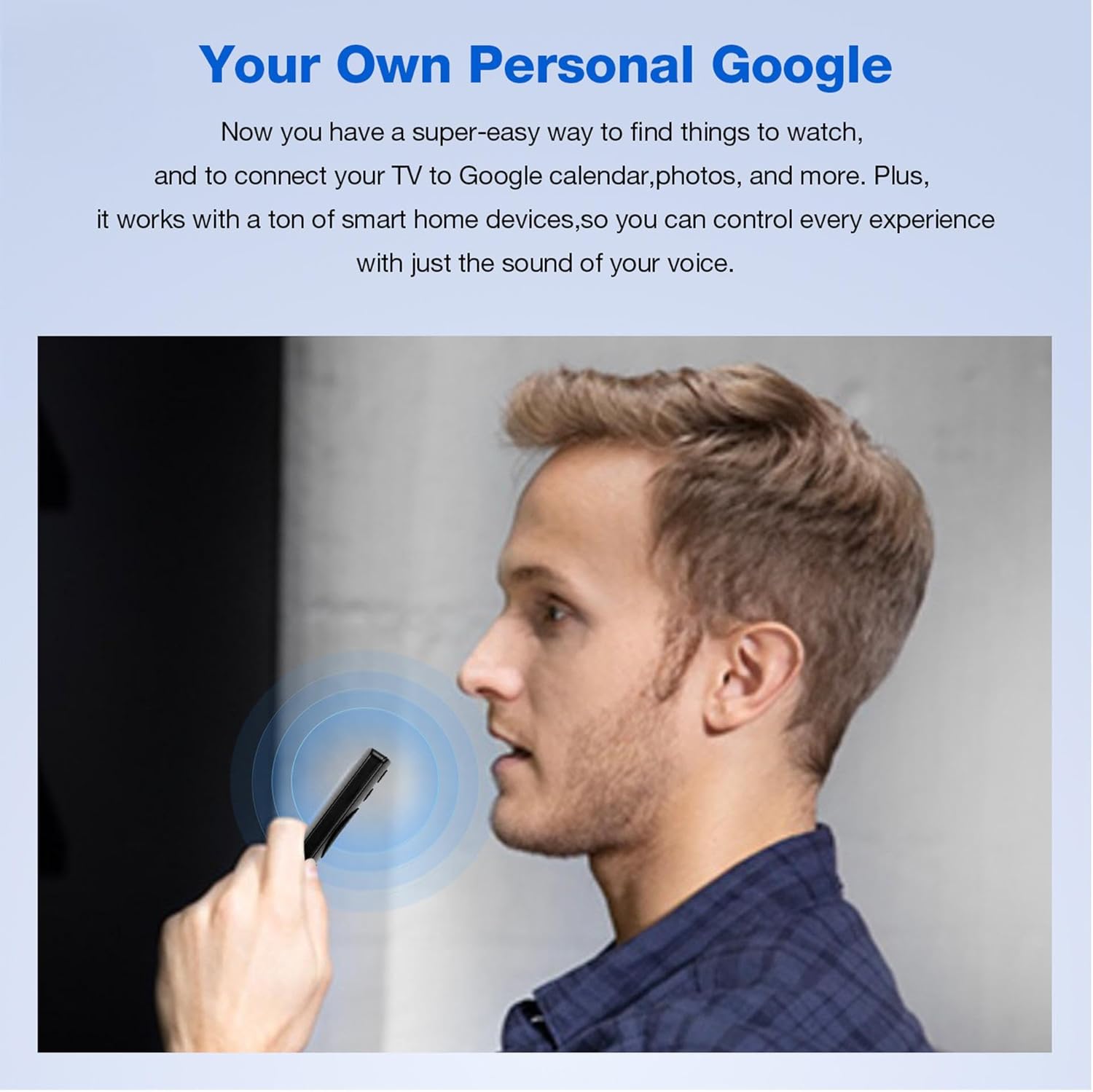
Figure 6.1: Visual representation of the G7 Game Box's internet connection capabilities, including 2.4G/5G Wi-Fi and Bluetooth 5.4.
7. Voice Control
The G7 Game Box remote control features a built-in microphone for voice commands, allowing for hands-free navigation and search.
- Activate Voice Control: Press the dedicated microphone button on your remote control.
- Speak Commands: Hold the remote close to your mouth and clearly speak your command. Examples include:
- "What's the weather today?"
- "Open YouTube."
- "Search for [movie/show name]."
- Google Assistant Integration: The device integrates with Google Assistant, allowing you to control smart home devices, check your calendar, and access other Google services using your voice.

Figure 7.1: Illustration of the voice control feature, showing common voice commands and their on-screen responses.

Figure 7.2: A user demonstrating the use of voice control by speaking into the remote control's microphone.
8. Maintenance
Proper maintenance ensures the longevity and optimal performance of your G7 Game Box.
- Cleaning: Use a soft, dry cloth to clean the console and remote control. Avoid using liquid cleaners or abrasive materials.
- Ventilation: Ensure the console is placed in a well-ventilated area to prevent overheating. Do not block any ventilation openings.
- Storage: When not in use for extended periods, store the device in a cool, dry place away from direct sunlight and extreme temperatures.
- Software Updates: Periodically check for and install system software updates to ensure the best performance and access to new features.
9. Troubleshooting
If you encounter issues with your G7 Game Box, refer to the following common problems and solutions:
| Problem | Possible Cause | Solution |
|---|---|---|
| No power | Power adapter not connected or faulty. | Ensure the power adapter is securely connected to the console and a working power outlet. Try a different outlet. |
| No display on TV | Incorrect HDMI input selected or faulty HDMI cable. | Verify your TV is set to the correct HDMI input. Check HDMI cable connections. Try a different HDMI cable or port. |
| Gamepads not responding | Gamepads not paired or low battery. | Ensure gamepads are powered on and have fresh batteries. Re-pair gamepads according to their instructions. |
| Poor Wi-Fi connection | Distance from router or interference. | Move the console closer to your Wi-Fi router or use an Ethernet cable for a wired connection. Reduce interference from other devices. |
| Voice control not working | Microphone button not pressed or remote not paired correctly. | Ensure you are pressing the microphone button while speaking. Check remote control battery and pairing. |
10. Specifications
| Model | G7 |
| Brand | ZWXYVUT |
| Product Dimensions | 7.5"L x 3.1"W x 1.3"H (approx. 19cm L x 7.9cm W x 3.3cm H) |
| Controller Type | Joystick (Wireless Gamepads) |
| Power Source | Battery Powered (for gamepads), AC Adapter (for console) |
| Display Type | Digital (via HDMI output) |
| Material | Plastic |
| Memory Storage Capacity | 64 GB (internal, expandable via TF card) |
| Form Factor | Micro Console |
| Recommended Age | 8 years and up |
| Manufacturer | ZWXYVUT |
| Video Output | HDMI (up to 4K HD) |
| Wireless Connectivity | Wi-Fi (2.4G & 5G), Bluetooth 5.4 |
| Built-in Games | 25000+ Retro Games |
11. Warranty and Support
For warranty information or technical support, please refer to the contact details provided with your purchase or visit the official ZWXYVUT website. Keep your purchase receipt as proof of purchase for any warranty claims.