
1. Introduction
This user manual provides comprehensive instructions for the safe and effective installation, operation, and maintenance of the Generic Industrial LED Traffic Signal Light (300mm). This device is designed for outdoor use in various applications such as traffic control, access management, and industrial safety signaling. Please read this manual thoroughly before installation and operation to ensure proper function and longevity of the product.
The traffic signal light features a robust PC housing, IP63 waterproof rating, and energy-efficient LED technology, providing clear red, yellow, and green signals.
2. Product Features
- Three-Module Design: Equipped with red, yellow, and green LED modules, each with a 300mm diameter, for standard traffic signaling.
- Integrated Sun Visor: Designed to effectively block direct sunlight, enhancing visibility and extending the product's service life.
- Durable & Waterproof Housing: Features a black PC housing with multi-layer sealing, providing IP63 waterproof protection against dust and water in harsh outdoor environments.
- Stable LED Power Supply: Each LED operates as an independent unit, ensuring that the failure of a single LED does not affect the operation of other LEDs, maintaining signal integrity.
- Flexible Installation: Can be installed either horizontally or vertically to suit specific site requirements.
3. Safety Information
- Ensure all electrical connections are made by a qualified electrician and comply with local electrical codes.
- Disconnect power before performing any installation, maintenance, or troubleshooting.
- Wear appropriate personal protective equipment, including gloves, during installation to prevent fingerprints on the lampshade and for general safety.
- Do not attempt to modify the product in any way, as this may void the warranty and create safety hazards.
- Mount the traffic light securely to a stable structure to prevent accidental falling.
4. Specifications
| Parameter | Value |
|---|---|
| Model Name | FLDJFFOAG-300MM |
| Size (Module Diameter) | 300mm |
| Material | PC Housing |
| Working Voltage | AC (Specific voltage not provided, refer to product label) |
| Power | 20W |
| Ambient Temperature | -40°C to +80°C |
| Visual Distance | >300m |
| Waterproof Grade | IP63 |
| Installation | Vertical/Horizontal |
| Casing Color | Black |
| Bulb Type | LED |
| Item Weight | 15000 Grams (approx. 33.1 lbs) |
| Product Dimensions (Overall) | Approx. 1100mm (44in) Height x 400mm (16in) Width (Refer to Figure 4.1 for detailed dimensions) |

Figure 4.1: Approximate overall dimensions of the traffic signal light, showing height and width measurements.
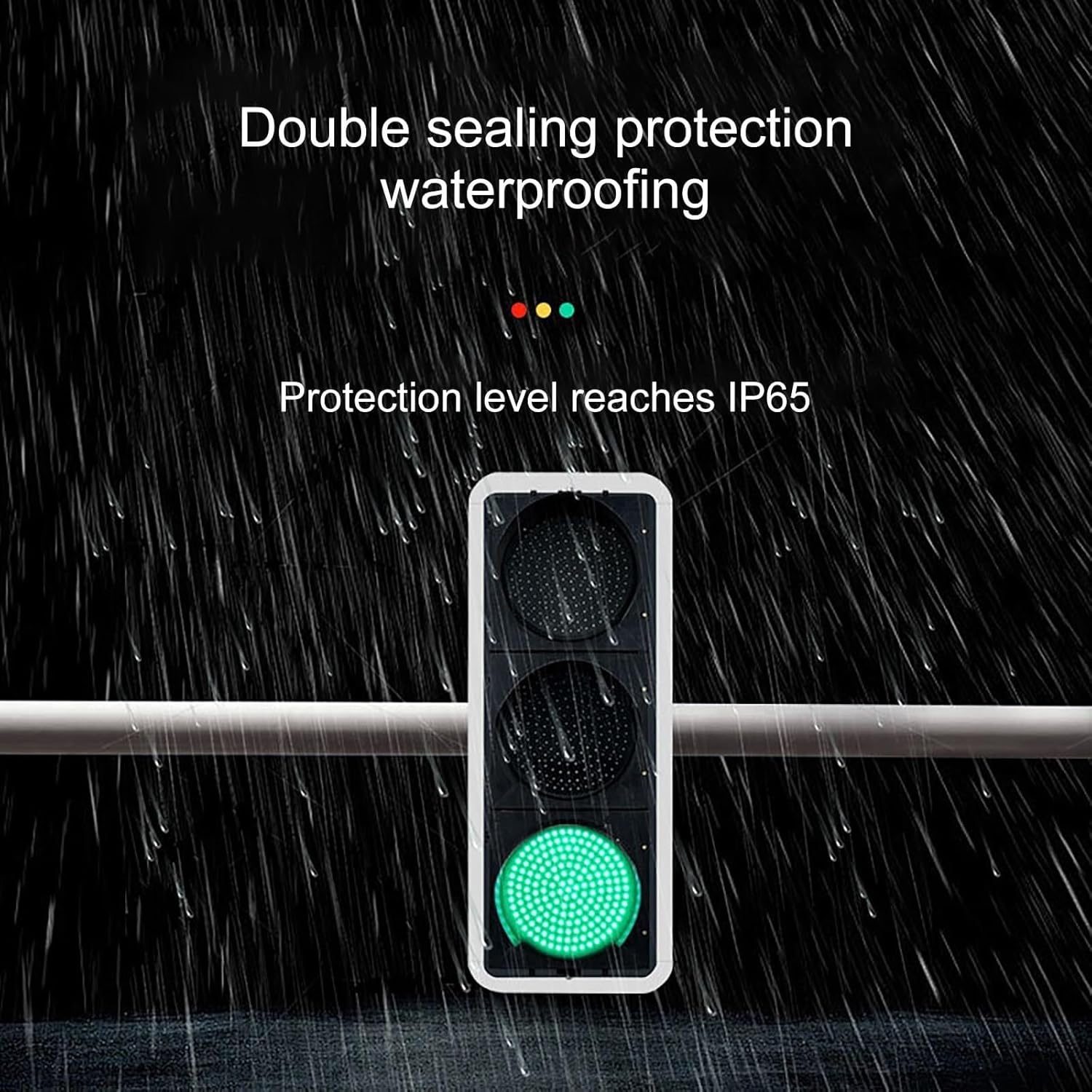
Figure 4.2: Detailed specifications for individual red, green, and yellow LEDs, including brightness, wavelength, and viewing angle.
5. Installation
5.1 Pre-Installation Checklist
- Verify package contents against the product description.
- Ensure mounting surface is strong enough to support the weight of the traffic light (approx. 33.1 lbs).
- Confirm availability of appropriate AC power supply at the installation site.
- Gather necessary tools: drill, wrenches, screwdrivers, wire strippers, electrical tape, mounting hardware (not included).
5.2 Mounting Options
The traffic signal light can be installed in two orientations: vertical or horizontal. The integrated design simplifies installation by minimizing complex wiring.
- Vertical Installation: Mount the unit with the red light at the top, yellow in the middle, and green at the bottom.
- Horizontal Installation: To install horizontally, rotate the sun visors on each module by 90 degrees. Mount the unit with the red light on the left, yellow in the middle, and green on the right (standard for horizontal traffic signals).
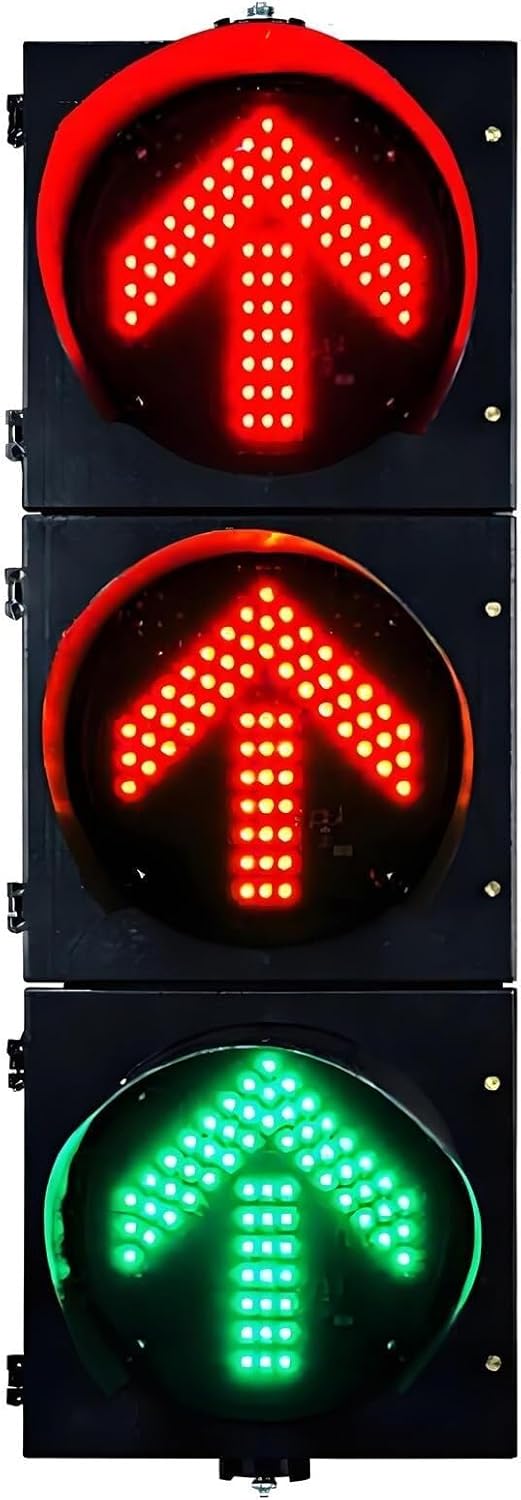
Figure 5.1: Example of vertical installation of the traffic signal light.

Figure 5.2: Example of horizontal installation. Note the rotation of the sun visors for proper orientation.
5.3 Electrical Connection
Connect the traffic light to a suitable AC power source. Ensure all wiring is properly insulated and secured. Consult local electrical codes for specific requirements. The traffic light is designed for direct AC input; specific voltage details should be confirmed from the product label or accompanying documentation.
Important: Always wear gloves during installation to prevent fingerprints from being printed on the lampshade, which can affect light clarity and aesthetics.
6. Operation
Once properly installed and connected to power, the traffic signal light operates automatically based on the control system it is integrated with (e.g., traffic controller, access control system). There are no user-operable controls directly on the unit itself.
- Red Light: Indicates stop or no entry.
- Yellow Light: Indicates caution or prepare to stop/go.
- Green Light: Indicates proceed or entry allowed.
The LED modules are designed for high visibility, even in bright conditions, thanks to their specific brightness and wavelength characteristics (refer to Figure 4.2).

Figure 6.1: The internal LED circuit board features independent resistance control units, ensuring stable and reliable performance even if a single LED bead is damaged.
7. Maintenance
Regular maintenance helps ensure the optimal performance and longevity of your traffic signal light.
- Cleaning: Periodically clean the outer housing and lens covers with a soft, damp cloth to remove dust, dirt, and debris. Avoid abrasive cleaners or solvents that could damage the PC housing or lens.
- Inspection: Regularly inspect the mounting hardware and electrical connections for any signs of wear, corrosion, or loosening. Tighten fasteners as needed.
- Waterproofing: The unit is designed with IP63 waterproofing. Ensure that the multi-layer sealing remains intact. Do not tamper with the seals.

Figure 7.1: The traffic light's robust design and multi-layer sealing provide IP63 waterproofing, protecting it from harsh weather conditions.
8. Troubleshooting
- No Light Output:
- Check the power supply to ensure it is connected and active.
- Verify all electrical connections are secure.
- Ensure the control system is sending the correct signals.
- Partial Light Output (some LEDs off):
- Due to the independent LED unit design, a few individual LED failures will not affect the overall functionality of the module. If a significant portion of an LED module is dark, inspect for internal wiring issues or contact support.
- Flickering Lights:
- Check for loose electrical connections.
- Ensure the power supply is stable and within the specified voltage range.
For issues not covered here, or if troubleshooting steps do not resolve the problem, please contact the manufacturer's support.
9. Disposal
When the product reaches the end of its service life, please dispose of it responsibly according to local regulations for electronic waste. Do not dispose of the product with general household waste.