
LOKMAT APPLLP 2 PRO (e623d73b-5aa7-4aa1-a4d8-b1af5ea504bb)
LOKMAT 4G Android Smartwatch APPLLP 2 PRO User Manual
Model: APPLLP 2 PRO
Introduction
Welcome to the user manual for your LOKMAT 4G Android Smartwatch APPLLP 2 PRO. This rugged military-grade smartwatch is designed for advanced connectivity and comprehensive health tracking. It features 4G LTE capability, a dual-screen design, and runs on the Android operating system, allowing for direct app installations and seamless Google services integration. This manual provides essential information for setting up, operating, maintaining, and troubleshooting your device.

Image: LOKMAT 4G Android Smartwatch APPLLP 2 PRO, showcasing its rugged design and digital display.
What's in the Box
Please verify that all items are present in your package:
- Smart Watch
- Charging Cable
- User Manual
Video: Unboxing the LOKMAT APPLLP 2 PRO Smartwatch, showing the contents of the package including the watch, charging cable, and user manual.
Setup
1. Initial Charging
Before first use, fully charge your smartwatch using the provided magnetic charging cable. Connect the magnetic end to the charging points on the back of the watch and the USB end to a compatible power adapter (not included). A full charge typically takes a few hours.
2. SIM Card Installation
The APPLLP 2 PRO supports 4G LTE connectivity via a Nano SIM card.
- Ensure the watch is powered off before inserting the SIM card.
- Locate the SIM card slot on the side of the watch.
- Carefully insert the Nano SIM card into the slot, ensuring the correct orientation as indicated on the watch or in the included quick guide.
- Power on the watch. The device will attempt to detect the SIM card and obtain a signal.
- If the SIM card is inserted while the watch is on, you may need to restart the watch to receive signals.
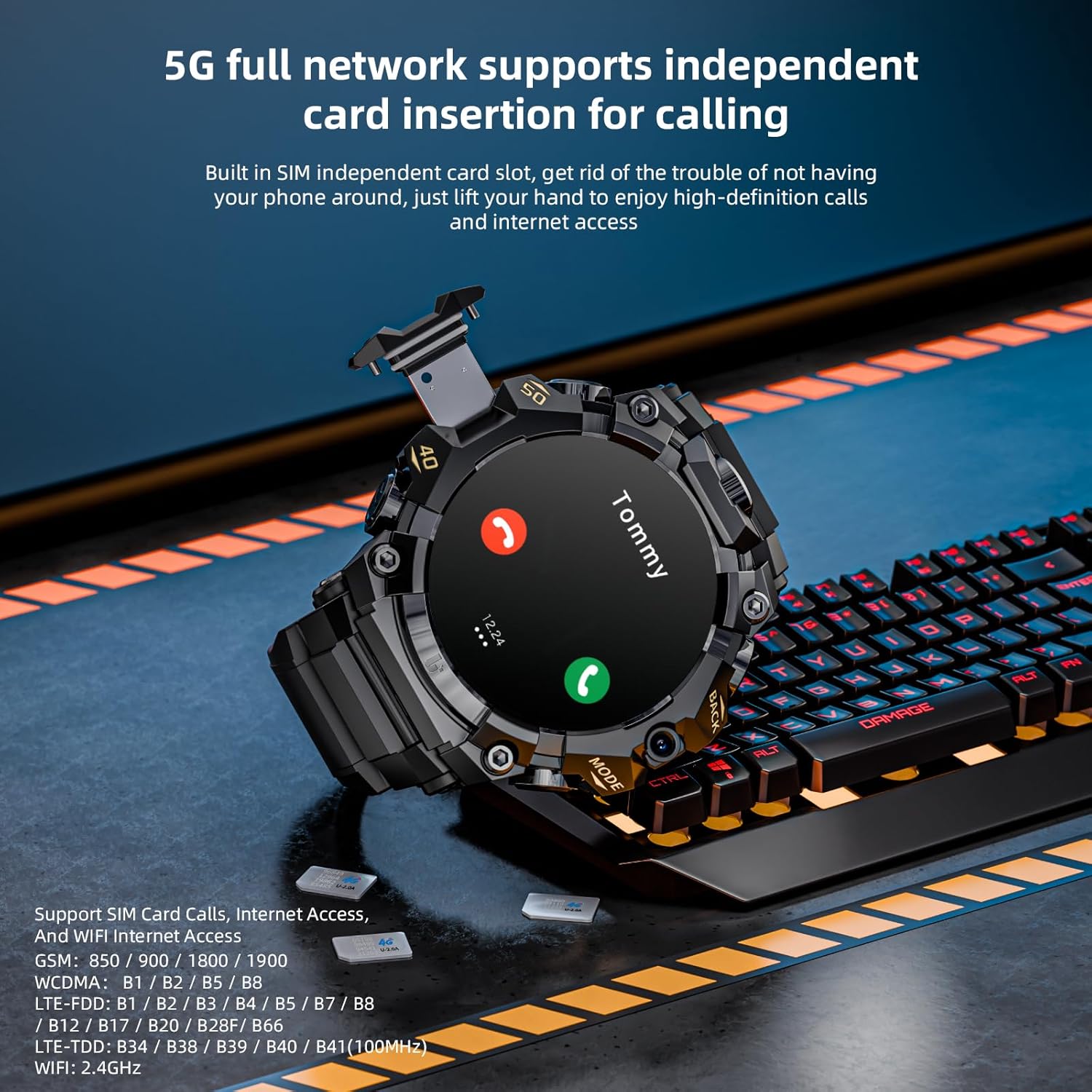
Image: LOKMAT Smartwatch displaying its SIM card slot and the concept of independent 4G network support for calls and internet access.
3. Power On/Off
- Power On: Press and hold the power button (usually on the side) until the LOKMAT logo appears.
- Power Off: Press and hold the power button, then select "Power Off" from the options on the screen.
4. Initial Configuration
Upon first power-on, follow the on-screen prompts to select your language, connect to Wi-Fi, and set up your Google account. This will enable access to the Google Play Store and other services.
Operating Your Smartwatch
1. Navigation and Interface
The smartwatch features a 1.508-inch ultra-clear AMOLED display with full touch capabilities.
- Swipe Left/Right: Navigate between different screens or access quick functions like phone book or health data.
- Swipe Down: Access the status bar for quick settings and notifications.
- Tap: Select items or open applications.
- Long Press: Activate specific functions, such as changing watch faces on the home screen.
- Buttons: Utilize the physical buttons for 'Back' and 'Mode' functions, as well as power on/off.

Image: The LOKMAT Smartwatch displaying its vibrant 1.508-inch AMOLED screen with a detailed watch face showing time, date, weather, and health metrics.
2. 4G Connectivity and Communication
With its 4G LTE capability, your smartwatch can operate independently for calls, messages, and internet access.
- Calls: Use the built-in phone application to make and receive calls directly from your wrist.
- Messages: Send and receive text messages.
- Internet: Browse the web using the integrated browser.
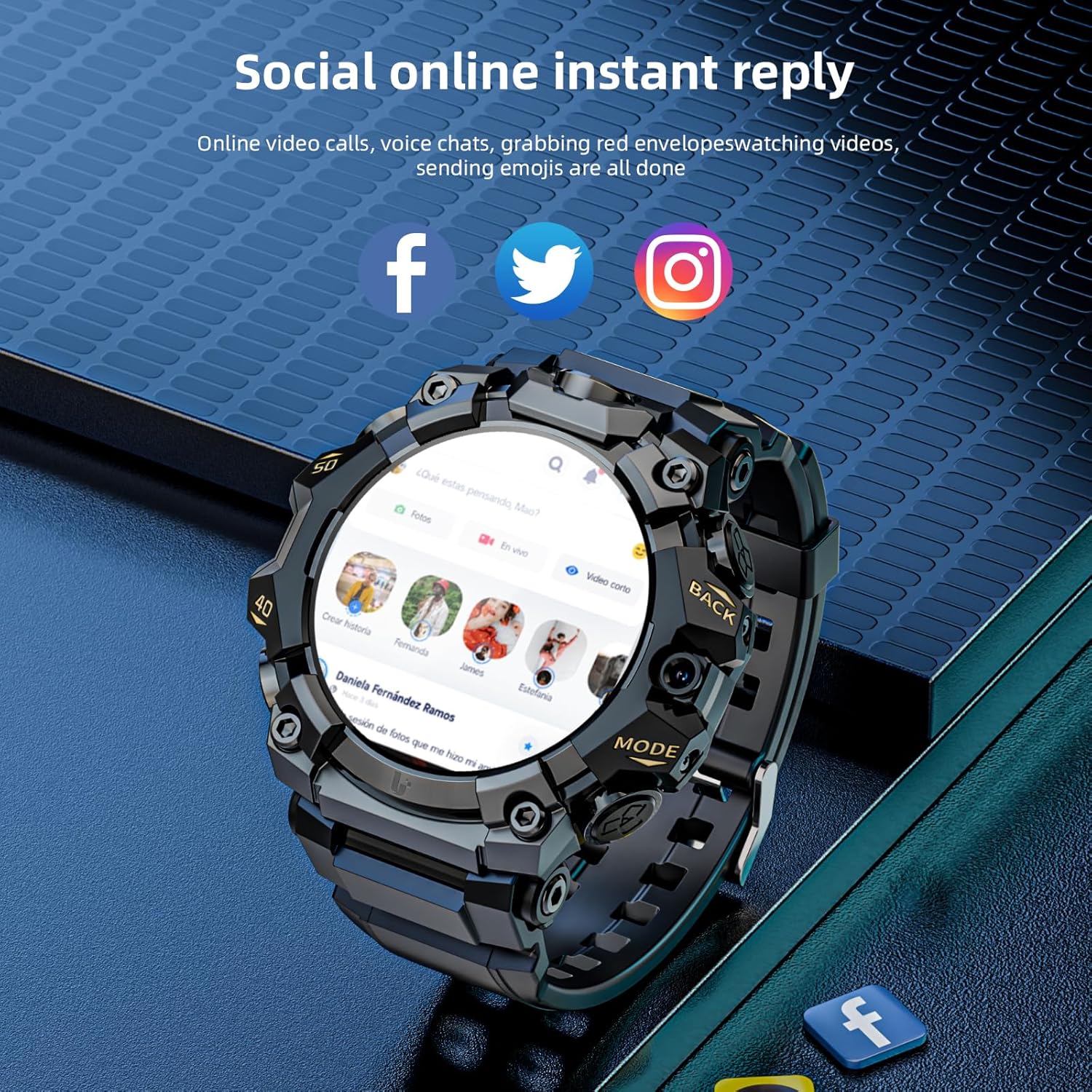
Image: LOKMAT Smartwatch screen showing various social media application icons, indicating its capability for online communication and instant replies.
3. Dual Cameras
The smartwatch is equipped with front and side high-definition cameras for various functions.
- Photography: Capture photos directly from your wrist.
- Video Recording: Record videos.
- Video Calls: Engage in real-time high-definition video calls.
- QR Code Payment: Utilize the camera for QR code scanning and payment (where supported).

Image: LOKMAT Smartwatch highlighting its front and side high-definition dual cameras, capable of taking photos, filming, and video chatting.
4. Health and Fitness Tracking
Monitor your health and track your fitness activities with the integrated sensors.
- Heart Rate Monitoring: Continuously track your heart rate 24/7.
- Blood Oxygen Detection: Measure your blood oxygen saturation.
- Step Counter: Track your daily steps and activity levels.
- Multiple Sport Modes: Select from various exercise modes (e.g., running, cycling, climbing) to record specific workout data including exercise time, calorie consumption, and heart rate.
- Breathing Training: Guided breathing exercises for relaxation and improved lung health.

Image: LOKMAT Smartwatch illustrating its accurate health data monitoring capabilities, including heart rate, blood oxygen, and breathing training.

Image: LOKMAT Smartwatch showcasing its multiple sports modes, designed to track various indoor and outdoor exercise activities.
5. GPS Precise Positioning
The built-in GPS allows for accurate location tracking and navigation.
- Location Tracking: Always know your current position.
- Movement Trajectory: Record your routes during activities.
- Navigation: Support map navigation, taxi services, and food delivery (where applicable).

Image: LOKMAT Smartwatch demonstrating its GPS precise positioning function, showing a map with a route for constant protection and navigation.
6. Android OS and App Management
Running on the Android operating system, the smartwatch allows for extensive app functionality.
- App Installation: Directly install applications from the Google Play Store or other app markets.
- Google Services: Seamless integration with Google services.
- Media Playback: Enjoy videos and music on the full-view large screen.
- NFC: Utilize NFC for access control or payments (if supported by local services).
- APP Push Promotion: Connect to a mobile app to receive timely messages and notifications on your watch.

Image: LOKMAT Smartwatch screen displaying various Android application icons like Facebook, Twitter, YouTube, and Instagram, highlighting its intelligent system with massive app downloads.

Image: LOKMAT Smartwatch displaying a video on its screen, illustrating its capability as a portable cinema with a full-view large screen.

Image: LOKMAT Smartwatch connected to a mobile app, demonstrating the APP push promotion feature for timely message delivery to the watch.
7. Customization
- Multi Dial Style: Choose from multiple personalized watch faces to suit your preferences and moods.

Image: LOKMAT Smartwatch showcasing various multi-dial styles and watch faces available for selection and customization.
Maintenance
1. Battery Care
The smartwatch is equipped with a large capacity 1150mAh battery.
- To maximize battery life, avoid extreme temperatures.
- Charge the device regularly, preferably before the battery is completely depleted.
- Use only the provided charging cable.
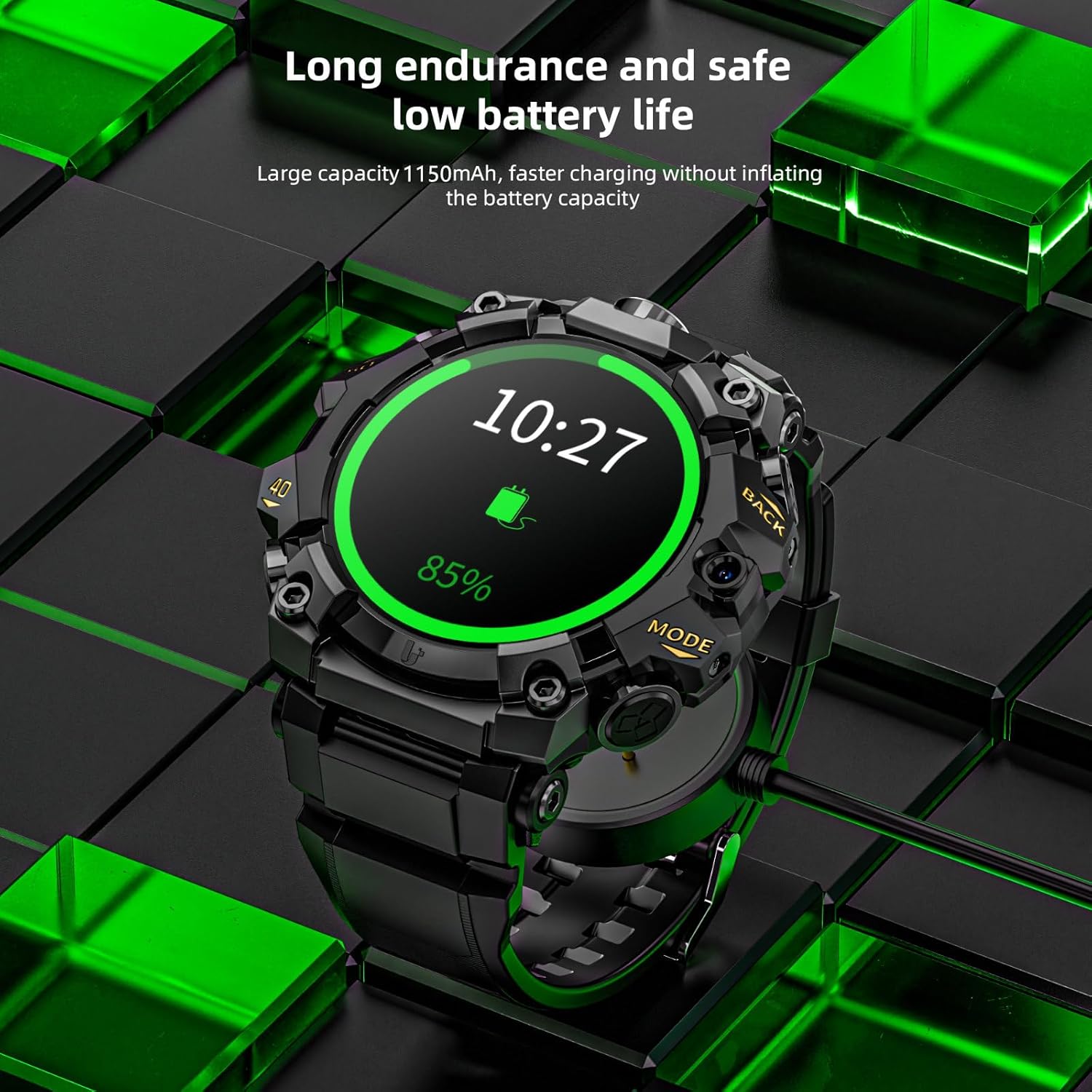
Image: LOKMAT Smartwatch connected to its charging cable, illustrating its long endurance and safe low battery life with a large capacity 1150mAh battery.
2. Cleaning and Durability
The smartwatch features military-grade construction with reinforced corners, a water-resistant design, and scratch-resistant display protection.
- Wipe the watch clean with a soft, damp cloth. Avoid harsh chemicals.
- While water-resistant, avoid prolonged submersion or exposure to high-pressure water.
- Protect the screen from sharp objects, despite its scratch-resistant properties.
Troubleshooting
If you encounter issues with your LOKMAT Smartwatch, refer to the following common troubleshooting steps:
- Battery Drains Quickly:
- Reduce screen brightness.
- Disable unnecessary background apps or features like Wi-Fi, GPS, or cellular data when not in use.
- Ensure no apps are running excessively in the background.
- Check for system updates, as these often include battery optimizations.
- Interface Freezes or Slows Down:
- Restart the watch.
- Close unused applications.
- Clear cache for frequently used apps.
- Ensure sufficient storage space is available.
- Perform a factory reset if the issue persists (note: this will erase all data).
- Device Heats Up:
- Excessive use of high-power applications (e.g., gaming, video streaming) or prolonged cellular/GPS usage can cause heating.
- Allow the device to cool down.
- Reduce background processes.
- SIM Card Not Recognized / No Signal:
- Ensure the SIM card is correctly inserted and not dirty or deformed.
- Restart the watch after inserting the SIM card.
- Verify that your SIM card is active and supports the watch's network bands (GSM: 850/900/1800/1900; WCDMA: B1/B2/B5/B8; LTE-FDD: B1/B2/B3/B4/B5/B7/B8/B12/B17/B20/B28F/B66; LTE-TDD: B34/B38/B39/B40/B41).
- Activate the VoLTE function if necessary (consult your operator).
- GPS Function Failure:
- Ensure you are in an open area with a clear view of the sky.
- Check if GPS is enabled in the watch settings.
- Restart the watch.
Specifications
| Feature | Detail |
|---|---|
| Model Number | e623d73b-5aa7-4aa1-a4d8-b1af5ea504bb |
| Operating System | Android |
| RAM Memory Installed Size | 4 GB |
| Memory Storage Capacity | 64 GB |
| Screen Size | 1.51 Inches (1.508" AMOLED) |
| Display Resolution | 466*466 High Definition Pixels |
| Battery Capacity | 1150 Milliamp Hours (Lithium Polymer) |
| Connectivity Technology | Wi-Fi, Bluetooth, 4G LTE |
| GPS | Built-in GPS (GPS, Beidou, Granas, AGPS, LBS) |
| Special Features | Camera, GPS, Health Tracking (Heart Rate, Blood Oxygen), NFC |
| Item Weight | 7.5 ounces |
| Package Dimensions | 4.13 x 4.13 x 3.11 inches |
Warranty and Support
For warranty information and customer support, please refer to the documentation included with your product or visit the official LOKMAT website.
You can also visit the LOKMAT Store on Amazon for additional product information and support resources.
Ask a question about this manual
Ask about setup, troubleshooting, compatibility, parts, safety, or missing instructions. Manuals+ will review the question and use this page’s manual context to help answer it.