
1. Introduction
This manual provides essential information for the proper installation, operation, and maintenance of your MaxLLTo Replacement Belt. This product is designed as a direct replacement for specific Sears equipment models. Please read this manual thoroughly before attempting any installation or maintenance procedures to ensure safety and optimal performance.

Image 1.1: Two MaxLLTo replacement belts, coiled and presented on a white background. These belts are designed for specific Sears equipment models.
2. Safety Information
Always prioritize safety when working with machinery. Failure to follow safety instructions can result in serious injury or damage to equipment.
- Always disconnect power to the equipment before beginning any installation or maintenance.
- Wear appropriate personal protective equipment (PPE), such as gloves and eye protection.
- Ensure the equipment is stable and cannot move unexpectedly.
- Refer to your equipment's original manufacturer manual for specific safety warnings and detailed disassembly/assembly instructions.
- Keep children and bystanders away from the work area.
3. Setup (Installation)
This section outlines the general steps for replacing a drive belt. Specific procedures may vary depending on your equipment model. Always consult your equipment's primary instruction manual for detailed, model-specific installation steps.
3.1 Required Tools
- Wrenches or sockets (sizes may vary)
- Screwdrivers (flathead and Phillips)
- Pry bar or similar tool (for tension release, if applicable)
- Gloves
3.2 Installation Steps
- Prepare Equipment: Ensure the equipment is turned off, the engine is cool, and the spark plug wire is disconnected to prevent accidental starting.
- Access Belt Area: Depending on your equipment, this may involve removing deck covers, guards, or other components to gain access to the drive belt system.
- Relieve Tension: Locate the belt tensioner or idler pulley. Use appropriate tools to relieve tension on the old belt.
- Remove Old Belt: Carefully remove the old belt from all pulleys. Note its routing path for reference.
- Install New Belt: Route the new MaxLLTo replacement belt around the pulleys, following the exact path of the old belt. Ensure it is seated correctly in all pulley grooves.
- Restore Tension: Re-engage the belt tensioner or idler pulley to apply proper tension to the new belt.
- Reassemble: Reinstall any covers, guards, or components that were removed.
- Test: Reconnect the spark plug wire. Start the equipment briefly to ensure the belt operates smoothly and correctly. Listen for unusual noises.

Image 3.1: A single MaxLLTo replacement belt, coiled. This image illustrates the product ready for installation into compatible equipment.
4. Operating Considerations
Once the MaxLLTo replacement belt is correctly installed, its operation is integrated with your equipment's normal function. No specific operational steps are required for the belt itself beyond ensuring proper installation.
- After installation, operate the equipment at a low speed initially to confirm the belt is tracking correctly and there are no unusual sounds or vibrations.
- If the belt slips or makes excessive noise, immediately shut down the equipment and re-check the installation and tension.
5. Maintenance
Regular inspection and proper maintenance will extend the life of your replacement belt and ensure consistent equipment performance.
5.1 Inspection Schedule
- Before Each Use: Visually inspect the belt for any obvious damage, cracks, fraying, or signs of wear.
- Periodically (e.g., monthly or every 25 operating hours): Perform a more thorough inspection. Check belt tension, and ensure it is free of debris, oil, or grease.
5.2 Care and Storage
- Keep the belt clean and free from oil, grease, and dirt, which can degrade the material.
- Store spare belts in a cool, dry place away from direct sunlight and extreme temperatures.
- Avoid kinking or sharply bending the belt during storage, as this can cause damage.

Image 5.1: A single MaxLLTo replacement belt, coiled, highlighting its construction. Regular inspection of the belt's surface is crucial for maintenance.
6. Troubleshooting
If you encounter issues after installing your replacement belt, consider the following common problems and solutions.
| Problem | Possible Cause | Solution |
|---|---|---|
| Belt slips or squeals | Incorrect tension, worn pulleys, oil/grease on belt | Adjust tension, inspect/clean pulleys, clean belt (if safe) or replace if contaminated. |
| Belt breaks prematurely | Misaligned pulleys, excessive tension, foreign object damage, incorrect belt size | Check pulley alignment, verify correct belt size, ensure proper tension, inspect for obstructions. |
| Excessive vibration or noise | Improper installation, worn pulleys, belt not seated correctly | Re-check belt routing and seating, inspect pulleys for wear or damage. |
If troubleshooting steps do not resolve the issue, please contact MaxLLTo customer support.
7. Specifications
The MaxLLTo Replacement Belt is manufactured to meet specific dimensions and compatibility requirements.
- Dimensions: 1/2 inch (width) x 79 inches (outer diameter)
- Quantity: 2 belts per package
- Compatible Sears Models: 100670N, 106035X, 106085X, 106095X, 37X59
- Material: Durable, reliable material designed for long service life.
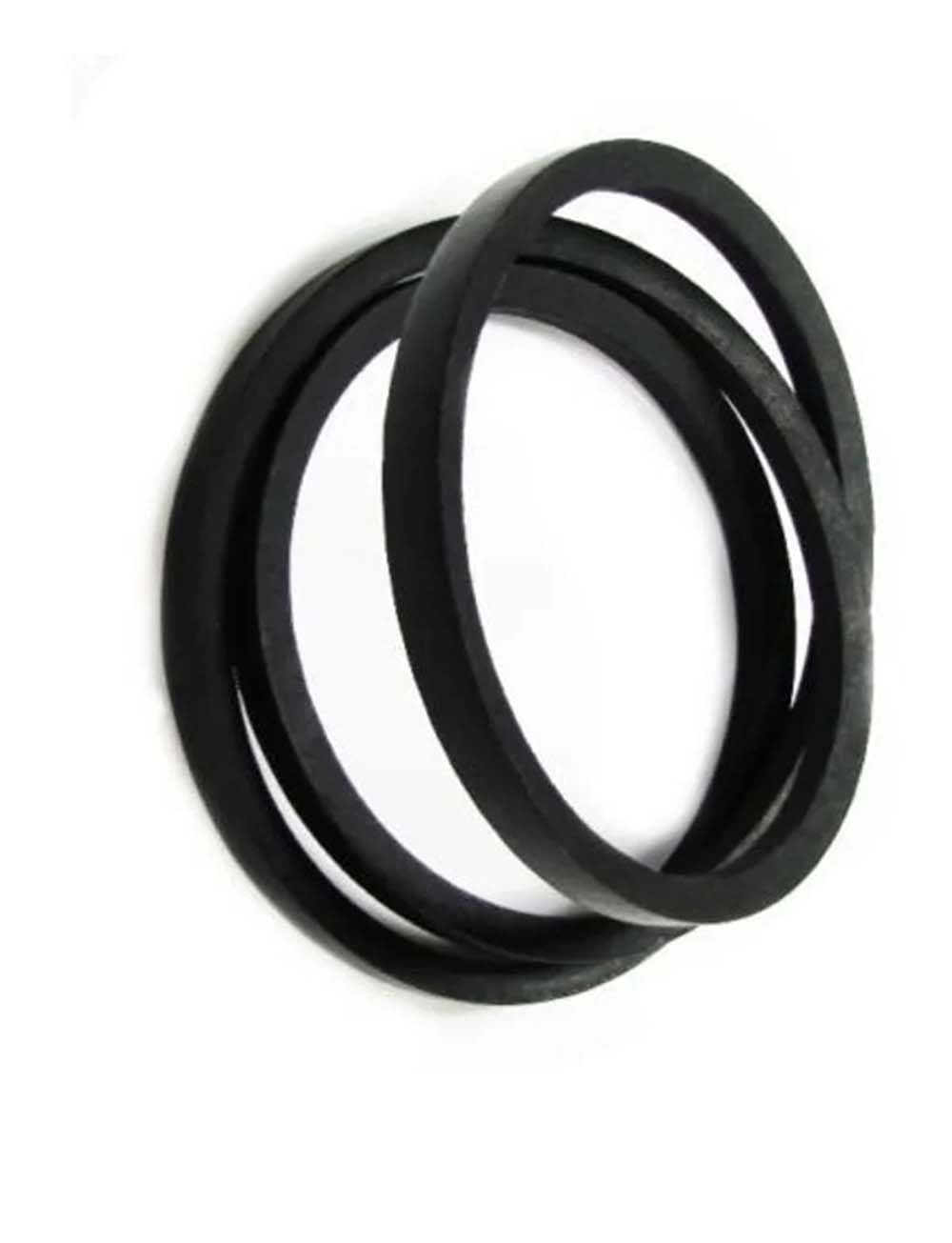
Image 7.1: A single MaxLLTo replacement belt, coiled. This image highlights the belt's construction and material quality, designed for durability.
8. Warranty and Support
MaxLLTo stands behind the quality of its products.
8.1 Warranty Information
Every MaxLLTo product includes a 30-day Money-back Guarantee and an 18-Month Worry-free Warranty. This warranty covers defects in material and workmanship under normal use.
8.2 Customer Support
If you have any questions regarding the compatibility of this belt with your equipment, or if you experience any issues, please contact MaxLLTo customer support. When contacting support, please provide your equipment's model and serial number for accurate assistance.
Contact information can typically be found on the product packaging or the retailer's website where the product was purchased.