
Tonepie TPCBQA
Smart Cat Litter Box User Manual
Model: TPCBQA | Brand: Tonepie
Introduction
Thank you for choosing the Tonepie Smart Cat Litter Box. This manual provides essential information for the safe and efficient operation, setup, maintenance, and troubleshooting of your new smart litter box. Please read this manual thoroughly before use and retain it for future reference.
Product Overview
Components
- Main Spherical Unit: Houses the litter bed and sifting mechanism.
- Base Unit: Provides stability and contains the waste collection drawer.
- Waste Collection Drawer: Removable drawer for easy disposal of waste.
- Control Panel/Display: Located on the front of the base for manual operation and status indication.
- Power Adapter: For connecting the unit to an electrical outlet.
Features
- Automatic Cleaning Cycle: Automatically sifts waste after your cat exits the litter box.
- Odor Control: Integrated system to minimize unpleasant odors.
- Safety Sensors: Equipped with sensors to detect your cat's presence and prevent operation during use.
- Easy Waste Disposal: Convenient pull-out drawer for hygienic waste removal.
- Quiet Operation: Designed for minimal noise during cleaning cycles.

Figure 1: Front view of the Tonepie Smart Cat Litter Box.

Figure 2: Three-quarter front view of the Tonepie Smart Cat Litter Box.
Setup
- Unpacking: Carefully remove all components from the packaging. Ensure all packing materials are removed from inside the spherical unit and the waste drawer.
- Placement: Place the litter box on a firm, level surface in a well-ventilated area. Ensure there is sufficient space around the unit for proper operation and maintenance. Avoid placing it near heat sources or in direct sunlight.
- Litter Filling: Open the top of the spherical unit or access the litter bed as per the quick start guide. Fill the litter bed with clumping cat litter, ensuring it does not exceed the 'MAX' fill line indicated inside the unit. Do not use non-clumping, crystal, or silica gel litters as they may interfere with the sifting mechanism.
- Power Connection: Connect the power adapter to the designated port on the back of the base unit, then plug the adapter into a standard electrical outlet.
- Initial Calibration: Upon first power-on, the unit may perform an initial calibration cycle. Allow it to complete this cycle without interruption. The display will indicate when it is ready for use.

Figure 3: Three-quarter side view of the Tonepie Smart Cat Litter Box.
Operating Instructions
- Automatic Operation: The litter box is designed to automatically detect when your cat has used the litter box and exited. After a preset delay (typically 3-7 minutes to allow litter to clump), the unit will initiate a cleaning cycle, rotating to sift waste into the collection drawer.
- Manual Cleaning Cycle: To initiate a cleaning cycle manually, press the designated button on the control panel. The unit will perform a full cleaning cycle.
- Emptying Waste Drawer: When the waste drawer is full (some models may have an indicator), carefully pull out the drawer from the base unit. Dispose of the waste and replace the drawer securely.
- Adding Litter: Periodically check the litter level. If low, add fresh clumping litter, ensuring it does not exceed the 'MAX' fill line.
Safety Precautions
- Do not allow children or pets to play with the unit during operation.
- Never attempt to stop the rotating drum manually during a cycle.
- Unplug the unit before performing any maintenance or cleaning.
- Use only clumping cat litter.
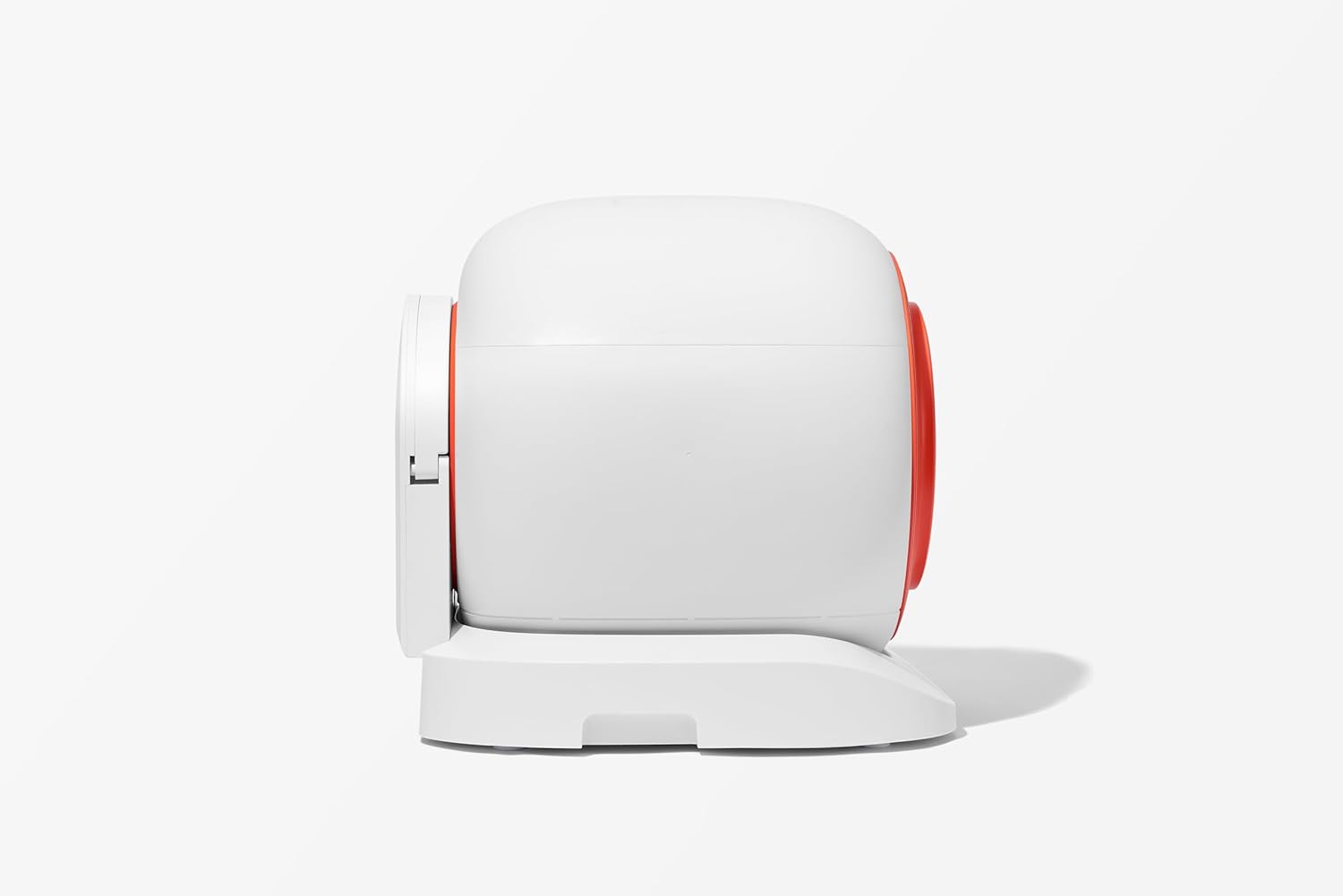
Figure 4: Side profile view of the Tonepie Smart Cat Litter Box.
Maintenance
- Daily: Empty the waste collection drawer as needed.
- Weekly: Top up the litter to the 'MAX' fill line. Wipe down the exterior of the unit with a damp cloth.
- Monthly (or as needed):
- Deep Cleaning: Unplug the unit. Remove all litter. The spherical unit may be detachable for thorough cleaning. Wash the interior of the spherical unit and the waste drawer with mild soap and water. Rinse thoroughly and allow all parts to dry completely before reassembly.
- Sensor Cleaning: Gently wipe the infrared sensors (usually located near the entrance) with a clean, dry cloth to ensure proper detection.
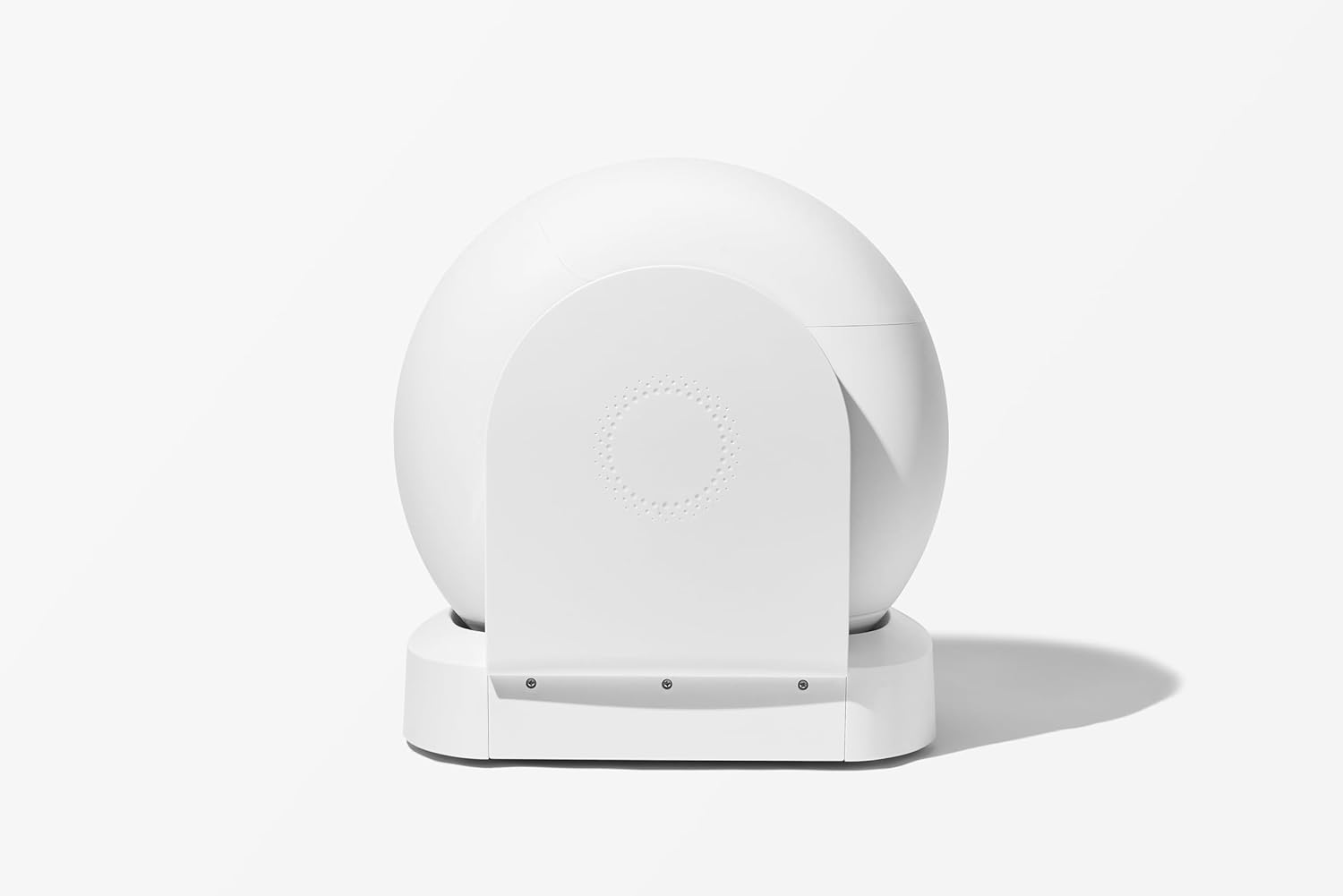
Figure 5: Rear view of the Tonepie Smart Cat Litter Box.
Troubleshooting
| Problem | Possible Cause | Solution |
|---|---|---|
| Unit not cycling automatically. | Cat still inside; sensors obstructed; litter level too high/low; power issue. | Ensure cat has exited. Clean sensors. Adjust litter level. Check power connection. |
| Odor issues. | Waste drawer full; unit needs deep cleaning; poor quality litter. | Empty waste drawer. Perform deep cleaning. Use high-quality clumping litter. |
| Litter not sifting properly. | Wrong type of litter; litter too wet/sticky; mechanism obstructed. | Use only clumping litter. Ensure litter is dry. Check for obstructions in the sifting mechanism. |
| Unit making unusual noises. | Obstruction in mechanism; unit not level. | Unplug and check for foreign objects. Ensure unit is on a flat, stable surface. |
Specifications
| Attribute | Detail |
|---|---|
| Brand | Tonepie |
| Model Name | Q-clean |
| Item Model Number | TPCBQA |
| Product Dimensions (LxWxH) | 21.7" x 20.5" x 21.5" |
| Material | Polypropylene (PP) |
| Color | White |
| UPC | 758918606790 |
| Manufacturer | Tonepie |
Warranty & Support
Warranty Information
This Tonepie Smart Cat Litter Box comes with a 1 Year Manufacturer Warranty from the date of purchase. This warranty covers defects in materials and workmanship under normal use. It does not cover damage caused by misuse, neglect, accidents, unauthorized repairs, or use of non-approved litter types.
Customer Support
For technical assistance, warranty claims, or any questions regarding your Tonepie Smart Cat Litter Box, please contact Tonepie customer support. Refer to your purchase documentation or the Tonepie official website for the most current contact information.