
VBESTLIFE VBESTLIFEycg7kwbzs3
VBESTLIFE Handheld Game Console Model VBESTLIFEycg7kwbzs3 User Manual
Comprehensive instructions for setup, operation, and maintenance.
1. Introduction
This manual provides detailed instructions for the VBESTLIFE Handheld Game Console, model VBESTLIFEycg7kwbzs3. Please read this manual thoroughly before using the device to ensure proper operation and to maximize your gaming experience. This console features a 3.0-inch screen, a 1020mAh rechargeable battery, and supports TV connection for an enhanced gaming experience.

Image 1.1: Front view of the VBESTLIFE Handheld Game Console, displaying a racing game on its 3.0-inch screen.
2. Package Contents
Verify that all items listed below are included in your package:
- 1 x VBESTLIFE Handheld Gamepad Game Console
- 1 x AV Cable
- 1 x User Manual (this document)
- 1 x Charging Cable

Image 2.1: The VBESTLIFE Handheld Game Console shown with its AV cable and charging cable.
3. Product Overview
Familiarize yourself with the various components and controls of your handheld game console.

Image 3.1: Labeled diagram illustrating the buttons, ports, and features of the VBESTLIFE Handheld Game Console.
Control Layout:
- Direction Keys (D-Pad): Located on the left, used for movement and menu navigation.
- Function Keys (A, B, X, Y): Located on the right, used for in-game actions.
- Confirm Key: Typically the 'A' button, used to confirm selections.
- SELECT Button: Used for various in-game functions or menu selections.
- START Button: Used to pause games, start games, or confirm selections.
- RESET Key: Resets the console or current game.
- SINGLE/DOUBLE Mode Selection: Button for selecting game modes (if applicable).
- VOL+ / VOL- (Volume Keys): Adjusts the audio volume.
- Speaker: Audio output.
- Charging Port (DC 5V): For connecting the charging cable.
- AV TV Interface: For connecting the AV cable to a television.
- Power Button: Turns the console on or off.
- Battery Cover: Access to the detachable battery compartment.
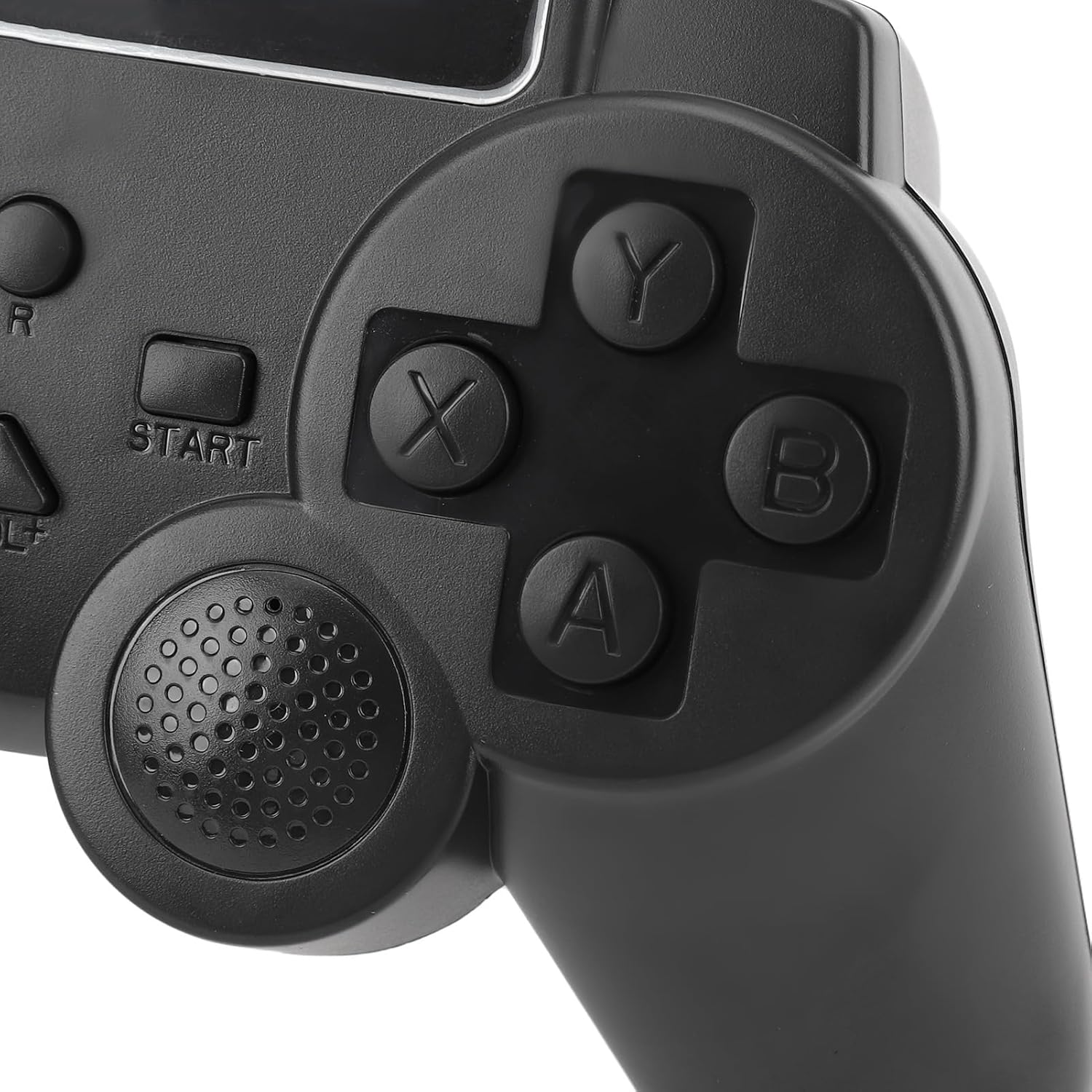
Image 3.2: Close-up view of the D-pad and action buttons (A, B, X, Y) on the console.
4. Setup
4.1. Battery Installation and Charging
The console uses a BL-5C 1020mAh rechargeable lithium battery. While the battery is built-in, it is also detachable for replacement if needed.
- Initial Charge: Before first use, fully charge the console for approximately 2-3 hours. Connect the charging cable to the console's charging port (DC 5V) and the other end to a standard USB power adapter (not included) or a computer's USB port. The charging indicator (if present) will typically show charging status and turn off or change color when fully charged.
- Battery Replacement (if necessary): If you need to replace the battery, carefully remove the battery cover on the back of the console. Insert the BL-5C battery, ensuring correct polarity, then replace the cover.
4.2. Powering On/Off
- To Power On: Press and hold the Power Button until the screen illuminates.
- To Power Off: Press and hold the Power Button until the screen turns off.
5. Operating Instructions
5.1. Basic Gameplay
- Game Selection: After powering on, use the Direction Keys (D-Pad) to navigate through the game menu.
- Start Game: Press the 'A' button or START button to select and launch a game.
- In-Game Controls: Use the Direction Keys for movement and Function Keys (A, B, X, Y) for actions specific to each game. Refer to individual game instructions for detailed controls.
- Pause/Resume: Press the START button during gameplay to pause or resume.
- Reset Game: Press the RESET key to restart the current game or return to the main menu.
- Volume Adjustment: Use the VOL+ and VOL- buttons to increase or decrease the sound volume.
5.2. TV Connection
The console supports connection to a television for a larger screen experience using the included AV cable.
- Connect AV Cable: Insert one end of the AV cable into the AV TV Interface port on the console.
- Connect to TV: Connect the yellow RCA plug of the AV cable to the video input (usually yellow) on your television. Connect the white RCA plug to the left audio input (white) and the red RCA plug to the right audio input (red) on your television.
- Select TV Input: Turn on your television and select the correct AV input source (e.g., AV1, Video, Input) using your TV remote control.
- Start Playing: The console's display should now appear on your television screen. You can continue to use the handheld console as your controller.
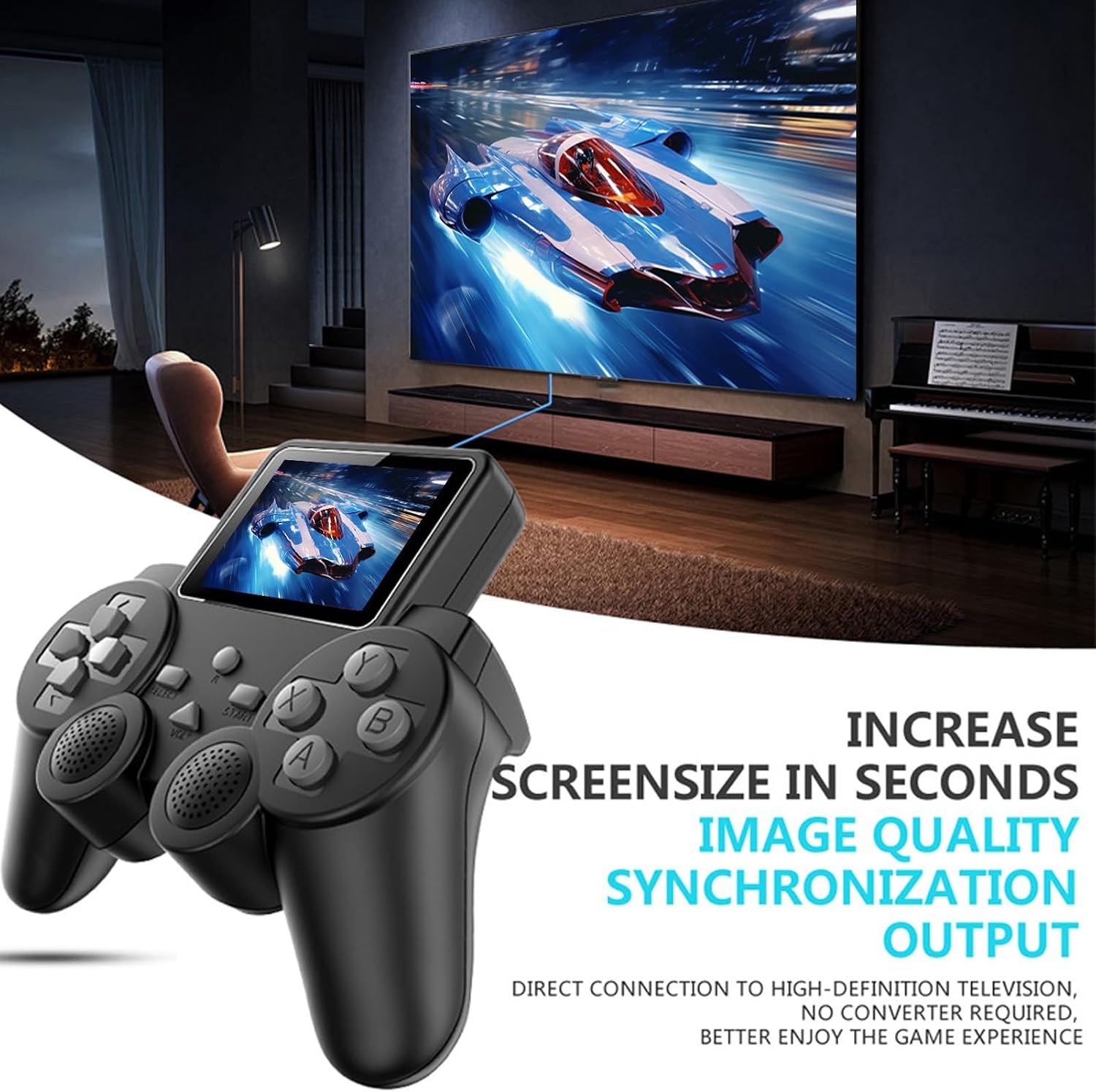
Image 5.1: The handheld console displaying its game on a large television screen via AV connection.
6. Maintenance
6.1. Cleaning
- Use a soft, dry cloth to clean the console's exterior.
- For stubborn dirt, slightly dampen the cloth with water. Do not use harsh chemicals, solvents, or abrasive cleaners.
- Avoid getting moisture into any ports or openings.
6.2. Storage
- Store the console in a cool, dry place away from direct sunlight and extreme temperatures.
- If storing for an extended period, ensure the battery is partially charged (around 50%) to prolong its lifespan.
- Keep out of reach of small children and pets.
7. Troubleshooting
If you encounter issues with your VBESTLIFE Handheld Game Console, please refer to the following common problems and solutions:
| Problem | Possible Cause | Solution |
|---|---|---|
| Console does not power on. | Battery is depleted or not properly installed. | Charge the console for at least 30 minutes. Ensure the battery is correctly seated in its compartment. |
| No display on screen. | Console is off, screen brightness too low, or internal issue. | Ensure the console is powered on. If connected to TV, check TV input. If problem persists, contact support. |
| No sound or low sound. | Volume is too low or muted. | Adjust volume using the VOL+ button. If connected to TV, check TV volume. |
| Cannot connect to TV. | Incorrect AV cable connection or TV input. | Ensure AV cable is securely connected to both console and TV. Select the correct AV input on your television. |
| Buttons are unresponsive. | Game frozen or console malfunction. | Try pressing the RESET key. If unresponsive, power off and restart the console. |
8. Specifications
| Feature | Detail |
|---|---|
| Model Number | VBESTLIFEycg7kwbzs3 |
| Screen Size | 3.0 Inches |
| Battery Type | BL-5C Lithium Battery |
| Battery Capacity | 1020mAh |
| Battery Life | Approximately 6-7 hours of gameplay (full charge) |
| Material | ABS |
| TV Connection | AV Output |
| Item Weight | 7.8 ounces (221 grams) |
| Package Dimensions | 7.09 x 5.91 x 2.36 inches (18 x 15 x 6 cm) |
| Manufacturer Recommended Age | 4 years and up |
9. Warranty and Support
9.1. Warranty Information
Specific warranty details for the VBESTLIFE Handheld Game Console are not provided in this manual. Please refer to the warranty card included with your product or contact VBESTLIFE customer support for information regarding warranty coverage and terms.
9.2. Customer Support
For technical assistance, troubleshooting beyond this manual, or warranty inquiries, please contact VBESTLIFE customer support. Contact information can typically be found on the product packaging, the official VBESTLIFE website, or through your retailer.
Ask a question about this manual
Ask about setup, troubleshooting, compatibility, parts, safety, or missing instructions. Manuals+ will review the question and use this page’s manual context to help answer it.