
Introduction
Thank you for choosing the SmrtMugg X Heated Coffee Mug. This manual provides essential information for the safe and efficient operation of your new mug. Please read it thoroughly before use and retain it for future reference.
What's in the Box

The SmrtMugg X package includes the 19 oz smart mug, a charging coaster, a USB-C cable, an 18W adapter, and this instruction manual.
- 19 oz. SmrtMugg X Heated Coffee Mug
- Charging Coaster
- USB-C Cable
- 18W Power Adapter
- Instruction Manual
Setup
Initial Charge
Before first use, fully charge your SmrtMugg X. Connect the 18W adapter to a power outlet and the USB-C cable to the charging coaster. Place the mug onto the charging coaster. The LCD screen will indicate charging status. A full charge typically takes several hours.
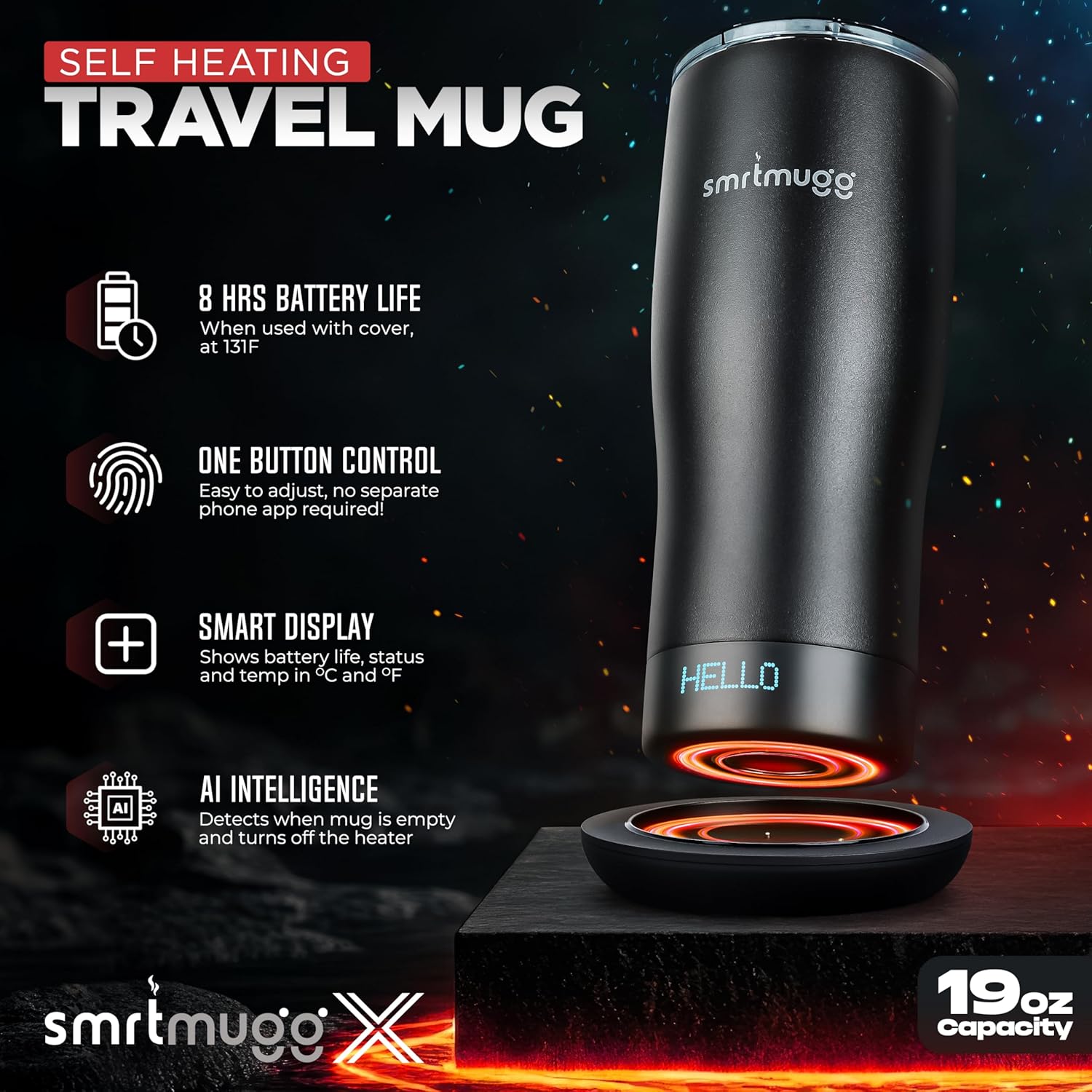
Place the mug on the charging coaster to begin charging. The mug's display will show charging progress.
Operating Instructions
Power On/Off and Temperature Adjustment
The SmrtMugg X features a single button for operation, located on the bottom of the mug. Press and hold the button to power the mug on or off. Short press the button to cycle through the available temperature settings: 122°F, 131°F, 135°F, and 145°F. The selected temperature will be displayed on the LCD screen.
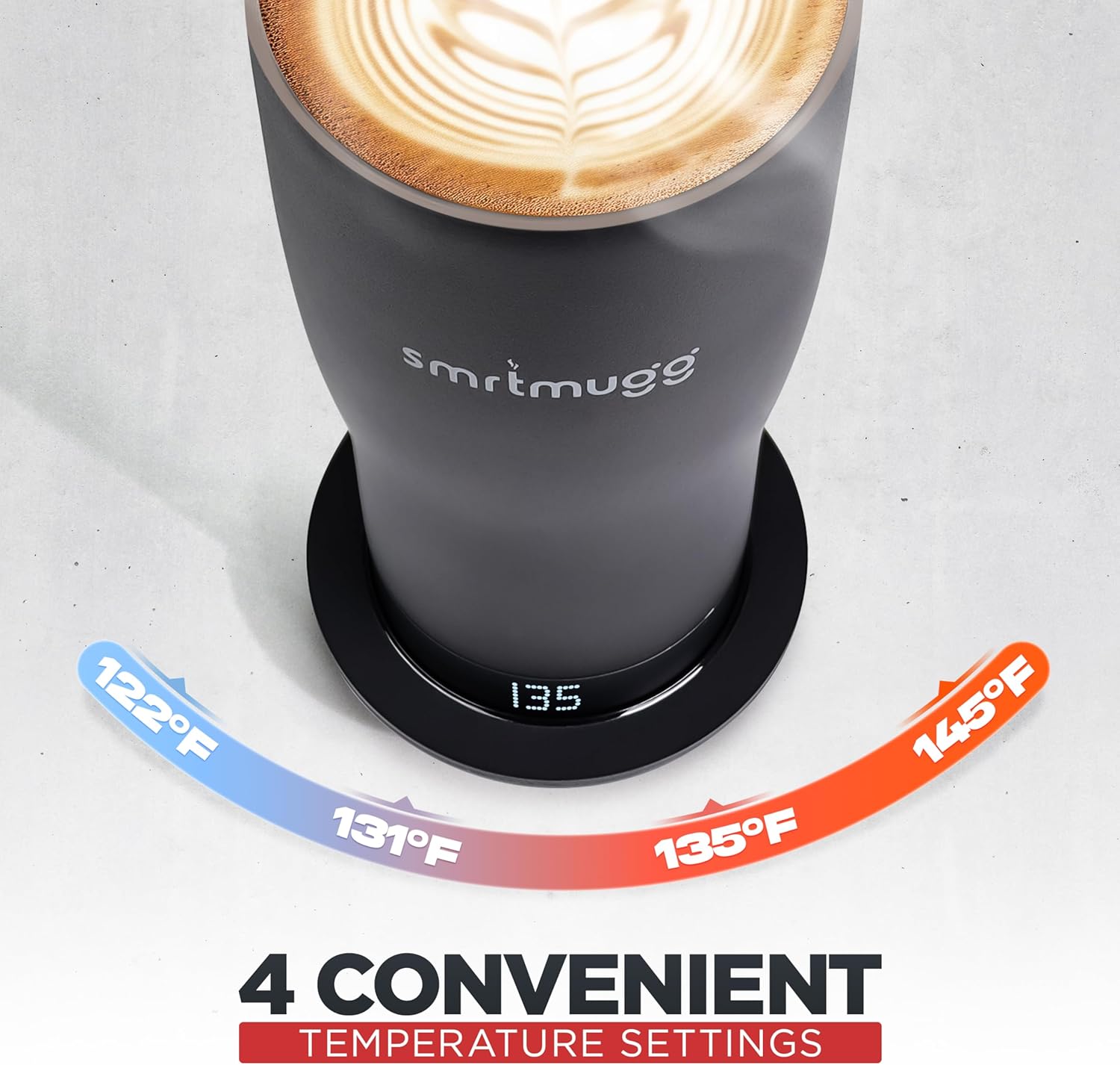
The SmrtMugg X offers four preset temperature options for your beverage.
LCD Screen Display
The integrated LCD screen provides real-time information:
- Battery Life: Indicates the remaining battery charge.
- Real-time Temperature: Shows the current temperature of your beverage.
- Set Temperature: Displays the target temperature selected.
- Animations: Visual cues indicate whether the mug is actively heating or cooling the beverage.
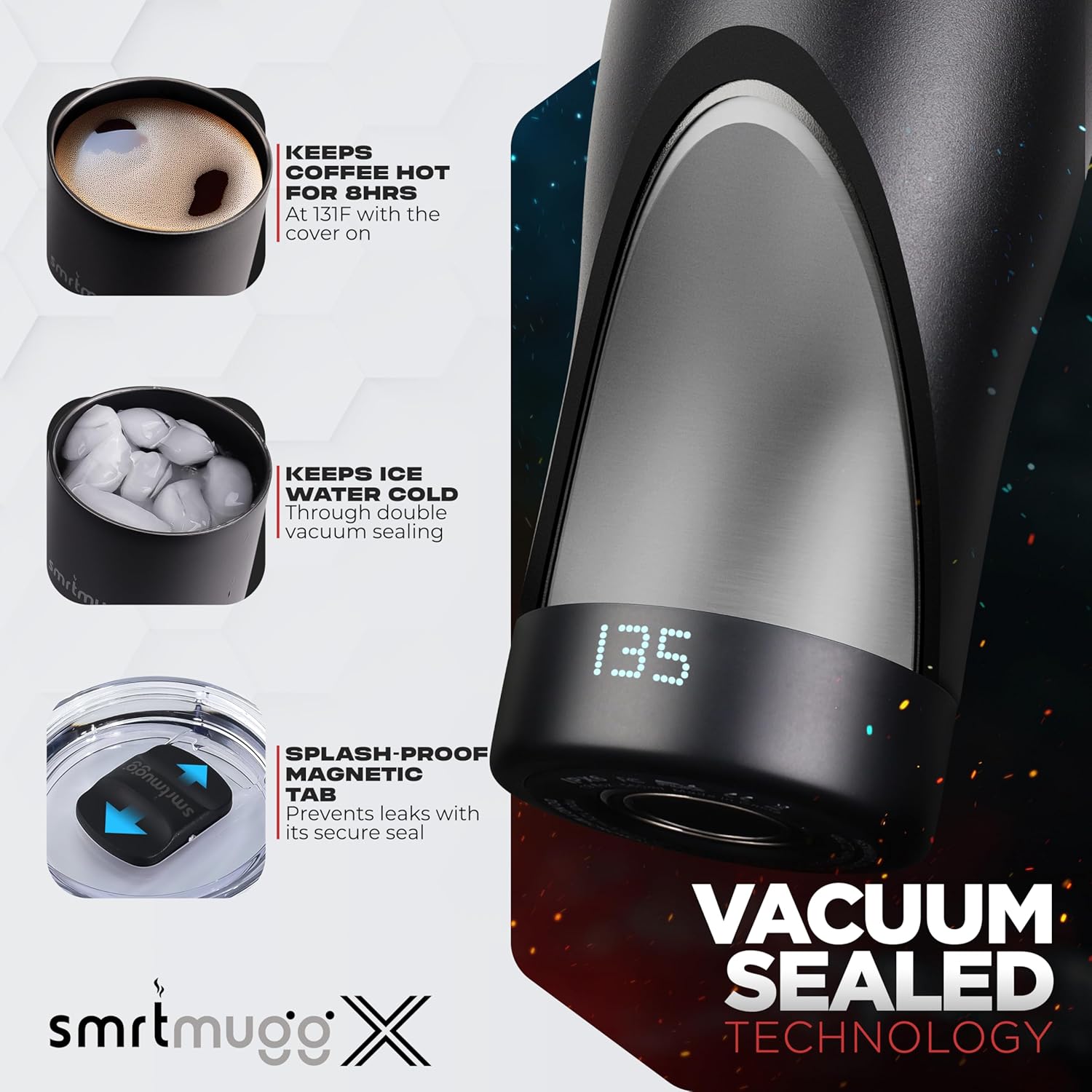
The mug's smart display provides essential information at a glance.
Using the Cover
The included cover features a sliding magnetic opener for easy access and helps maintain beverage temperature for extended periods. It can be easily removed for cleaning.

The splash-proof cover with a magnetic tab helps prevent leaks and maintain temperature.
Maintenance
Cleaning Instructions
To clean your SmrtMugg X:
- Mug Interior: Hand wash the interior with warm, soapy water. Do not submerge the entire mug in water.
- Mug Exterior: Wipe the exterior with a damp cloth. Avoid abrasive cleaners.
- Cover: The cover can be fully disassembled for thorough cleaning. Wash with warm, soapy water and ensure all parts are dry before reassembling.
- Charging Coaster: Wipe with a dry or slightly damp cloth. Do not immerse in water.
Caution: Do not place the SmrtMugg X or its charging coaster in a dishwasher or microwave.
Troubleshooting
Common Issues and Solutions
- Mug not heating or maintaining temperature:
- Ensure the mug is adequately charged. Verify the desired temperature setting is selected. If using the mug off the charging coaster, battery life may vary based on ambient temperature and set temperature. Ensure the lid is properly sealed to maximize heat retention.
- Mug not charging:
- Check that the charging coaster is properly connected to the power adapter and outlet. Ensure the mug is correctly seated on the charging coaster. The LCD screen should indicate charging. If issues persist, try a different power outlet.
- Display not working:
- Ensure the mug is powered on. If the display remains unresponsive, try fully charging the mug. If the problem continues, contact customer support.
- Reduced battery life:
- Battery life can be affected by the set temperature (higher temperatures consume more power), ambient temperature, and frequency of use. Using the included cover helps extend battery life. Ensure the mug is fully charged before each use.
Specifications
| Feature | Detail |
|---|---|
| Brand | SmrtMugg |
| Model Number | SmrtMugg X |
| Capacity | 19 oz (560 ml) |
| Material | Stainless Steel |
| Battery Life | Up to 8 hours (with cover, at 131°F) |
| Temperature Control Range | 122°F - 145°F (50°C - 62.5°C) |
| Display | LCD Screen (Fahrenheit or Celsius) |
| Input | DC 12V 1.67A MAX |
| UPC | 610452400084 |
Warranty Information
The SmrtMugg X is covered by a manufacturer's warranty. Please refer to the warranty card included in your product packaging for specific terms and conditions. Typically, this covers defects in materials and workmanship under normal use. Issues such as paint chipping or charging failures, as noted in customer feedback, may be covered under warranty. Contact customer support for warranty claims.
Support
For further assistance, technical support, or warranty claims, please visit the official SmrtMugg website or contact their customer service department. Contact information can usually be found on the product packaging or the brand's official online store.
